

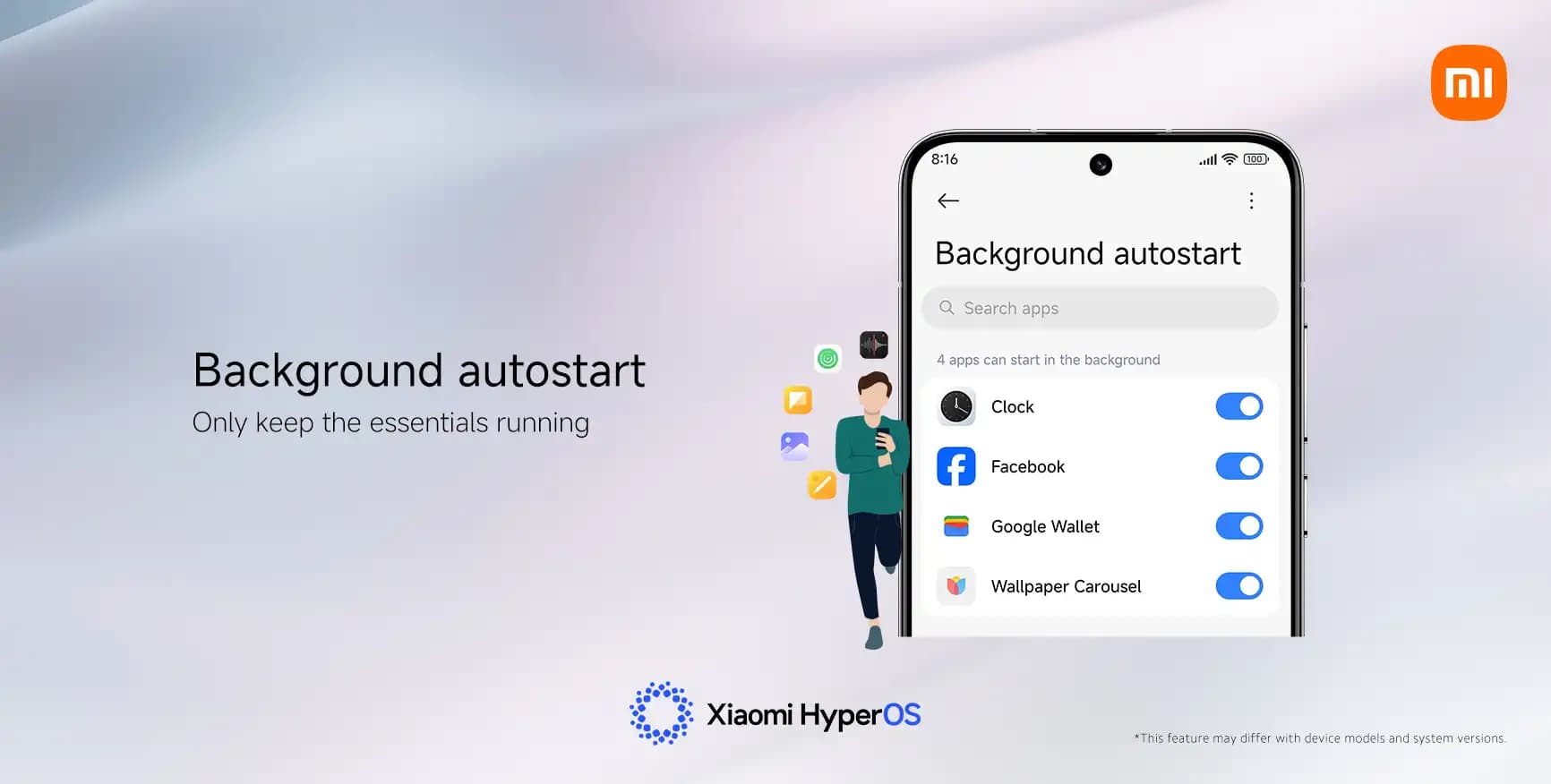
From background controls to looks, Xiaomi’s HyperOS offers consumers a great deal of customization options for their phones. Nevertheless, one tiny switch among all of these choices could stealthily drain battery life without your knowledge. Owners have recently complained of unexpected power consumption in user forums and on Reddit, even while their phones are just sitting on a desk.
“App Autostart” is one feature that frequently appears. Its original purpose was to speed up the delivery of notifications in older MIUI systems. However, Xiaomi has already made improvements to HyperOS‘s notification system, so this choice is no longer as important.
Apps can operate automatically in the background when Autostart is enabled. Those apps continue to use memory and power even while you are not accessing your device. According to several users, turning off unnecessary autostart permissions can extend the standby duration of their phones by up to ten times.
How to Fix It in a Few Steps
You don’t need to be a tech expert to save battery life. Here’s the simple way to manage it:
- Open Settings on your Xiaomi phone.
- Tap Apps, then Permissions.
- Select Background Autostart.
- Check which apps are allowed to start automatically.
- Turn off Autostart for any that aren’t essential.
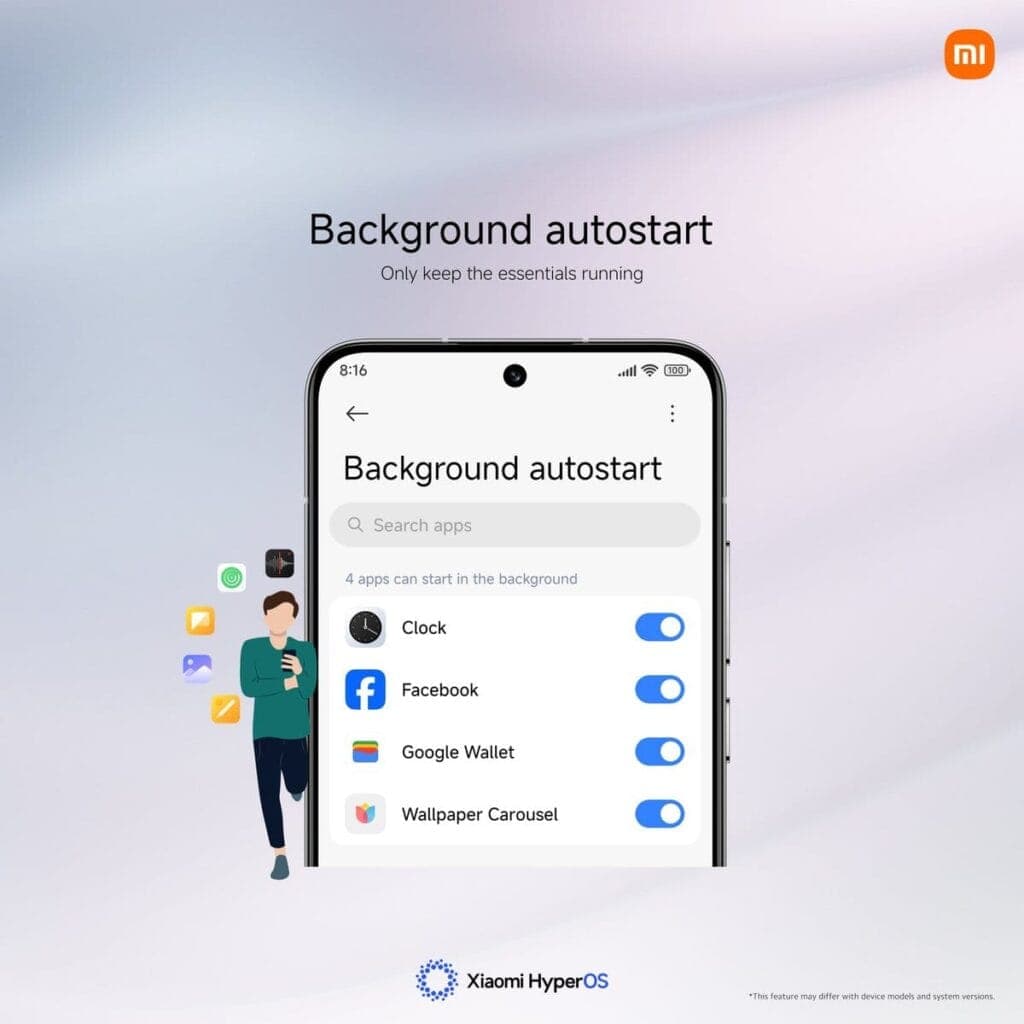
It makes sense to limit the use of this feature to essential messaging apps like Telegram and WhatsApp. You can safely leave off tools you don’t use often, games, and shopping apps.
Other Easy Ways to Get More Battery Life
Turning off Autostart is a big help, but you can stretch your power even further by combining a few other habits:
- Limit or disable Always-On Display to cut screen power use.
- Use Dark Mode, especially on AMOLED screens.
- Review notification permissions and mute apps that alert too often.
- Shorten screen timeout so the display turns off faster.
- Activate Battery Saver mode for less important apps.
A HyperOS developer recently explained on Xiaomi’s forum that small tweaks like these often have the biggest effect: “You don’t need deep settings knowledge—just consistency. Tiny adjustments add up to big savings.”
Key Points
- “App Autostart” can drain battery silently in HyperOS.
- Turning it off saves power and improves standby time.
- Only key messaging apps should keep it active.
- Combine small changes for longer daily use.
- Xiaomi keeps battery controls simple but powerful.
Ultimately, practical flexibility is what Xiaomi strives for. Deep control is available when you want it, but the default settings are still user-friendly enough for everyone. A phone that drains quickly can be made to last from morning to night with a few well-considered adjustments.

Google Pixel Watch 5 (45mm)

Google Pixel Watch 4


Keep Reading
If you need to find a lost Android phone, open Google Find Hub in a browser or use the Find Hub app on another Android device. Sign in with the Google Account connected to the missing phone, select it, and check its current or most recent location. You can then make it ring, mark it […]

Six days after Android 17’s stable rollout began on June 16, a growing number of Pixel owners are dealing with a touchscreen bug that makes their devices genuinely unreliable. Swipes invert direction, taps either fail to register or fire multiple times, and screens go briefly unresponsive before recovering. Google has confirmed the bug and says […]

Motorola Quick Launch lets users double-tap the back of the phone to trigger a custom action without touching the screen. According to AT&T’s support documentation for the Razr+ 2025, when Quick Launch is enabled, that double-tap can perform actions like taking a screenshot or returning to the home screen. That specific wording — “certain options […]
If a Samsung phone occasionally shows a small flashing dot – or several – on the display, the proximity sensor is almost certainly the cause. These dots typically appear near the top center of the screen and become most visible during phone calls, when the under-display sensor is actively working. It’s worth distinguishing these from […]
Samsung builds the Galaxy Watch on the assumption that most people want some level of health and fitness tracking. That may be true for many users – but even if it describes you, there are several health settings running in the background that you might never actually check. If that data isn’t being used, there’s […]
Portable tech exists on a spectrum. A desktop setup stays home. A laptop travels. A phone handles the street-level stuff. And when even pulling out a phone to skip a song feels like too much effort, a smartwatch steps in. It’s the layer of tech that lives on your wrist, always available without the friction. […]
Comments & Discussions
Join the conversation! We use Disqus to handle comments. Click the button below to load the comment section.