Samsung has begun rolling out the stable One UI 9 update, based on Android 17, starting with the Galaxy Z Fold 8 series worldwide, according to Memeburn. Samsung is also internally testing the update on 49 additional Galaxy phones and tablets, with the software rolling out through the rest of the year on a staggered ...
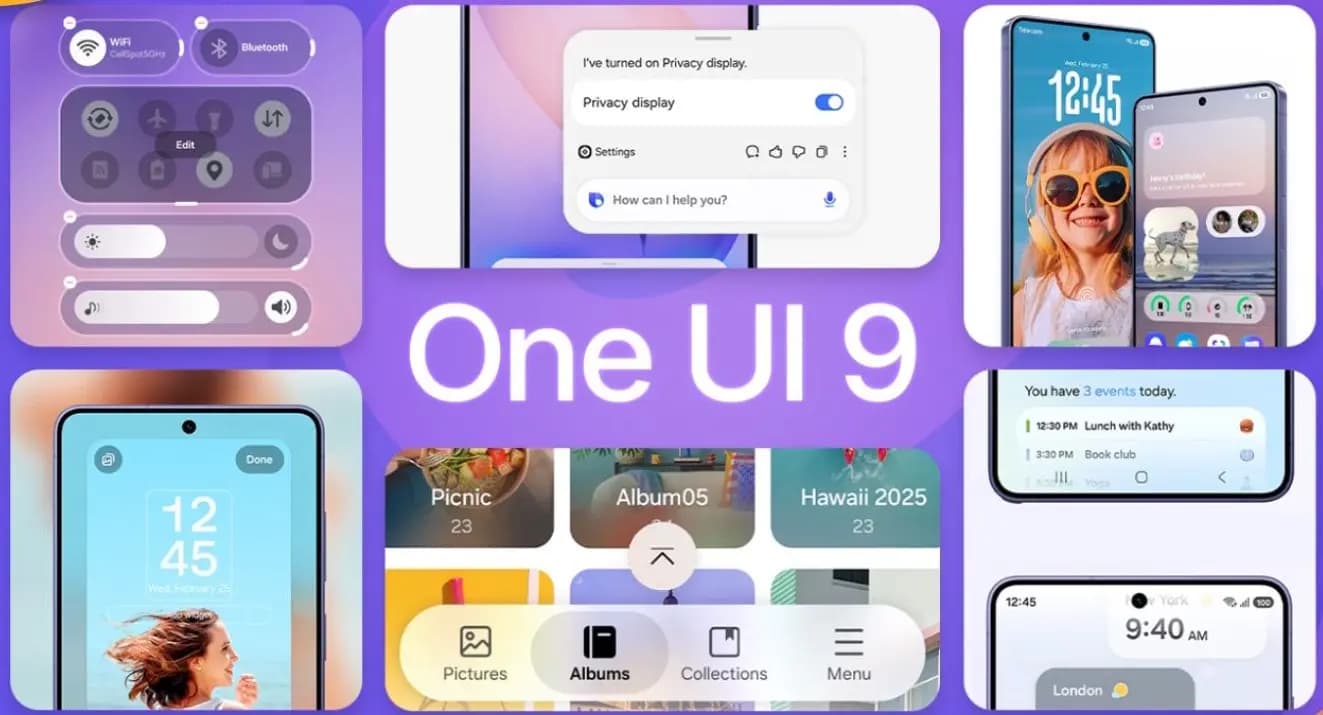
Samsung has begun rolling out the stable One UI 9 update, based on Android 17, starting with the Galaxy Z Fold 8 series worldwide, according to Memeburn. Samsung is also internally testing the update on 49 additional Galaxy phones and tablets, with the software rolling out through the rest of the year on a staggered schedule. Unlike previous One UI releases, this update leans heavily on contextual AI, led by a new feature called Now Nudge that watches what’s happening on screen and offers shortcuts before a user asks for them.
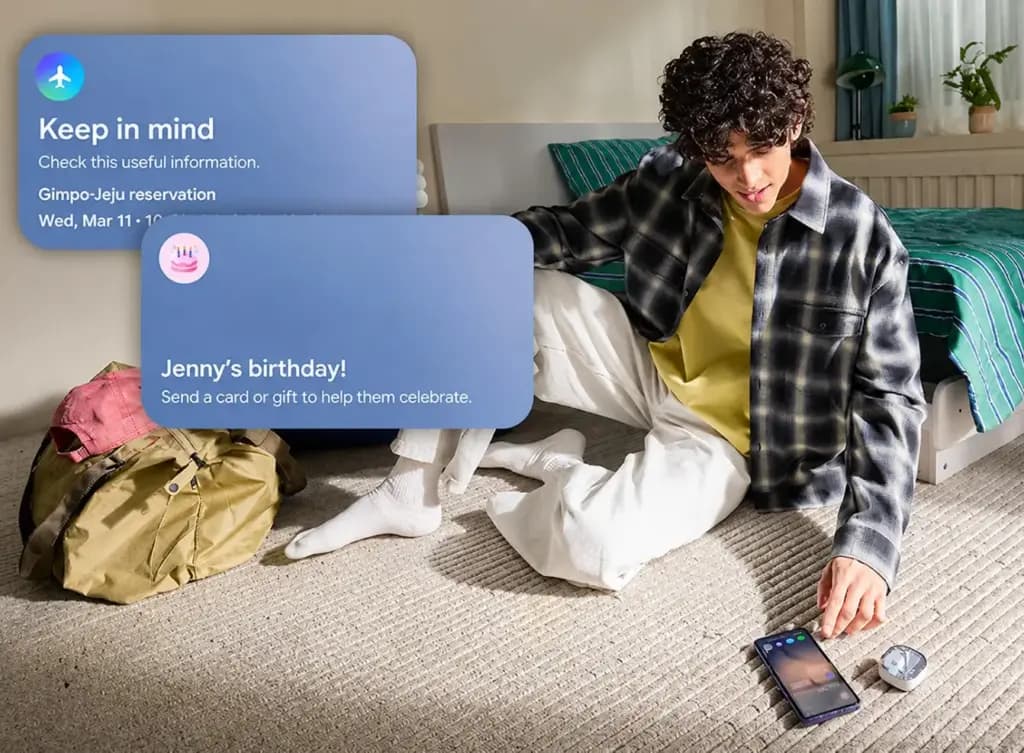
Now Nudge is the headline addition in One UI 9. It monitors on-screen activity and surfaces contextual action cards at the right moment. If someone is texting a friend about dinner plans, for example, Now Nudge can suggest opening the calendar app, pulling up a restaurant app, or setting a reminder, all without the user opening anything manually.
Memeburn describes it as Samsung’s most aggressive AI integration to date, since earlier Galaxy AI tools like Circle to Search and Live Translate had to be activated deliberately, while Now Nudge decides on its own when to step in. Whether that behavior feels helpful or intrusive will likely come down to how well Samsung tunes its sensitivity, though Memeburn reports that early beta testers have found the suggestions surprisingly accurate rather than annoying.
Now Nudge also connects to a new AI Assistant Activity Dashboard, which gives users a single screen to review, pause, or dismiss any AI automation running in the background. That kind of oversight matters for a feature that’s constantly reading what’s on the display, and it suggests Samsung anticipated privacy concerns around Now Nudge before launch.
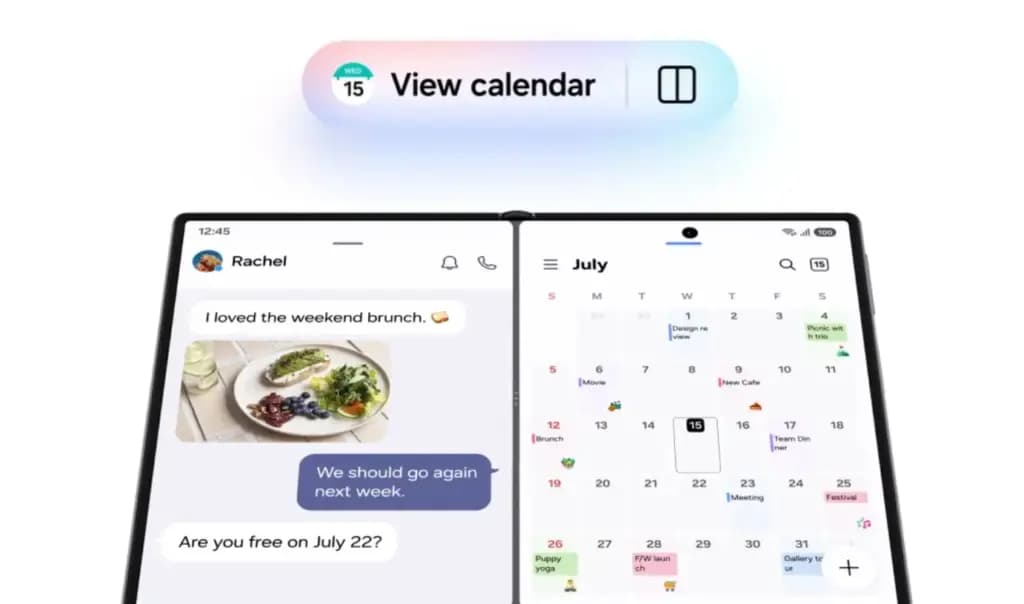
Samsung has also deepened its partnership with Google’s Gemini Intelligence in One UI 9, and the change is visible throughout the operating system. The updated Gemini-powered Galaxy AI can now complete multi-step tasks from a single natural-language request — asking it to find a flight confirmation, add it to the calendar, and share the details with a family member can be handled as one chained command instead of separate app switches.
One UI 9 also introduces Gemini Notebook, a dedicated space where Gemini can draft, edit, and organize notes from either voice or text input. It syncs bidirectionally with Samsung Notes, so a note started in Notebook can be finished in the standard Notes app, and vice versa.
The interface changes in One UI 9 are less dramatic but still noticeable in daily use. Samsung redesigned the Quick Settings panel with borderless, circular toggles that replace the previous rectangular tiles, and the notification shade now sorts alerts by priority, pushing high-priority messages to the top while burying app promotions further down.
The settings menu was also restructured to cut down on tap depth. Adjustments that used to take three or four taps now typically take two, a small change that Memeburn notes adds up across dozens of daily interactions.
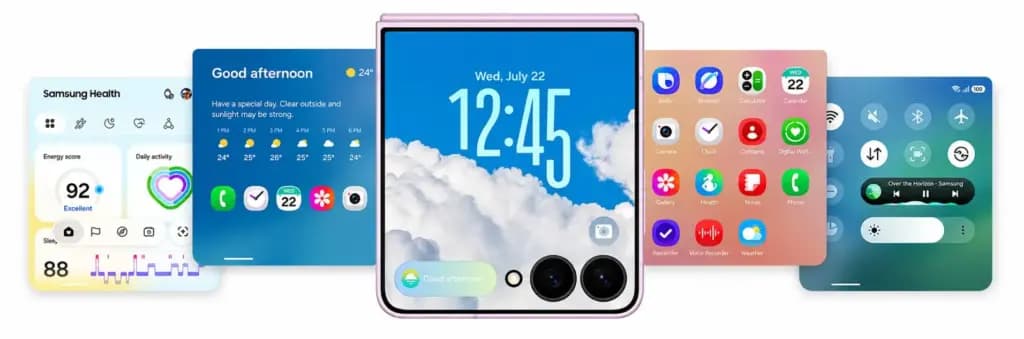
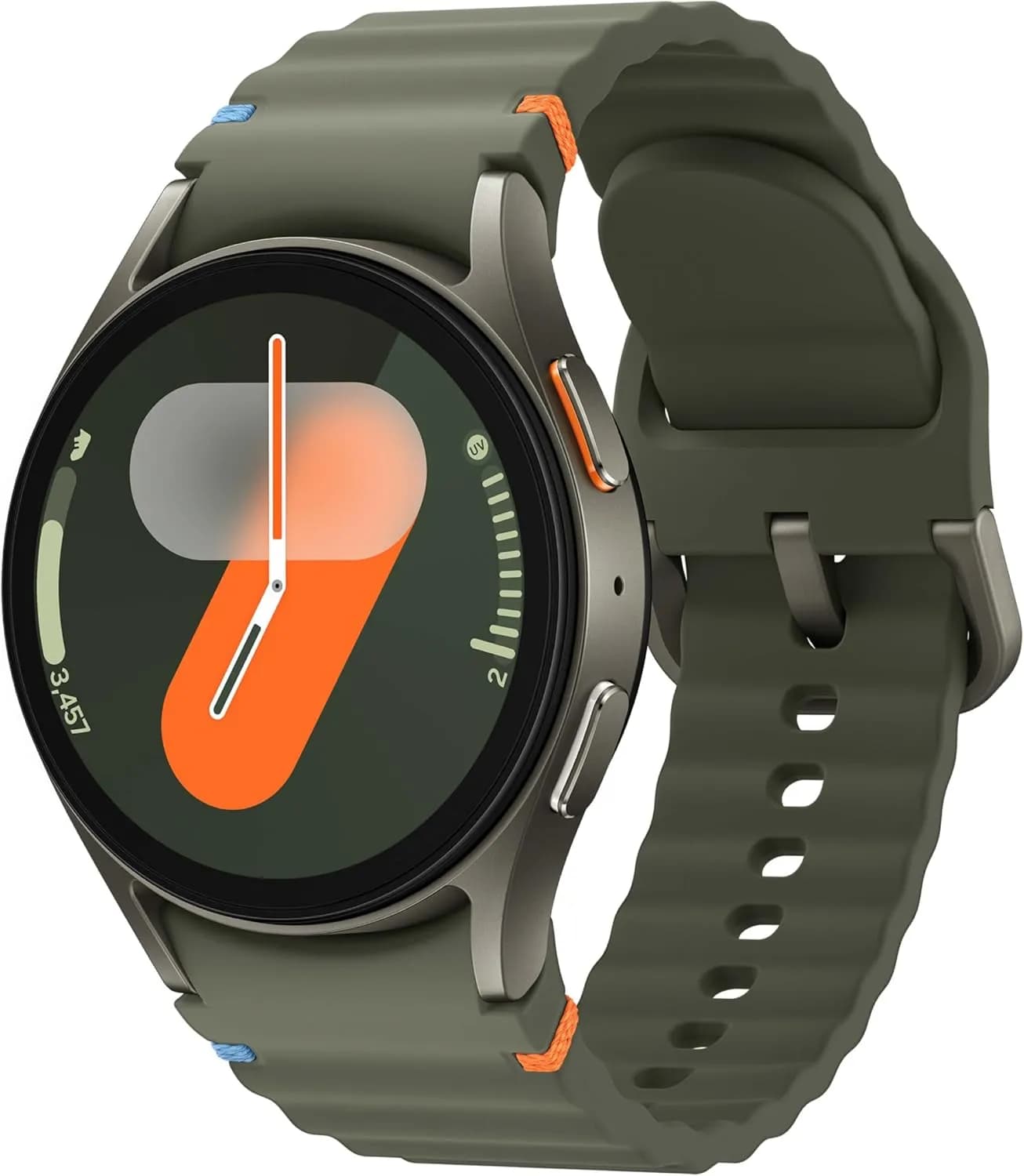
Several first-party Samsung apps received their own upgrades alongside the system update. Samsung Notes now supports real-time collaboration along with AI-powered summarization, so pasting a long article into the app produces an instant bullet-point summary. The Gallery app’s search now understands natural-language queries, and Samsung Internet picked up better tab management and tracking protection. Samsung Health also improved its Galaxy Watch integration. Foldable owners get refinements too: multitasking gestures and app continuity between the cover and main screens are smoother, and the handoff stutter some users saw on the Z Fold 7 has been addressed, with apps now holding their exact scroll position during transitions.
Anyone who wants to try the beta before general availability can do so through the Samsung Members app: open Samsung Members, tap the One UI 9 Beta banner on the home screen, accept the terms, then go to Settings > Software update > Download and install, where the beta firmware will appear. As of publication, the beta is live for the Galaxy S26 series in the US, UK, Germany, India, Korea, and Poland, with the Galaxy S25 series added in mid-August. If the beta banner doesn’t show up, the device or region isn’t eligible yet. Samsung recommends backing up data before enrolling, since rolling back to stable One UI 8.5 through Samsung Members wipes the device.
Samsung’s rollout follows a tiered schedule, splitting devices into monthly updates for flagships and quarterly updates for mid-range phones. Based on internal testing data and Samsung’s published schedule, Memeburn outlines the following timeline:
| Phase | Timeline | Devices | Tier |
|---|---|---|---|
| 1 | July 2026 | Z Fold 8, Z Fold 8 Ultra, Z Flip 8 | Pre-installed |
| 2 | Aug 2026 | Galaxy S26, S26+, S26 Ultra | Monthly |
| 3 | Aug–Sep 2026 | Galaxy S25, S25+, S25 Ultra, S25 FE, Z Fold 7, Z Flip 7, Z TriFold | Monthly |
| 4 | Sep–Oct 2026 | Galaxy S24, S24+, S24 Ultra, S24 FE, Z Fold 6, Z Flip 6, Z Fold 5, Z Flip 5 | Monthly |
| 5 | Oct–Nov 2026 | Galaxy S23, S23+, S23 Ultra, S23 FE, A56 5G, A55 5G, A54 5G, Tab S11, Tab S10 FE | Monthly |
| 6 | Nov–Dec 2026 | Galaxy A57, A37, A27, A17, A07, M56, M36, M16, F56, C55, Tab A11, Tab A9+ | Quarterly |
| 7 | Late 2026+ | Galaxy A73, A53, A34, A25, A16, A06, M55, M35, M15, F55, F35, Tab S9, Tab S8 | Quarterly |
Devices on the monthly tier — every S-series phone from the S23 through the S26, the Z Fold and Z Flip line from the third through eighth generation, and the W-series — receive security patches and major updates first, while quarterly-tier devices follow on a staggered timeline. One notable detail is how many budget Galaxy A phones made this testing list, with even the entry-level A07 included, which points to Samsung moving faster than usual to bring Android 17 to its more affordable Galaxy devices.

Robert Haba is the founder and editor-in-chief of Droid Tools. A lifelong gadget enthusiast with over a decade following the Android ecosystem, he built this publication to cut through the noise and give readers honest, real-world coverage of the tech they actually use.

Sony is rolling out the Xperia 10 Android 17 update to the Xperia 10 VIII and VII with new interface tools, while omitting select flagship capabilities.

GrapheneOS rolled out the Linux 6.18 kernel to the Pixel 10 lineup, with Pixel 11 support expected if Android 17 QPR2 delivers required MTE firmware.

Xiaomi began rolling out the final Android 17 HyperOS 4 update for eligible Xiaomi, Redmi, and Poco devices, featuring UI updates and performance gains.

Track the Samsung One UI update schedule as One UI 9 reaches Galaxy S24 and older flagships, alongside support timelines for Galaxy phones and smartwatches.
The next story loads as you reach the end. You can also load it using the button.


Comments & Discussions
Join the conversation! We use Disqus to handle comments. Click the button below to load the comment section.