Robert Haba
Founder · Editor-in-ChiefRobert Haba is the founder and editor-in-chief of Droid Tools. A lifelong gadget enthusiast with over a decade following the Android ecosystem, he built this publication to cut through the noise and give readers honest, real-world coverage of the tech they actually use.
Articles by Robert Haba
The Pixel Watch 5 Special Edition Stephen Curry model is now available, giving anyone who held off on buying a Pixel Watch 5 the chance to get the colorway that matches Curry's version of the Fitbit Air. The watch only comes in a 45mm case with LTE connectivity, paired with its own special band, and […]

Google's Scam Detection feature could be coming to Xiaomi phones next, according to a new APK teardown by Android Authority. The AI-powered scam-call warning tool debuted first on Pixel devices, has since expanded to Samsung's Galaxy S26 series, and has shown signs of heading to vivo phones as well, and Android Authority now says it's […]
Google is rolling out a new Motion Assist Android feature as part of its September Android Drop, giving phone users a screen-based tool meant to reduce motion sickness during car rides. The feature places moving dots near the edges of the display, aiming to help connect what a person's eyes see with the motion their […]

Cybersecurity researchers at ThreatFabric have disclosed a new Android banking trojan called StreamRat that was pushed to Spanish-speaking users through a fake television-streaming campaign on Meta and can hand its operators near-complete control of an infected device. According to ThreatFabric, the campaign's advertising focused on Spain and reached an estimated 570,950 Meta accounts in the […]

A locked Android phone may not be as locked as it seems. A reported WhatsApp behavior suggests that someone with physical access to a locked Android device could potentially reach the phone's photo gallery while answering an incoming WhatsApp video call, though the issue doesn't appear to affect every handset, with results reportedly varying by […]

Android and iOS still dominate mobile software almost everywhere, and escaping that duopoly is close to impossible even for advanced users. In the US, the options mostly come down to iOS 27 on the upcoming iPhone 18 Pro or Android 17 on phones like the Pixel 11 and the Galaxy Z Fold 8. Huawei, one […]

Google has detailed the new features rolling out to Android as part of its September Android update, leading with a Find Hub upgrade that could be especially useful for anyone who struggles to keep track of where they've put things, including people with ADHD. The update lets users ask Gemini to remember the location of […]

Google has kicked off its September Android Drop, a rollout of new features spanning Gemini, Find Hub, Google Messages, and accessibility tools built into Android. The update lets Gemini remember where users have stored physical items, adds a Guided vision mode to Gemini Live for blind and low-vision users, introduces a Motion Assist feature aimed […]

Knowing how to turn off Safe Mode on Android comes in handy, since Safe Mode is a built-in troubleshooting tool that disables every third-party app on a phone and switches on Airplane Mode, making it easier to isolate an app causing lag, battery drain, or other issues. It's also useful for safely deleting a suspected […]

Google has introduced new Android RAM rules for app developers, tightening memory-management requirements as a global RAM shortage continues to squeeze the smartphone industry. Developers have until February 2027 to make their apps use RAM more efficiently, an effort meant to keep apps running smoothly even on phones with limited memory. Under the updated guidelines, […]

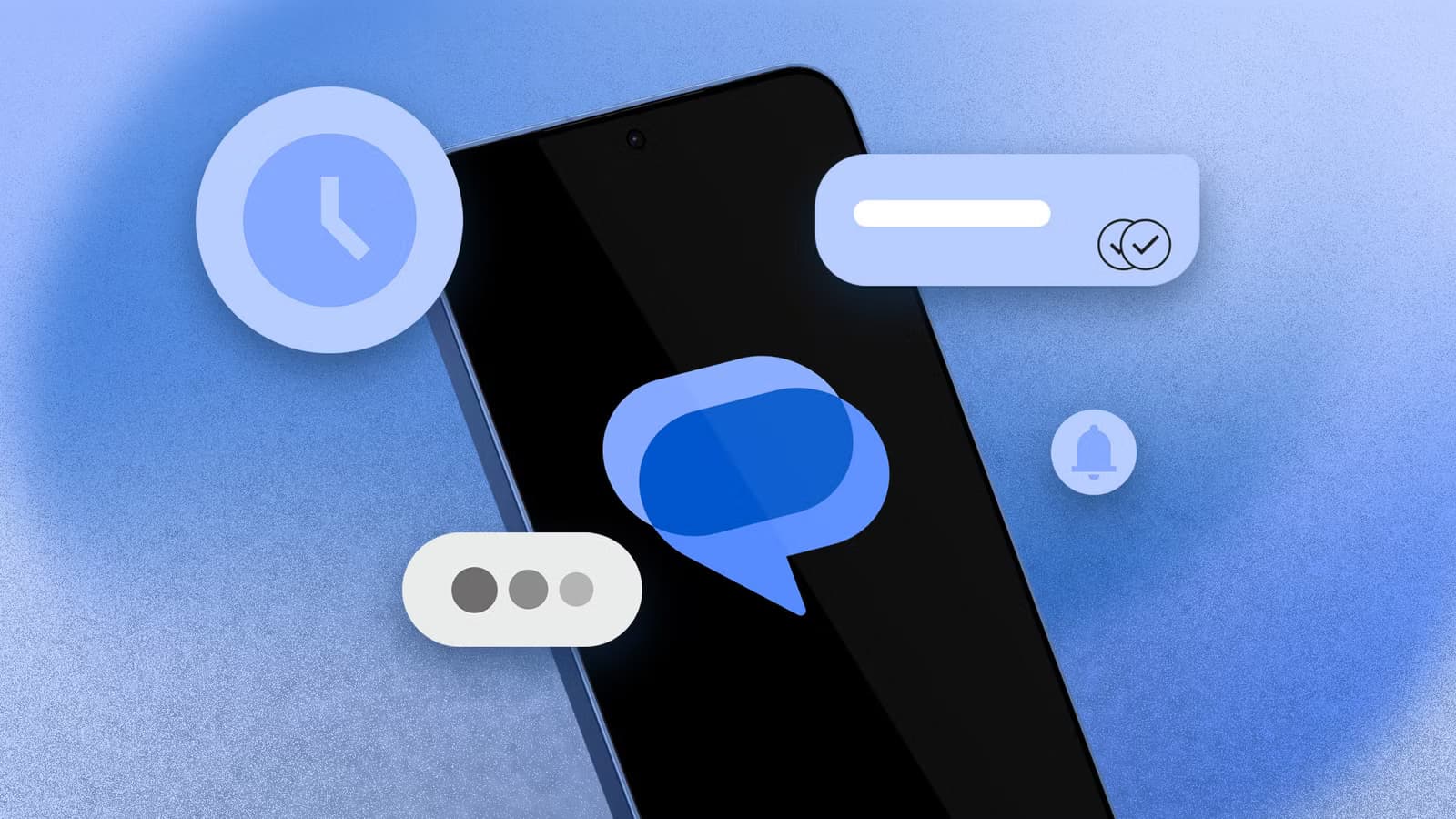
Google Messages pinned chats may soon look more like their iMessage counterparts, but the redesign could come with a steep trade-off. PhoneArena reported on August 31 that Google is testing a beta interface built around large circular chat elements while considering a reduction in the maximum number of pinned conversations from 20 to six. The […]

Opening a brand-new phone has a particular excitement. After removing the plastic, you move your pictures, log into your Google account, and begin taking your first snapshot. However, we frequently overlook a few crucial settings that can improve our phone in all that excitement. I looked at a few options on my current phone, a […]

Android 17 network privacy is expanding with several protections aimed at keeping apps, carriers, and outside observers from learning more than they need to know about a user’s connections. In an Aug. 27 report, Stephen Schenck at Android Authority says Google’s latest changes include Encrypted Client Hello, tighter local-network access, default Certificate Transparency, and carrier-controlled […]

Android update policies used to be an afterthought. That's changed: Google and Samsung now guarantee seven years of both OS upgrades and security patches on their flagships, and several other brands have matched that number in the last year and a half. To find the phones worth highlighting, we set three rules: the update promise […]

Some Android Police readers and Reddit users are running into a Google Messages RCS issue after switching to a new Samsung phone, according to Android Police. RCS messaging is failing to connect for a number of Samsung device owners, though it's unclear exactly how widespread the problem is. Users have been describing the issue on […]

If your Android phone won’t turn on, connect it to a tested wall charger for at least 30 minutes, then hold the Power button for several seconds. If nothing happens, inspect the cable, adapter, outlet, charging port, and physical buttons before attempting a forced restart. A phone that appears completely dead may actually have a […]

The safest way to free up storage on Android is to remove temporary files, delete offline downloads you can retrieve again, archive unused apps, and move backed-up photos or large files off the device. Start by checking what is using the space, then work from the least destructive options to the most destructive. Do not […]

You cannot factory reset an Android phone without erasing the information stored locally on it. What you can do is back up your important data, verify that the backup works, perform the reset, and restore the information afterward. Before proceeding, save your photos, messages, contacts, files, app data, authentication accounts, and other irreplaceable information. Do […]

Moving to a new Android phone is easiest during its initial setup. Turn on the new device, choose to copy data from an Android phone, connect the two devices with a cable or pair them wirelessly, and select what you want to transfer. Android can copy most apps, photos, videos, contacts, messages, call history, and […]

If you need to find a lost Android phone, open Google Find Hub in a browser or use the Find Hub app on another Android device. Sign in with the Google Account connected to the missing phone, select it, and check its current or most recent location. You can then make it ring, mark it […]