

Have you noticed that the battery life of your Android smartphone has been declining more quickly than usual lately? The offender might have been found.
Reddit users on Android have been claiming that the Instagram app is to blame for the significant power drain they have been observing in recent weeks. When compared to other apps, Meta’s social media app seemed to be using a lot more battery life than it should given how frequently it is used.
Using a Samsung Galaxy A53, one Redditor observed that 49 minutes of WhatsApp screen time utilized just 2.4% of their battery capacity, compared to 12.4% for 54 minutes of Instagram screen time.

Now, Google has reportedly intervened to validate the suspicions of many. A Google community manager named Instagram as the source of battery drain on Android devices in an advisory article titled “Battery drain on Android devices” that was posted on the Android support website. The manager advised Android users to update their Instagram app right away.
As of this writing, the most recent version of the app (build 382.0.0.49.84) seems to fix the problem, so it’s definitely worth making sure you’ve downloaded it if you’ve been seeing your smartphone draining its battery more quickly than usual.
There are, of course, several additional methods to prolong the life of your battery. These include using Dark Mode or Power Saving, as well as putting unwanted apps to sleep (click to Settings > Battery > Background Usage Limits).
Check out our instructions below to keep your Android phone running as long as possible if you’re still experiencing power issues after the update (or if you don’t even use Instagram).
Stay connected with the latest from Droid Tools—follow us on X @droid_tools, like our page on Facebook, check out our updates on Instagram, and follow us on Google News for real-time news, device tips, and mobile tech insights.

Google Pixel Watch 5 (45mm)

Cristian Penisoara is a Guides Writer and Android specialist at Droid Tools. An Android user since version 2 and a professional event photographer, he combines technical curiosity with a detail-oriented approach - every guide he publishes is tested step-by-step on a real device before it goes live.

Behind a two-tap recharge sits a surprising amount of plumbing. Every prepaid network has its own rules about what can be topped up, in which denominations, and how quickly credit posts to a SIM. MobileTopUP hides that complexity behind a single form: pick a country, enter a number, choose an amount. What the coverage map actually covers […]
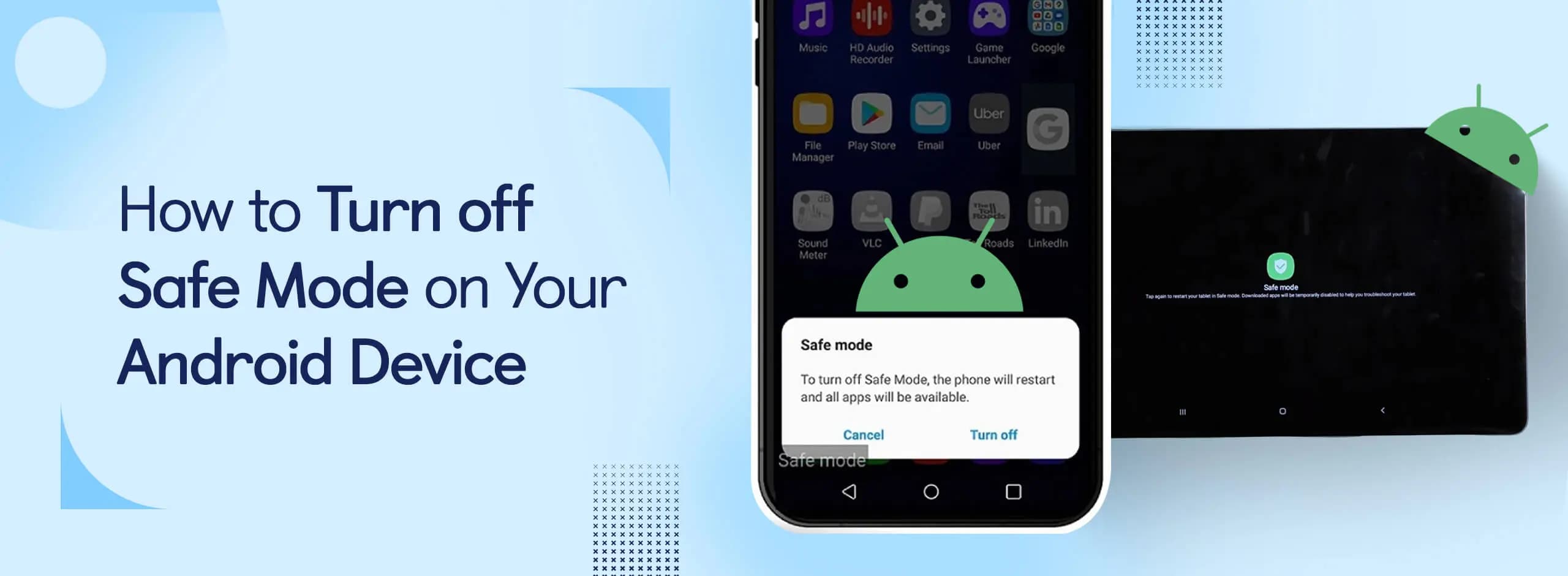
Knowing how to turn off Safe Mode on Android comes in handy, since Safe Mode is a built-in troubleshooting tool that disables every third-party app on a phone and switches on Airplane Mode, making it easier to isolate an app causing lag, battery drain, or other issues. It's also useful for safely deleting a suspected […]
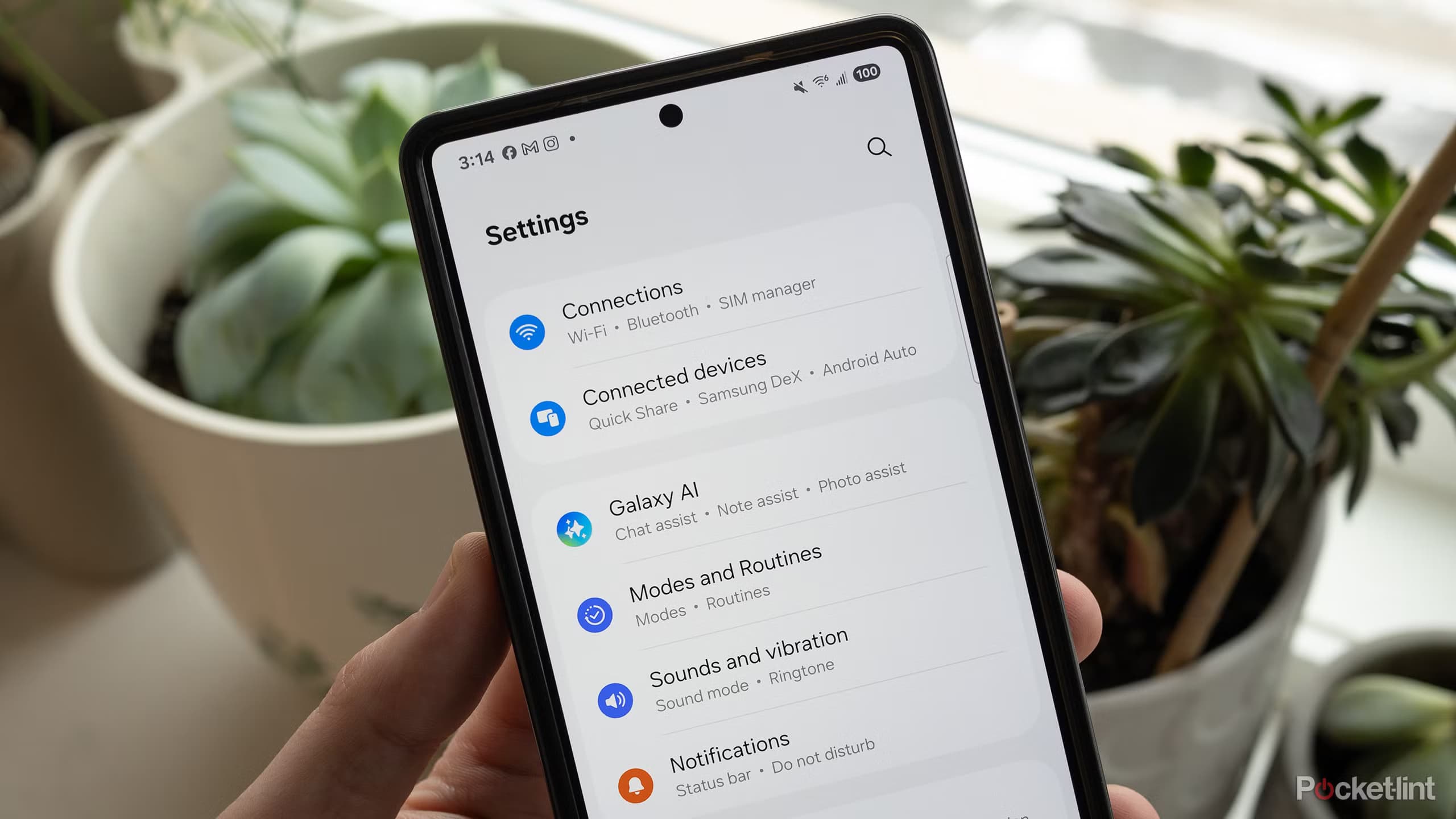
Opening a brand-new phone has a particular excitement. After removing the plastic, you move your pictures, log into your Google account, and begin taking your first snapshot. However, we frequently overlook a few crucial settings that can improve our phone in all that excitement. I looked at a few options on my current phone, a […]
If your Android phone won’t turn on, connect it to a tested wall charger for at least 30 minutes, then hold the Power button for several seconds. If nothing happens, inspect the cable, adapter, outlet, charging port, and physical buttons before attempting a forced restart. A phone that appears completely dead may actually have a […]
The next story loads as you reach the end. You can also load it using the button.


Comments & Discussions
Join the conversation! We use Disqus to handle comments. Click the button below to load the comment section.