
7 reasons why Google Messages offers the best texting experience on Android devices

Like nearly every other technological advancement, texting has improved over time. Although there are many tools that provide you more control over your messaging, the basic premise remains the same.
The most important thing is to identify the features that can have the biggest impact, even though the amount of functions can vary depending on the text messaging app you use.
Although Android offers many excellent texting apps, the Google Messages app stands out above the others, mostly because of its many robust features that make texting on Google’s operating system a breeze.

OTP auto delete
Because everyone has various objectives, different people have varied ideas on the traits they believe to be the best. But generally speaking, features that execute tasks rapidly and with little user effort are the best.
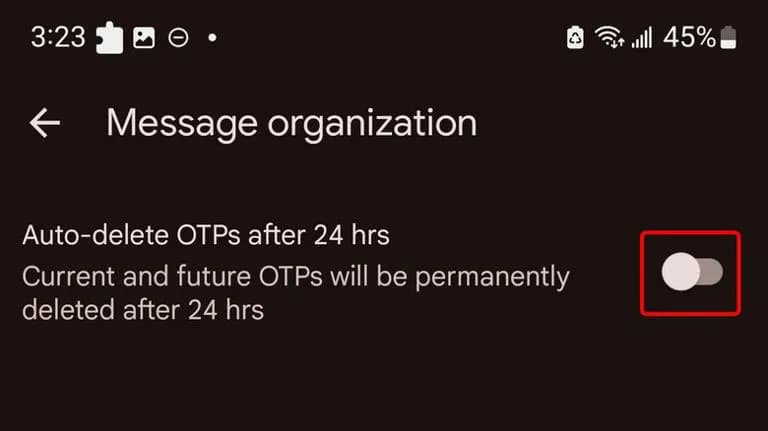
An excellent illustration of this is the “Auto-delete messages” option. Once you give permission, it will automatically remove all of your one-time passwords and security codes from businesses after a 24-hour period. You may enable this from the Settings.
Toggle the Auto-delete messages after 24 hours option under Settings > Message organization to activate this feature. You won’t need to manually clean up those OTPs once this is enabled.
Personalized alert sounds for various contacts
Businesses, friends and family, and organizations are some of the sources of text texts. As a result, not all of them are equally significant and do not merit your precious time.
However, the ones that come from those closest to you are the ones you wouldn’t want to miss.
Setting up a personalized notification sound for your most critical contacts is one of the simplest methods to accomplish this. In this manner, the notification’s sound will instantly identify the sender of the message.
You can customize a notification sound for persons whose messages you need to respond to promptly, in addition to your loved ones. They could be your coworkers or even your employer. The answer is Google Messages.
RCS
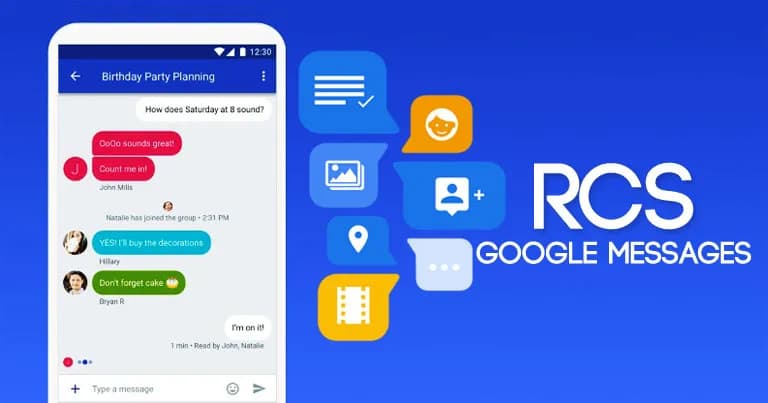
Perhaps the most significant aspect of the Messages app is its support for RCS (Rich Communication Services), which is the sole reason why many people utilize it.
With capabilities like the ability to send high-quality photos and videos, type indicators, read receipts, end-to-end encryption, reply to a specific message, and many more, RCS transforms the outdated SMS messaging system into a more contemporary one.
RCS isn’t accessible by default, though. To begin using these features, you need to activate it from the Chat features setting. Additionally, the other person’s phone number must have RCS enabled.
Because cross-platform RCS communication still lacks several crucial capabilities, such as end-to-end encryption, you receive the best RCS experience on Google Messages when both senders and recipients are using Android phones.
Scheduled send
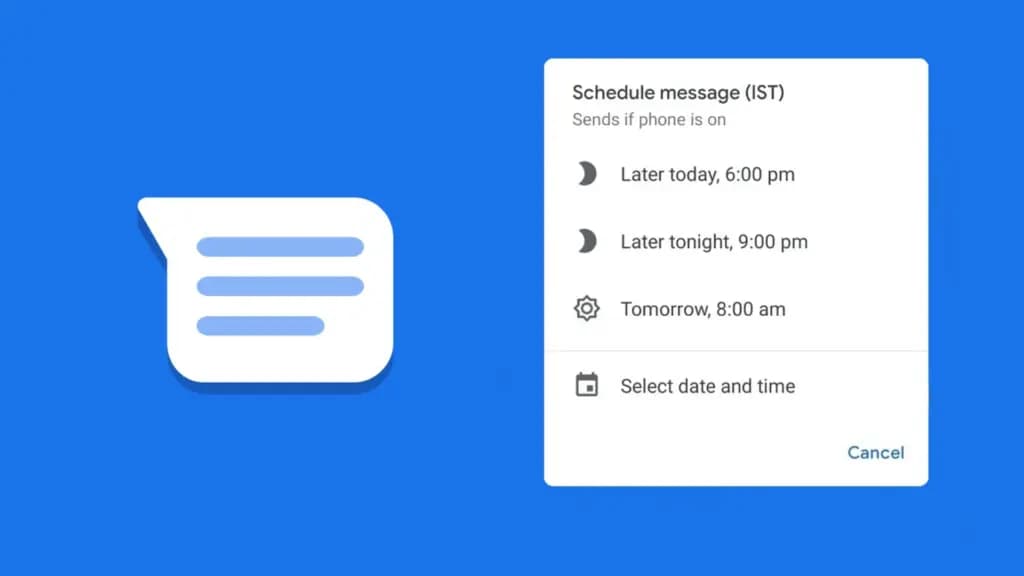
Google Messages lets users create a message and select a time and date, after which the app will automatically deliver it to the recipient.
Despite how easy it seems, some of the most frequently used messaging programs, such as WhatsApp, still do not support this. Although scheduling a message in Google Messages is simple, the choice isn’t immediately apparent when you begin typing.
After entering the message, you must long-press the send symbol to bring up Google Messages’ “Schedule send” feature. After that, you may select the day and time you would like that precise message to be delivered to that individual.
You can alter the date and time or cancel the planned send if you decide to change your mind later.
Spam protection
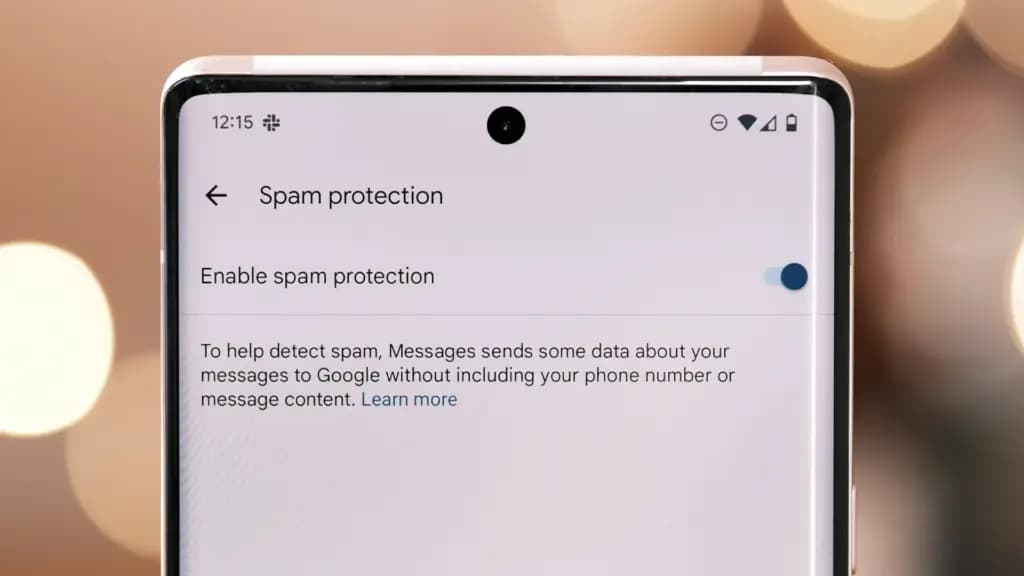
Text messaging is one of the many ways that spam can happen. Depending on the platform, there are a number of strategies to prevent becoming a victim of spam.
With its spam prevention function, Google Messages provides one of the simplest means of safeguarding oneself against such malicious individuals. From the Messages Settings, you may activate this option.
When enabled, Google Messages will screen messages that contain such harmful links to phony websites and place them in the Spam and Blocked folders on your phone.
The program removes the possibility that you would unintentionally click on one of those links and provide your personal information to bad actors because those dangerous text messages aren’t accessible within the app.
Pair with the web app
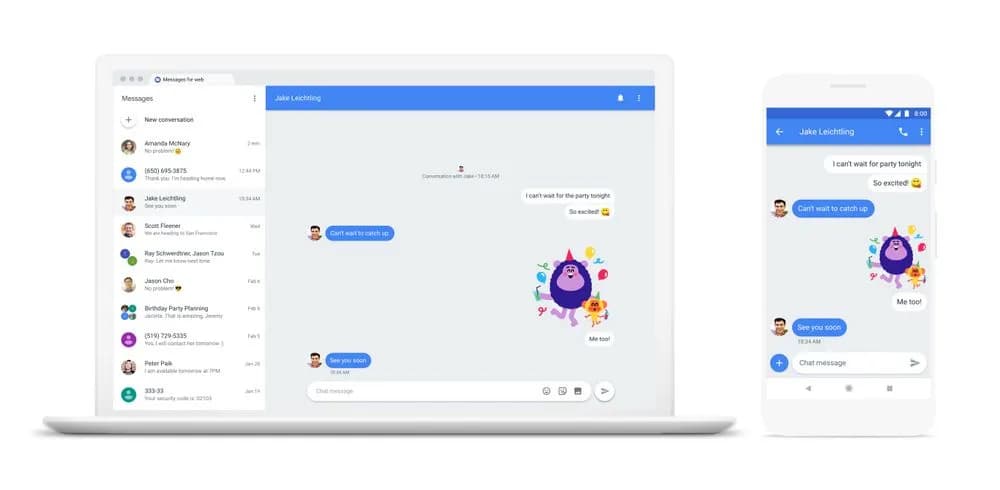
When an app is available on several platforms, it becomes more helpful. Google Messages features a clever approach dubbed “Device pairing” to compensate for its inaccessibility outside of its ecosystem.
It enables Google Messages to be paired with any computer that has a screen and an internet connection.
You are using the same Google Messages app on your phone, but it is now operating on a different device via mirroring. You must connect your phone to the internet because your second device isn’t operating this natively.
This can be paired with your Mac or PC, or even with another phone. Tap the profile symbol in the top-right corner, select Device pairing, and then adhere to the on-screen directions to pair.
You can unpair Google Messages from each device if you are no longer using it on those devices. Additionally, it offers the ability to unlink a certain device.
Pinned conversation
You must locate the contact you wish to send a message to before scheduling it. Although you can type the contact’s name into the search bar, this isn’t the most effective method, particularly if they are significant individuals.
You can pin or unpin messages using the pinning feature in the Google Messages app. In this manner, communications from certain people show up first when you launch the app. Therefore, you may locate those messages without using the search function or scrolling to the bottom.
One of Google Messages’ user-friendly features is message pinning. You simply hit the pin symbol at the top after choosing the message from the list. The Messages app allows you to pin more than one message.
Until you unpin them, those pinned messages always stay at the top. You must pick the pinned message and then tap the unpin symbol that shows at the top in order to unpin it.
Google Messages offers the best texting experience for Android devices
Like anything else, the Google Messages app has flaws. Its peculiarities might not be to everyone’s taste, and some people might find its UI a little cluttered.
But Google Messages’ robust features function so effectively that you won’t even notice how quickly the program becomes essential.
On the majority of recent Android phones, Google Messages is the default texting app. Therefore, it eliminates the need to search for a better texting app after the initial boot. It’s ready for you to start messaging your loved ones right now.
There are a lot of useful features in Google Messages, and when the app is updated, more are added. Additionally, it is among the Google apps that receive the most updates.

Google Pixel Watch 5 (45mm)

Samsung Galaxy Watch 8

Google Pixel Watch 4


Keep Reading
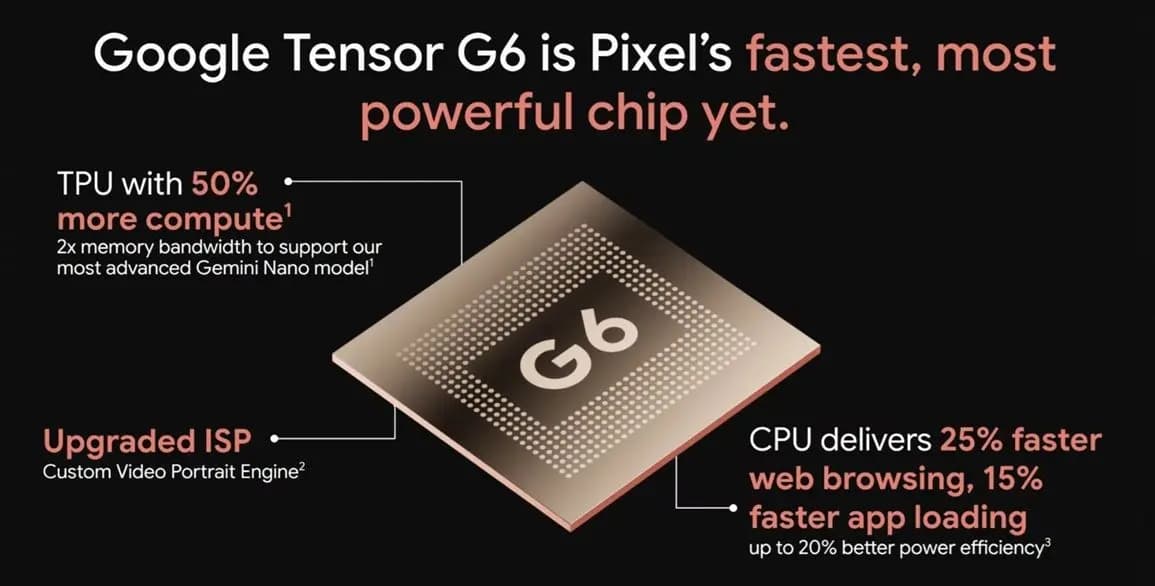
Google Tensor G6 is the custom processor powering the Pixel 11 series and Pixel 11 Pro Fold, with Google prioritizing energy efficiency and on-device AI over benchmark-leading specifications. The chip brings an upgraded CPU, a faster TPU, a new ISP, and a custom modem, enabling features that include 4K Portrait Video, Instant Night Sight, and […]
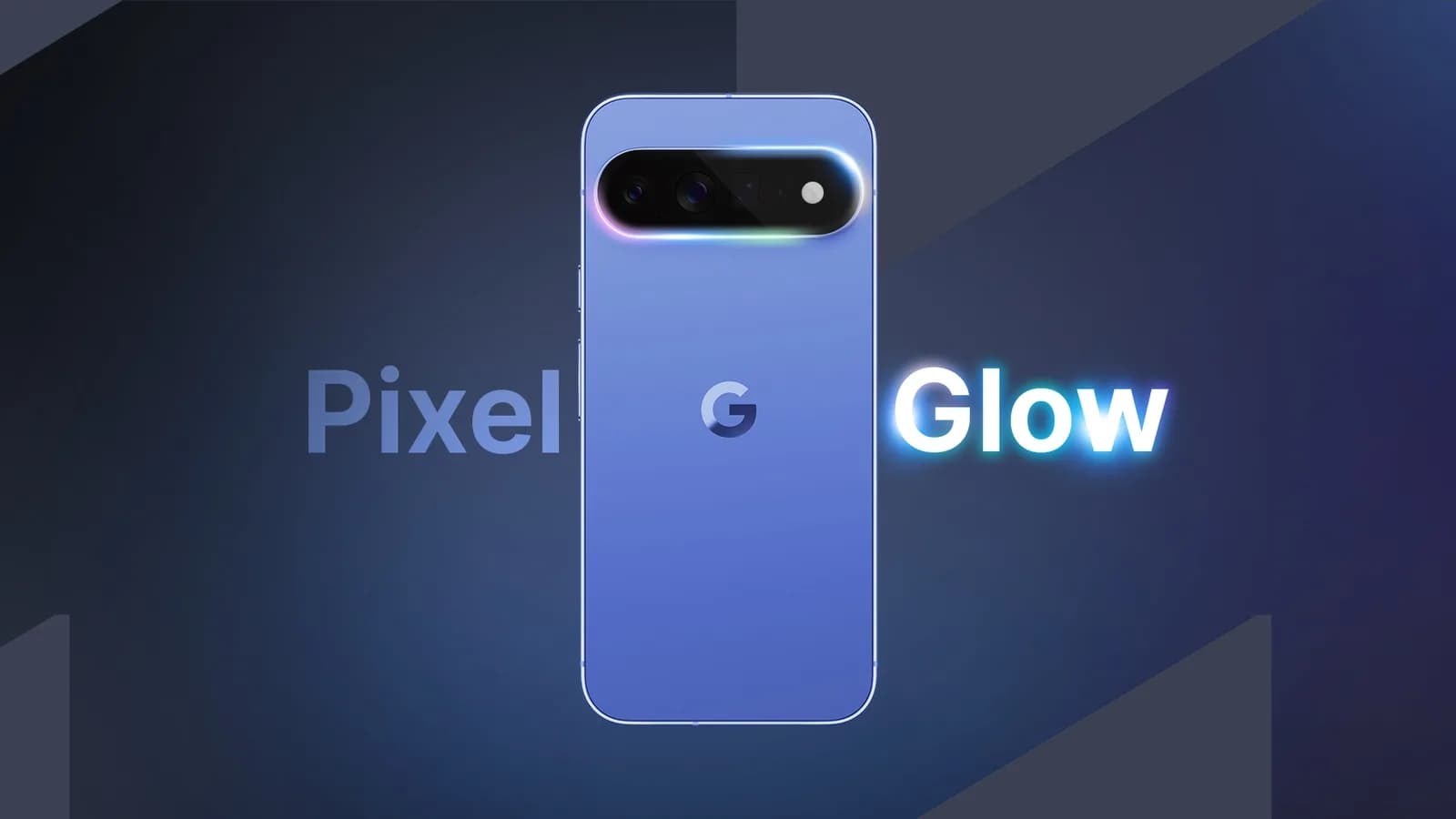
Google Pixel HiLight is the official name of the ambient LED system built around the camera flash on Google’s new Pro phones. Previously known through leaks as Pixel Glow, the feature can show favorite-contact calls and Gemini activity while the phone remains face down. It is exclusive to the Pixel 11 Pro, Pixel 11 Pro […]
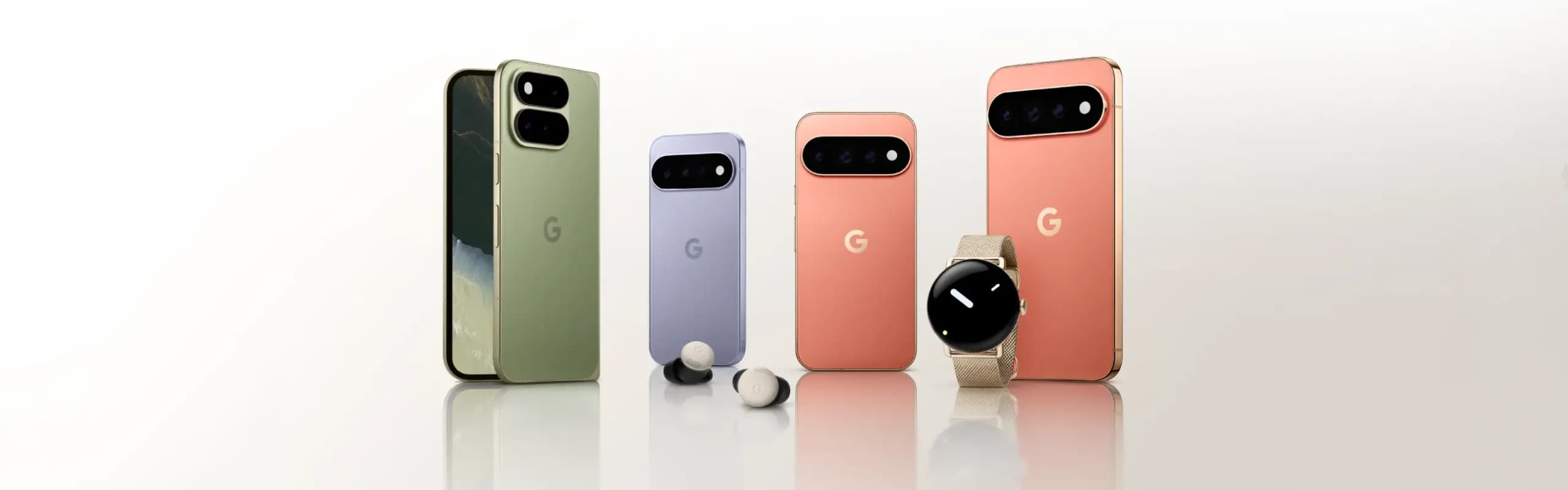
While the actual Made by Google 2026 event is still eight hours away, Google has already fully detailed the Pixel 11, Pixel Watch 5, and Pixel Tag. Here’s a rundown of everything announced at Made by Google 2026, covering the Pixel 11 lineup along with the new watch and tracker hardware. Pixel 11 The Pixel […]
Google will begin shutting down Google Assistant on Android phones starting September 4, moving users over to Gemini as the company’s default mobile voice assistant. The change comes via an email Google has started sending to users, as reported by Ars Technica. Rollout Will Happen Gradually The transition won’t happen for everyone on the same […]
Google is set to unveil its Pixel 11 series on August 12, with the Pixel 11, Pixel 11 Pro, Pixel 11 Pro XL, and Pixel 11 Pro Fold expected to headline the company’s annual hardware event. Google is also expected to announce the Pixel Watch 5 and could introduce the Pixel Tag, its first Bluetooth […]
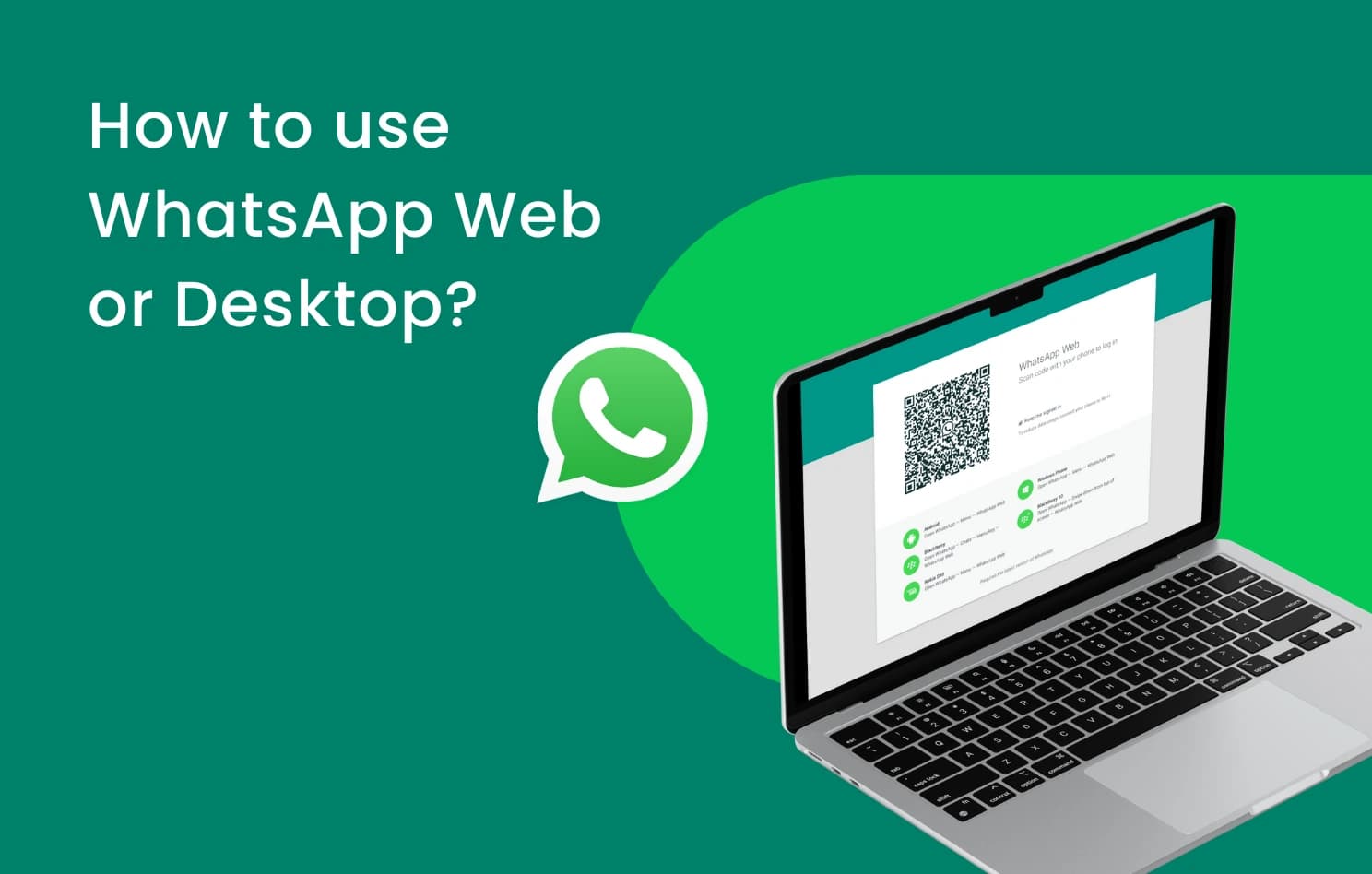
WhatsApp is finally addressing one of the biggest gaps in its web client, as WhatsApp Web now supports audio and video calls. This requires no download or installation, since it’s built directly into WhatsApp Web, which has also picked up support for screen sharing, reactions, and a dedicated Calls tab showing full call history and […]
Comments & Discussions
Join the conversation! We use Disqus to handle comments. Click the button below to load the comment section.