Google will begin shutting down Google Assistant on Android phones starting September 4, moving users over to Gemini as the company's default mobile voice assistant. The change comes via an email Google has started sending to users, as reported by Ars Technica. Rollout Will Happen Gradually The transition won't happen for everyone on the same ...
Google will begin shutting down Google Assistant on Android phones starting September 4, moving users over to Gemini as the company’s default mobile voice assistant. The change comes via an email Google has started sending to users, as reported by Ars Technica.
The transition won’t happen for everyone on the same day. Google said the process could take several weeks to complete, meaning some users may continue seeing Google Assistant for a while after September 4. Users who have already switched to Gemini won’t notice any change.
Google first announced this broader transition back in March 2025, when it said it would upgrade more mobile users from Google Assistant to Gemini and eventually stop offering the classic Assistant on most mobile devices. At the time, Google also said tablets, cars, headphones, and watches connected to phones would make the same move to Gemini.
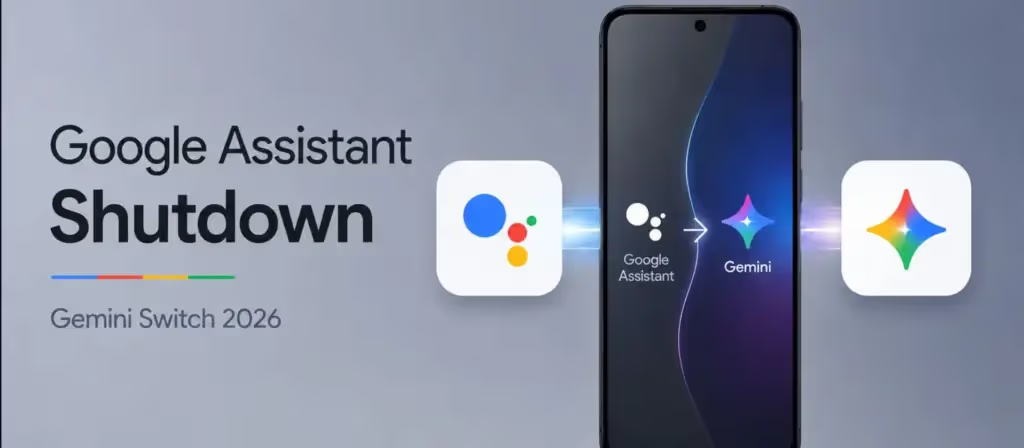
The September 4 transition marks the next stage of Google’s move away from its traditional voice assistant, which originally launched back in 2016. Gemini has increasingly taken over the functions Google Assistant used to handle, including voice commands and actions across Android apps.
According to Google’s current support documentation, Gemini can now serve as the primary mobile assistant on Android. It responds to “Hey Google,” can answer questions about content shown on screen, and performs actions such as sending messages, controlling media, and managing alarms and timers.
That said, the switch also means some familiar Assistant features may behave differently going forward. Google itself acknowledges that certain features previously available in Assistant aren’t yet supported in Gemini, and its support documentation notes that Gemini is still evolving.
For users who relied on Assistant for quick, predictable commands, this shift could be noticeable. Assistant was built around fairly consistent voice commands, while Gemini runs on a generative AI system built to handle longer, more conversational requests, though it may not always respond the same way to simple commands.
The shift isn’t limited to phones. According to Ars Technica, ending Assistant on mobile will also affect devices that rely on a phone for smart features, including smartwatches, headphones, and cars running Android Auto. Most Google smart home devices have already begun transitioning to Gemini.
Google’s current Android Auto support page states that Gemini can handle calls, messages, directions, and music, while also supporting more natural, conversational requests behind the wheel.
The transition won’t immediately cover every Google-powered device. Ars Technica noted that Android-powered TVs and set-top boxes, along with cars using Google built-in, weren’t included in Google’s September 4 notification. Google has not provided a timeline for when those devices will move to Gemini.
There could also be exceptions for certain older phones or regions where Gemini isn’t yet supported. Ars Technica reported that users with devices falling below Gemini’s minimum specifications, or those located in unsupported regions, may retain access to Google Assistant for a longer stretch of time.

Google Pixel Watch 5 (45mm)

Cristian Penisoara is a Guides Writer and Android specialist at Droid Tools. An Android user since version 2 and a professional event photographer, he combines technical curiosity with a detail-oriented approach - every guide he publishes is tested step-by-step on a real device before it goes live.

Developers can now run iOS on Android phones using a modified XNU kernel, though key features like cellular data and cameras remain broken on early ports.

Leaked European pricing for the Xiaomi 18 Pro points to a €1,449 starting price alongside smaller battery capacities and 90W charging.

Honor AI Smart Grip adjusts incoming call buttons based on your hand position as the MagicOS feature expands to Magic 6 phones and later models.

Google phone number verification reportedly links saved phone numbers across all signed-in Google accounts on an Android device without prompts.
The next story loads as you reach the end. You can also load it using the button.


Comments & Discussions
Join the conversation! We use Disqus to handle comments. Click the button below to load the comment section.