Google is now implementing Loss of Pulse Detection in the US after yesterday's April 2025 OTA update and Scam Detection. Google is officially launching Loss of Pulse Detection in the US after receiving FDA approval, which was initially anticipated at the end of March. Last year, it became available throughout Europe. Make sure your Pixel ...
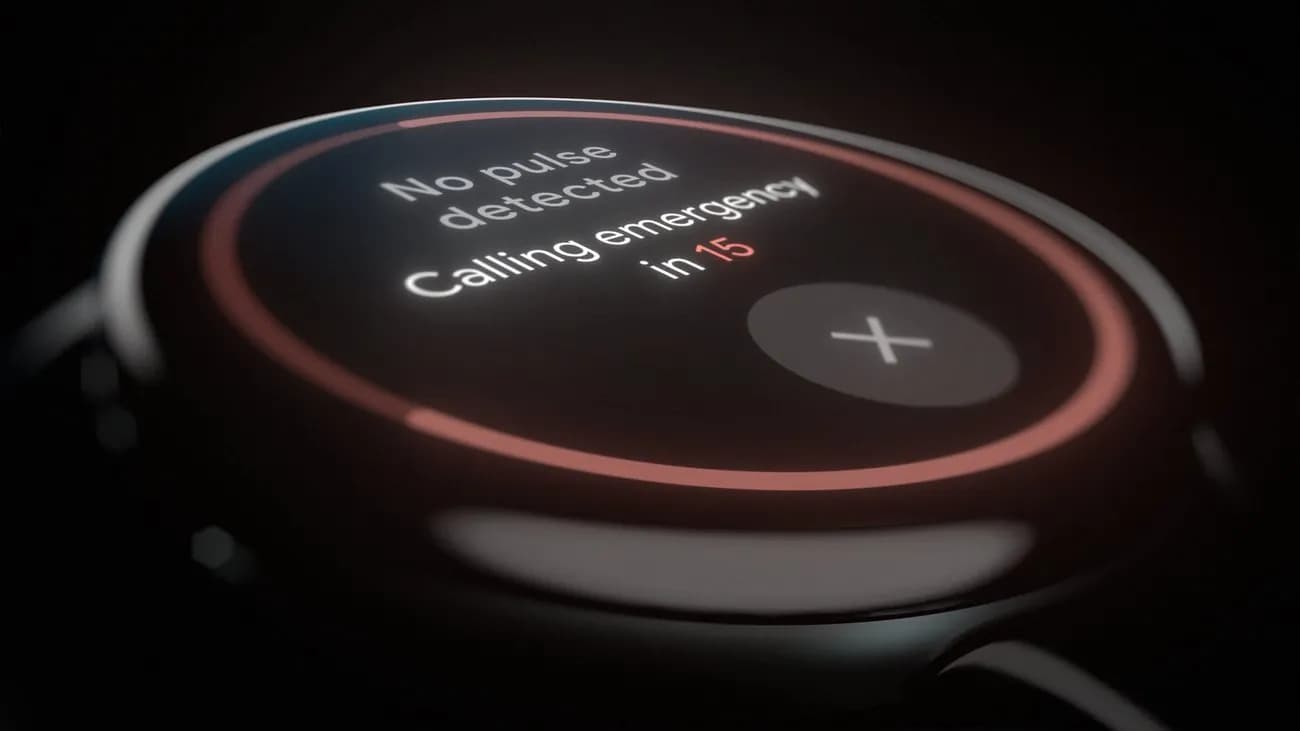
Google is now implementing Loss of Pulse Detection in the US after yesterday’s April 2025 OTA update and Scam Detection.
Google is officially launching Loss of Pulse Detection in the US after receiving FDA approval, which was initially anticipated at the end of March. Last year, it became available throughout Europe.
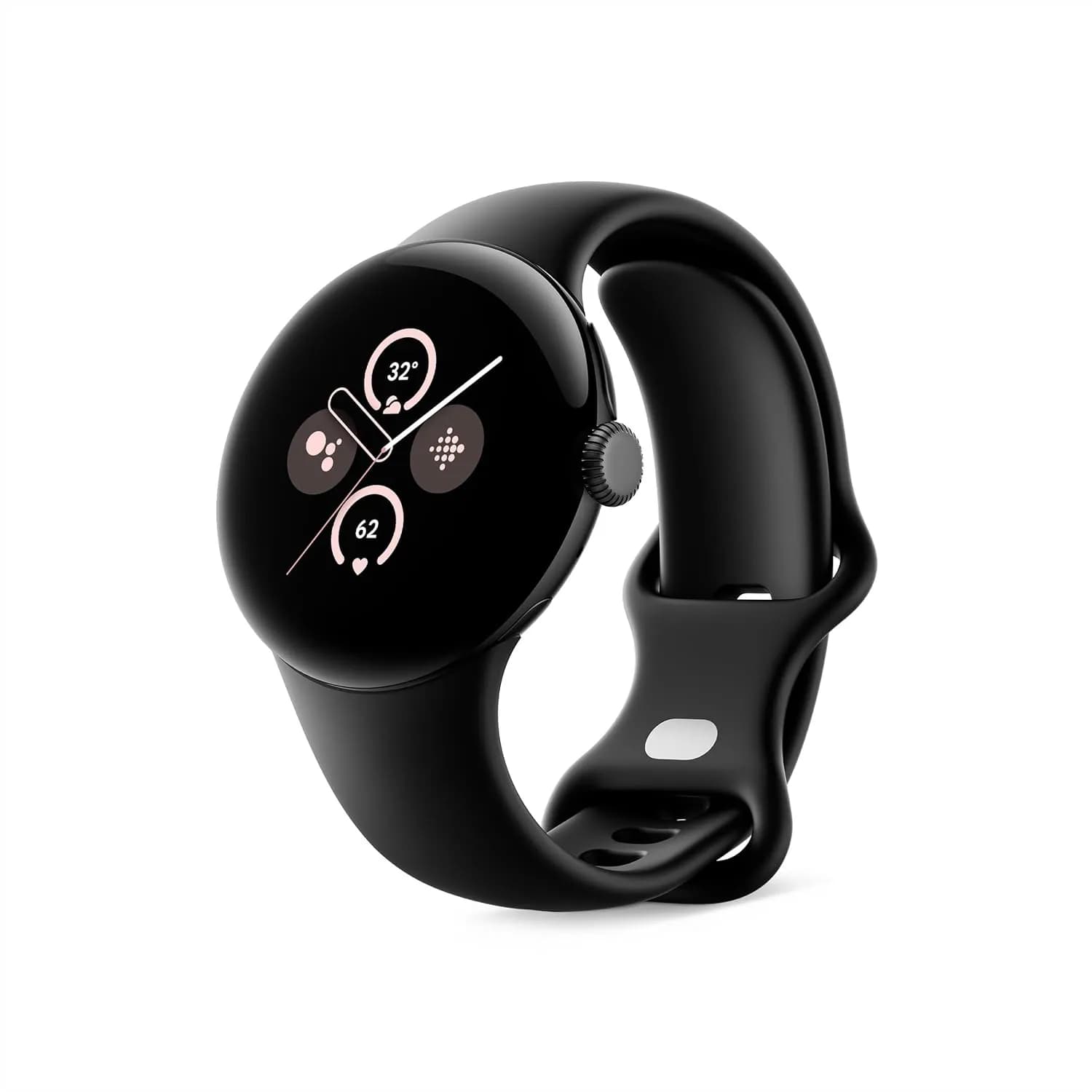
Make sure your Pixel Watch 3’s Personal Safety Wear OS software is up to date before turning it on. 2025.03.19.x is the most recent version that is available on the Play Store.
Afterwards, go to the Pixel Watch companion app on your phone (version 3.4+) > Safety & emergency > Loss of Pulse Detection to start the set-up process.
Google tells us that it’s beginning to roll out today and will be fully available over the coming weeks.
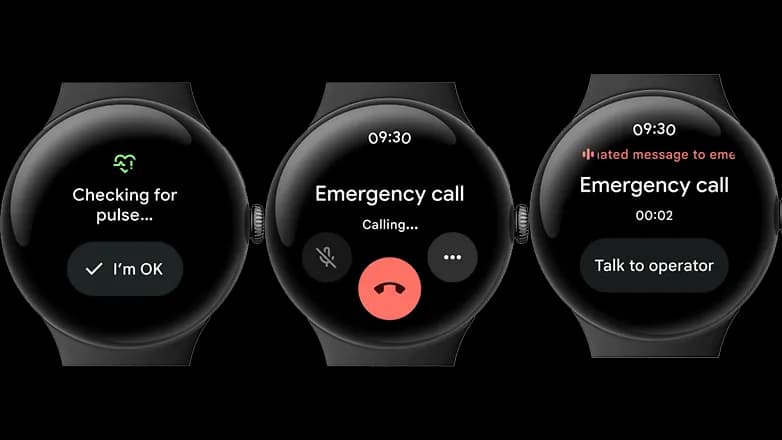
A loss-of-pulse event is when your heart stops beating, which can happen during a cardiac arrest, respiratory or circulatory failure, overdose, or poisoning. Similar to Fall and Car Crash Detection, the Pixel Watch 3 will ask users to certify their safety when it detects something.
In the event that there is no reaction (or movement), the wearable will notify emergency personnel, give your location, and provide information about what is going on. The Pixel Watch 3‘s multipath heart rate monitor, additional sensors, and a “multi-check, AI-based algorithm” are all used by Loss of Pulse Detection.
According to the official statement, “Loss of Pulse Detection may not detect every instance of a loss of pulse and is not intended for users who require cardiac monitoring or who have pre-existing heart conditions.” It does not offer follow-up care or diagnose or treat any medical conditions.

Apple AirPods Pro 3

Cristian Penisoara is a Guides Writer and Android specialist at Droid Tools. An Android user since version 2 and a professional event photographer, he combines technical curiosity with a detail-oriented approach - every guide he publishes is tested step-by-step on a real device before it goes live.

Learn how to turn off Pixel camera AI features like Auto Best Take and Auto Edit on newer Google phones to prevent unwanted photo adjustments.
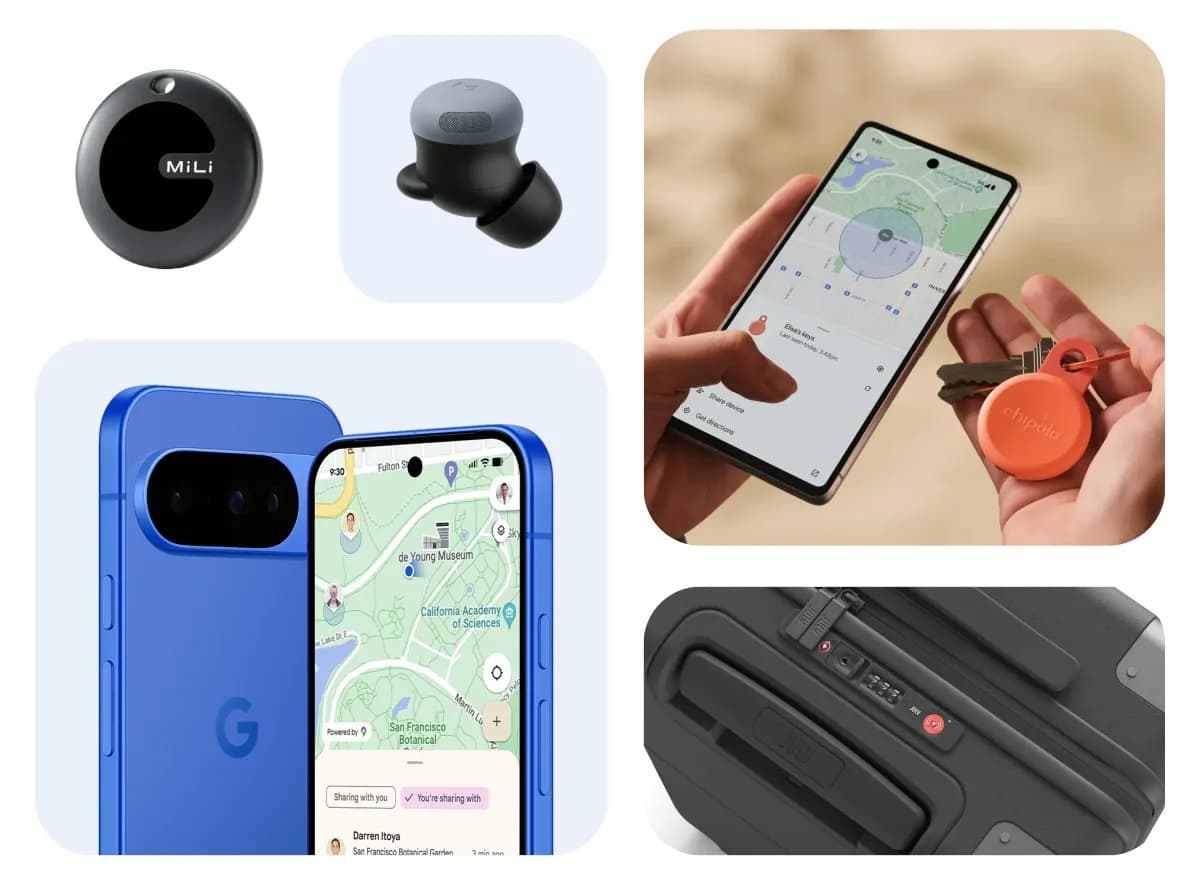
A traveler recovered a lost smartwatch in ten minutes using Pixel Watch Find Hub settings. Learn how to configure location toggles and ring missing devices.

Track the Google Pixel update schedule, including seven-year lifespans for newer models, quarterly patch shifts, and dual Android OS release windows.

Google explained how to manage Android time zones as Canadian regions end seasonal time changes, offering steps for automatic and manual clock adjustments.
The next story loads as you reach the end. You can also load it using the button.


Comments & Discussions
Join the conversation! We use Disqus to handle comments. Click the button below to load the comment section.