

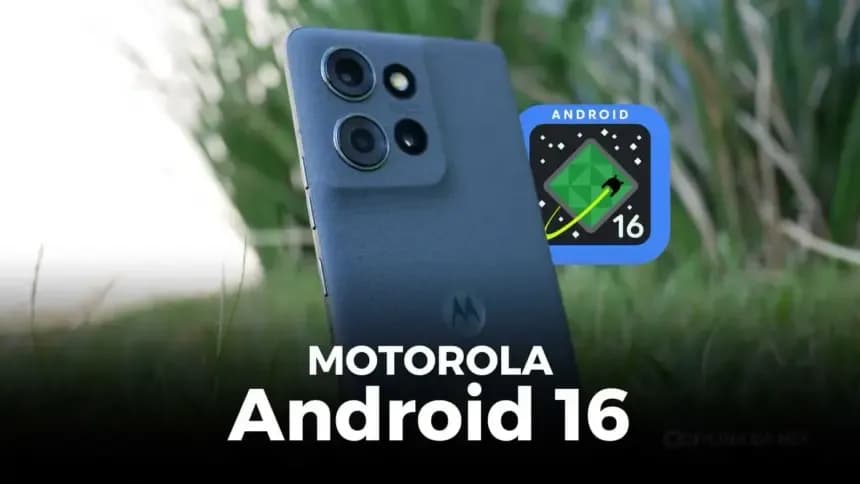
Motorola is adding more and more phones to the Android 16 beta testing program over time. The Moto G Stylus 5G (2025) and the Moto Edge 50 Ultra are the latest additions to the company’s beta program, after the addition of five additional phones to its MFN program.
To test out the new software update before anybody else does, you may sign up for the Motorola Feedback Network if you possess one of these two phones. In case you are not aware, Motorola Feedback Network, or MFN, is the name of the beta program for Motorola handsets. Speaking of availability, the Moto G Stylus 2025 beta is currently available in the USA, while the Edge 50 Ultra beta program is presently active in Brazil and India.
Speaking of the features that the Android 16 update will include, these include: HDR screenshots, Advanced Protection Mode, APV codec support, Material 3 Expressive redesign, New Emojis, Embedded Photo Picker, Live updates, Desktop Window, Group notifications, and more.
Join Motorola MFN beta testing
- At first, you need to register on the Motorola community website.
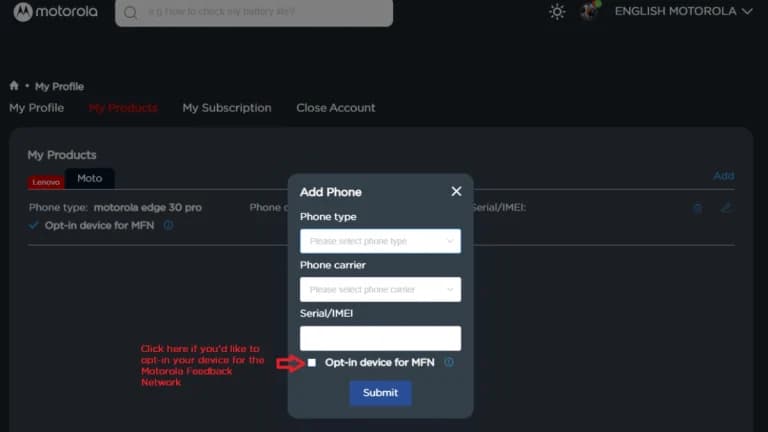
- Make sure your profile page is updated with your current IMEI or SN of your device.
- Opt-in your device for the MFN on your Motorola community profile.
- Keep your phone updated to the latest version.
- Now, visit the registration link that you will find on the current testing opportunity page. Make sure to visit the page for your device and region.
- Fill required details and submit the form.
Participants will receive additional information from Motorola via email, so be sure to check your inbox, including the spam folder. You can also frequently check settings for new software upgrades.

Google Pixel Watch 5 (45mm)

Samsung Galaxy Watch 8

Google Pixel Watch 4


Keep Reading
Android 17 QPR2 Beta 3 arrived on August 14 as the latest preview of the December release. 9to5Google described the Friday launch as unexpected and began a running catalog of changes that was still marked as updating. As new changes are discovered, the latest entries will be placed at the top of the page. Readers […]

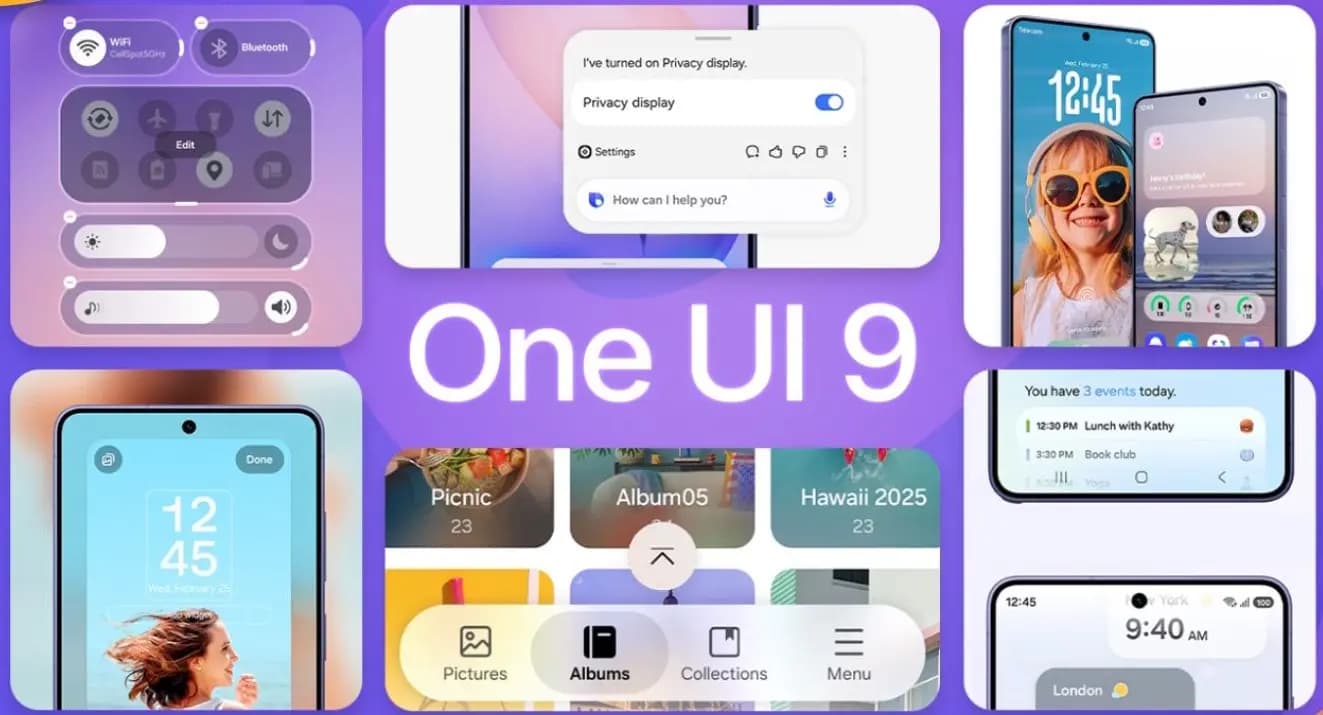
Samsung has begun rolling out the stable One UI 9 update, based on Android 17, starting with the Galaxy Z Fold 8 series worldwide, according to Memeburn. Samsung is also internally testing the update on 49 additional Galaxy phones and tablets, with the software rolling out through the rest of the year on a staggered […]
A leaked HyperOS 4 setup screen has exposed Xiaomi’s planned onboarding flow, along with a list of ten major features tied to the update. The files directly reference “Xiaomi HyperOS 4” and divide several features by device class, with some Glass effects marked exclusively for flagship models and the Q18. The leak also backs up […]
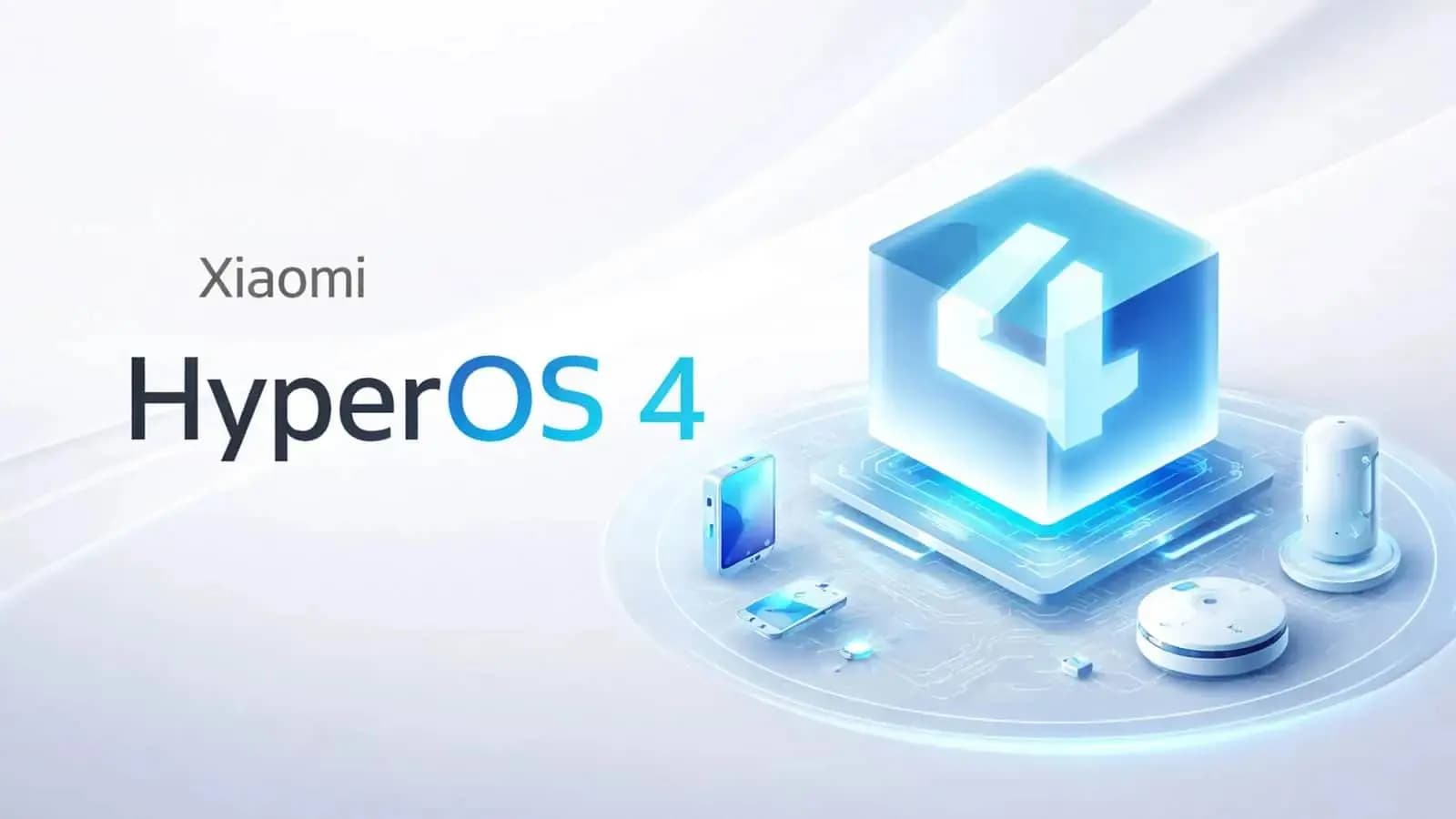
New leaks are offering the clearest look yet at HyperOS 4, and they suggest Xiaomi is preparing the biggest visual overhaul in the software’s history, including a redesigned interface and refreshed wallpapers. Liquid Glass Interface Leak Details Screenshots reportedly pulled from internal Xiaomi 18-series prototypes running an early Android 17-based build of HyperOS 4 reveal […]
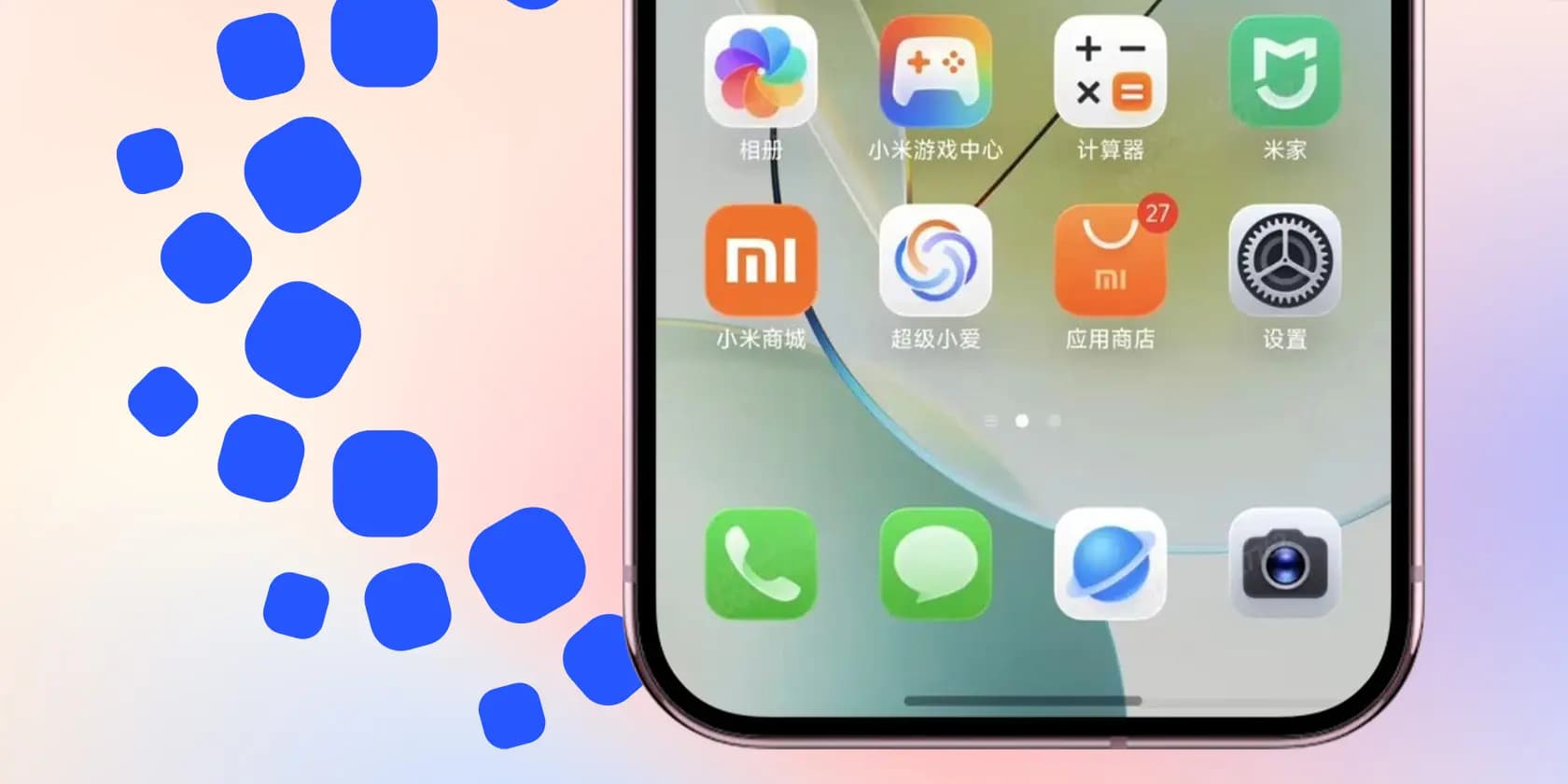
Xiaomi has started rolling out stable Android 17 to the Xiaomi 17, Xiaomi 17 Ultra, and Xiaomi 17T Pro, packaged under the HyperOS 3 label. A Confusing Label, But a Real Platform Jump The HyperOS 3 branding is the same one Xiaomi already used for its Android 16 rollout, which makes the naming a bit […]
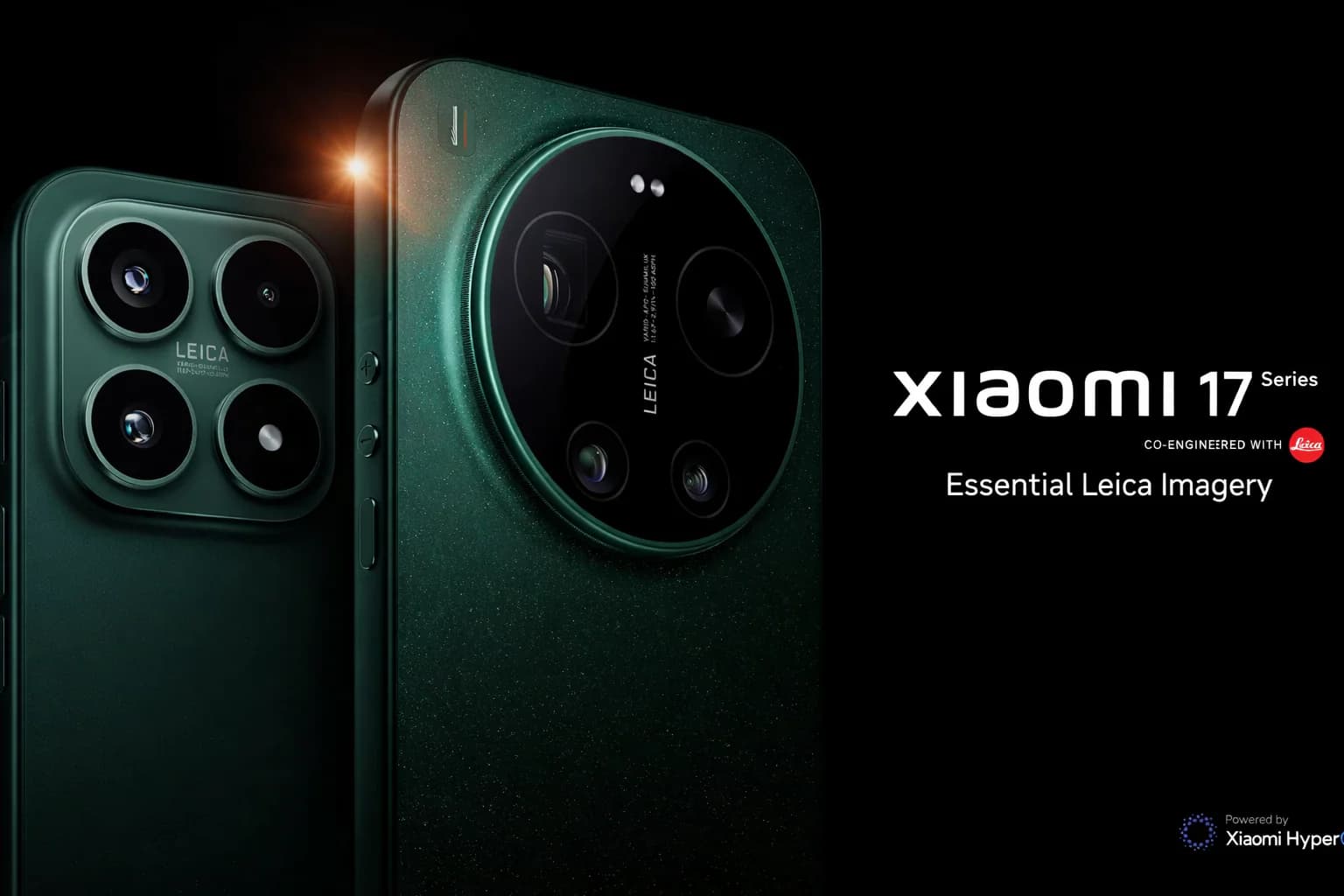
Google is rolling out the stable Android 17 and Wear OS 7 updates for compatible Pixel phones and watches. Beyond the new features these releases bring, both updates come packed with bug fixes and general improvements aimed at smoothing out the overall experience. Many of the changes target long-standing annoyances, while several underlying improvements should […]
Comments & Discussions
Join the conversation! We use Disqus to handle comments. Click the button below to load the comment section.