

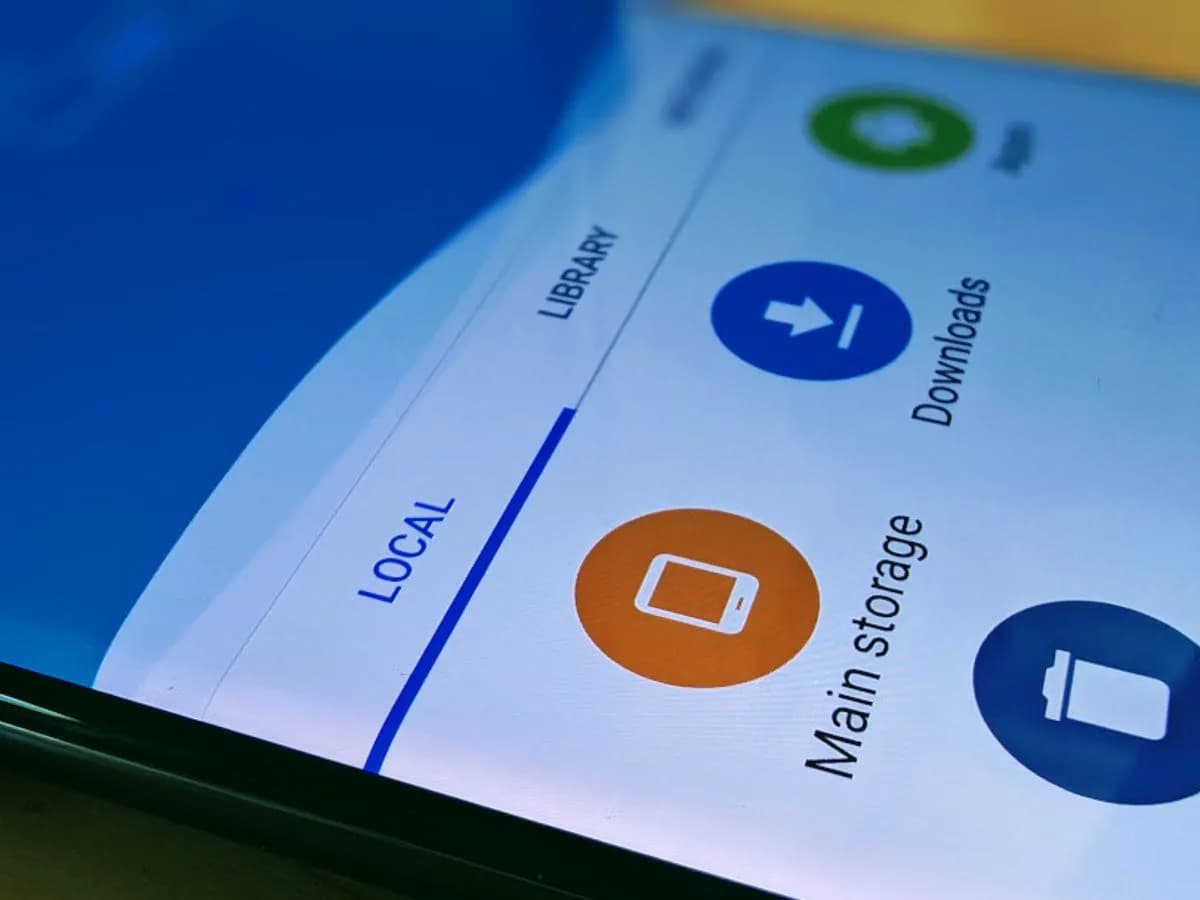
Every Android smartphone requires a file explorer, and Google Files is the default choice for Pixel smartphones and many others. This lightweight, free tool has all the necessary file management features, and its simple layout makes it simple to examine information in folders or categories. It’s not the greatest file management tool for Android, but it’s an excellent method to get rid of duplicate files and keep your smartphone free of clutter.
I’ve used a lot of Android file explorers over the years, and these are the greatest substitutes for Google Files since they have more sophisticated capabilities, a more appealing appearance, and more customization choices.
Cx File Explorer
With a variety of options to assist users in managing their decreasing storage space, Cx File Explorer focuses primarily on managing the storage on Android devices. Its analysis features, which show the location of storage hogs, the amount of storage used by each file type, and the largest files on the device, are its strongest feature. This feature is very useful to me because it makes it easier to organize the videos I have on my device for offline entertainment and flights.
In addition to these features, Cx File Explorer has a simple layout with integrated image, video, and audio players, a handy info box showing available storage, and a small icon-based breadcrumbs menu.
Cx File Explorer
Mixplorer
Mixplorer is more extensible and versatile than most file explorers. Having been in development for more than ten years, this is my favorite Android file management software.
As implied by its name, Mixplorer may easily connect a wide range of storage options, including LAN, Google Drive, OneDrive, external media, internal storage, and other cloud services. You can view all of this info without launching specific apps once it’s set up. Additionally, Mixplorer is compatible with symlinks, which offer even more versatile file access options throughout Android.
The customizable design of Mixplorer is another well-liked feature. Although the basic layout is easy to use, power users may install skins to customize the software, integrate add-ons for more functionality, and effortlessly navigate between services and folders using the tabbed interface. I adore Mixplorer’s dropdown breadcrumbs menu because it’s a clever design decision that allows you to quickly navigate back to a root folder without taking up much screen real estate.
Mixplorer
Solid Explorer
In the Android app market, Solid Explorer is likewise quite well-regarded. Solid, a high-end file management program, has many of the same functions as Mixplorer, plus a few extras. Its real-time folder size indicator, which refreshes each directory’s byte count as files are added or removed, is possibly my favorite feature.
Solid Explorer File Manager
Material Files
Material Files appeals to both Files by Google consumers and power users by striking a mix between an intuitive user interface and a robust feature set. The app feels as though Google themselves could create it because of its heavy reliance on Material You. Its components permit automated Night mode activation based on system settings and take on the color scheme of your device.
Even though it doesn’t offer the same expandability as Mixplorer, I would contend that its user interface is simpler to use. Nevertheless, the left-hand sidebar has all the information I require. Its dedicated Screenshots shortcut, which takes me straight to screenshots of the programs I frequently use for my articles, is something I really like.
The program does not let you connect to and access files on Google Drive, for example, but it does enable external storage on physical media or local networks.
Material Files
Fossify File Manager
Finally, Fossify File Manager prioritizes simplicity and privacy and is open-source and free. With more security features, it most likely offers the experience that is closest to Files by Google in that regard. For example, it enables users to secure certain files and folders using a password or fingerprint.
With multiple color choices for the overall theme, a tab that shows you which file kinds are using up space on your disk, and basic search and organizing tools, the user interface is very user-friendly.

Fossify File Manager
Google Files is by no means an inferior app. In fact, Google has created a straightforward and dependable file management solution that ensures constant performance for all Android applications. Consider one of the five programs listed above, though, if you require a few extra capabilities, wish to access local network stores and cloud storage, or want to add protection to your crucial files.

Google Pixel Watch 5 (45mm)

Google Pixel Watch 4


Robert Haba is the founder and editor-in-chief of Droid Tools. A lifelong gadget enthusiast with over a decade following the Android ecosystem, he built this publication to cut through the noise and give readers honest, real-world coverage of the tech they actually use.
Comments & Discussions
Join the conversation! We use Disqus to handle comments. Click the button below to load the comment section.