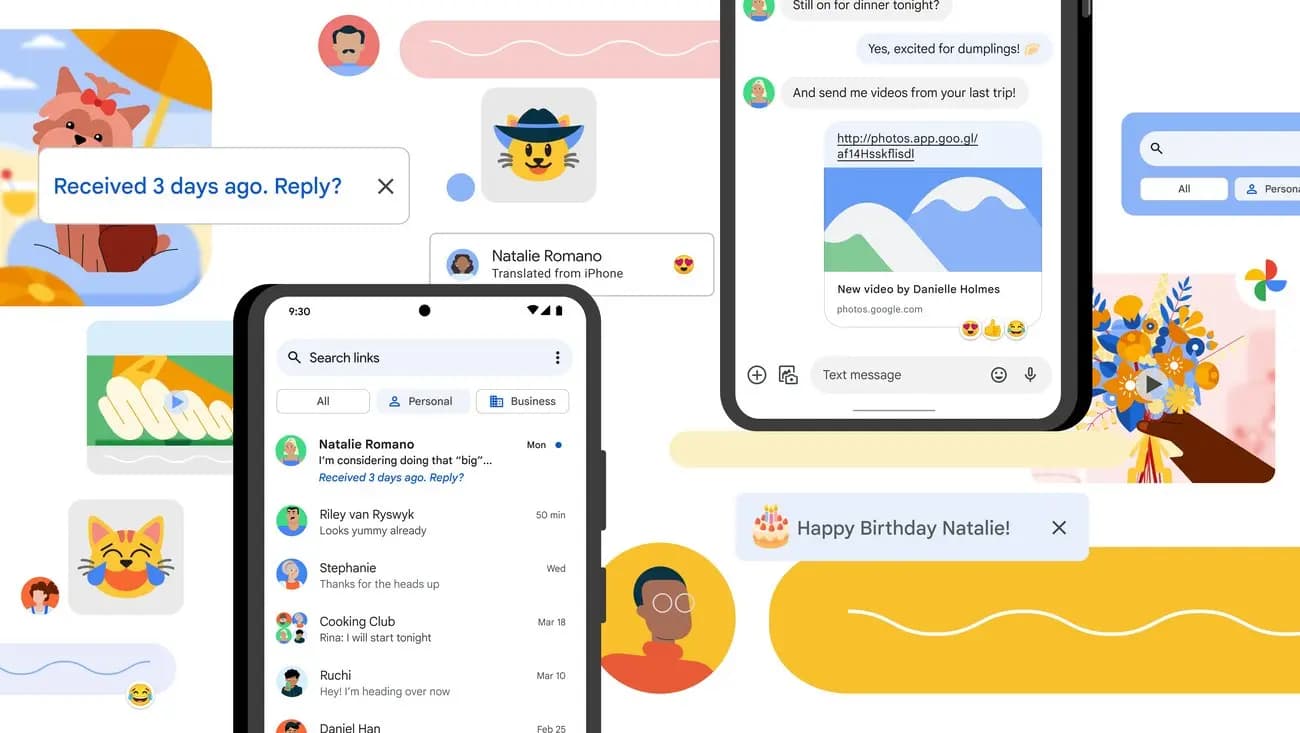
Google Messages has been on a tear lately when it comes to new features, which makes sense given that Samsung shut down its own Messages app on July 6. There are clearly some big shoes to fill here, and Google has been polishing things up quickly as a result. Individually, plenty of these tweaks are small, but together they add up to a meaningful upgrade.
Some of the changes affect how chats actually look. One of them, called Chat theme, is a new customization tool that’s been trickling out to beta testers over the past couple of months. Android Authority spotted it tucked inside a late-May build, though it hasn’t reached wider availability as of writing. The feature is fairly comprehensive, letting users change the entire color scheme of a chat, including the background and message bubbles.
A new wallpaper can also be applied, either pulled from a personal gallery or borrowed from Google’s ready-made sets. The catch is that changes are only visible to the person who applies them. Still, it’s a much-needed addition, since Samsung Messages has offered similar customization for years, as has Apple’s Messages app.
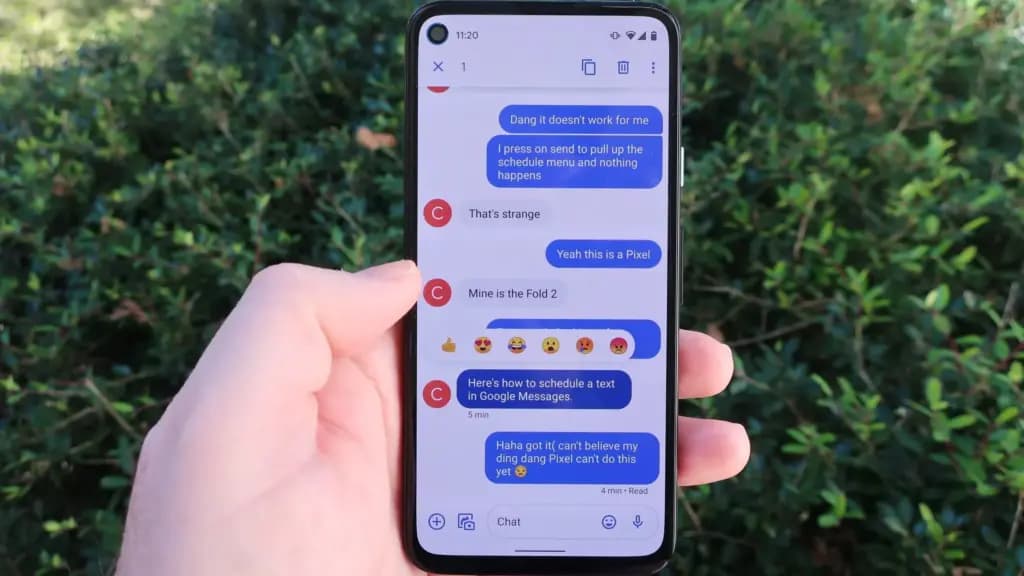
The second major feature is more cross-platform, geared toward making chats with iPhone users more interactive. Despite previous updates, RCS chats between Android and iOS still don’t match the experience of chatting on the same platform, so these upgrades have been a long time coming. The features first arrived with the second iOS 27 developer beta.
One of these changes reworks the message options bar. Currently, it’s confined to a narrow strip that appears at the top of the screen, which is awkward to reach one-handed. Soon, it will be replaced by a floating menu that surfaces closer to the message itself. This was first spotted by 9to5Google in a January 2026 beta and hasn’t rolled out widely yet.
A more useful change introduces a new gesture: swiping left on a thread will reveal when it was sent, along with the encryption lock icon. Previously, this information required tapping individual messages one at a time. Now, it’s visible in a single swipe. This is separate from the right-swipe gesture, which is used to reply to a text. This change is also currently in beta and hasn’t rolled out to everyone as of writing.
There are also changes around sharing. A Reddit user spotted a new tweak in early July: when sending something to a batch of contacts, two buttons now appear at the bottom of the screen. One lets users send the text to each person in their own private thread, something Messages could already do. The issue with that single option was that sending one item to a group, such as an invite to an event, required creating that group chat beforehand. Now, a second button labeled “Send to a group,” placed beside the “share individually” option, creates a group chat with the selected contacts automatically.
At the same time, Messages is also getting smarter about duplicates. If a group chat already exists with the same set of contacts selected, the message drops into that existing thread instead of spinning up an identical new one. For now, these changes are reportedly part of a limited server-side test.
Forwarding is getting an upgrade too. Android Authority dug this feature out of a beta teardown around the same stretch in early July. Soon, users will be able to forward several messages at once instead of one at a time. Messages can be selected with checkboxes, including images, with a destination chosen and a preview of the batch shown before sending. This should cut down on the repetitive process currently required to forward more than one item at a time.

Google Pixel Watch 5 (45mm)

Robert Haba is the founder and editor-in-chief of Droid Tools. A lifelong gadget enthusiast with over a decade following the Android ecosystem, he built this publication to cut through the noise and give readers honest, real-world coverage of the tech they actually use.

Google is introducing new Android scam protections, including Enhanced Protection in Messages, call-forwarding warnings, and screen-share privacy defenses.
Rich Communication Services (RCS) has reshaped Google Messages, bringing read receipts, larger media attachments, and cross-platform messaging with iPhone users. RCS isn't without its own issues, though, and Messages has so far offered an easy way to opt out on a per-chat basis if it causes problems - a feature that now looks like it […]

AI video generation has moved well beyond experimental clips. In 2026, creators, marketing teams, agencies, and video professionals can use these tools for social content, product videos, storyboards, advertisements, B-roll, explainers, and early-stage creative concepts. The challenge is choosing the right platform. Some focus on cinematic generation, while others are better for rapid marketing production […]

Google Messages is now widely rolling out its new Keep Notes integration, following last week's September 2026 Android Drop announcement. Opening the “plus” menu inside a conversation reveals a new Keep Notes shortcut, and those pills can be reordered like usual. Alternatively, Google might surface a contextual “Create list” shortcut directly in the suggestions row. […]
The next story loads as you reach the end. You can also load it using the button.


Comments & Discussions
Join the conversation! We use Disqus to handle comments. Click the button below to load the comment section.