Google is updating icons for Phone, Contacts, and Messages with subtle gradients, cleaner edges, and pinkish-blue shades. The refresh will appear on home screens and web portals in coming weeks, while app functionality remains unchanged. The new Google Messages icon is already live in beta.

Alongside Google Messages, Google is rolling out gradient icon redesigns to its Phone and Contacts apps. In a blog post, Google stated that the new icons are “sharper and clearer” on home screens, and are apparently designed based on user feedback. While the existing icons were already easy to recognize, Google appears keen on giving its core apps a flashier look with this update.
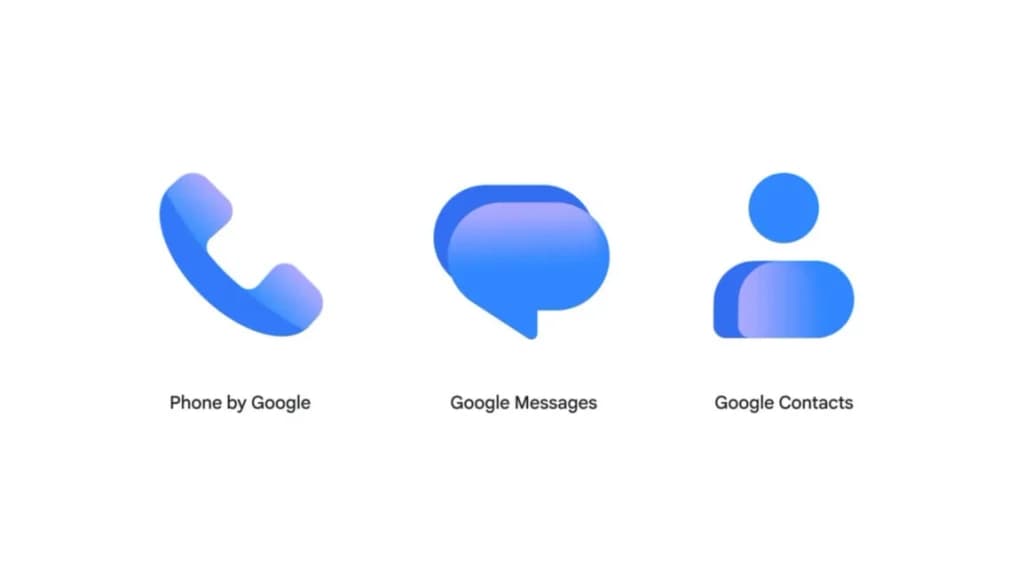
The original shapes of these Google communication apps remain as is, allowing users to easily recognize them despite the redesign. Google noted that the updated icons feature subtle gradients, cleaner edges, and slightly updated shapes and colors to better match the rest of Google’s apps.
From the looks of it, the new icons have a sort of pinkish-blue shade, marking a subtle shift from the current royal or dark blue color scheme. While the existing icons look more minimalist, the new versions appear more vibrant and flashy. App functionality is not changing as a result of the visual update; the apps are simply receiving a sleeker, more cohesive look on home screens.
Beyond home screens, the new icons should also appear on contacts.google.com and messages.google.com/web, unifying the experience across platforms. Google indicated that the change will roll out in the coming weeks via the Play Store, though no clear timeline has been announced.
The new icon for Google Messages is already live in the latest beta version, and a similar rollout is likely for the other apps as well.

Google Pixel Watch 4

Luiza Mosneagu is Reviews Editor at Droid Tools. A psychologist by training and tech writer by passion, she has tested over 60 Android devices since 2020 - always for a minimum of two weeks before writing a word. Her focus is camera quality, everyday usability, and cutting through marketing claims to tell you what a device is actually like to live with.

Circle to Search in Google Messages helps identify suspicious texts on supported Android phones, offering guidance on potential scams and next steps.

Google Messages Enhanced Protection adds Gemini scam analysis and on-device link checks for select Android phones as beta testing begins gradual rollout.
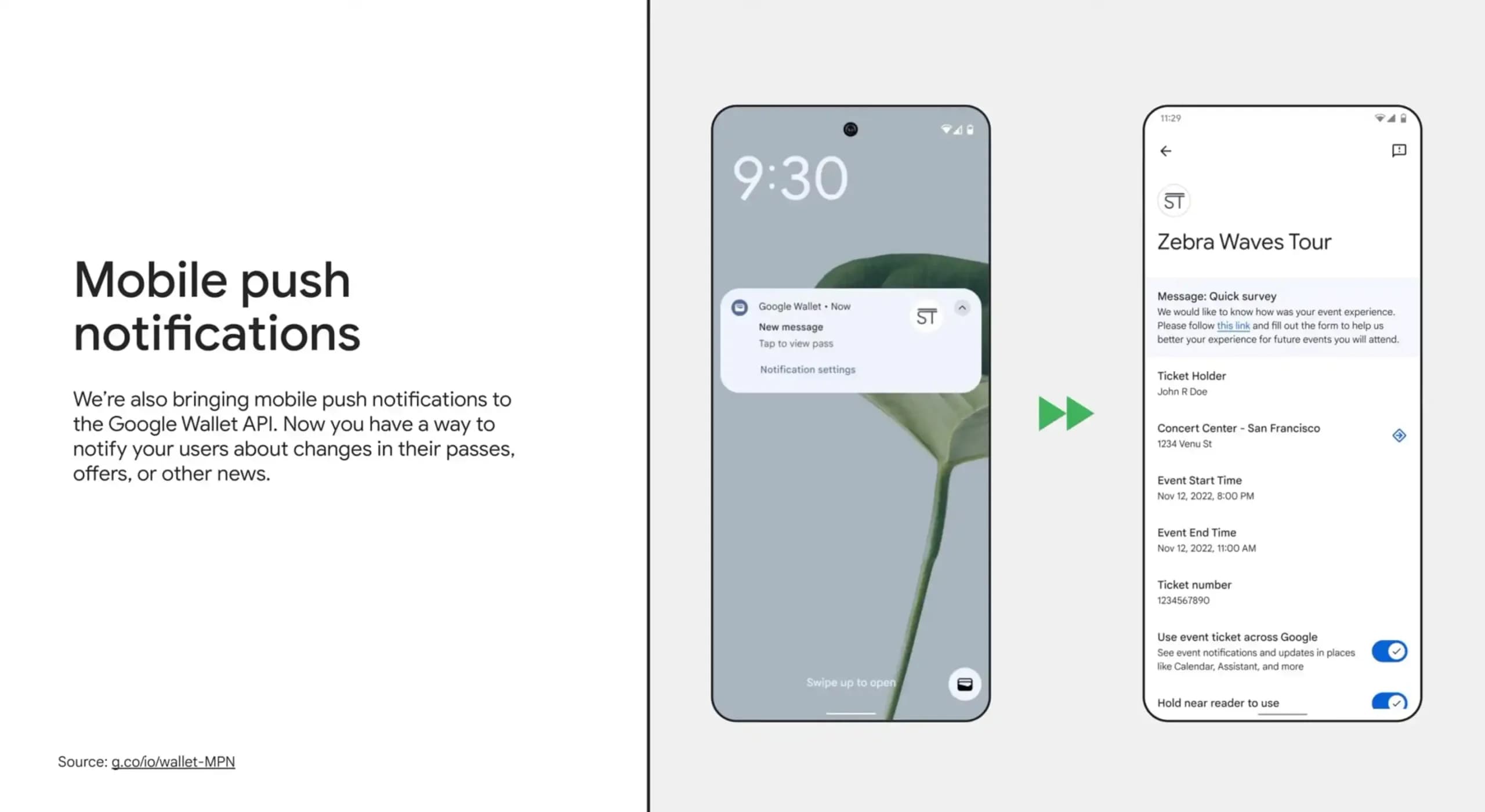
Google Wallet is rolling out an in-app notifications feed on Android alongside expanded digital passport support for Ireland and Italy.
Google Messages Enhanced Protection may replace the single spam toggle with three security options, including cloud link scans, per a new leak.
The next story loads as you reach the end. You can also load it using the button.


Comments & Discussions
Join the conversation! We use Disqus to handle comments. Click the button below to load the comment section.