

AppsLuiza Mosneagu
Google Photos RAW images could soon get a dedicated section in Collections
Google Photos may add a dedicated RAW images section to Collections to help users find, edit, and manage space-heavy RAW photos.

Browse all articles, news, and guides tagged with storage on Droid Tools.
Google Photos may add a dedicated RAW images section to Collections to help users find, edit, and manage space-heavy RAW photos.
The safest way to free up storage on Android is to remove temporary files, delete offline downloads you can retrieve again, archive unused apps, and move backed-up photos or large files off the device. Start by checking what is using the space, then work from the least destructive options to the most destructive. Do not
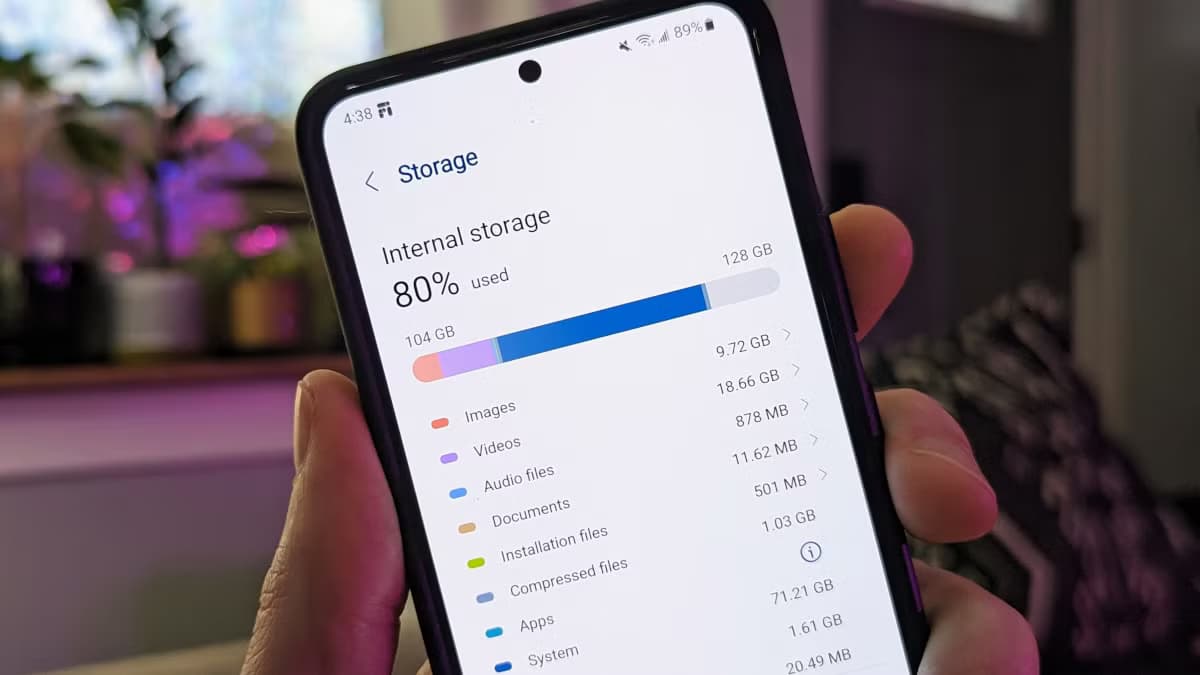
After setting up a new Samsung Galaxy, you should think about the apps you use and don't use. There are many unnecessary preinstalled apps on your phone that don't always enhance the user experience. Therefore, it is safe to remove any bloatware and superfluous apps. These apps clog your home screen, suck up storage space,
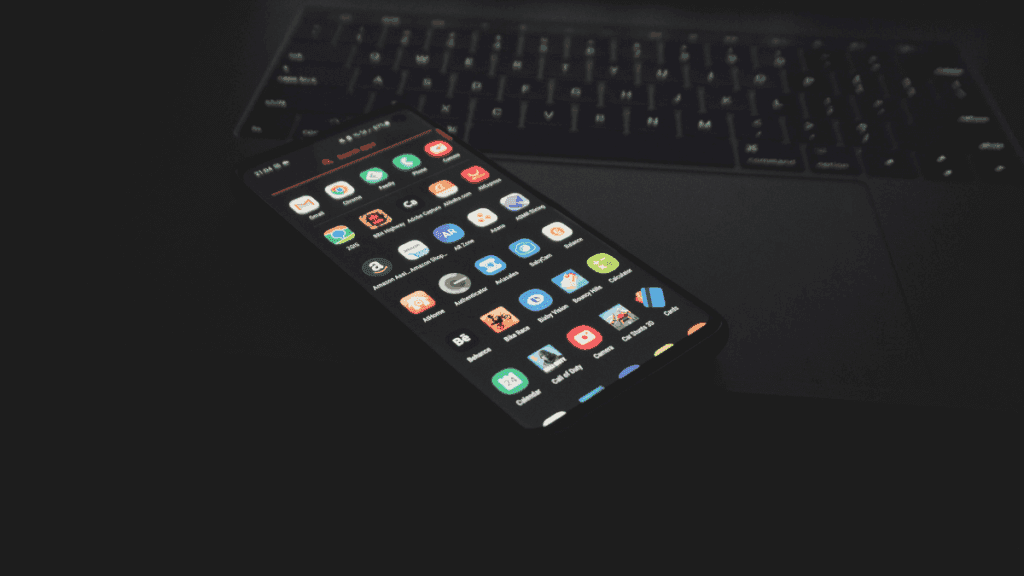
The first thing you should do if your Android phone has become sluggish is to wipe off its storage. Here are some tips for speeding up your outdated Android phone if you're not sure where to start. Delete unused apps Phones can accumulate a large number of unused apps over time, leaving your device looking

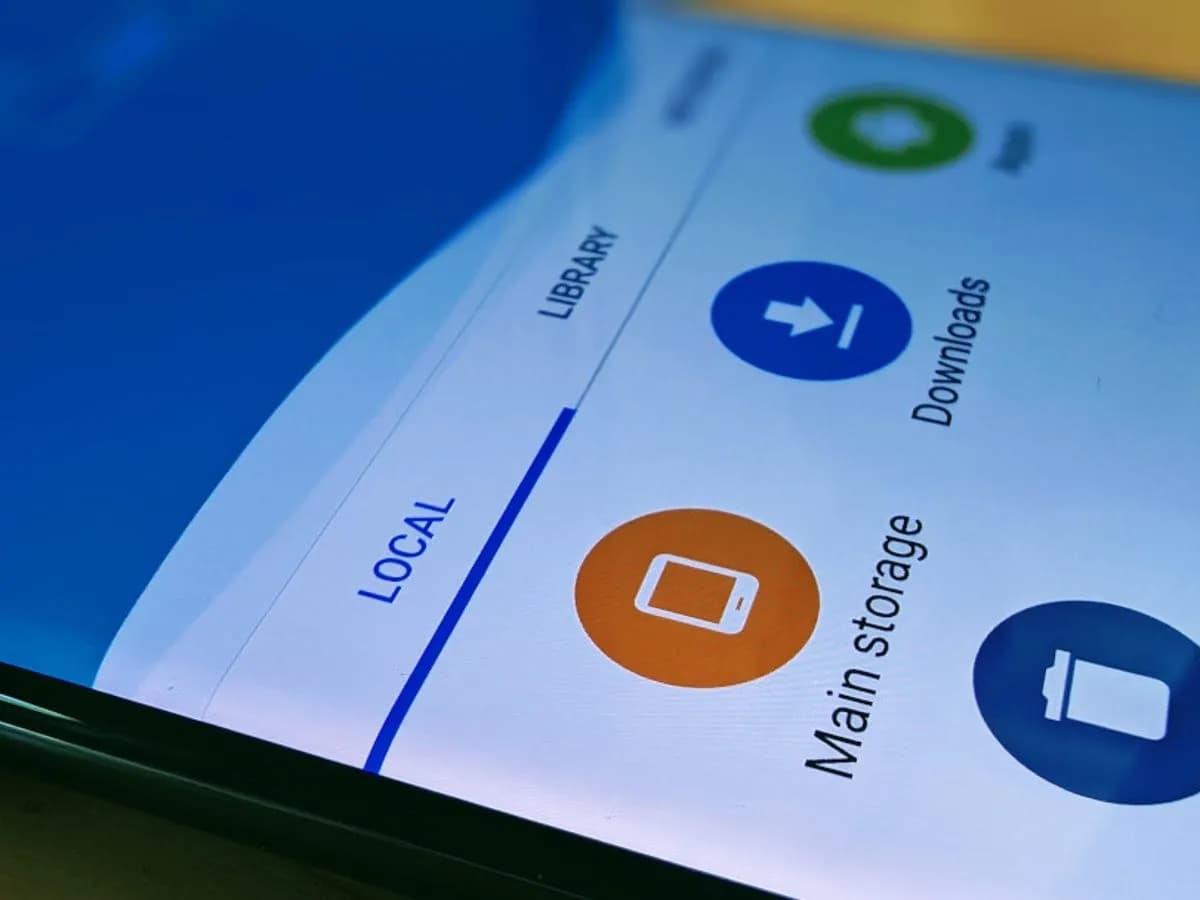
Every Android smartphone requires a file explorer, and Google Files is the default choice for Pixel smartphones and many others. This lightweight, free tool has all the necessary file management features, and its simple layout makes it simple to examine information in folders or categories. It's not the greatest file management tool for Android, but
Unnecessary system apps and bloatware can be annoying. They drain your battery, take up important storage, operate in the background, and are frequently impossible to remove with standard methods. Although rooting your Android device gives you complete control over system programs, most users are not advised to do so because it violates your warranty and

You are not alone if your Android device has started to lag. Many gadgets have the potential to slow down over time, but there are easy solutions to boost performance. Restarting the device is a quick fix that can resolve a lot of frequent problems. Clearing up cached data from websites and apps is another

Right now, it's difficult to talk about Pixels without the topic eventually turning to the brand-new Pixel 7 and Pixel 7 Pro. And it's understandable why: both inside and out, Google's most recent Pixel smartphones are just incredible. They have a ton of power and exciting new tricks that just ooze out of them. But
What are the most commonly asked questions from Android users? Like, how is Android getting faster? How can I make my Android phone faster? Well, it is the hope of every Android user that their phone defies all the boundaries of fluidity and rapidity. But do you believe this is true? Can you make your
