

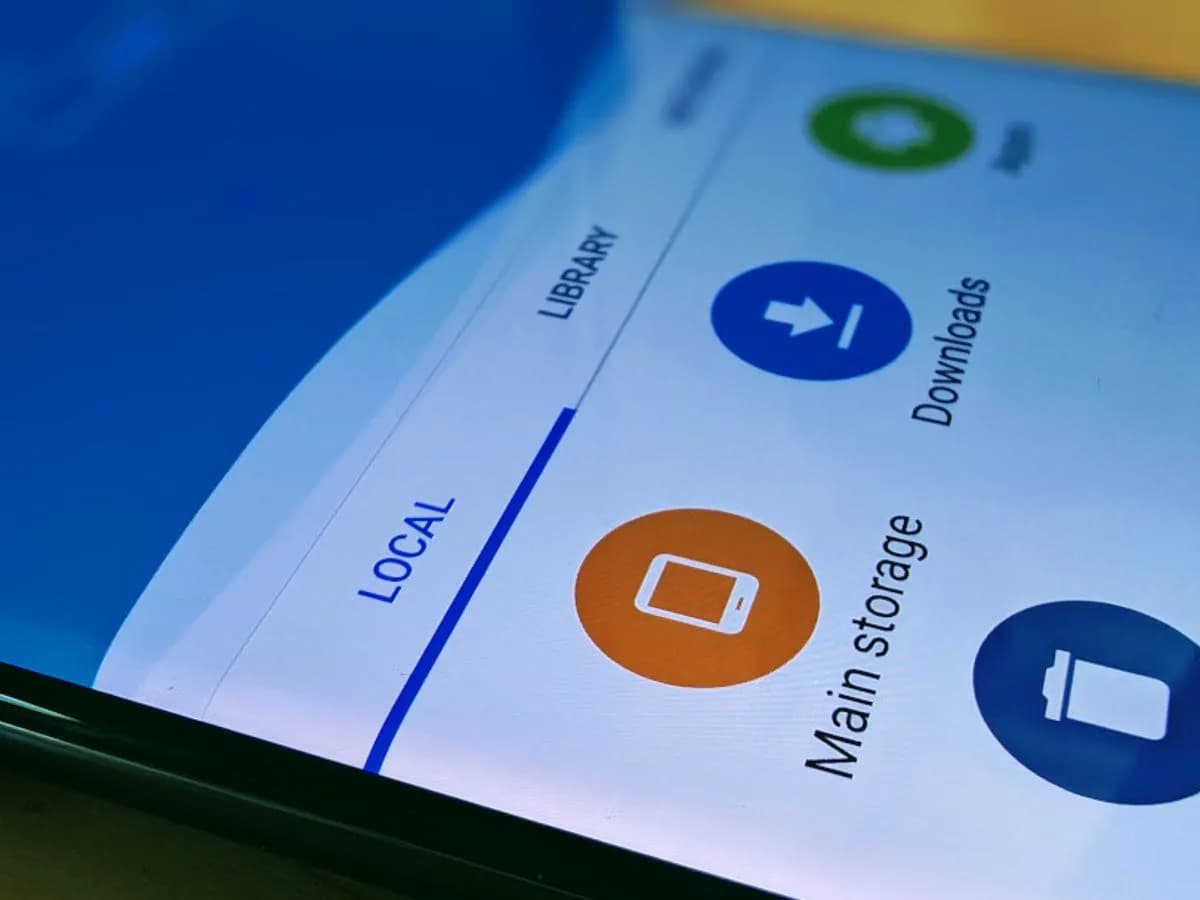
Every Android smartphone requires a file explorer, and Google Files is the default choice for Pixel smartphones and many others. This lightweight, free tool has all the necessary file management features, and its simple layout makes it simple to examine information in folders or categories. It’s not the greatest file management tool for Android, but it’s an excellent method to get rid of duplicate files and keep your smartphone free of clutter.
I’ve used a lot of Android file explorers over the years, and these are the greatest substitutes for Google Files since they have more sophisticated capabilities, a more appealing appearance, and more customization choices.
Cx File Explorer
With a variety of options to assist users in managing their decreasing storage space, Cx File Explorer focuses primarily on managing the storage on Android devices. Its analysis features, which show the location of storage hogs, the amount of storage used by each file type, and the largest files on the device, are its strongest feature. This feature is very useful to me because it makes it easier to organize the videos I have on my device for offline entertainment and flights.
In addition to these features, Cx File Explorer has a simple layout with integrated image, video, and audio players, a handy info box showing available storage, and a small icon-based breadcrumbs menu.
Mixplorer
Mixplorer is more extensible and versatile than most file explorers. Having been in development for more than ten years, this is my favorite Android file management software.
As implied by its name, Mixplorer may easily connect a wide range of storage options, including LAN, Google Drive, OneDrive, external media, internal storage, and other cloud services. You can view all of this info without launching specific apps once it’s set up. Additionally, Mixplorer is compatible with symlinks, which offer even more versatile file access options throughout Android.
The customizable design of Mixplorer is another well-liked feature. Although the basic layout is easy to use, power users may install skins to customize the software, integrate add-ons for more functionality, and effortlessly navigate between services and folders using the tabbed interface. I adore Mixplorer’s dropdown breadcrumbs menu because it’s a clever design decision that allows you to quickly navigate back to a root folder without taking up much screen real estate.
Solid Explorer
In the Android app market, Solid Explorer is likewise quite well-regarded. Solid, a high-end file management program, has many of the same functions as Mixplorer, plus a few extras. Its real-time folder size indicator, which refreshes each directory’s byte count as files are added or removed, is possibly my favorite feature.
Material Files
Material Files appeals to both Files by Google consumers and power users by striking a mix between an intuitive user interface and a robust feature set. The app feels as though Google themselves could create it because of its heavy reliance on Material You. Its components permit automated Night mode activation based on system settings and take on the color scheme of your device.
Even though it doesn’t offer the same expandability as Mixplorer, I would contend that its user interface is simpler to use. Nevertheless, the left-hand sidebar has all the information I require. Its dedicated Screenshots shortcut, which takes me straight to screenshots of the programs I frequently use for my articles, is something I really like.
The program does not let you connect to and access files on Google Drive, for example, but it does enable external storage on physical media or local networks.
Fossify File Manager
Finally, Fossify File Manager prioritizes simplicity and privacy and is open-source and free. With more security features, it most likely offers the experience that is closest to Files by Google in that regard. For example, it enables users to secure certain files and folders using a password or fingerprint.
With multiple color choices for the overall theme, a tab that shows you which file kinds are using up space on your disk, and basic search and organizing tools, the user interface is very user-friendly.
Google Files is by no means an inferior app. In fact, Google has created a straightforward and dependable file management solution that ensures constant performance for all Android applications. Consider one of the five programs listed above, though, if you require a few extra capabilities, wish to access local network stores and cloud storage, or want to add protection to your crucial files.

Google Pixel Watch 5 (45mm)


Samsung Galaxy Watch 8

Keep Reading
Android 17 QPR2 App lock is arriving as a native Pixel feature in Beta 3, according to 9to5Google. The addition sits alongside the release’s visual changes, and the finished QPR2 update is scheduled for December. Long-pressing an app opens the Actions menu, where “App lock” appears at the bottom alongside App info, Pause app, Widgets, […]
After the official shutdown of Samsung Messages, Google Messages is now likely the only major texting app remaining for Android users. It offers important capabilities like RCS support, end-to-end encryption, and more; however, it has been missing two basic yet important features. Fortunately, both appear headed for release soon, having reportedly surfaced in the app’s […]
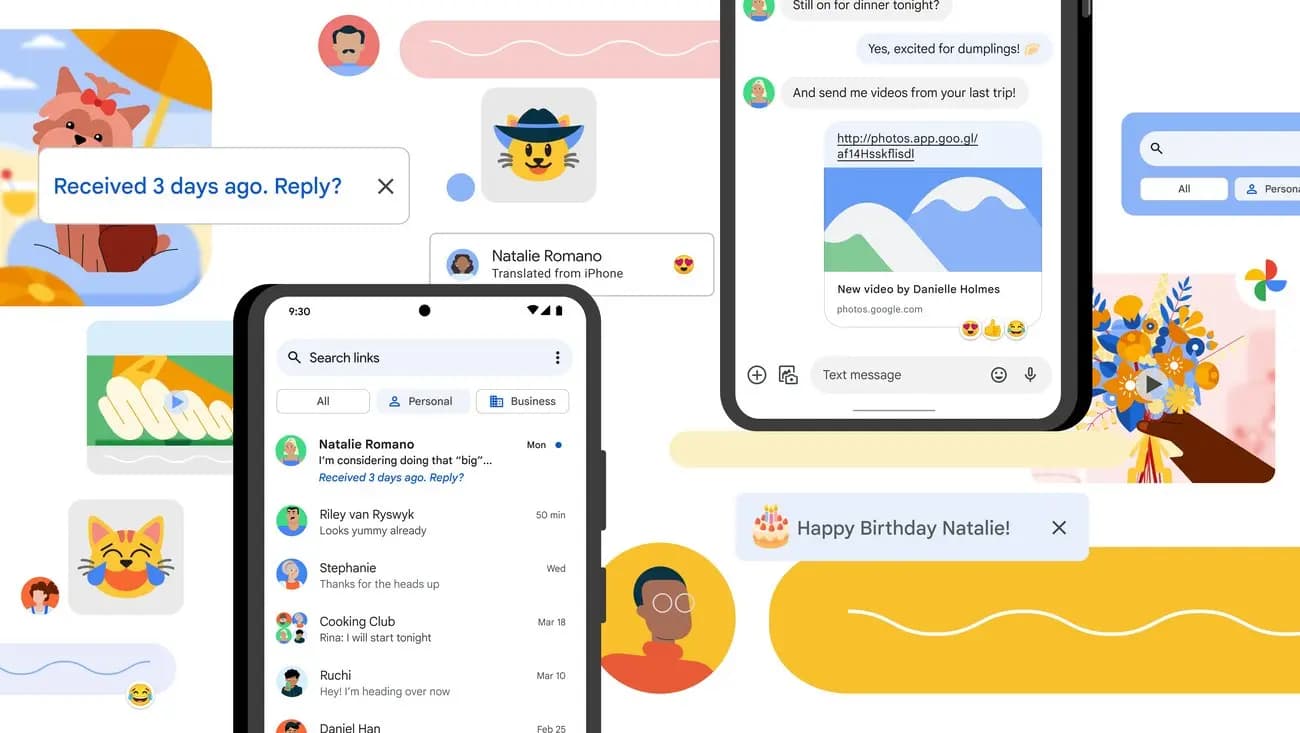
Google Messages has been on a tear lately when it comes to new features, which makes sense given that Samsung shut down its own Messages app on July 6. There are clearly some big shoes to fill here, and Google has been polishing things up quickly as a result. Individually, plenty of these tweaks are […]
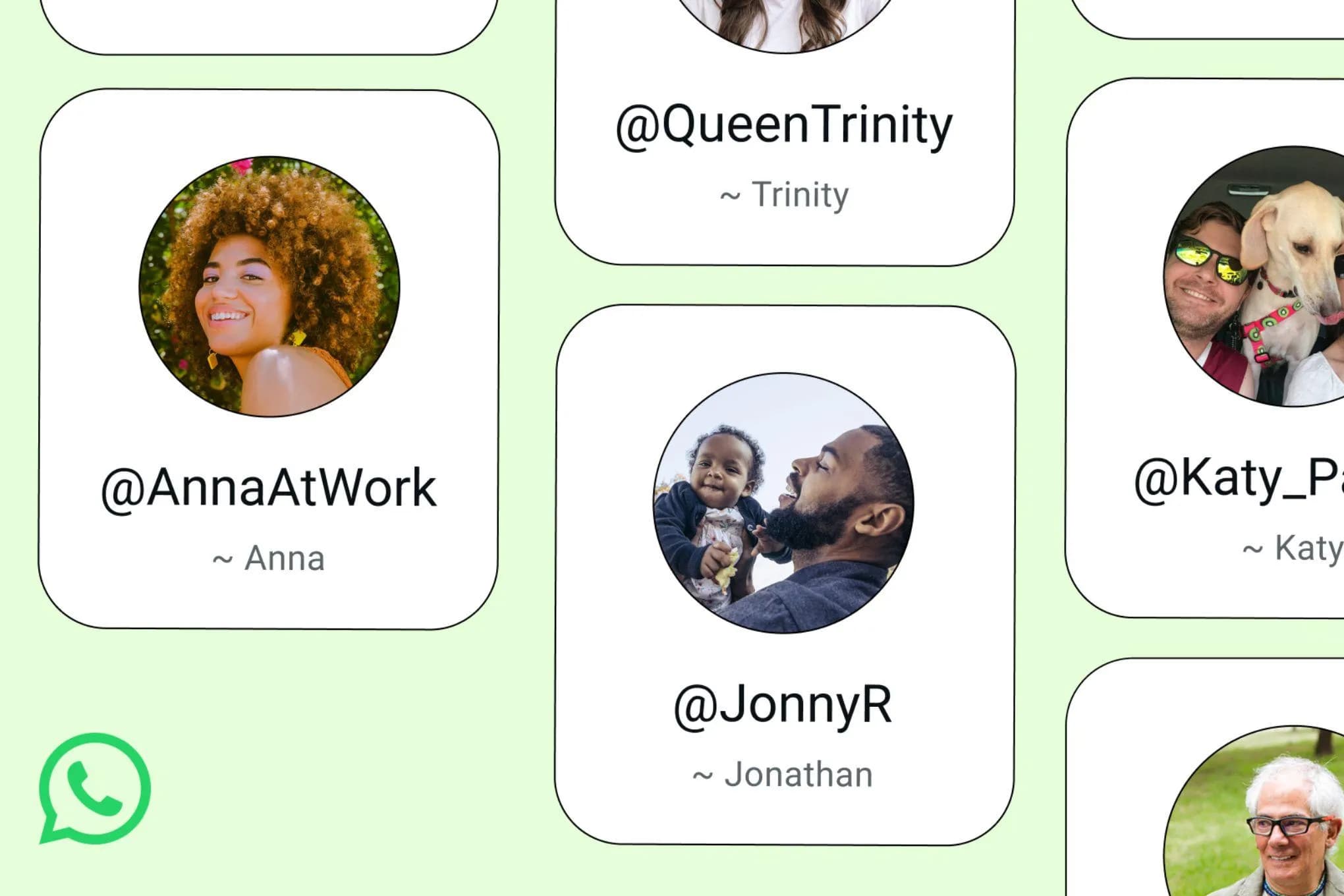
After years of anticipation and months of groundwork, WhatsApp has begun rolling out username reservations worldwide today, letting users claim a unique handle ahead of the privacy-focused feature’s full launch later this year. WhatsApp username reservations are now rolling out Starting today, users will begin receiving an in-app notification when the reservation option becomes available […]
Android Auto has always been about bringing your phone’s most useful features to the car’s display – navigation, music, calls, messages. But beyond the obvious staples, there’s a growing library of compatible apps that quietly expand what the platform can do. Some arrive with a formal announcement; others just appear. Adobe Acrobat Reader falls into […]
One of Android’s longest-standing strengths is how much it lets you personalize your device. From launchers to icon packs, there’s no shortage of ways to make a phone feel like your own — and changing the wallpaper is usually the first place people start. It’s quick, it’s visual, and it immediately changes the character of […]
Comments & Discussions
Join the conversation! We use Disqus to handle comments. Click the button below to load the comment section.