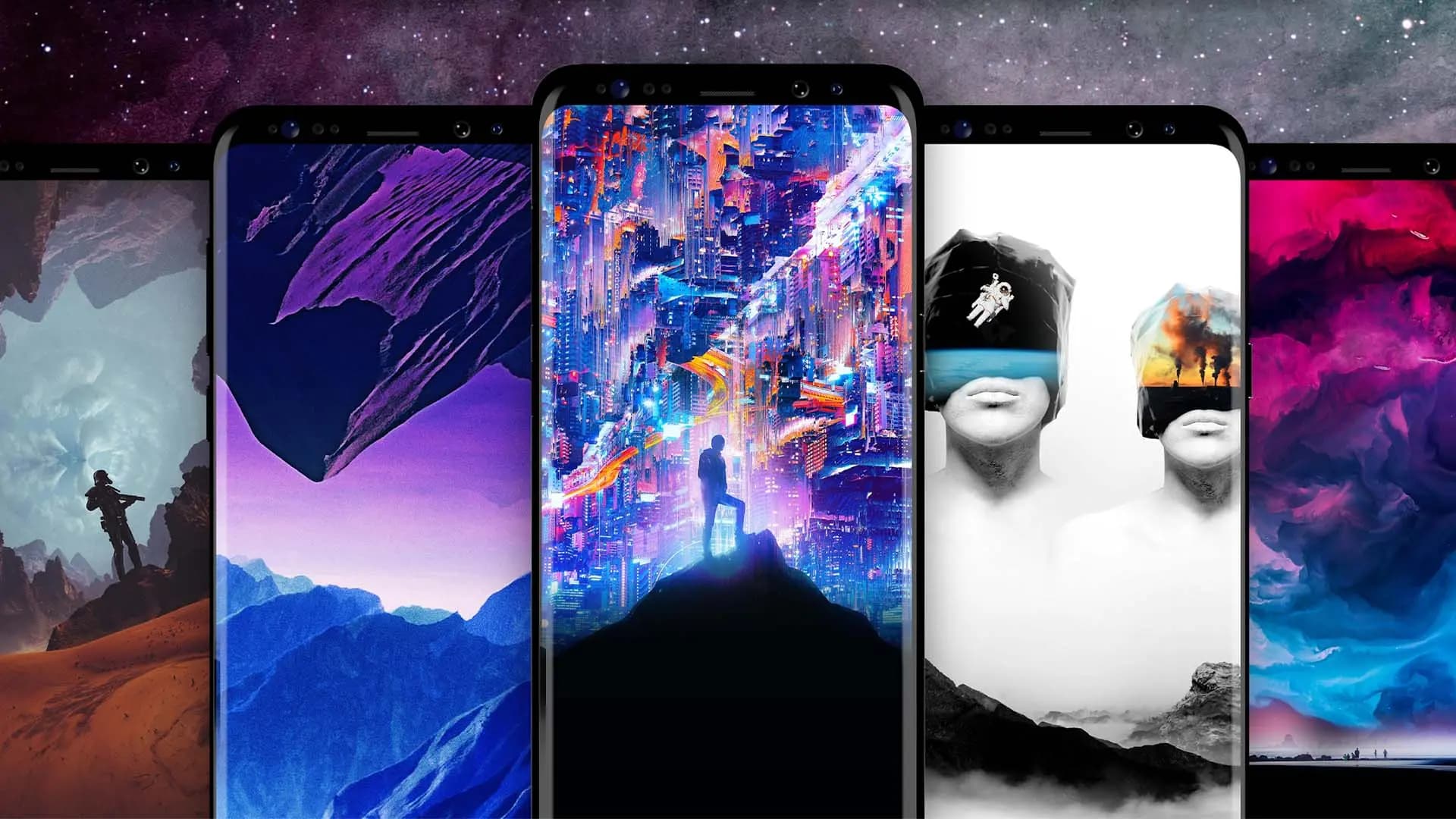
One of Android’s longest-standing strengths is how much it lets you personalize your device. From launchers to icon packs, there’s no shortage of ways to make a phone feel like your own — and changing the wallpaper is usually the first place people start. It’s quick, it’s visual, and it immediately changes the character of both the home screen and lock screen.
The Google Play Store has no shortage of wallpaper apps, which is part of the problem. There are dozens of options, and quality varies significantly. To save the time spent sifting through mediocre options, here’s a curated selection of the best free and freemium wallpaper apps for Android, covering everything from AI-generated designs to massive photography libraries and AMOLED-optimized collections.
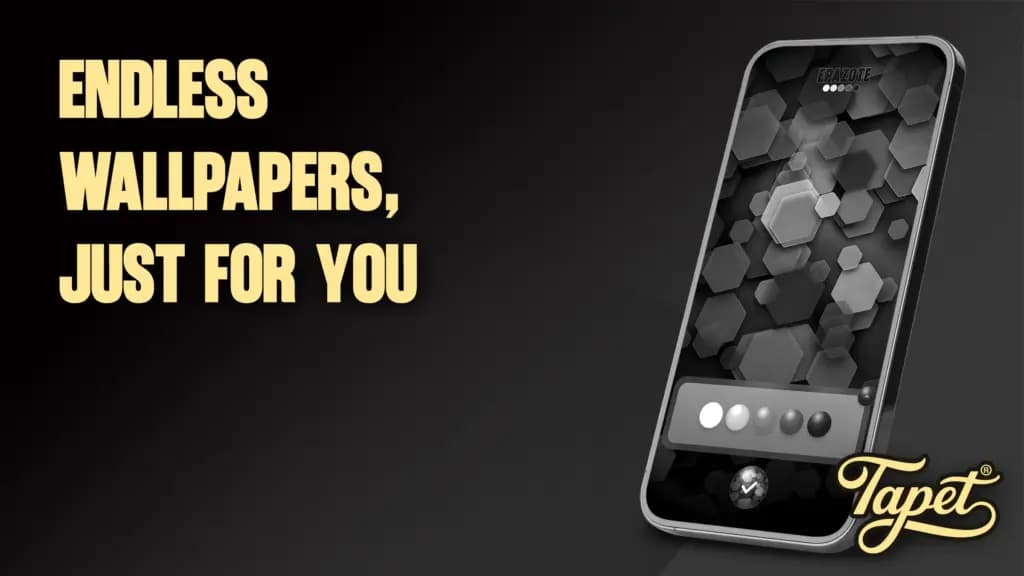
Tapet takes a different approach from most wallpaper apps — it doesn’t pull images from the internet. Instead, it generates wallpapers directly on the device using algorithms, producing Material Design-style visuals based on color preferences and patterns chosen by the user. The result is a randomized wallpaper that’s uniquely suited to the device. Tapet also functions as an automatic wallpaper changer, cycling through new designs at a set interval, and it detects the phone’s screen resolution to ensure the output always fits perfectly.
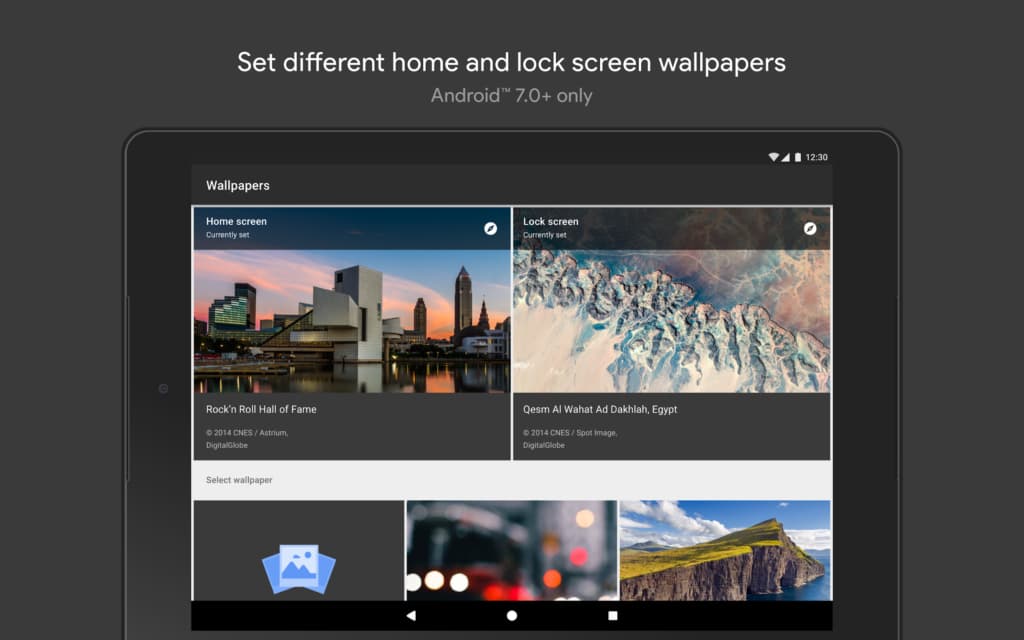
Google’s own wallpaper app is worth knowing about. It allows users to set images from personal photos or curated collections sourced from Google Earth, Google+, and a range of third-party providers. Wallpapers can be set separately for the home screen and lock screen from within the app, and the library is organized into categories like landscapes, cityscapes, abstractions, and geometric patterns.
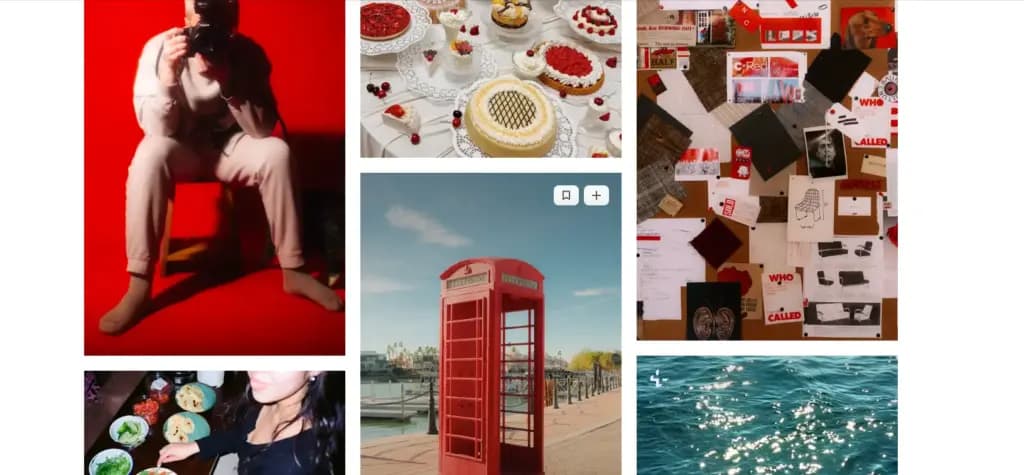
Resplash is built on Unsplash.com, giving it access to over 1,200,000 HD photos that are continuously refreshed with new contributions. The interface is clean and minimal, available in both dark and light themes. Features include automatic random background rotation, raw photo downloads, and the ability to view photographer profiles and EXIF data for any image. It’s a strong option for anyone who wants high-quality photography as a wallpaper source.
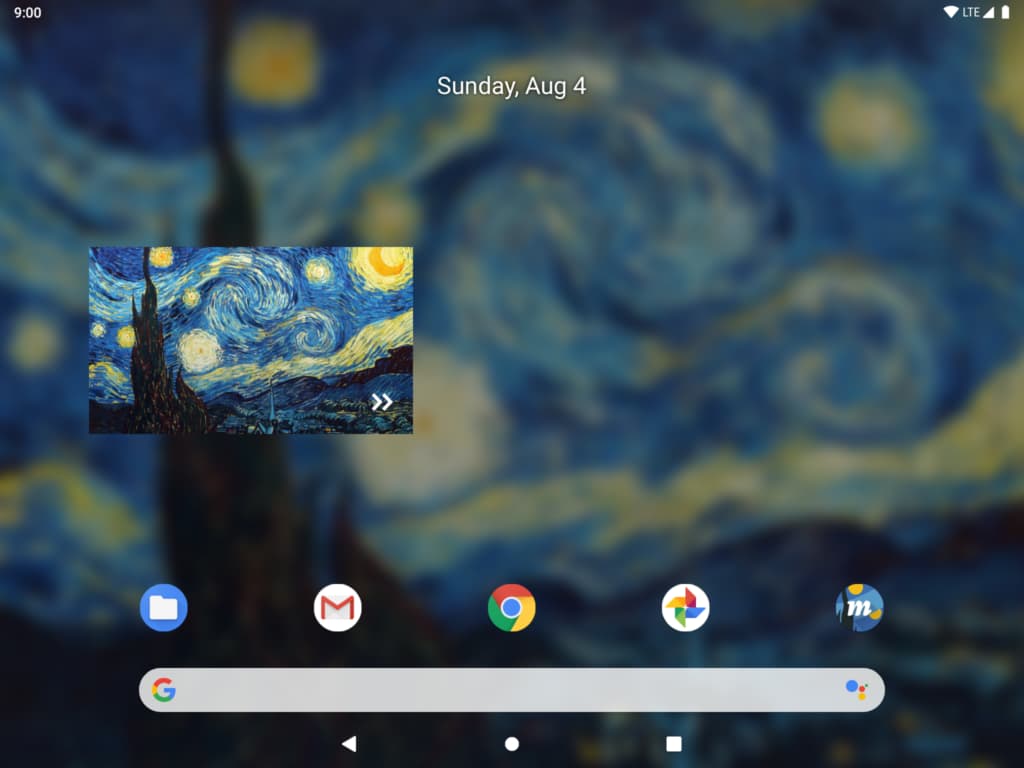
Muzei Live Wallpaper is aimed at users who want something more dynamic. The app refreshes the home screen daily with famous works of art, and offers options to blur or dim them so icons and widgets remain readable. Personal photos from the gallery or other apps can also be used. Beyond its wallpaper collection, Muzei is open-source, which may matter to some users, and it supports Android Wear devices.
Walli built a reputation for distinctive, artist-created wallpapers — good enough that they were featured on Google Pixel devices. The app connects users to a curated global community of artists, and the quality of work available reflects that curation. Automatic wallpaper shuffling is available, letting users select a set of favorites and choose a rotation frequency. Walli includes a 3-day free trial; ongoing access to the full library requires a paid subscription.
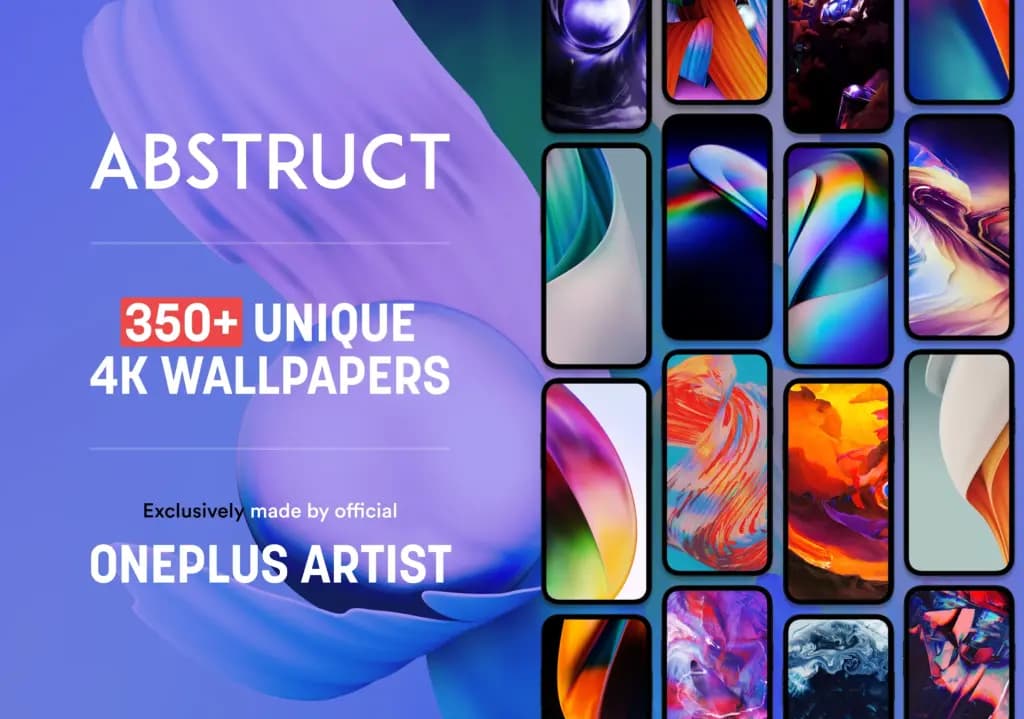
Abstruct is the official app from Hampus Olsson, an award-winning wallpaper artist known for his work with OnePlus. All wallpapers are rendered in 4K resolution, and the full catalog of official OnePlus wallpapers created by Olsson is available here. The app features a clean modern interface with a favorites system for easy access to preferred wallpapers. A portion of the library is free; the rest requires payment.
Backgrounds HD has accumulated over 2.4 million ratings averaging 4.5 out of 5, with more than 120 million downloads. The app updates its library with new backgrounds daily and supports live clocks and video backgrounds. Users can create a profile, interact with others, and follow people with similar tastes. The paid version allows users to upload and sell their own images and videos.
ZEDGE is one of the oldest names in Android customization, and with over 350 million installs, it remains one of the most downloaded wallpaper apps available. It offers millions of free wallpapers, video backgrounds, ringtones, and notification sounds. The library supports full HD and 4K wallpapers across all screen sizes, and users can apply filters and stickers to further personalize their chosen background.
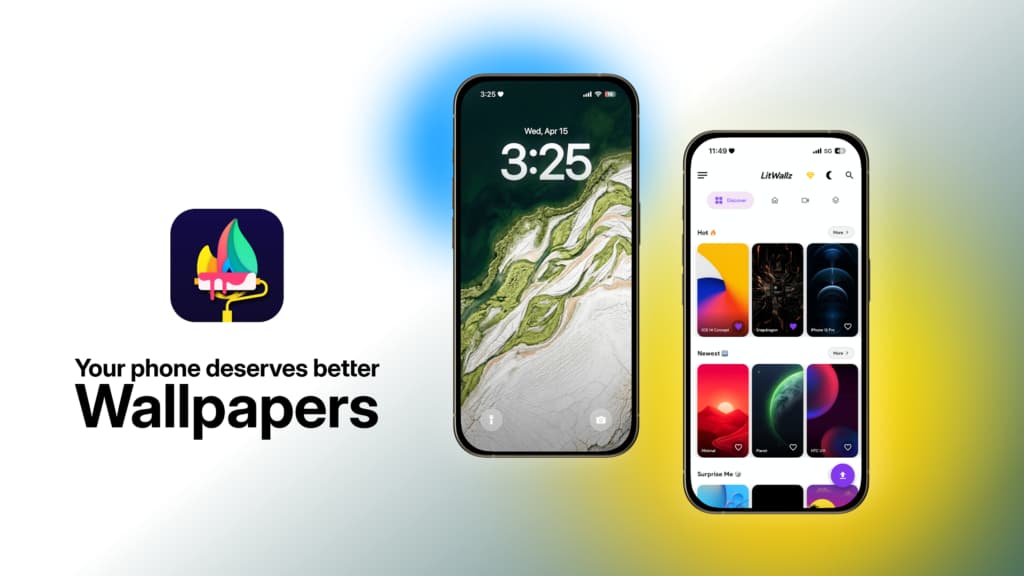
LitWallz is a free app with a regularly updated library of HD, 4K, and live wallpapers. It keeps things simple with a clean, minimal interface and daily updates to keep the selection fresh. Live wallpapers are included alongside the standard static collection.
AmoledPix is purpose-built for devices with AMOLED panels. Its library consists of high-quality true-black wallpapers in 4K resolution, updated daily. The deep blacks in these wallpapers literally switch off screen pixels on AMOLED displays, which translates directly into battery savings. The app also includes automatic wallpaper rotation with adjustable frequency and change settings.
Backdrops features a daily-updated collection of original wallpapers created by the Backdrops team and their contributor community, covering both photography and vector art. Users can like wallpapers to build a personal favorites list, and signing in with a Google account enables syncing across multiple devices. There’s also an option to share original photography or artwork with the community.
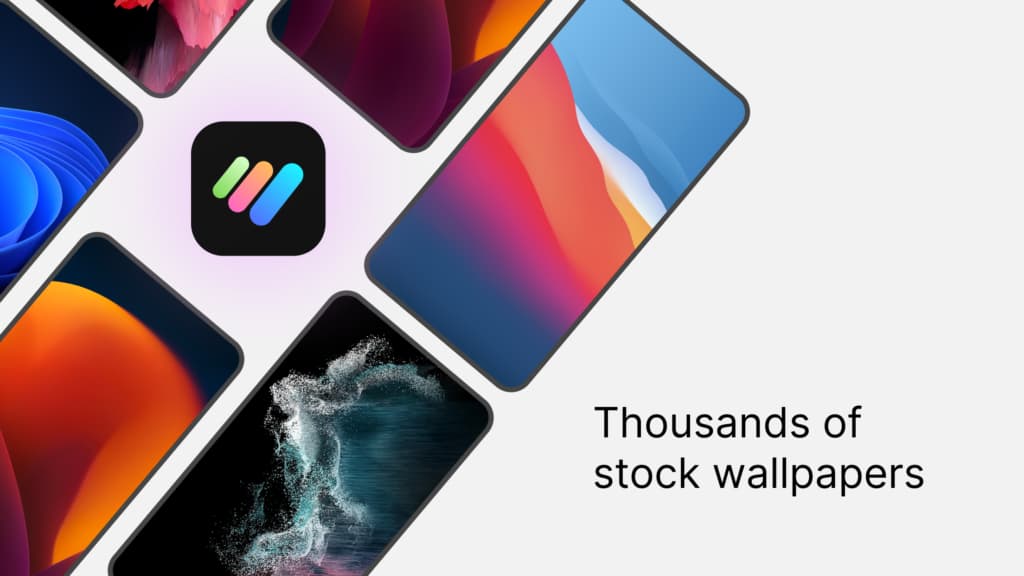
STOKiE focuses on stock wallpapers — the kind that come pre-loaded on manufacturer devices — and lets users take them further. Once an image is selected, it can be adjusted across brightness, contrast, hue, saturation, blur level, and RGB channels. The app also supports creating gradient-style wallpapers from scratch, making it a decent option for users who want something close to stock but more personalized.
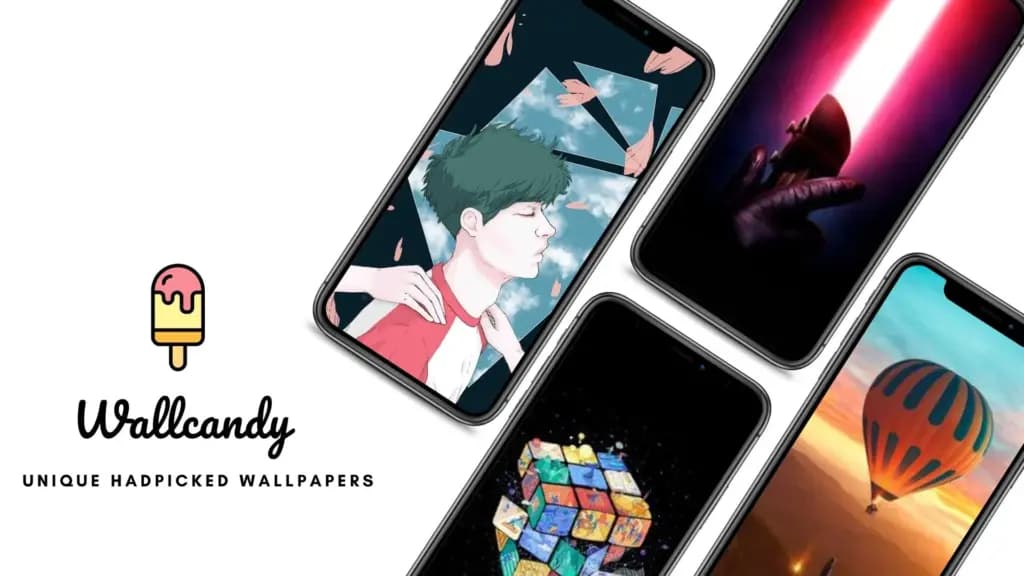
WallCandy offers a catalog of over 5,000 artworks optimized as wallpapers, primarily designed for lock screens. All images adapt to the device’s screen size — whether it’s a tablet, an older Android phone, or a current flagship. Like several other apps on this list, WallCandy includes AMOLED-specific wallpapers and an automatic rotation feature with configurable frequency settings.

Robert Haba is the founder and editor-in-chief of Droid Tools. A lifelong gadget enthusiast with over a decade following the Android ecosystem, he built this publication to cut through the noise and give readers honest, real-world coverage of the tech they actually use.

Google Messages location sharing is testing new map layers, including traffic overlays, satellite views, and terrain options for real-time tracking.

The Google Phone Contacts tab is returning to the bottom bar for beta testers on version 243, rolling back a previous navigation change.
A Google Messages update introduces swipe gestures for timestamps and expanded long-press options, though availability remains limited during rollout.

Google is introducing new Android scam protections, including Enhanced Protection in Messages, call-forwarding warnings, and screen-share privacy defenses.
The next story loads as you reach the end. You can also load it using the button.


Comments & Discussions
Join the conversation! We use Disqus to handle comments. Click the button below to load the comment section.