Google is testing a three-part Google Messages homepage redesign in beta for Android. The experimental update elevates pinned chat avatars above conversation lists, shifts search to a bottom floating action button, and moves the Gemini shortcut to the top-right corner next to the profile image.

In addition to a new app icon, Google Messages for Android is testing a homepage redesign featuring three core components: elevated pinned chats, a bottom search button, and a corner Gemini shortcut.

Instead of pinned chats appearing at the top of the conversation list, the redesign elevates them above all conversations by using the background layer currently home to the logo or wordmark, search, and account menu. Large contact photos appear above all chats, pushing the list of other conversations down the page. Similar to iMessage on iOS, this layout does not show any history or last sent information.

Google is also testing a change where search becomes a centered floating action button (FAB) alongside new chat. When scrolling down the page, search appears in a pill-shaped button while the other button is minimized. Otherwise, users see a circular magnifying glass icon and “Start chat” in the pill. The accompanying animation boosts one-handed usability.
Google has replaced the Gemini FAB with a button in the top-right corner next to the profile image, matching the design used by Workspace apps on desktop and mobile. These updates are currently in the beta channel and are not yet widely rolled out to all testers. While some users have all aspects of the redesign, it appears that Google is rolling out the components in a piecemeal fashion.
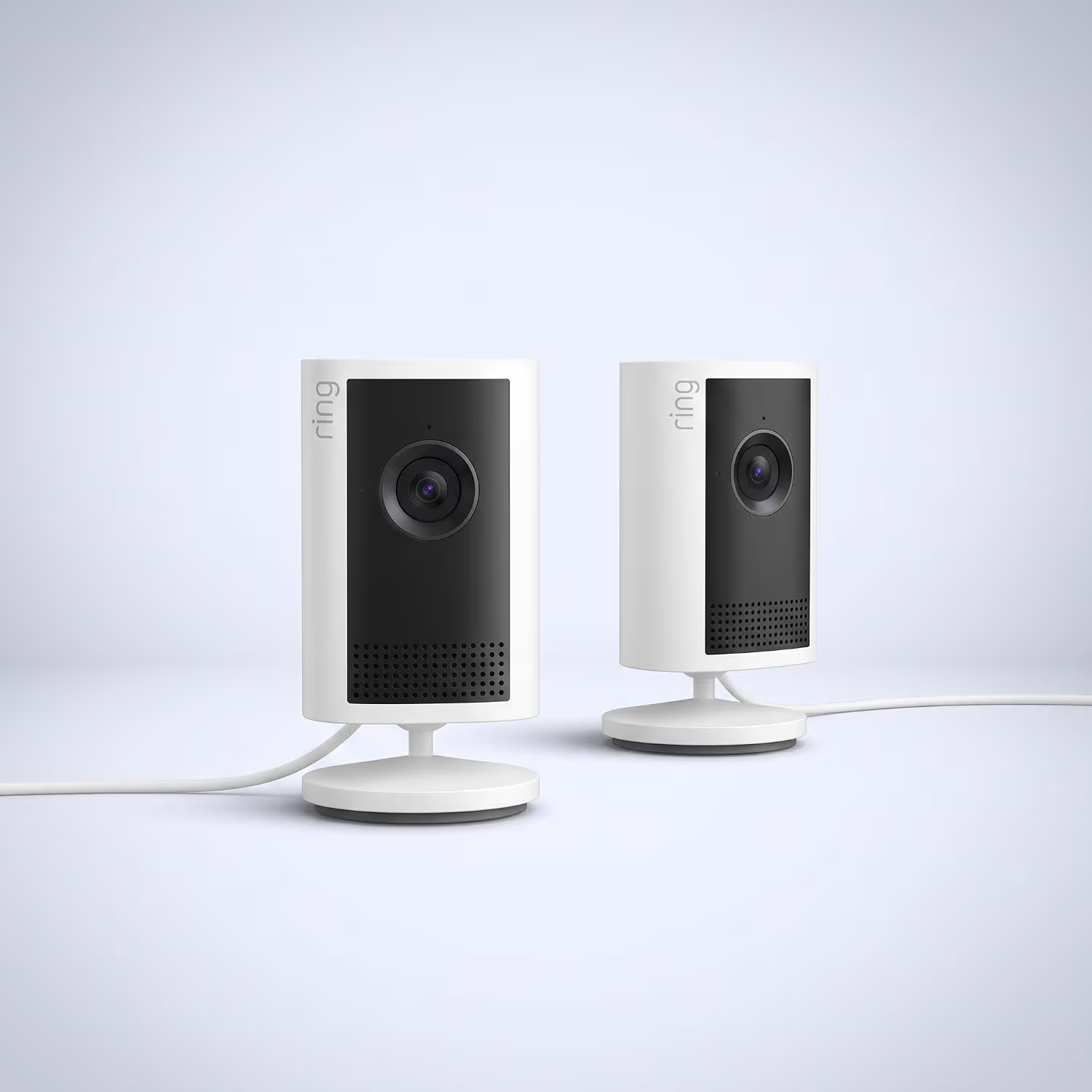
Ring Indoor Cam 2K

Luiza Mosneagu is Reviews Editor at Droid Tools. A psychologist by training and tech writer by passion, she has tested over 60 Android devices since 2020 - always for a minimum of two weeks before writing a word. Her focus is camera quality, everyday usability, and cutting through marketing claims to tell you what a device is actually like to live with.

WhatsApp is working on phone number privacy, personal profile cover photos, an original media quality option, and an Android channel migration tool.
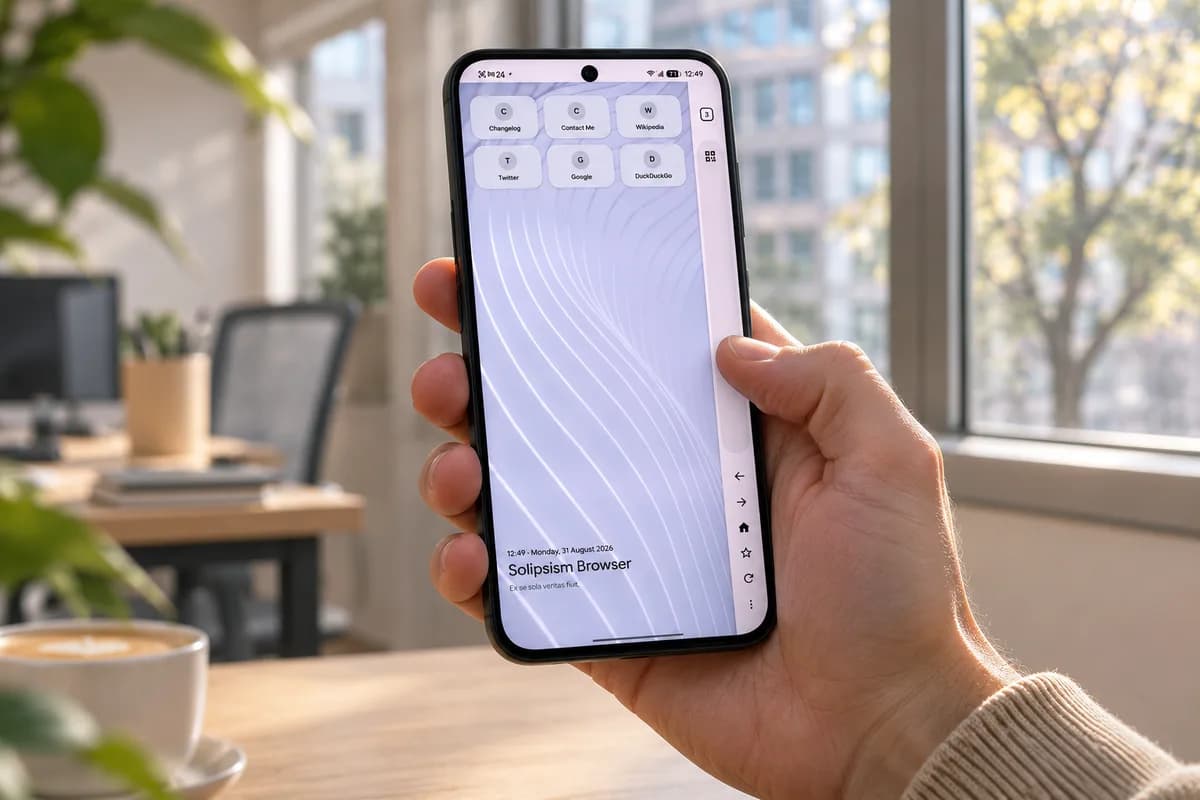
Learn how to install Solipsism Browser on Android, manage background updates, and use its vertical navigation rail alongside built-in privacy tools.
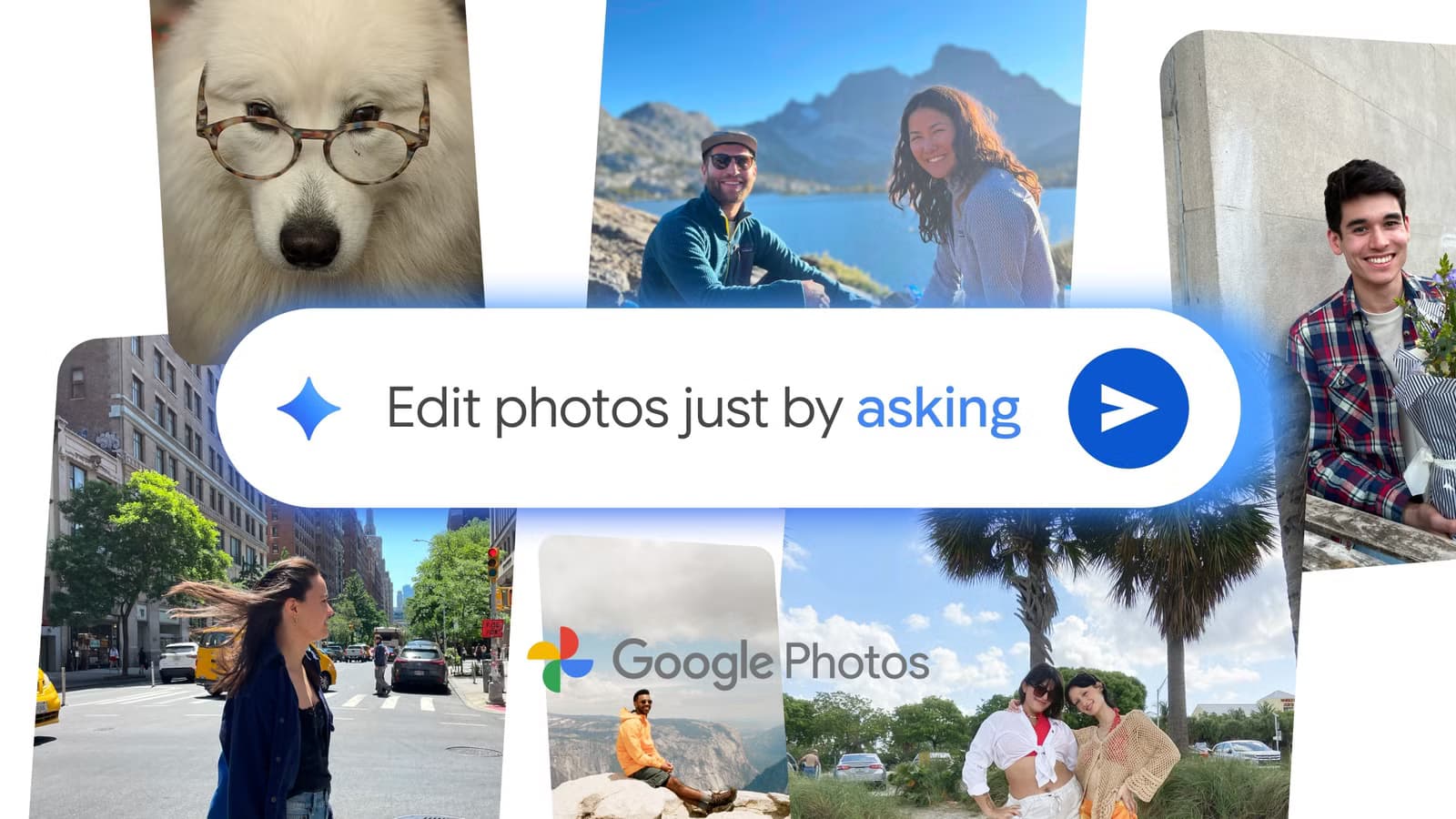
Unreleased code in Google Photos v8.0 points to an upgraded Ask Photos interface capable of performing multi-step tasks like editing and album creation.

Google Photos may add a dedicated RAW images section to Collections to help users find, edit, and manage space-heavy RAW photos.
The next story loads as you reach the end. You can also load it using the button.


Comments & Discussions
Join the conversation! We use Disqus to handle comments. Click the button below to load the comment section.