WhatsApp is developing four features across Android and iOS: phone number privacy controls, personal profile cover photos, an original media quality option, and an improved channel migration tool. Some features are rolling out to beta testers, while others remain under development with no official release date announced.

WhatsApp is preparing several updates for Android and iOS users. Recent additions under development or testing include phone number privacy controls, personal profile cover photos, an original media quality option that skips compression, and an improved channel migration tool. While some capabilities have appeared in Android beta updates on the Google Play Store, WhatsApp has not announced an official release date for all users.

WhatsApp may soon let users choose who can see their phone number. The feature is still under active development and is not available to users yet. WhatsApp has not announced when it will be released, though it is expected to arrive in a future Android update ahead of a wider public release. The capability was also spotted in the WhatsApp beta for Android 2.26.44.6 update on the Google Play Store, where it is rolling out to some beta testers, with no information on when it will be available to all users. In addition, WhatsApp is testing an original media quality option that lets users skip compression.
Another new feature brings cover photos to personal profiles, expanding an option previously available only for WhatsApp Business accounts. Users can add a large landscape photo at the top of their profile. This cover photo also appears in the app settings and on the chat info screen when someone opens a conversation. Adding a cover photo will not replace the existing profile picture, which users can keep. To add a cover photo, users open their WhatsApp profile and tap the Edit button. The app provides three options: take a new photo, select an image from the phone gallery, or create an image using Meta AI. WhatsApp then automatically adjusts the selected image to fit the cover photo space.
WhatsApp is also giving users control over who can see their cover photos. Four privacy options will be available: Everyone, My Contacts, My Contacts Except, and Nobody. Users can also hide the photo from everyone without deleting it. The feature was spotted in the WhatsApp beta for Android 2.26.43.11 update on the Google Play Store. Not all users will see it immediately, but more users are expected to receive it in the coming weeks. WhatsApp has not yet announced when the feature will be available to everyone.
The improved channel migration tool is still under development for Android. It is not available to users yet, and WhatsApp has not announced an official release date, though the feature is expected to arrive in a future update. WhatsApp is rolling out these four features gradually for Android and iOS users. Some users may have to wait a few weeks to receive them. Keeping the app updated can help users get the latest features when they become available.

Luiza Mosneagu is Reviews Editor at Droid Tools. A psychologist by training and tech writer by passion, she has tested over 60 Android devices since 2020 - always for a minimum of two weeks before writing a word. Her focus is camera quality, everyday usability, and cutting through marketing claims to tell you what a device is actually like to live with.

Google Messages is testing pinned chat avatars, a bottom floating search button, and a corner Gemini shortcut in the Android beta channel.
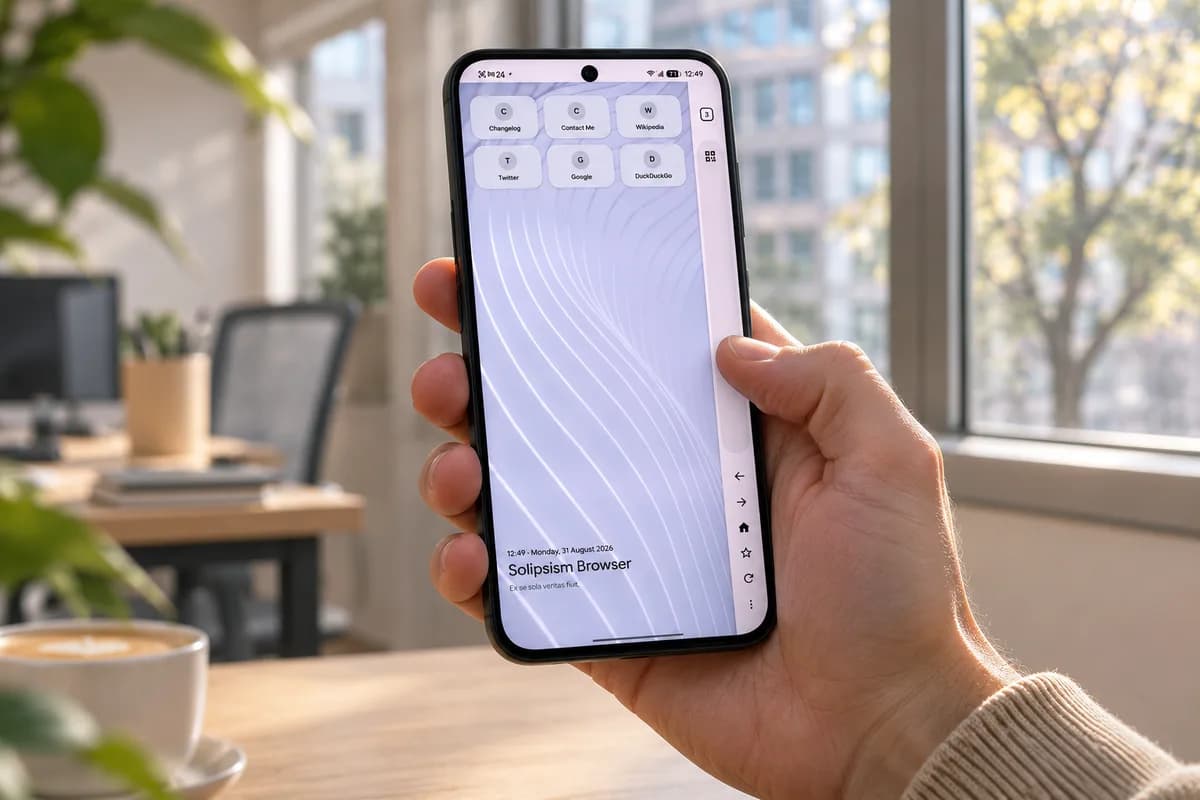
Learn how to install Solipsism Browser on Android, manage background updates, and use its vertical navigation rail alongside built-in privacy tools.
Unreleased code in Google Photos v8.0 points to an upgraded Ask Photos interface capable of performing multi-step tasks like editing and album creation.

Google Photos may add a dedicated RAW images section to Collections to help users find, edit, and manage space-heavy RAW photos.
The next story loads as you reach the end. You can also load it using the button.


Comments & Discussions
Join the conversation! We use Disqus to handle comments. Click the button below to load the comment section.