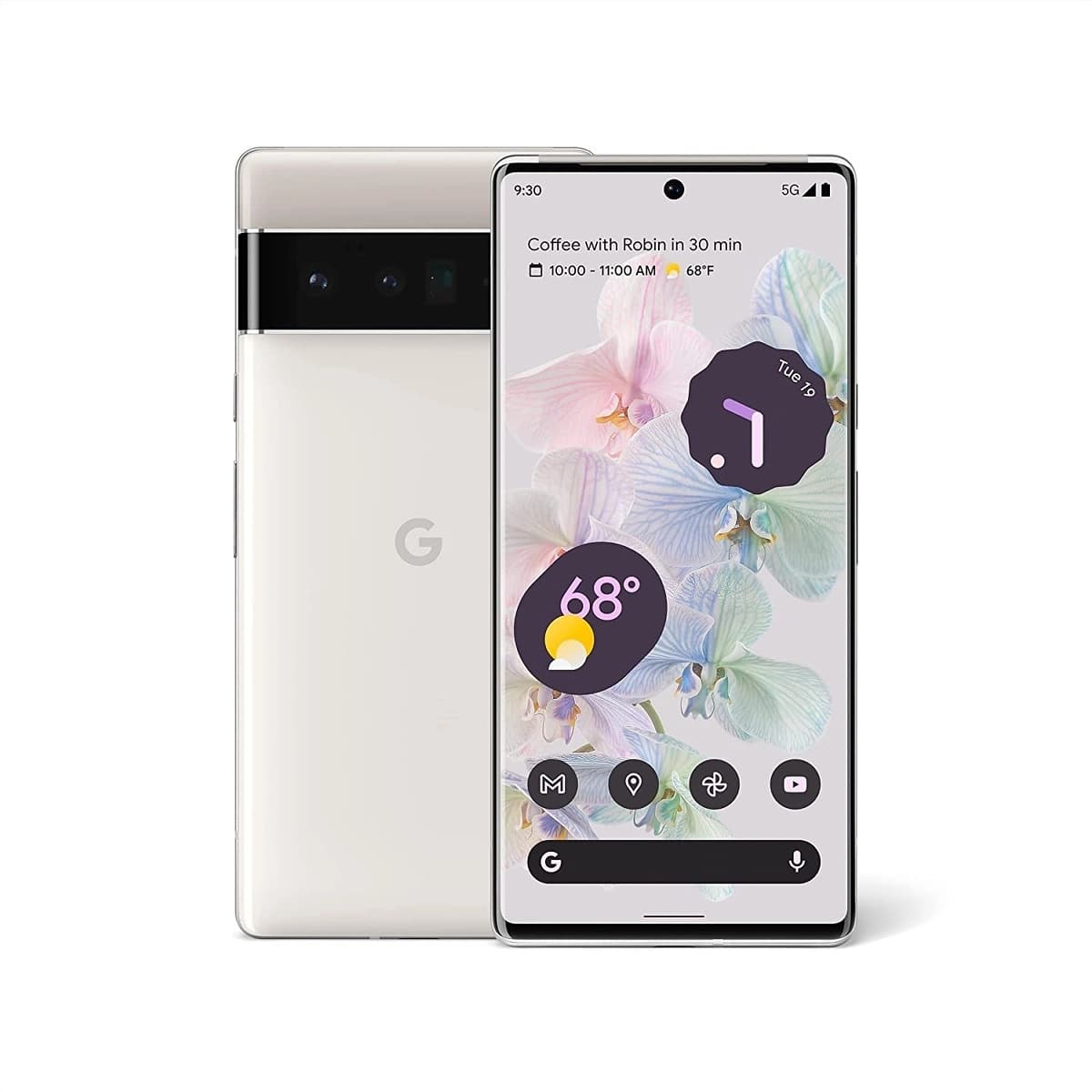

It’s no secret that for many Pixel 6 and 6 Pro owners the fingerprint reading experience is not one to be savored, if the sensor isn’t ignoring your input it could disable itself if the phone’s battery goes flat. It isn’t helped that some screen protectors cause further issues in the accuracy stakes, so much so that Google has taken the step to announce a list of “Made for Google-certified” products for the Pixel 6 series.
“If your fingerprint won’t scan, it might be because of your screen protector. Make sure you’re using a screen protector that is Made for Google certified. “
Google
Google’s help website for unlocking the Pixel phone with a fingerprint, as uncovered by 9to5Google, offers a number of screen protectors that are now “Made for Google-certified.” The following accessory manufacturers offer these certified products:
There are a few well-known screen protector businesses that aren’t on the approved list; it’s unclear whether this is because they refuse to pay the license price to Google in order to be included or because Google hasn’t had time to evaluate their goods yet.

If you’re having trouble getting the fingerprint sensor to read your finger, keep in mind that Google claims it requires more direct contact than other companies’ sensors.

Google Pixel Watch 5 (45mm)

Cristian Penisoara is a Guides Writer and Android specialist at Droid Tools. An Android user since version 2 and a professional event photographer, he combines technical curiosity with a detail-oriented approach - every guide he publishes is tested step-by-step on a real device before it goes live.

Overnight charging exposes phone batteries to sustained high voltage and heat. Learn how Google Pixel and Samsung Galaxy settings stop cell degradation.
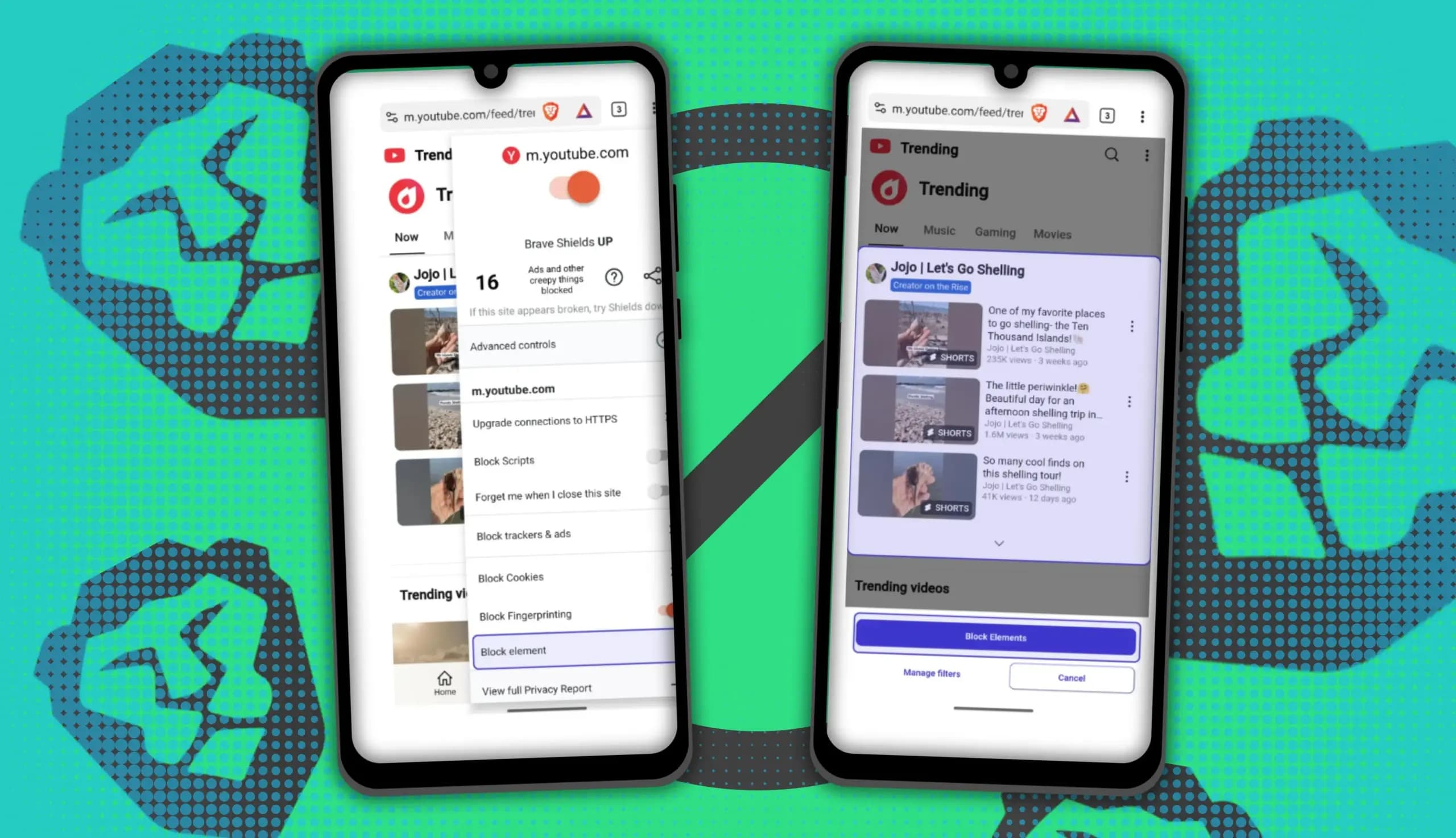
You can block ads on Android more effectively by pairing Brave’s Aggressive Shields setting with the system’s Private DNS feature. The setup filters ads at both the browser and system levels, takes only a few minutes to configure, and avoids the battery drain and VPN conflicts that come with dedicated ad-blocking apps. Why one ad […]

Behind a two-tap recharge sits a surprising amount of plumbing. Every prepaid network has its own rules about what can be topped up, in which denominations, and how quickly credit posts to a SIM. MobileTopUP hides that complexity behind a single form: pick a country, enter a number, choose an amount. What the coverage map actually covers […]
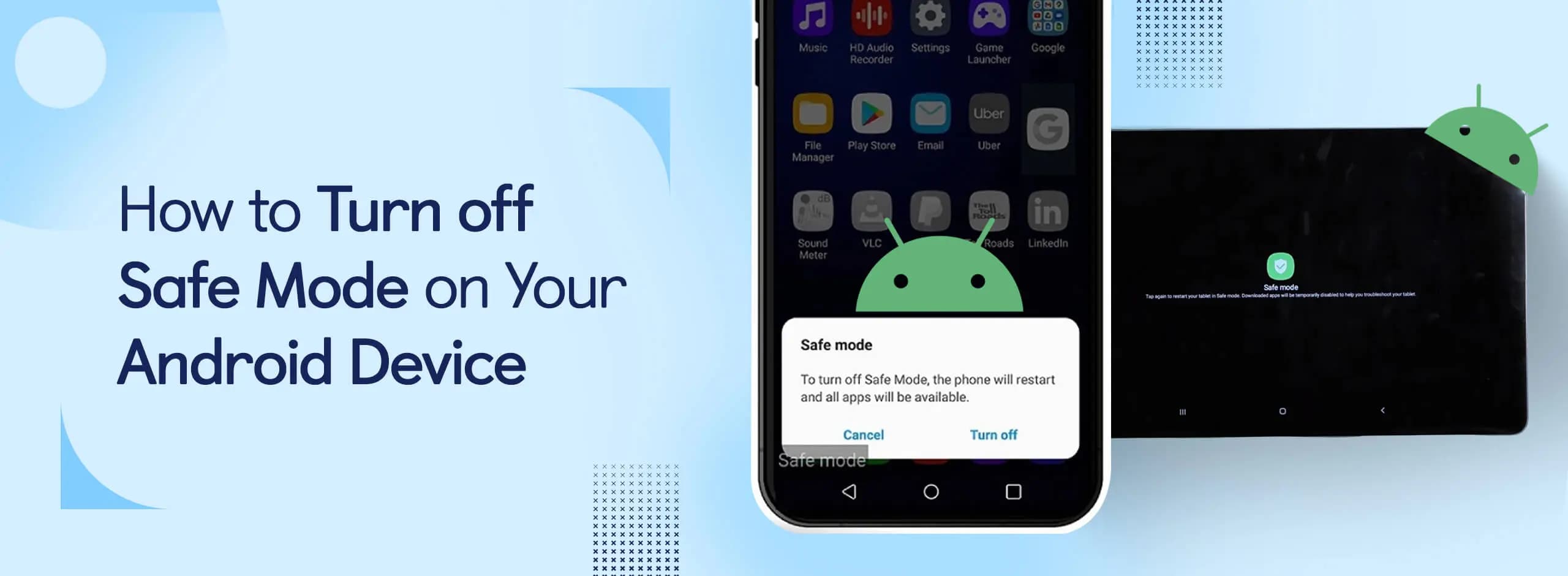
Knowing how to turn off Safe Mode on Android comes in handy, since Safe Mode is a built-in troubleshooting tool that disables every third-party app on a phone and switches on Airplane Mode, making it easier to isolate an app causing lag, battery drain, or other issues. It's also useful for safely deleting a suspected […]
The next story loads as you reach the end. You can also load it using the button.


Comments & Discussions
Join the conversation! We use Disqus to handle comments. Click the button below to load the comment section.