A display problem that has already plagued several smartphone brands now appears to be showing up on Samsung's Galaxy smartwatches too. Reports of a Galaxy Watch 4 green line defect have surfaced online, raising fresh concerns about AMOLED reliability across Samsung's wearable lineup. Reddit Reports Detail the Defect A Reddit user named HKNworld posted photos ...
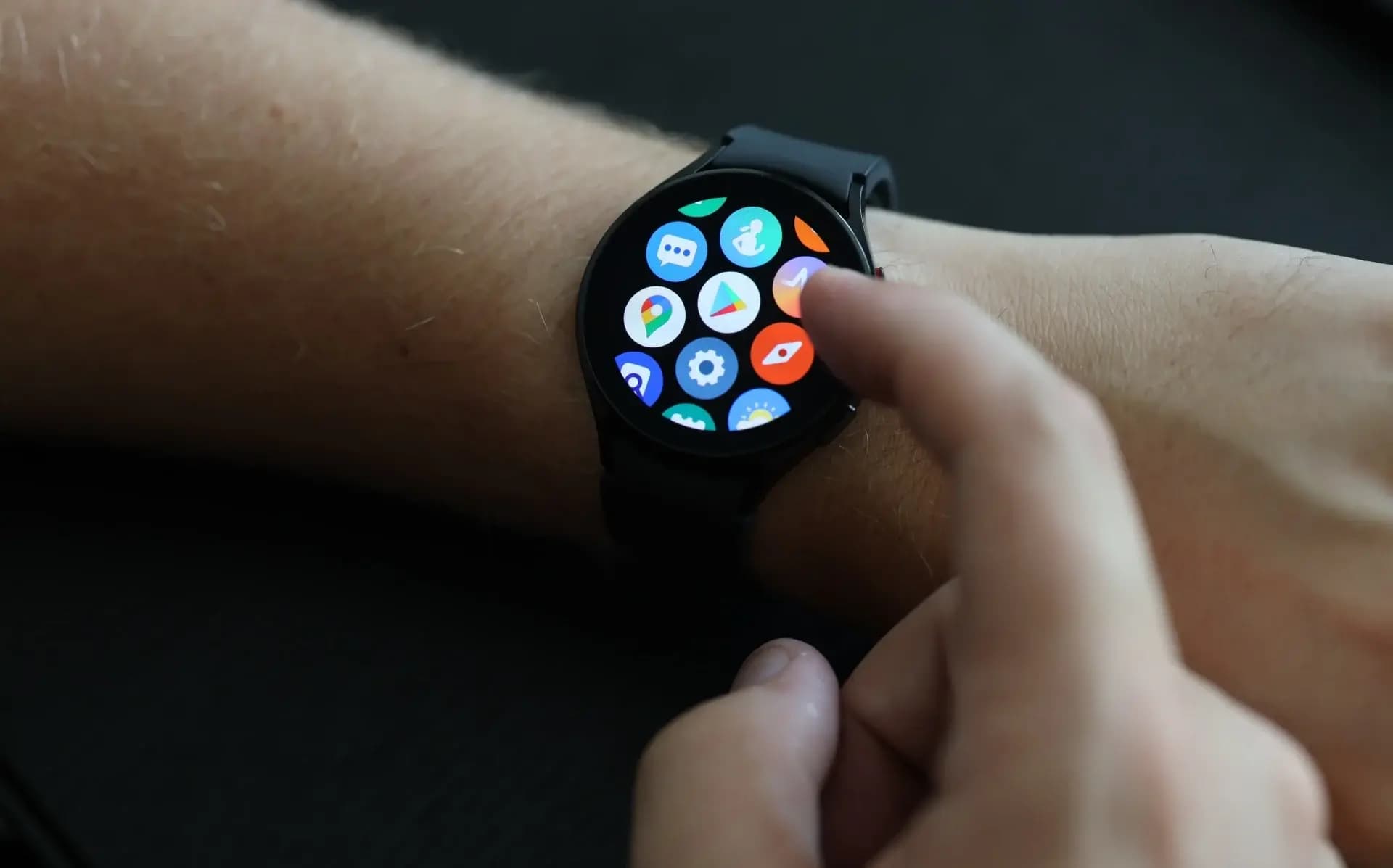
A display problem that has already plagued several smartphone brands now appears to be showing up on Samsung’s Galaxy smartwatches too. Reports of a Galaxy Watch 4 green line defect have surfaced online, raising fresh concerns about AMOLED reliability across Samsung’s wearable lineup.
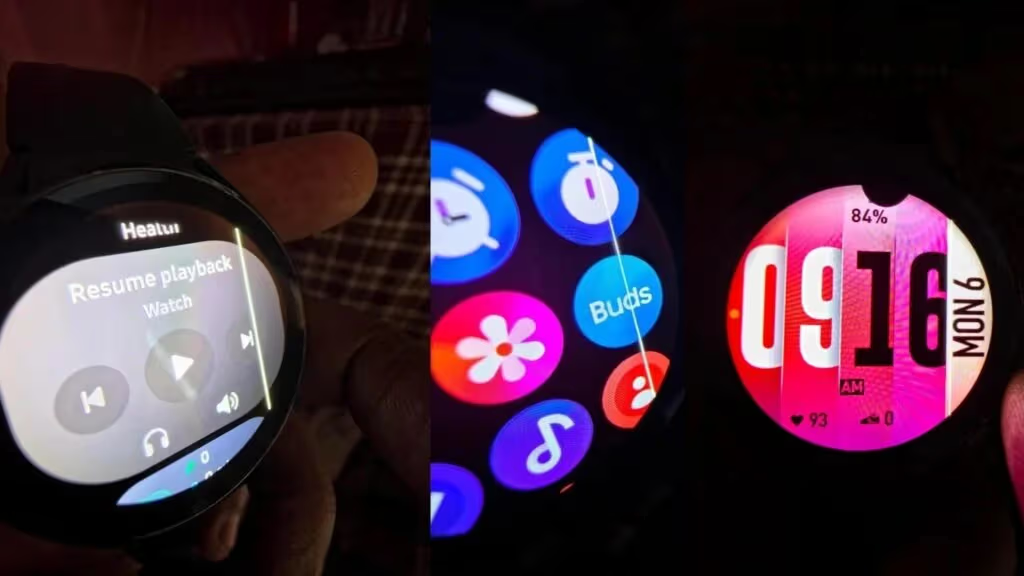
A Reddit user named HKNworld posted photos showing their Galaxy Watch 4 developing a thin vertical green (or white) line running down the right side of the display. A second image revealed an even more severe defect, including a dead pixel. According to the user, the line appeared shortly after installing the One UI 8 Watch update, or possibly a follow-up security patch.
The Galaxy Watch 4 doesn’t seem to be the only device affected. A separate Reddit post from about a week earlier showed a Galaxy Fit 3, reportedly under two years old, developing a comparable vertical green line. It’s still too early to gauge how widespread the issue is, but multiple reports suggest it isn’t confined to a single wearable model.
The pattern echoes the green and pink line issues that have affected many Galaxy phones following major One UI updates. Those defects are frequently linked to thermal stress placed on AMOLED panels during the update process.
The Galaxy Watch 4 launched back in 2021, meaning most units are now well outside their warranty window. While the issue doesn’t appear to be a widespread epidemic on watches yet, its appearance on an older model like the Watch 4, which previously dealt with the notorious Red Screen of Death, is still notable.
Most owners dealing with this defect will likely need to pay out of pocket for a repair, since Samsung may be hesitant to offer free fixes broadly and set a precedent. The situation adds to a string of ongoing AMOLED-related headaches across Samsung’s device lineup.
For Galaxy Watch 4 owners facing this issue, the choice may come down to paying for a screen replacement or upgrading to a newer model, such as the Galaxy Watch 7 or Watch 8 series. Samsung has not issued any official statement addressing these watch reports so far. Anyone experiencing a similar problem should document it thoroughly before visiting an authorized service center.
Ring Indoor Cam 2K

Cristian Penisoara is a Guides Writer and Android specialist at Droid Tools. An Android user since version 2 and a professional event photographer, he combines technical curiosity with a detail-oriented approach - every guide he publishes is tested step-by-step on a real device before it goes live.

Garmin CIRQA vibration alerts are now rolling out in firmware 4.20, adding call and text notifications alongside three activity tracking updates.
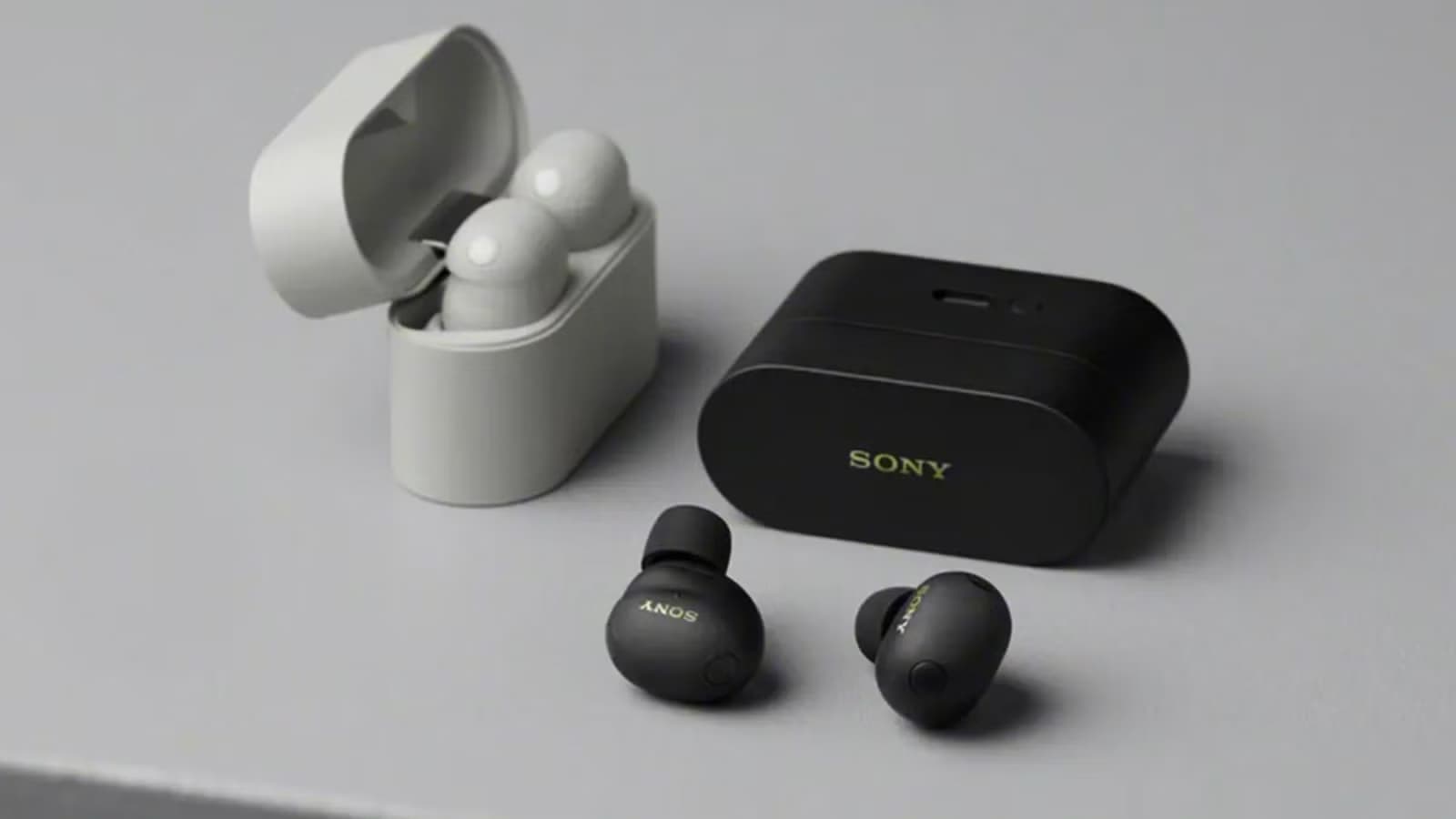
B&H Photo Video discounted the Sony WF-1000XM6 earbuds to $238 from $330 in a reported one-day sale featuring LDAC support, ANC, and 36-hour total battery life.

Motorola has ended its introductory discount on the Moto Tag 2, raising the price to $29.99 ahead of competition from Google's upcoming Pixel Tag.

Leaked specs for the Samsung Android XR smart glasses reveal hardware details, battery life, and frame styles from Gentle Monster and Warby Parker.
The next story loads as you reach the end. You can also load it using the button.


Comments & Discussions
Join the conversation! We use Disqus to handle comments. Click the button below to load the comment section.