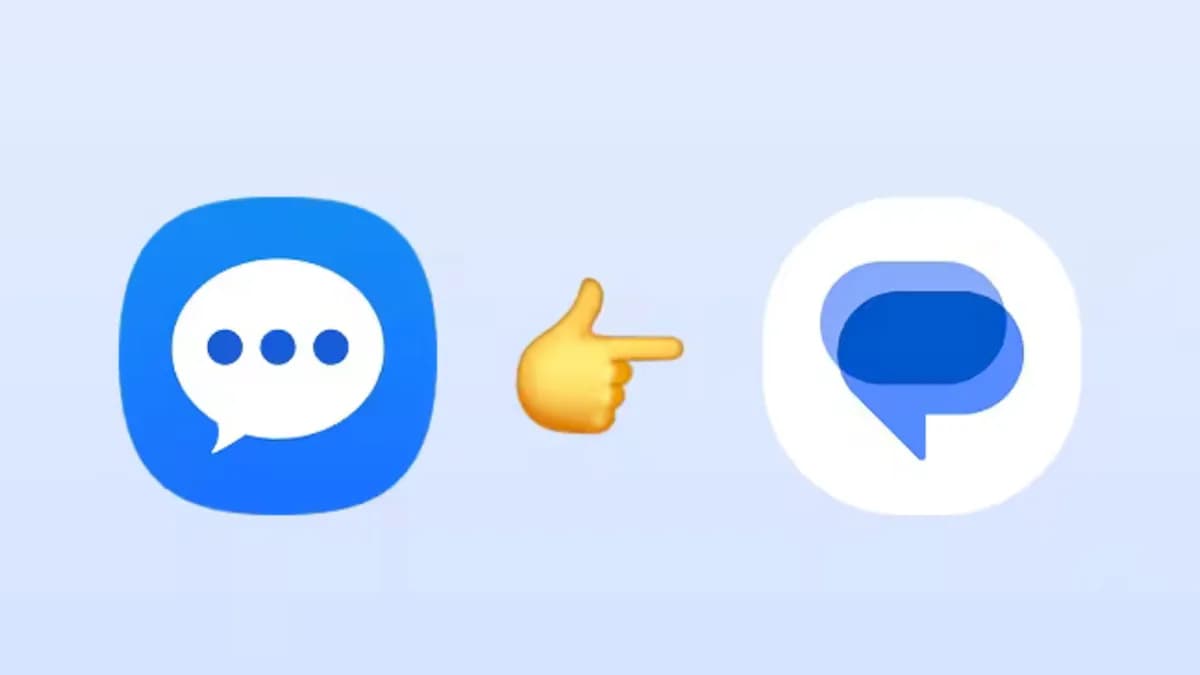
If Samsung Messages is still the default texting app on a Galaxy phone, July is going to require some attention. The app is being deactivated for US users, and texts, RCS conversations, and message history stored inside it won’t move anywhere on their own. Everything is transitioning to Google Messages – and while the migration itself is straightforward, it won’t happen automatically. The steps required to preserve message history are ones users need to take themselves, before the deadline. The longer the wait, the higher the risk of something getting left behind.
Samsung has published a page with instructions on making the switch to Google Messages, including guidance for phones still running Android 12 and Android 13. Samsung has historically bundled its own Messages app on Galaxy devices, though it began shifting toward Google Messages as far back as 2021.
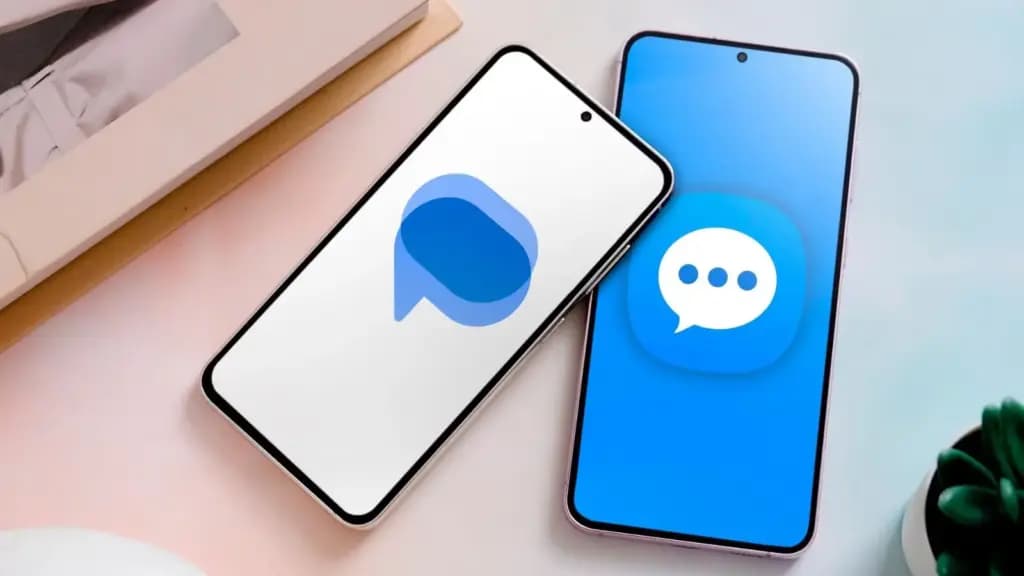
To nudge users toward making the change, Samsung’s instructions highlight what Google Messages brings to the table: RCS-enabled features like typing indicators, improved group chats, higher-quality image sharing, AI-powered spam detection, spam filters, multi-device message access, and built-in Gemini AI features. Google Messages is also the default texting app on most Android phones, including Samsung’s own Galaxy S26. For those who’d prefer not to use Google’s app, there are alternative SMS apps available on the Play Store.
Samsung hasn’t specified an exact date in July when messaging will stop working in the app, and a Samsung representative didn’t respond to a request for comment. Once the app is deactivated, Samsung Messages will only function for emergency service contacts – everything else goes dark.
Samsung stopped making Samsung Messages the default texting app back in 2021, but continued preinstalling it alongside Google Messages until 2024. The Galaxy S26 can’t download Samsung Messages at all, and once the July sunset hits, no other phone will be able to download it either.
Users on Android 11 or lower are not affected by the end of service, though Samsung notes they would still benefit from switching to a supported app like Google Messages. To make the switch, users need to download Google Messages from the Play Store if it isn’t already installed, then set it as the default SMS app when prompted after launching it.
There’s one additional consideration for older Galaxy Watch owners. Watches running Samsung’s Tizen operating system won’t have access to full conversation history after the switch, since these devices aren’t compatible with Google Messages. Samsung says Tizen watch users will still be able to read and send text messages, but the full conversation view won’t carry over. Owners of newer Samsung watches – Galaxy Watch 4 and later, which run Wear OS – won’t have this issue and will retain full access to their conversations.

Google Pixel Watch 5 (45mm)

Robert Haba is the founder and editor-in-chief of Droid Tools. A lifelong gadget enthusiast with over a decade following the Android ecosystem, he built this publication to cut through the noise and give readers honest, real-world coverage of the tech they actually use.
WhatsApp message scheduling has appeared in an Android beta build, allowing users to queue encrypted messages and media up to two weeks in advance.
Global smartphone shipments dropped 20% in Q3 2026 to a 14-year low as memory costs rose, though Samsung retained its top spot with foldables.

Google is emailing a 30% Pixel 11 discount code to select Google AI Pro members, cutting up to $570 off the Pixel 11 Pro Fold without a trade-in.

Google is upgrading Android scam detection across Messages and calls, using Gemini models and new on-device checks to flag suspicious links and phone scams.
The next story loads as you reach the end. You can also load it using the button.


Comments & Discussions
Join the conversation! We use Disqus to handle comments. Click the button below to load the comment section.