

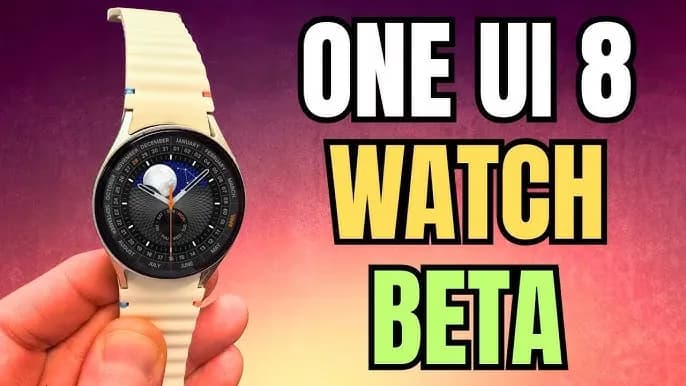
The One UI 8 Watch Beta update for the Galaxy Watch 7 and Watch Ultra, which is based on Wear OS 6, was released by Samsung a few hours ago. According to the changelog, the firm wants to improve the Galaxy Watch experience by adding smarter controls, new health features, simpler notification management, and other significant updates. Early previews of the major new upgrade, featuring the revised user interface, are now available.
A first look at key changes in One UI 8 Watch
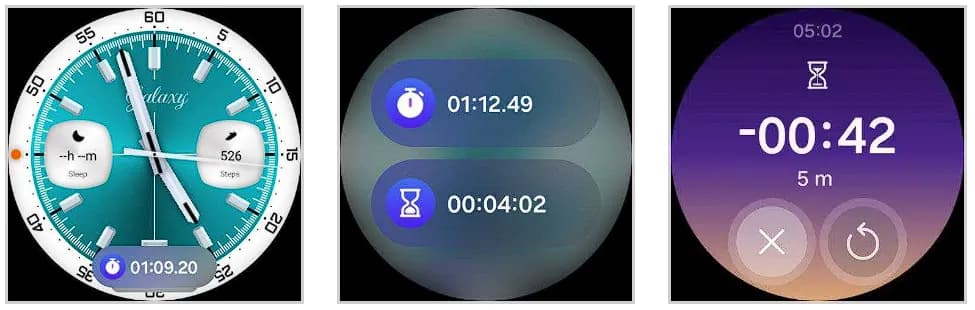
People will notice a cleaner, more polished interface as soon as they install One UI 8 Watch. The system’s user interface has been completely revamped by Samsung. The screen seems smoother and more layered thanks to a blurred backdrop effect, and the battery icon now resembles the one seen on Galaxy phones running One UI 7. Additionally, a stylish new charging animation has been included, which gives even the act of plugging in your watch a more contemporary vibe.

Now Bar is also included to Samsung’s watch platform with this upgrade. The Now Bar, which provides instant access to ongoing tasks and important information, is located at the bottom of the watch face, just like on Galaxy phones (thanks, @DalgleishGX!). Its style can be altered to better fit your requirements.
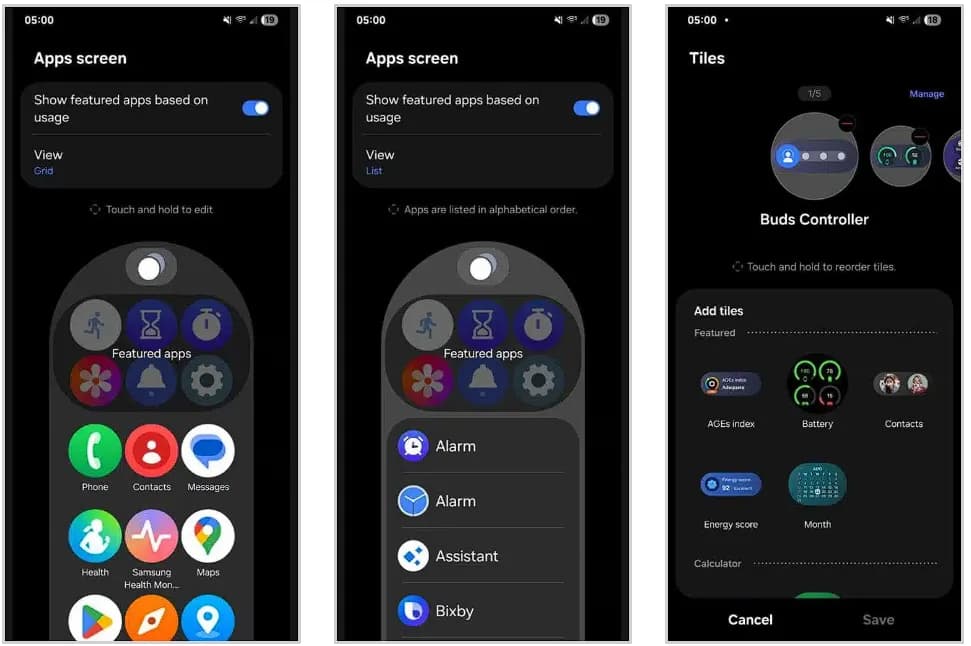
One UI 8 Watch significantly improves tile usability. To cut down on screen clutter, you can now group related tiles into one. You can also make custom tiles that show the information you care about most, like the weather, upcoming events, or reminders, all in one location. Although it’s a little adjustment, it greatly streamlines daily use.
Additionally, Samsung updated the Apps screen, enabling users to alternate between list view and grid view. You may now choose whether you want a traditional scrolling list or a condensed overview of your apps on the screen. Notifications have also been changed; they are now simpler to view and use, with clearer formatting that highlights alerts without being obtrusive.
A more organized Settings menu
Finding what you need is now faster thanks to a redesigned and more structured Settings menu. Additionally, Samsung is adding Routines to its portfolio of Galaxy Watches. For users who prefer their devices to anticipate their requirements, this automation function allows you to set rules such as turning off notifications when you go to bed or changing modes based on time or activity.
Last but not least, the Double Pinch gesture is new to the One UI 8 Watch. You can start apps, control music, activate the Now Bar, and scroll through notifications by just pinching your thumb and index finger together twice. Particularly for accessibility and fast interactions without touching the screen, it’s a potent addition. As we discover more intriguing improvements in the initial One UI 8 Watch beta, we’ll keep you informed.
Stay connected with the latest from Droid Tools—follow us on X @droid_tools, like our page on Facebook, check out our updates on Instagram, and follow us on Google News for real-time news, device tips, and mobile tech insights.

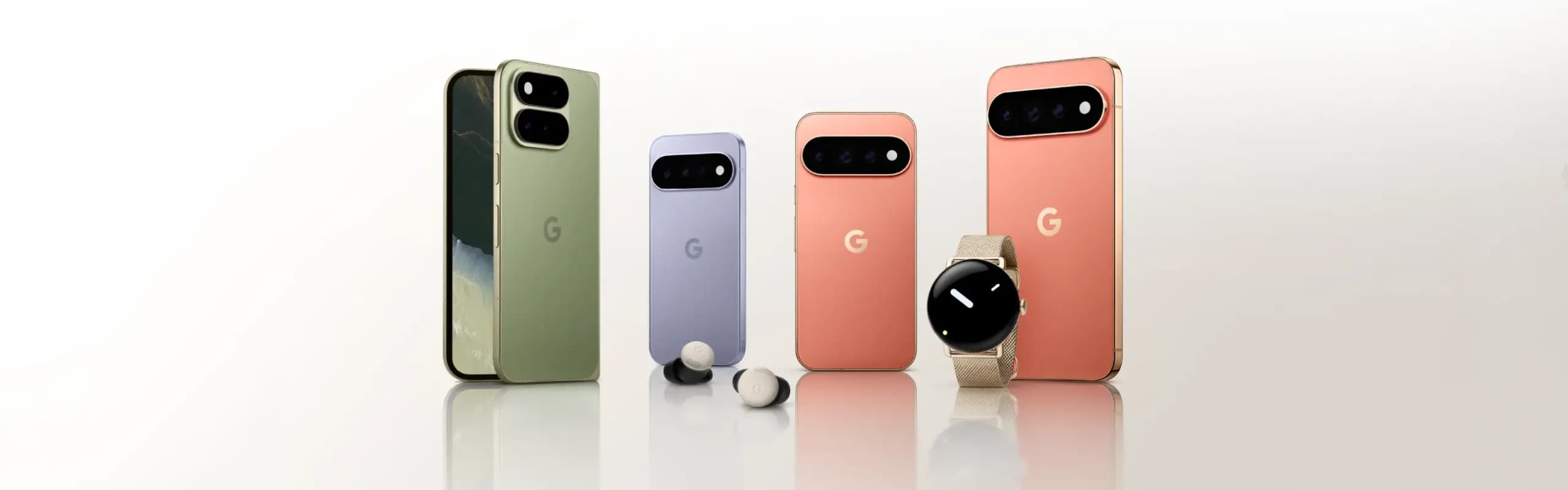
Google Pixel Watch 5 (45mm)


Google Pixel Watch 4

Keep Reading
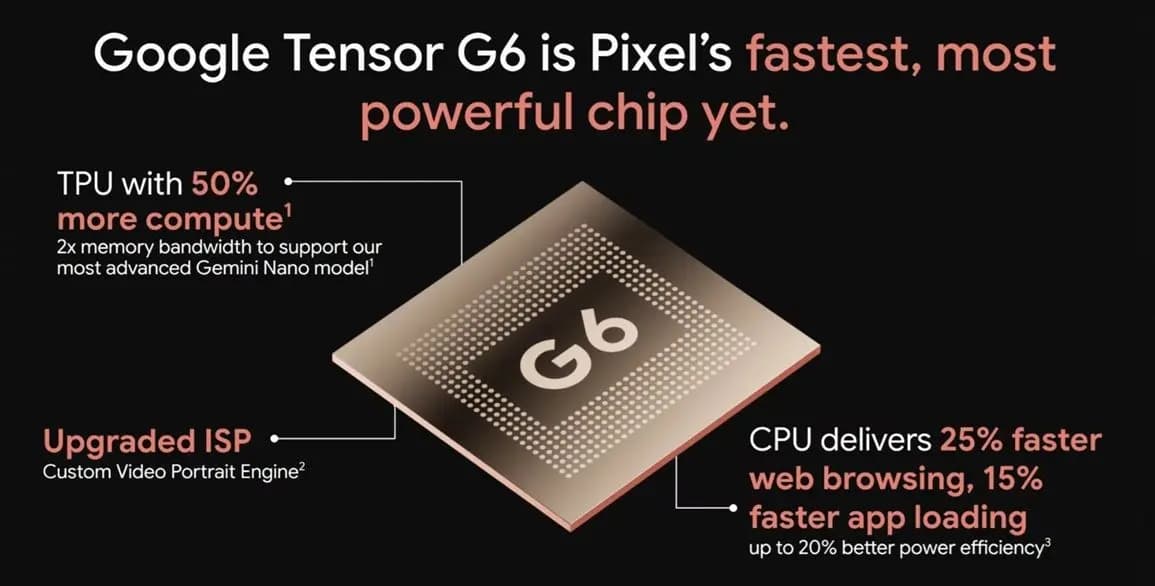
Google Tensor G6 is the custom processor powering the Pixel 11 series and Pixel 11 Pro Fold, with Google prioritizing energy efficiency and on-device AI over benchmark-leading specifications. The chip brings an upgraded CPU, a faster TPU, a new ISP, and a custom modem, enabling features that include 4K Portrait Video, Instant Night Sight, and […]
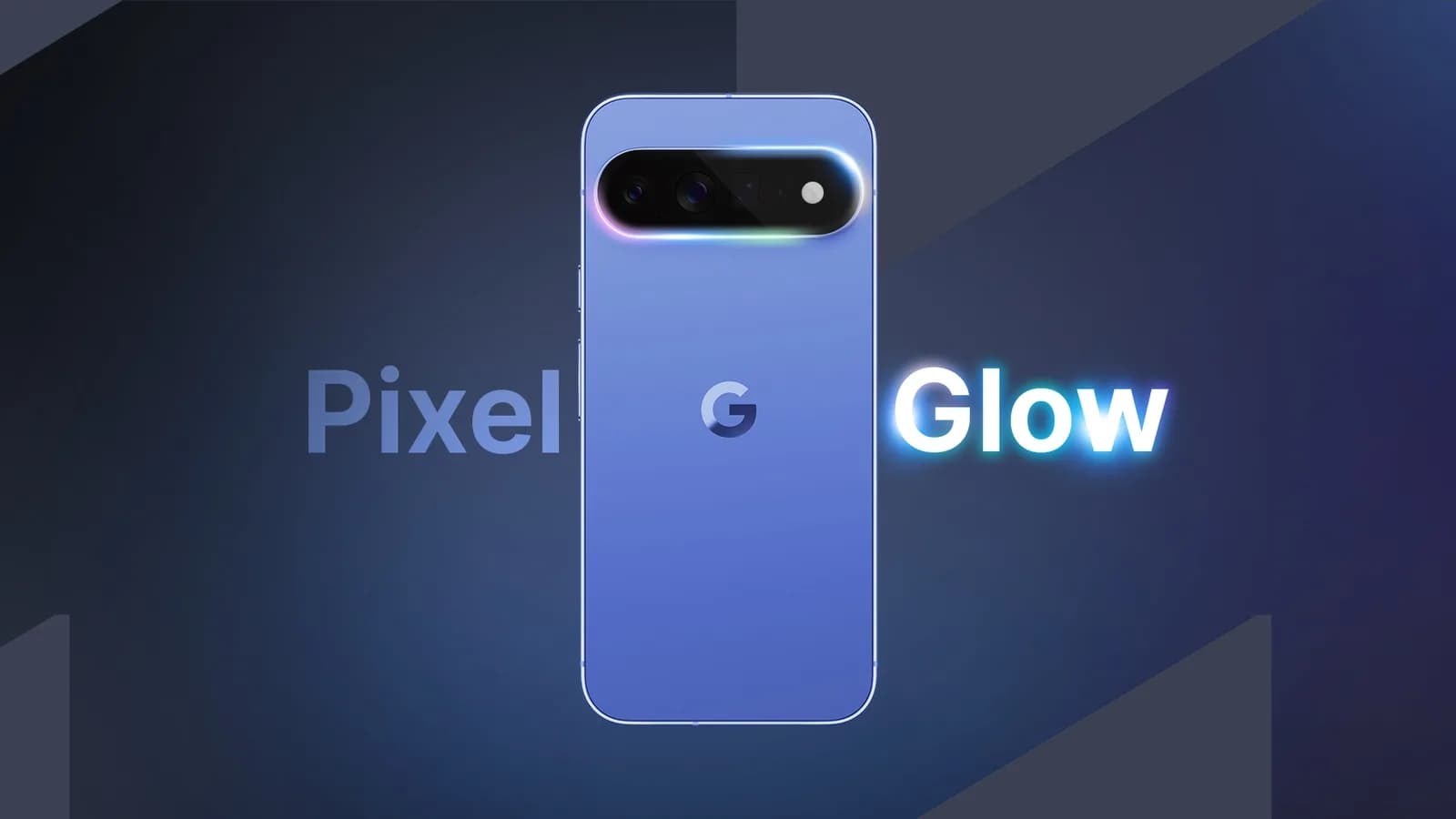
Google Pixel HiLight is the official name of the ambient LED system built around the camera flash on Google’s new Pro phones. Previously known through leaks as Pixel Glow, the feature can show favorite-contact calls and Gemini activity while the phone remains face down. It is exclusive to the Pixel 11 Pro, Pixel 11 Pro […]
While the actual Made by Google 2026 event is still eight hours away, Google has already fully detailed the Pixel 11, Pixel Watch 5, and Pixel Tag. Here’s a rundown of everything announced at Made by Google 2026, covering the Pixel 11 lineup along with the new watch and tracker hardware. Pixel 11 The Pixel […]
Google will begin shutting down Google Assistant on Android phones starting September 4, moving users over to Gemini as the company’s default mobile voice assistant. The change comes via an email Google has started sending to users, as reported by Ars Technica. Rollout Will Happen Gradually The transition won’t happen for everyone on the same […]
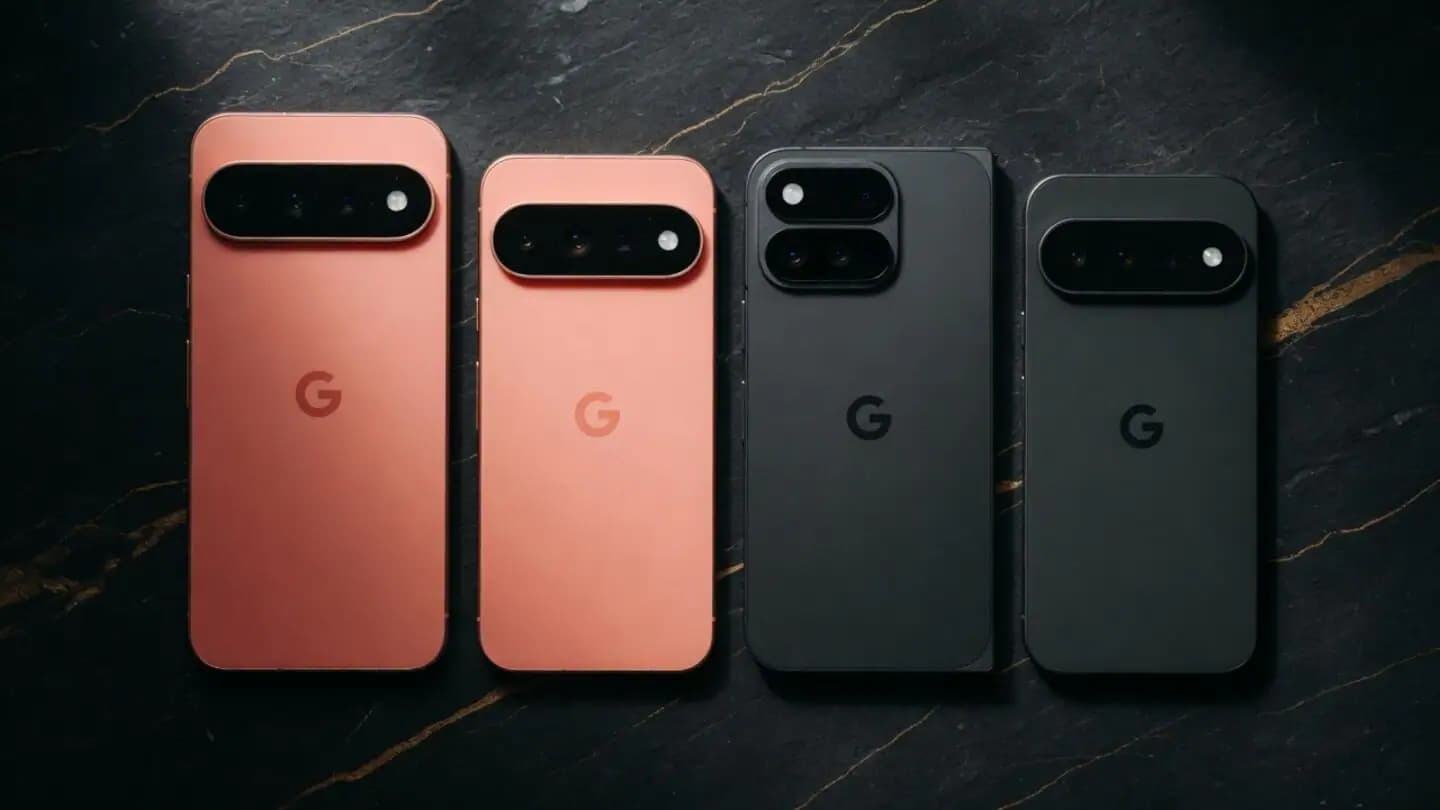
Google is set to unveil its Pixel 11 series on August 12, with the Pixel 11, Pixel 11 Pro, Pixel 11 Pro XL, and Pixel 11 Pro Fold expected to headline the company’s annual hardware event. Google is also expected to announce the Pixel Watch 5 and could introduce the Pixel Tag, its first Bluetooth […]
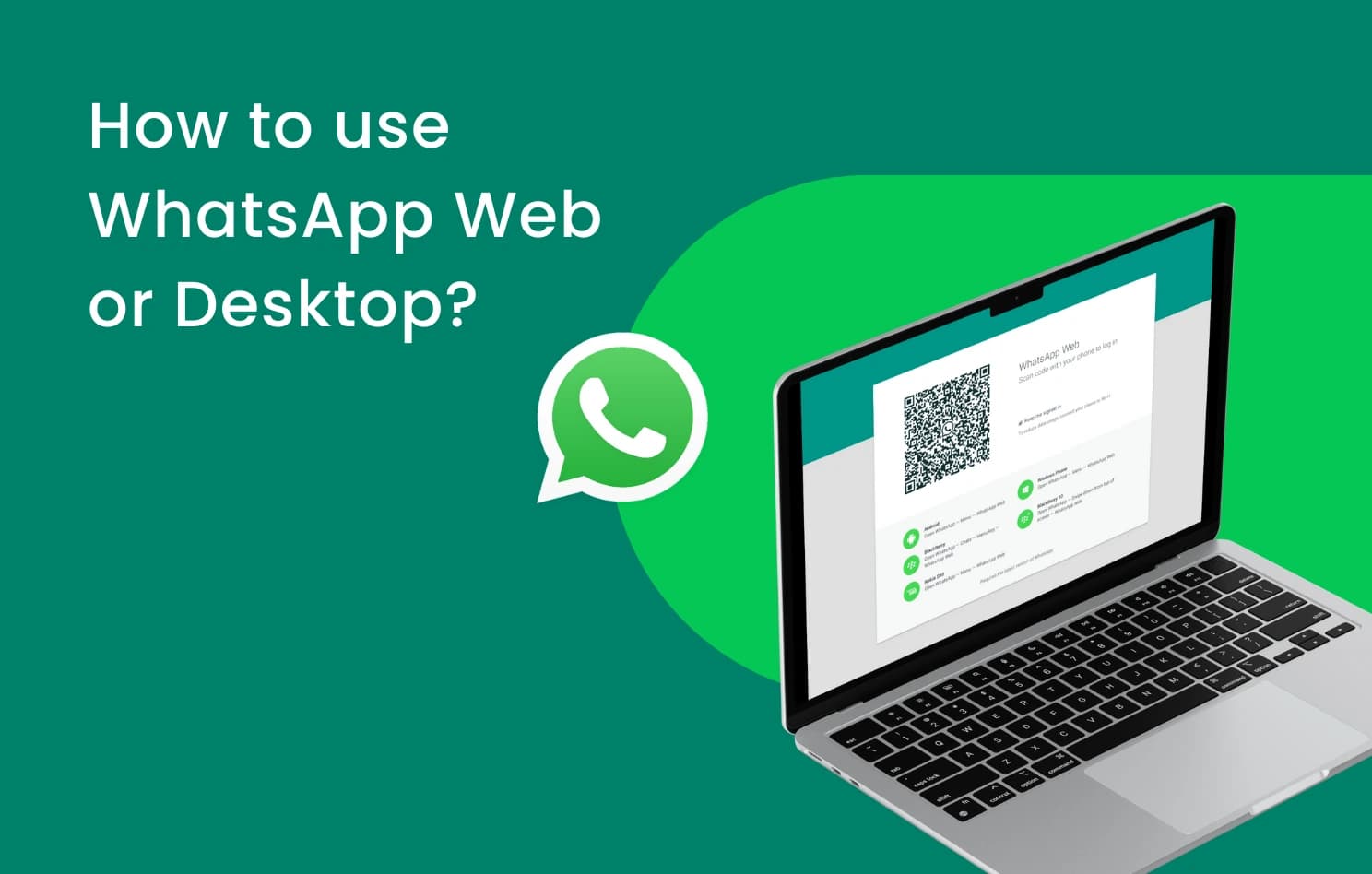
WhatsApp is finally addressing one of the biggest gaps in its web client, as WhatsApp Web now supports audio and video calls. This requires no download or installation, since it’s built directly into WhatsApp Web, which has also picked up support for screen sharing, reactions, and a dedicated Calls tab showing full call history and […]
Comments & Discussions
Join the conversation! We use Disqus to handle comments. Click the button below to load the comment section.