
Active Navigation, Ongoing Phone Calls, and more comes on Android 16 lock screen

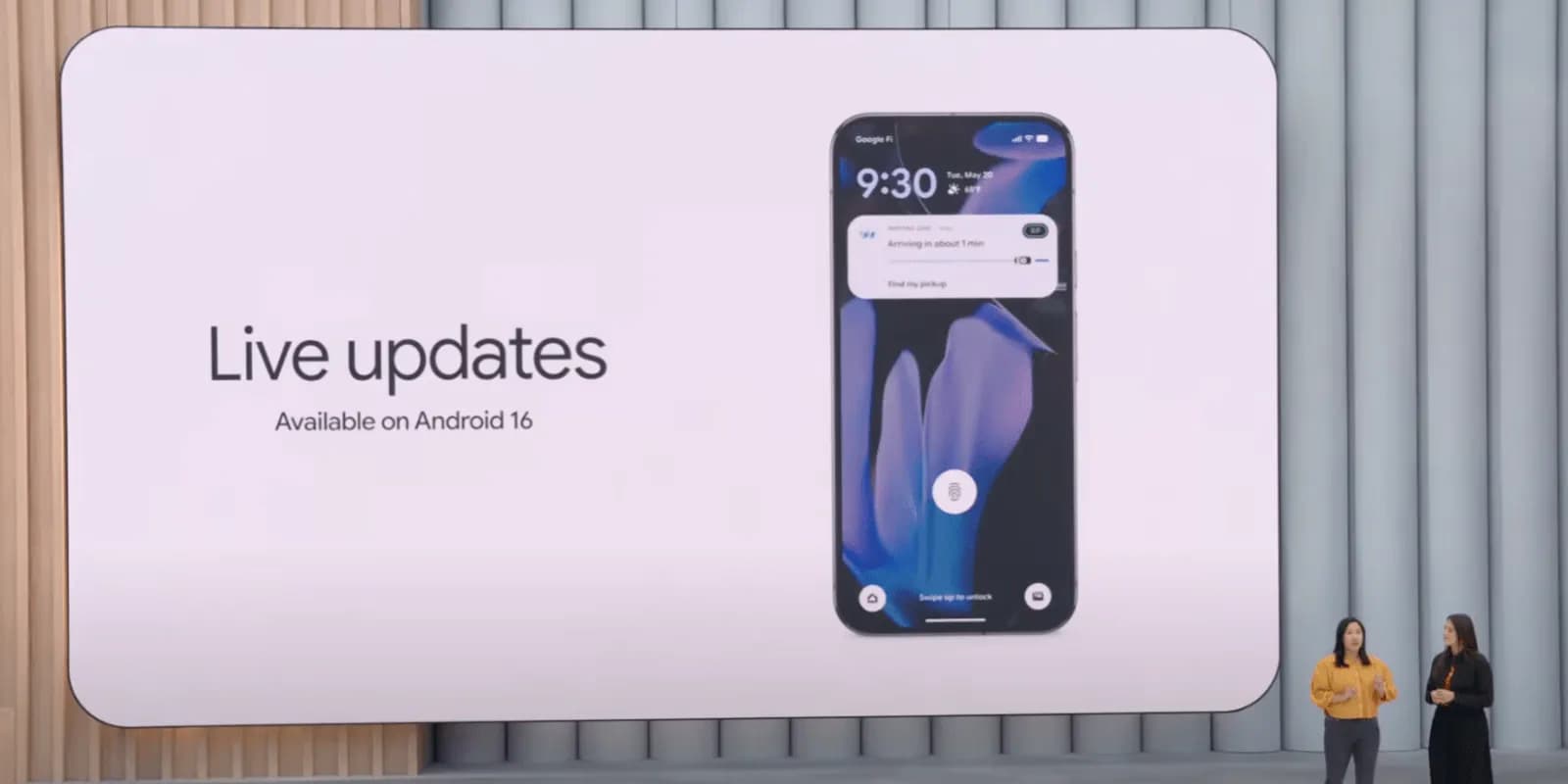
Last month, Google unveiled the first stable version of Android 16, which included a number of new features. One of these is Live Updates, which shows real-time activity notifications on the lock screen of an Android phone. More details concerning this feature have now been released by the tech giant. In Android 16, live updates can be added to apps that provide services like food delivery, ride sharing, and phone calls, but not for marketing or promotions.

Live Updates in Android 16
Live Updates is modeled after the iPhone’s Live Activities feature. It gives notifications for an activity that has a clear start and end time and is currently underway. Google clarified on its developer page that the feature’s primary goal is to provide time-sensitive notifications rather than historical events.
Active navigation, continuous phone calls, tracking food deliveries, and tracking ride-sharing via their corresponding Android apps are a few of its use cases. These alerts, which provide information like tracking or ETA (estimated time of arrival), will appear on the lock screen of the Android handset.
According to the tech giant, it does away with the necessity of unlocking the phone in order to check the status. For instance, Google Maps will display directions in the home screen’s status chip when navigation is active, while Live Update on the lock screen will provide the trip’s current status and additional directions.

However, developers need to make sure that Live Updates only show actions that the user has deliberately triggered and should only show up if the activity requires the user’s attention for the duration of the update.
The company also described the Live Updates feature’s improper usage cases. Ads, promotions, chat messages, future calendar events, and alerts are all incompatible with it. Developers can leverage other OS components, like conventional notifications, for these. If they want to give users faster access to their app’s features, they can use the Quick Settings tile and app widgets.
However, there are several exceptions. Live updates may be triggered if a user signs up for an activity that has a time limit or buys concert or airplane tickets in advance, but only when the scheduled event is about to happen.
Stay connected with the latest from Droid Tools—follow us on X @droid_tools, like our page on Facebook, check out our updates on Instagram, and follow us on Google News for real-time news, device tips, and mobile tech insights.

Google Pixel Watch 5 (45mm)


Google Pixel Watch 4

Keep Reading
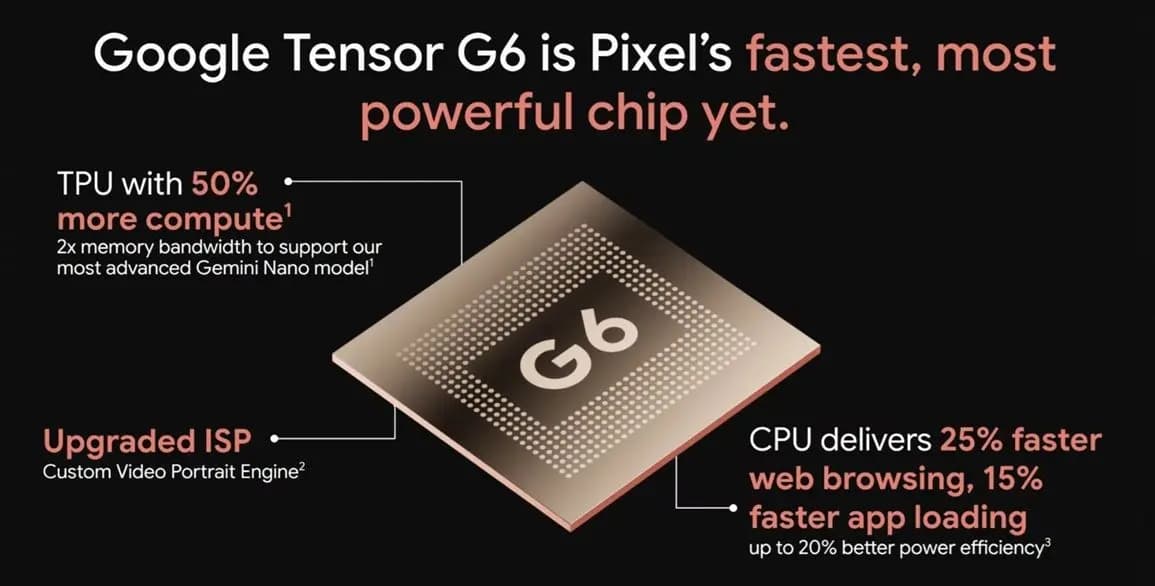
Google Tensor G6 is the custom processor powering the Pixel 11 series and Pixel 11 Pro Fold, with Google prioritizing energy efficiency and on-device AI over benchmark-leading specifications. The chip brings an upgraded CPU, a faster TPU, a new ISP, and a custom modem, enabling features that include 4K Portrait Video, Instant Night Sight, and […]
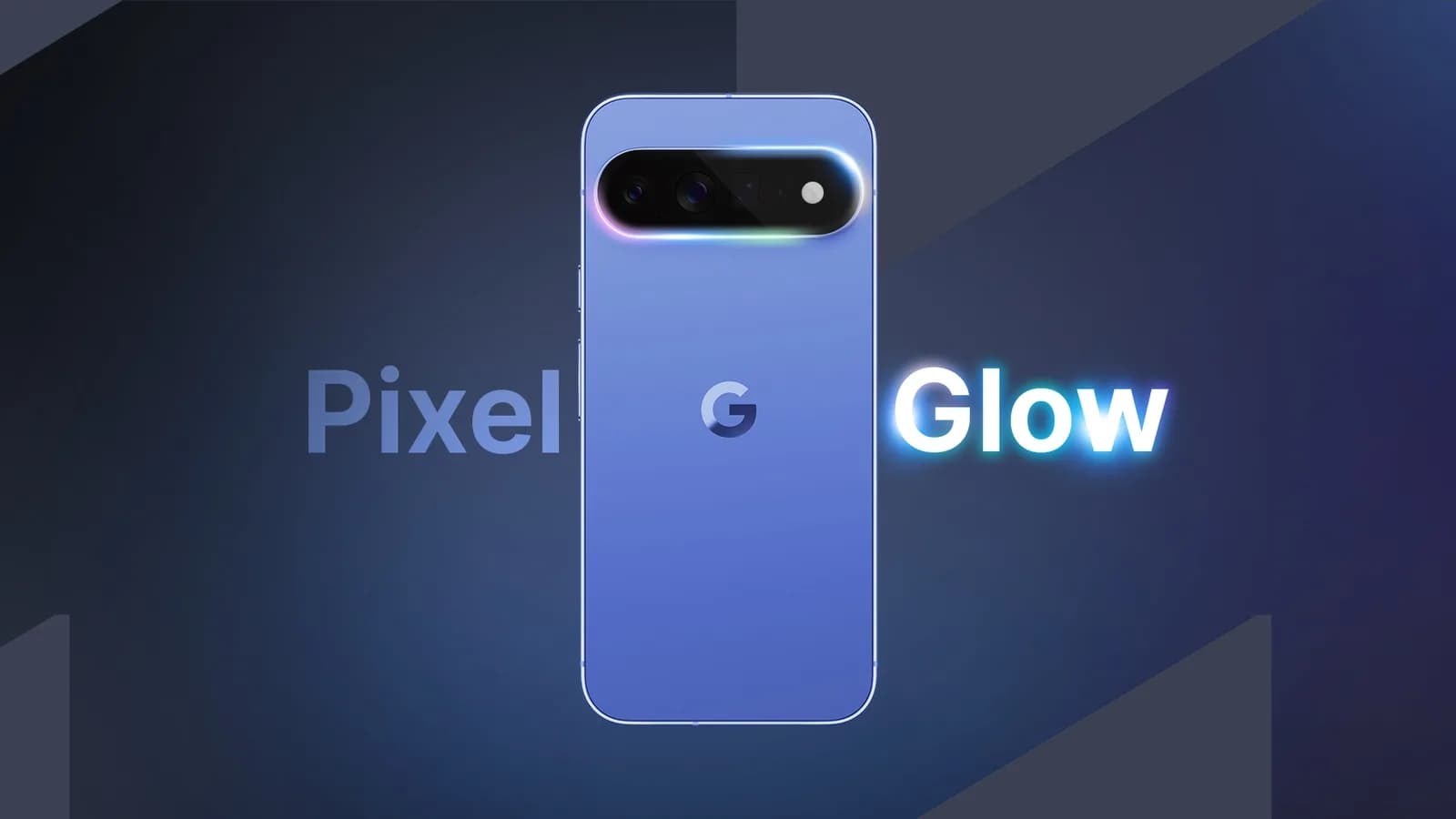
Google Pixel HiLight is the official name of the ambient LED system built around the camera flash on Google’s new Pro phones. Previously known through leaks as Pixel Glow, the feature can show favorite-contact calls and Gemini activity while the phone remains face down. It is exclusive to the Pixel 11 Pro, Pixel 11 Pro […]
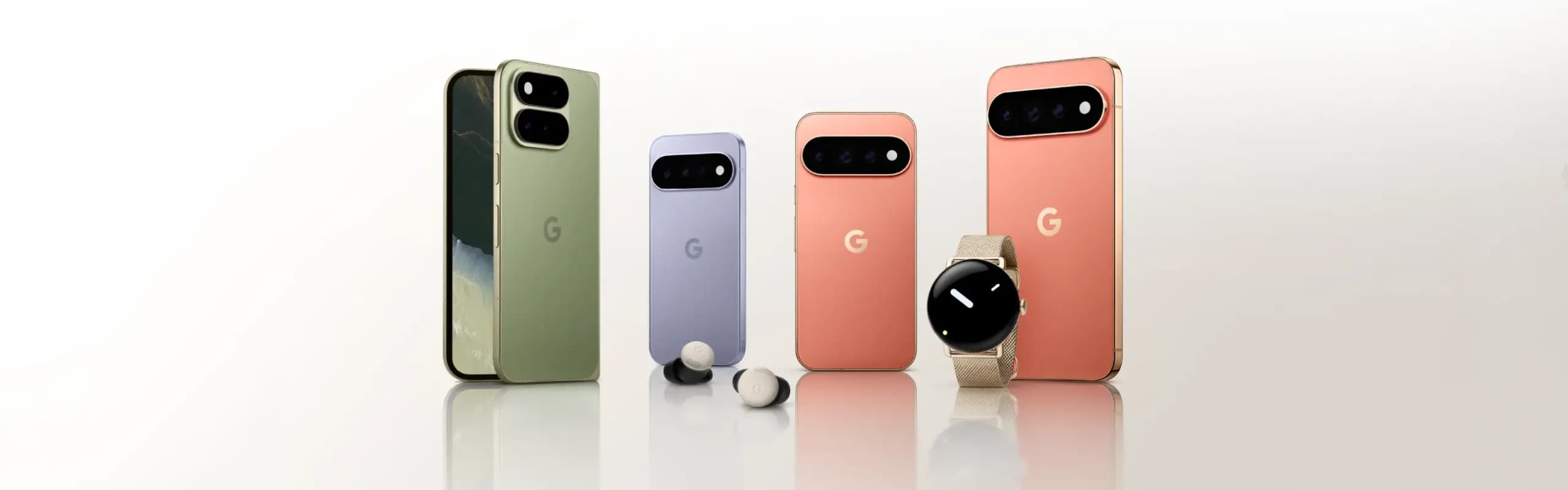
While the actual Made by Google 2026 event is still eight hours away, Google has already fully detailed the Pixel 11, Pixel Watch 5, and Pixel Tag. Here’s a rundown of everything announced at Made by Google 2026, covering the Pixel 11 lineup along with the new watch and tracker hardware. Pixel 11 The Pixel […]
Google will begin shutting down Google Assistant on Android phones starting September 4, moving users over to Gemini as the company’s default mobile voice assistant. The change comes via an email Google has started sending to users, as reported by Ars Technica. Rollout Will Happen Gradually The transition won’t happen for everyone on the same […]
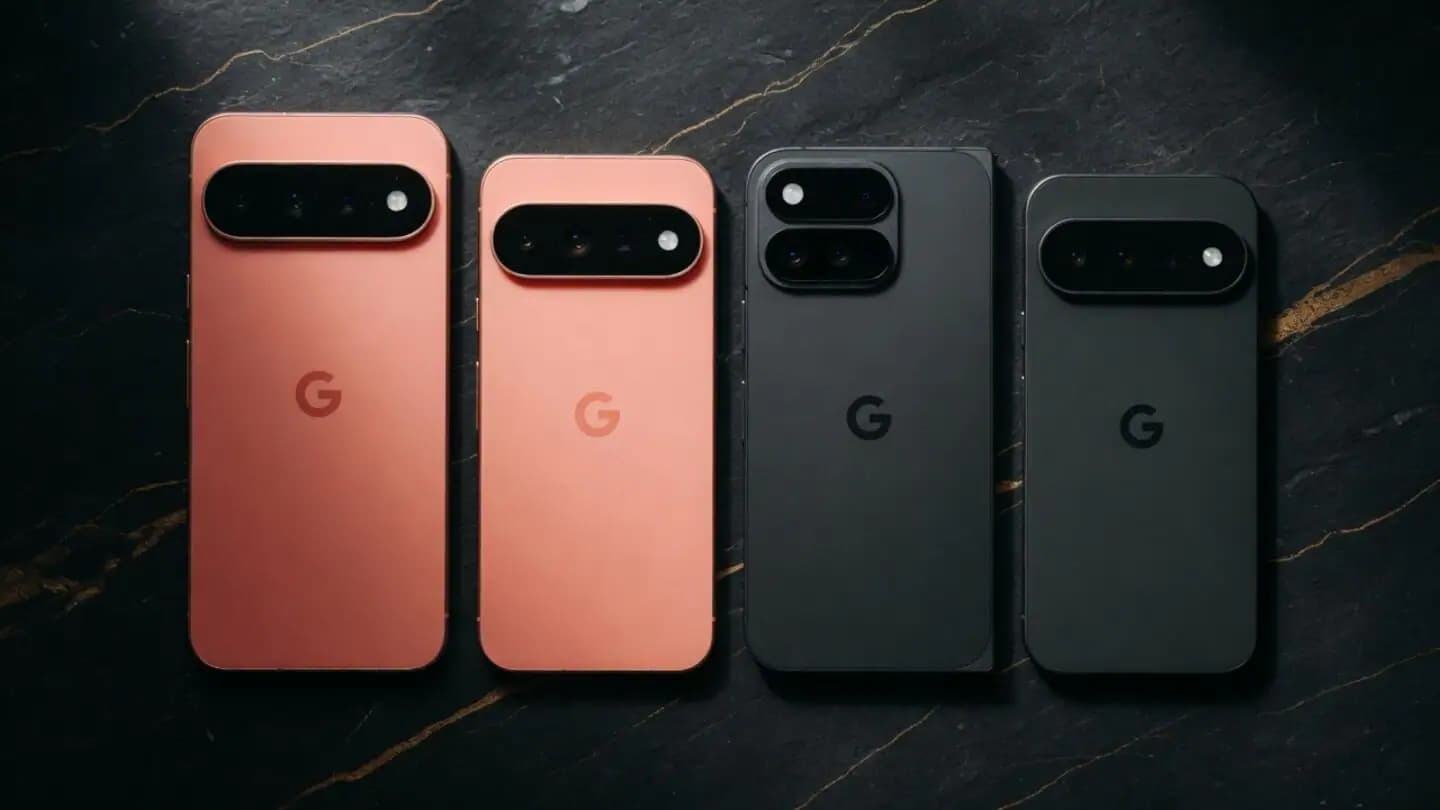
Google is set to unveil its Pixel 11 series on August 12, with the Pixel 11, Pixel 11 Pro, Pixel 11 Pro XL, and Pixel 11 Pro Fold expected to headline the company’s annual hardware event. Google is also expected to announce the Pixel Watch 5 and could introduce the Pixel Tag, its first Bluetooth […]
WhatsApp is finally addressing one of the biggest gaps in its web client, as WhatsApp Web now supports audio and video calls. This requires no download or installation, since it’s built directly into WhatsApp Web, which has also picked up support for screen sharing, reactions, and a dedicated Calls tab showing full call history and […]
Comments & Discussions
Join the conversation! We use Disqus to handle comments. Click the button below to load the comment section.