
Google Pixel Phone app update brings call recording and Android Auto worldwidephone


Google formally announced the Pixel Phone app’s wider worldwide availability today, along with a few new and planned features.
Google is formally introducing “basic Call Recording to all countries where Pixel is supported,” acknowledging that it is a fundamentally valuable tool even in the absence of AI transcription or summaries. Over the remainder of the year, the “extension to other countries will roll out.”
In particular: “Call recording will be accessible on Pixel 6 and later smartphones, which are unable to implement more sophisticated Call Notes features.” A disclaimer to “respect the other caller’s privacy” will be included.
In the meanwhile, Android Auto will allow you to view the Call Screen. You will be able to turn on Call Notes from your vehicle later this year.
The expansion of Google’s calling features internationally is the main topic of today’s event.
- Scam Detection is expanding to Australia, Canada, Great Britain, India, and Ireland
- Call Notes will roll out to additional countries this year to Australia, Canada, India, and Ireland “as a beta preview”
- Call Screen is coming to Australia, Canada, and Ireland. In India (starting with English and Hindi), Pixel 10 users will soon get a beta version of Manual Call Screen.
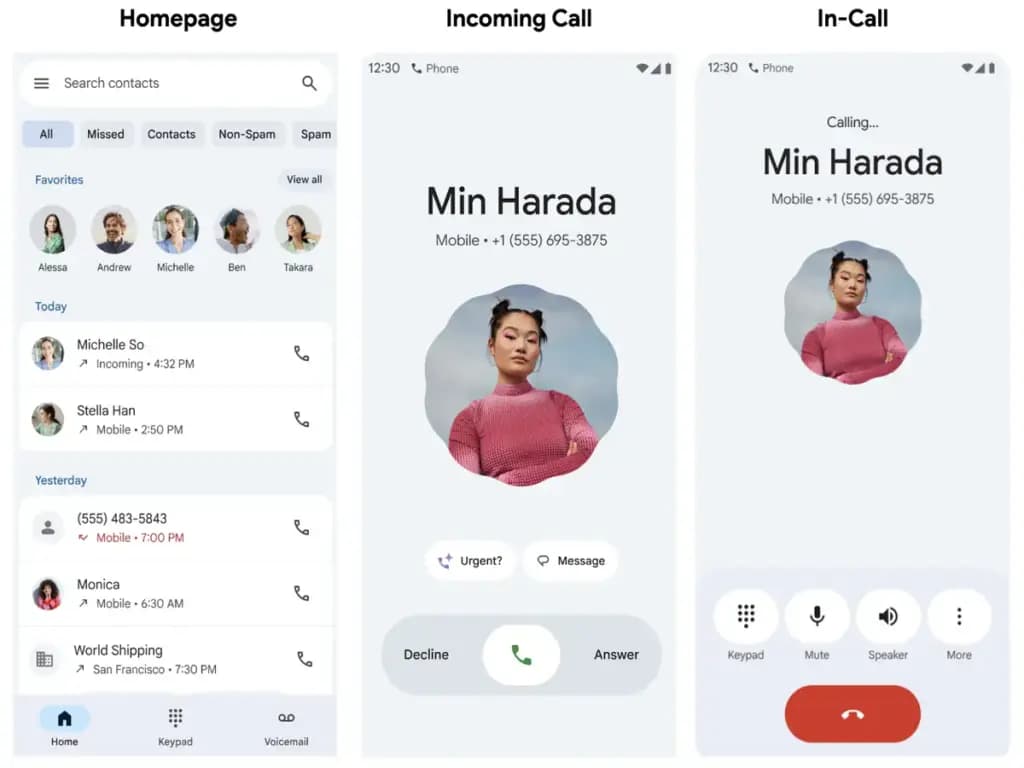
Lastly, Google’s post today summarized the Pixel 10’s Magic Cue, Voice Translate, and Take a Message features. Material 3 Expressive is advantageous to all Pixel Phone app users; according to Google, it “creates a more intuitive and easier experience, more than a visual upgrade.”
The Home tab’s Favorites carousel, which also features a “simplified recent calls list,” is meant to eliminate the need for you to switch between screens. Next are the “single-tap and horizontal swipe options for answering and refusing calls.”

Google Pixel Watch 5 (45mm)

Samsung Galaxy Watch 8

Google Pixel Watch 4

Keep Reading
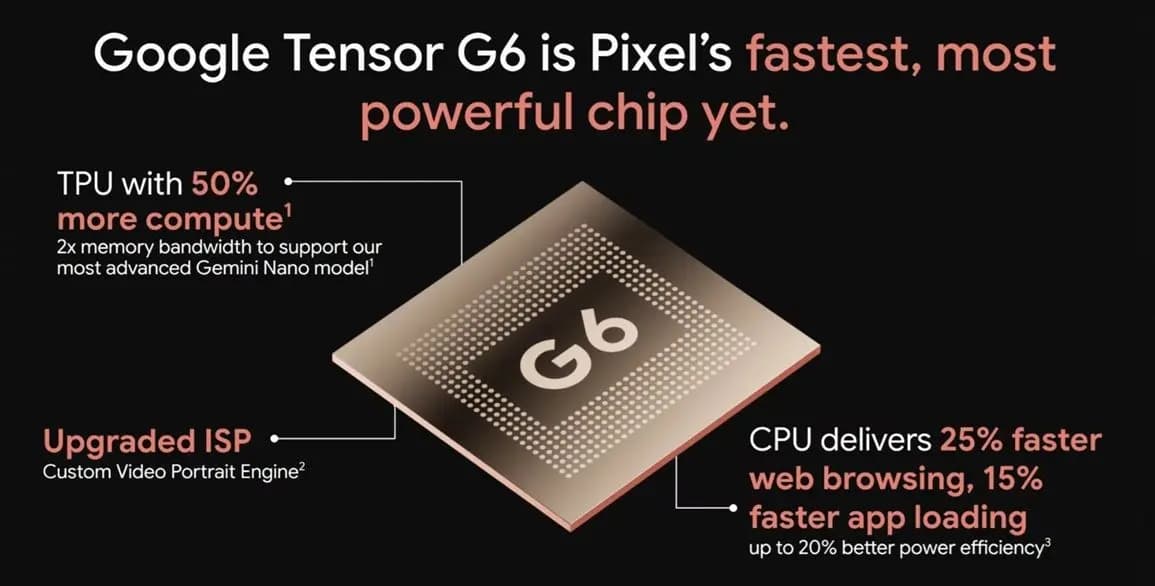
Google Tensor G6 is the custom processor powering the Pixel 11 series and Pixel 11 Pro Fold, with Google prioritizing energy efficiency and on-device AI over benchmark-leading specifications. The chip brings an upgraded CPU, a faster TPU, a new ISP, and a custom modem, enabling features that include 4K Portrait Video, Instant Night Sight, and […]
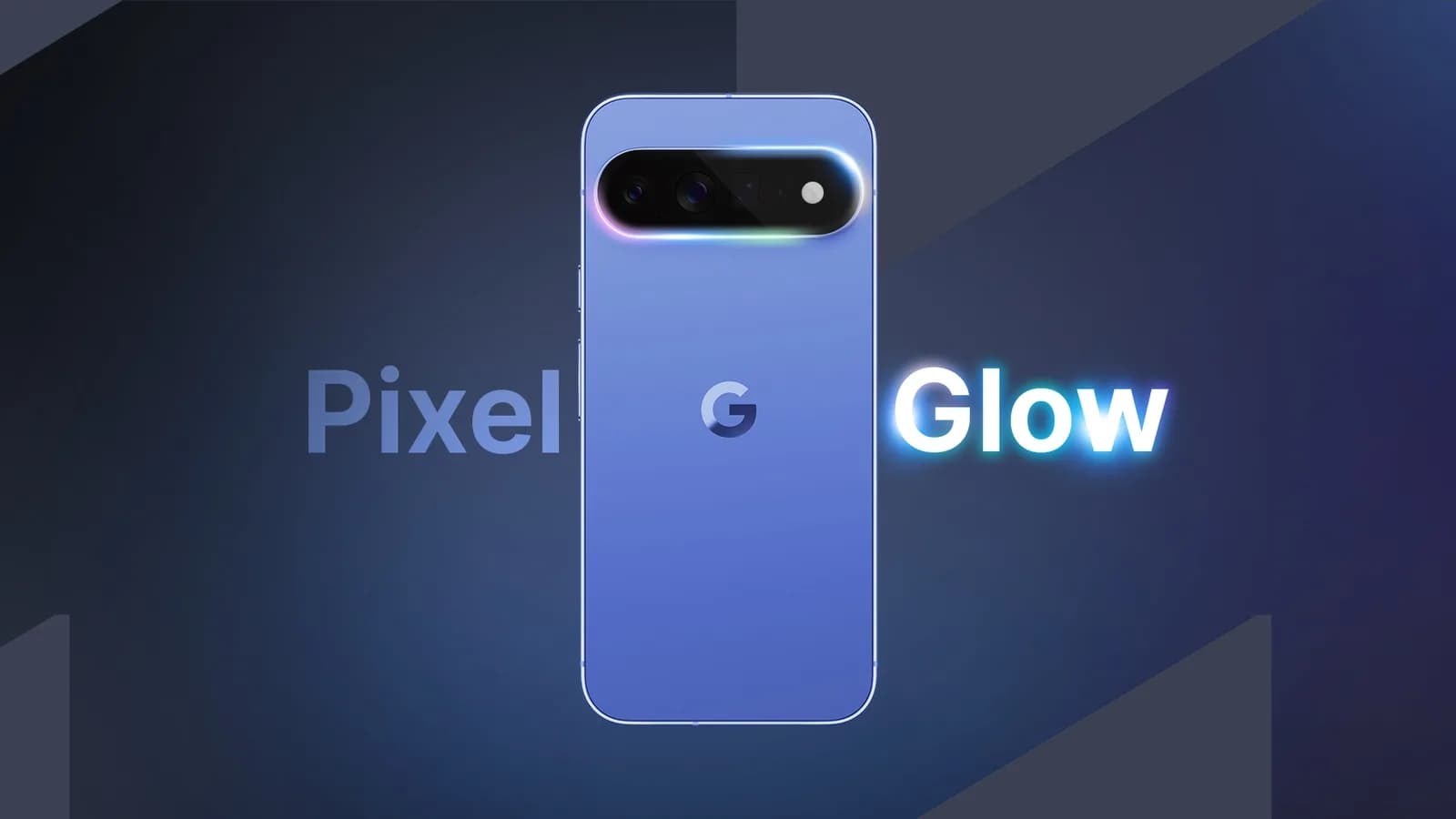
Google Pixel HiLight is the official name of the ambient LED system built around the camera flash on Google’s new Pro phones. Previously known through leaks as Pixel Glow, the feature can show favorite-contact calls and Gemini activity while the phone remains face down. It is exclusive to the Pixel 11 Pro, Pixel 11 Pro […]
While the actual Made by Google 2026 event is still eight hours away, Google has already fully detailed the Pixel 11, Pixel Watch 5, and Pixel Tag. Here’s a rundown of everything announced at Made by Google 2026, covering the Pixel 11 lineup along with the new watch and tracker hardware. Pixel 11 The Pixel […]

Google will begin shutting down Google Assistant on Android phones starting September 4, moving users over to Gemini as the company’s default mobile voice assistant. The change comes via an email Google has started sending to users, as reported by Ars Technica. Rollout Will Happen Gradually The transition won’t happen for everyone on the same […]
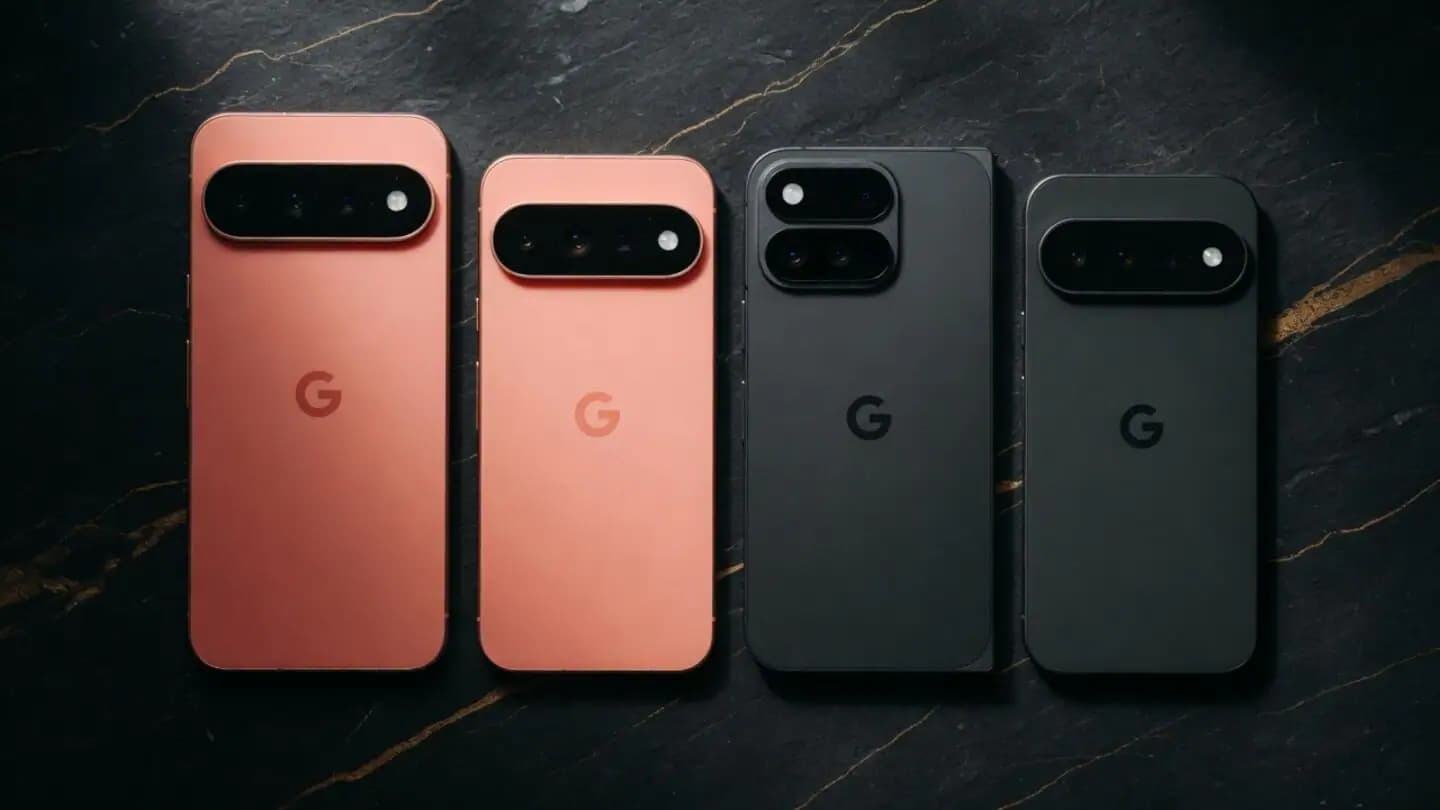
Google is set to unveil its Pixel 11 series on August 12, with the Pixel 11, Pixel 11 Pro, Pixel 11 Pro XL, and Pixel 11 Pro Fold expected to headline the company’s annual hardware event. Google is also expected to announce the Pixel Watch 5 and could introduce the Pixel Tag, its first Bluetooth […]
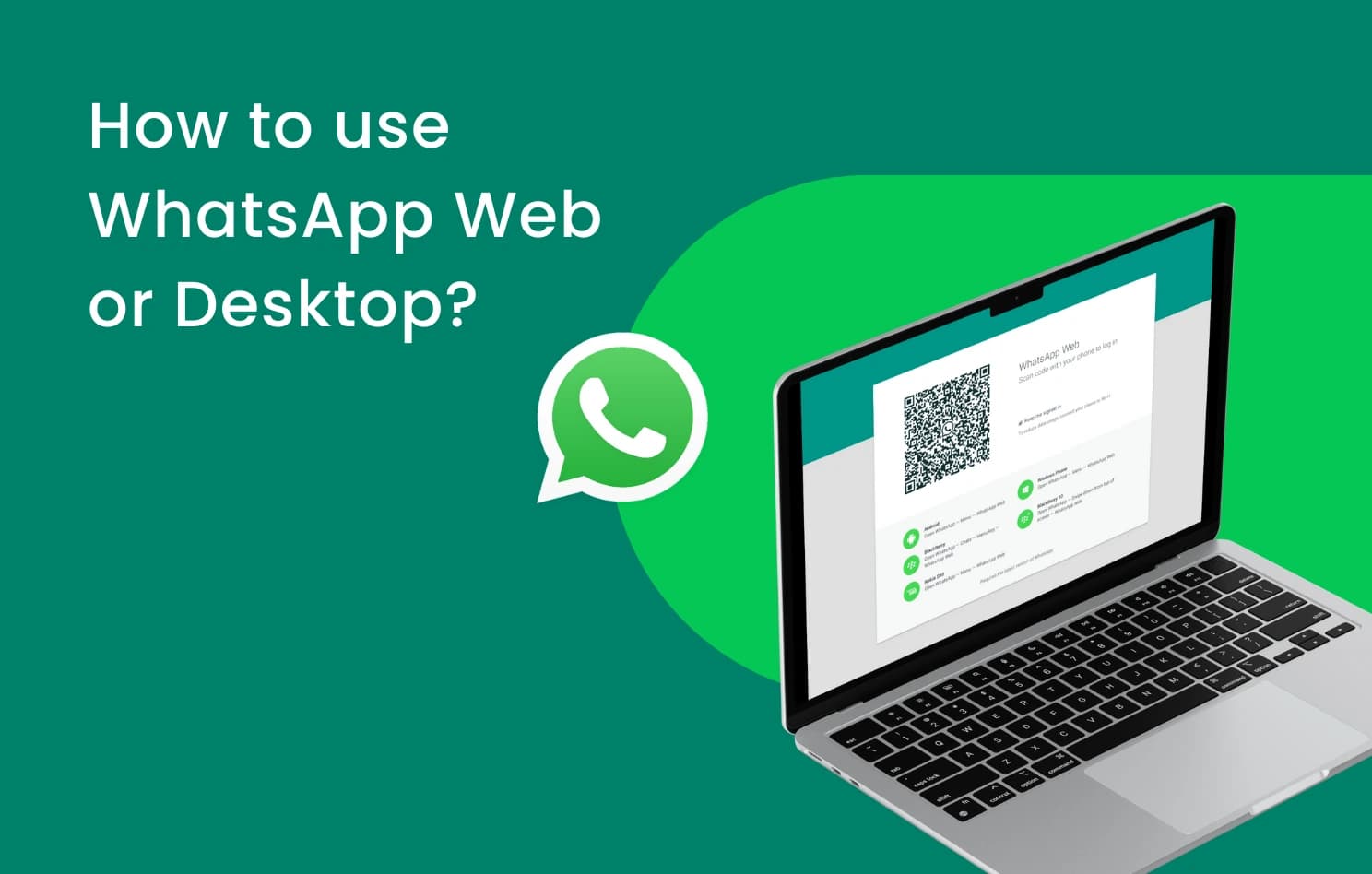
WhatsApp is finally addressing one of the biggest gaps in its web client, as WhatsApp Web now supports audio and video calls. This requires no download or installation, since it’s built directly into WhatsApp Web, which has also picked up support for screen sharing, reactions, and a dedicated Calls tab showing full call history and […]
Comments & Discussions
Join the conversation! We use Disqus to handle comments. Click the button below to load the comment section.