Users can try out premium experiences without spending a dollar thanks to the weekly rotating selection of paid applications and games that are made available for free for a brief period of time on app stores like Google Play and Apple's App Store. These short-term offers can help you save a lot of money on ...

Users can try out premium experiences without spending a dollar thanks to the weekly rotating selection of paid applications and games that are made available for free for a brief period of time on app stores like Google Play and Apple’s App Store. These short-term offers can help you save a lot of money on a variety of digital tools and games, from puzzle games and immersive role-playing games to productivity tools and creative utilities. These free app deals are worth looking into whether you want to increase your productivity, take up new hobbies, or just have some good fun.
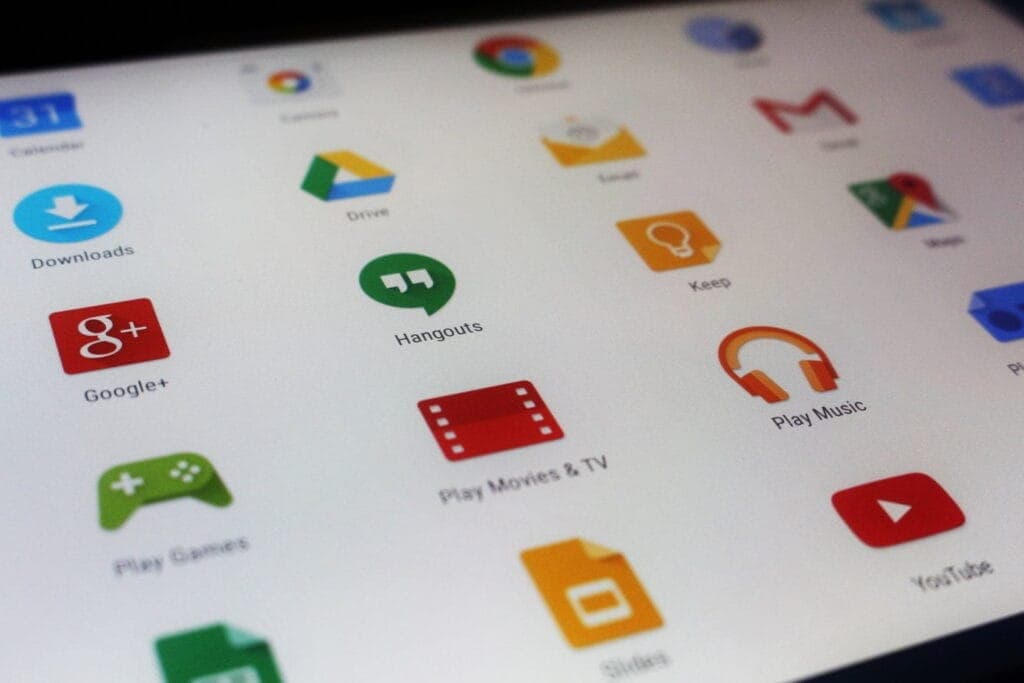
But while the thrill of snagging a paid app for free is undeniable, it’s important to approach these deals with a bit of caution. Free or paid apps often request access to various parts of your device, from your contacts and photos to your location and microphone. Understanding what you’re granting and why is key to enjoying these offers safely.
Examine the permissions requested before downloading any new apps or games, especially those that are temporarily free. An app’s basic operation does not require all permissions, and giving it too much access could compromise your privacy.
To limit what information each app can access, use the privacy settings on your device. You should also frequently verify which apps have access to sensitive data, such as your location, camera, or microphone. Remember, a great deal is only worthwhile if it doesn’t compromise your personal data. Stay vigilant, enjoy your new apps, and make privacy a priority every time you download.

Google Pixel Watch 4

Robert Haba is the founder and editor-in-chief of Droid Tools. A lifelong gadget enthusiast with over a decade following the Android ecosystem, he built this publication to cut through the noise and give readers honest, real-world coverage of the tech they actually use.

Google Photos may add a dedicated RAW images section to Collections to help users find, edit, and manage space-heavy RAW photos.

Google Messages pinned chats are receiving an updated layout with large contact photos in beta, alongside a new floating search button.

Google is rolling out gradient icon redesigns to Phone and Contacts apps, with subtle gradients and cleaner edges across mobile and web platforms.

Circle to Search in Google Messages helps identify suspicious texts on supported Android phones, offering guidance on potential scams and next steps.
The next story loads as you reach the end. You can also load it using the button.


Comments & Discussions
Join the conversation! We use Disqus to handle comments. Click the button below to load the comment section.