

Corvus operating system is fantastic ROM with many customizations. First, Dirty Unicorns inspired it (thanks to Alex Cruz), but then we picked many other features too. Our goals are a secure, feature ROM that many devices will enjoy. We ‘re not going to say Corvus is better than others but we’re still trying to give you the best.
Next level customisation
If you thought that the best customizable ROM ever available for Android was CyanogenMod, then you’re in for a treat. Havoc-OS will bring customisation to the next level. When it comes to customisation the custom ROM is a beast. Quick something you can alter on your mobile. This is customisable if it exists.
Battery Saving
Nearly all phones have a battery saver feature that will automatically be disabled if the battery drops below 15-20 per cent or you can even turn it on manually. But at Havoc, you get to do that with multiple features. One such feature is ‘Sensor block per packet.’ You can then turn it on manually. What this feature does is that it effectively blocks access to certain sensors on your phone for certain applications, and saves power. Another feature is ‘Alarm blocker’ which prevents you from waking up your phone when you receive notifications from certain apps. Sometimes using these power saving tools, you can get a huge increase in screen-on times.
Quick Settings
Quick settings can be accessed by pulling the notification shade further down. Most Android skins allow you some basic quick settings including Wi-Fi, Bluetooth, Mobile data toggles, etc. Havoc-OS, on the other hand, can offer you multiple quick setting toggles, and even some features that wouldn’t previously exist on your device like screen recording (which can be accessed from the quick settings).
Latest changelog – Corvus ROM
* Gaming Mode v2 -Now with roblox support-
* Fixes for QS detailed view
* Advanced location enabled
* Added support for Pixel stand
* Updated some boost framework stuff
* Adding cutout force full screen
* Shishu Launcher Free with a premium upgrade added
* Added LiveDisplay
* Force powersave on system apps
* New intro for new devices
* Moving net indicator to expanded statusbar header
* Fixes for Q clock strings
* Long screenshot
* Internal Audio recording
* New launcher quickspace stuff: Adding now playing -even though it's not fully compatible-, Personality (taken from lawnchair) and a new UI, more minimalistic
* Fixed the inverted navbar layout
* People actually fell off thinking that Shishu Launcher Premium was a thing, so we reverted that joke on our changelog
* Switched to Lineage Fingerprint on Display code
* Added support for sliders for OP devices
* Added some goofy stuff: like The Drill and Developer mode insulter
* Updated our APNs
* Fixed dialer dark numbers on numpad
* Misc fixes
* Removed Roblox as system app
Corvus features
Statusbar:
Statusbar clock customizations
Network Traffic Activity
Hiding Statusbar on lockscreen
VoLTE Icon customizations

Quick settings:
Togglable blur behind QS
Hide gradient behind QS
New tiles
OP Screen Recorder Tile

Themes:
Awesome wallpaper
Pixel Theme Picker
Good minimalistic bootanimation

Hardware Buttons:
Power Menu Customizations
Disabled Annoying Emergency button in power menu

Navigation:
Navigation bar layour invertion
Togglable hide pill in full gesturl nav mode

Gestures:
3-finger screenshot gesture

Screenshot:
Extended screenshot feature from OOS

Settings:
Added package name to installed app details
Maintainer and device codename strings

Miscellaneous:
Regular OTA Updates
Moved battery icon to QS header


Much More As Source keeps updating So HArd to keep all updated.
How to install Corvus OS?
- Must have Unlock Bootloader
- Must-Have Custom Recovery
- Download Rom.zip (Link Below )
- Go to your Recovery
- Wipe Data System Cache Dalvik
- Install ROM
- Install Gapps
- Reboot – 1st boot takes around 5-10 minutes.
- Enjoy
Downloads
| RealmeX2 | < 6 hours ago | 0 | |
|---|---|---|---|
| oneplus3 | 2020-06-29 | 200 | |
| phoenix | 2020-06-26 | 1,594 | |
| beryllium | 2020-06-24 | 3,880 | |
| santoni | 2020-06-24 | 1,055 | |
| riva | 2020-06-22 | 313 | |
| ysl | 2020-06-22 | 364 | |
| tissot | 2020-06-22 | 517 | |
| wayne | 2020-06-22 | 226 | |
| jasmine_sprout | 2020-06-21 | 250 | |
| violet | 2020-06-21 | 1,178 | |
| vince | 2020-06-20 | 762 | |
| onclite | 2020-06-20 | 172 | |
| RMX1801 | 2020-06-20 | 125 | |
| lavender | 2020-06-20 | 4,876 | |
| mido | 2020-06-20 | 1,551 | |
| X00T | 2020-06-20 | 1,618 | |
| ginkgo | 2020-06-19 | 832 | |
| land | 2020-06-19 | 205 | |
| enchilada | 2020-06-19 | 56 | |
| platina | 2020-06-18 | 180 | |
| whyred | 2020-06-13 | 2,140 | |
| raphael | 2020-06-09 | 151 | |
| tulip | 2020-05-17 | 261 |

Google Pixel Watch 5 (45mm)

Google Pixel Watch 4

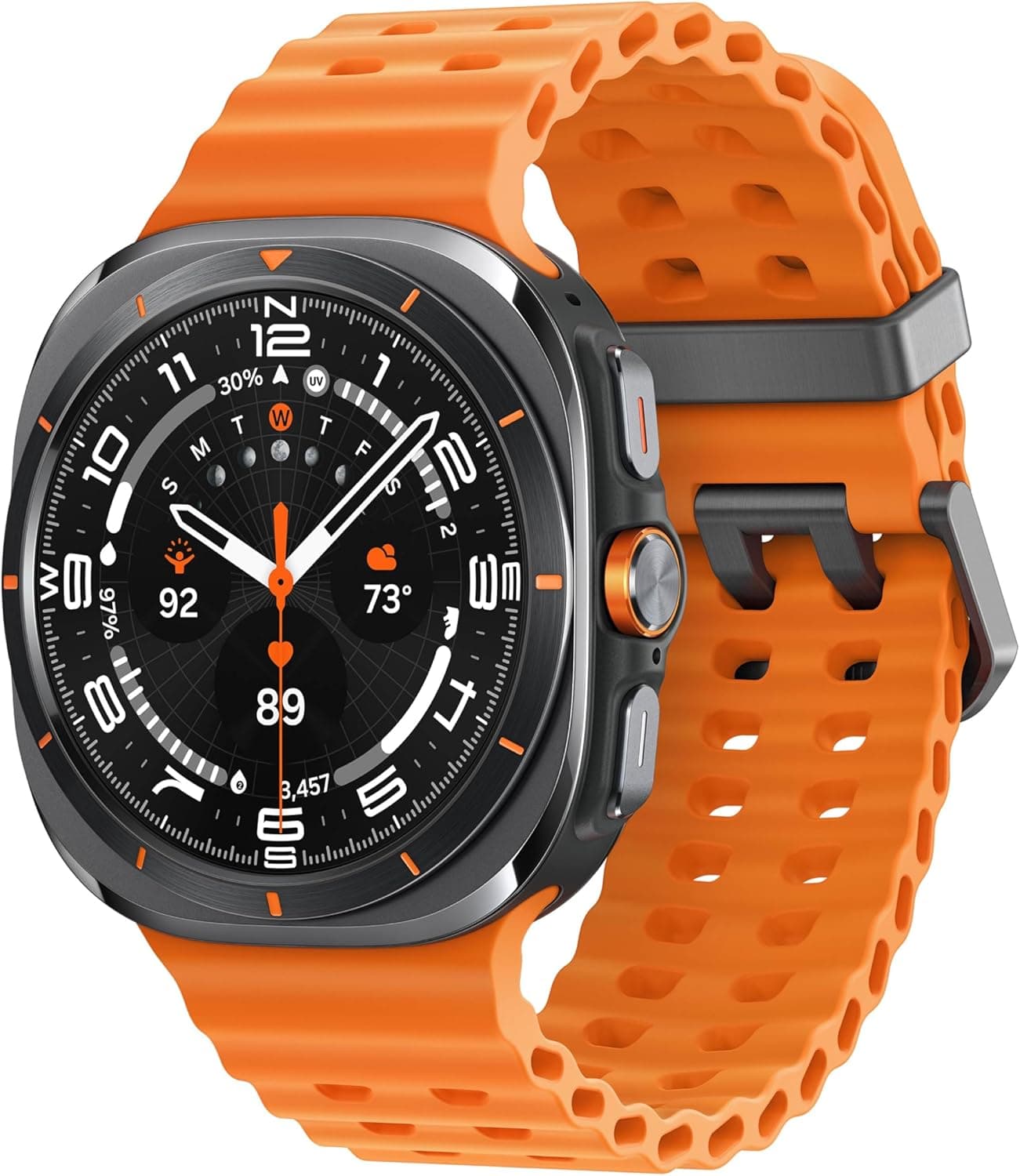
Samsung Galaxy Watch 8

Robert Haba is the founder and editor-in-chief of Droid Tools. A lifelong gadget enthusiast with over a decade following the Android ecosystem, he built this publication to cut through the noise and give readers honest, real-world coverage of the tech they actually use.

Comments & Discussions
Join the conversation! We use Disqus to handle comments. Click the button below to load the comment section.