NewsCristian Penisoara
Google tests animated video wallpapers powered by AI for Pixel phones
Leaked Android code shows Google may bring cloud-rendered animated video wallpapers to Pixel devices, though official launch plans remain unannounced.
Browse all articles, news, and guides tagged with photos on Droid Tools.
Leaked Android code shows Google may bring cloud-rendered animated video wallpapers to Pixel devices, though official launch plans remain unannounced.
Gemini Spark, the paid Gemini feature that runs complex, multi-step tasks in the background, is getting a significant addition this week: Google Photos support. The integration, reported by Droid Life, is a major connection for Spark, since it opens the door to Google Photos-related requests that could otherwise take hours to complete manually. As part

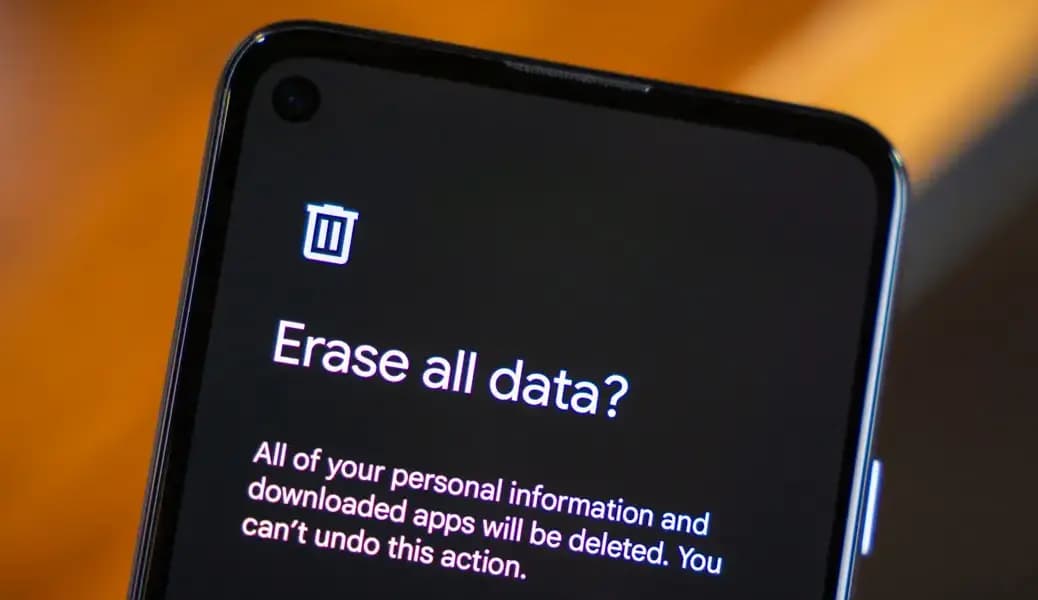
You cannot factory reset an Android phone without erasing the information stored locally on it. What you can do is back up your important data, verify that the backup works, perform the reset, and restore the information afterward. Before proceeding, save your photos, messages, contacts, files, app data, authentication accounts, and other irreplaceable information. Do
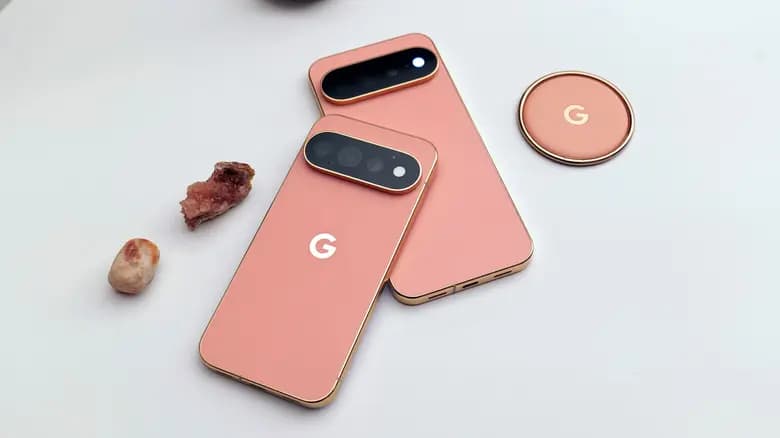
The Pixel 11 Pro camera features are shaping up to be a larger part of Google’s new phone story than its hardware changes. An early preview by Android Police showed five additions in action: Camera Looks, 120x zoom, Magic Capture, Instant Night Sight, and 5x Portrait zoom. They arrive alongside the Tensor G6 chip and
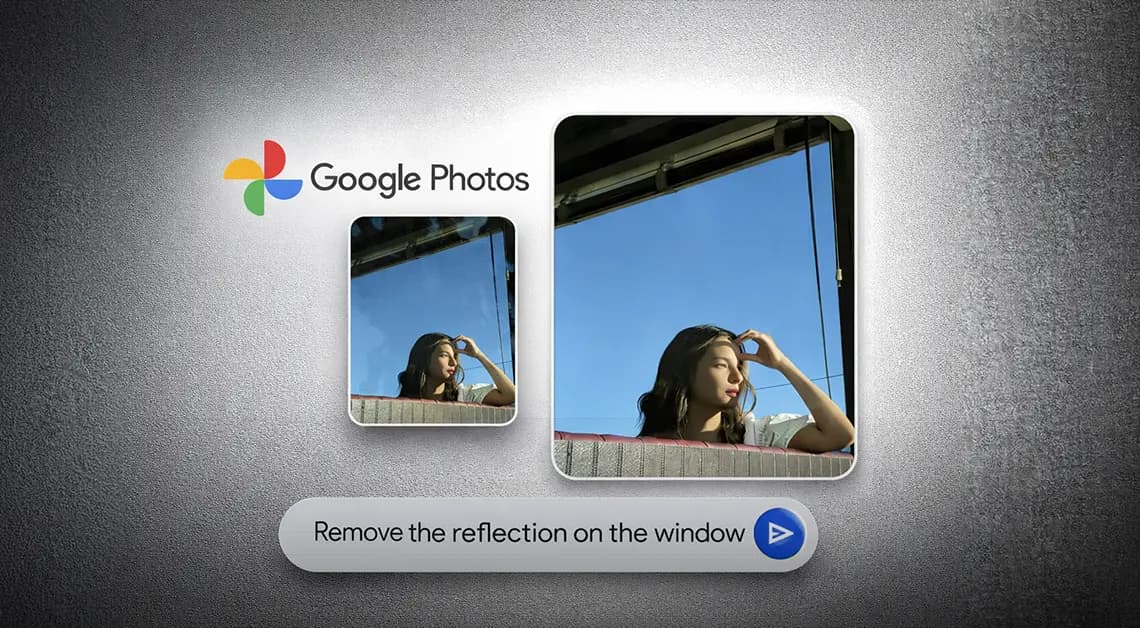
Google Photos has been on a steady update streak lately, picking up long-requested features alongside smaller quality-of-life improvements. The app isn't slowing down either - Google is now rolling out another update that brings a set of touch-up tools directly into the built-in image editor. The company is framing the addition around the idea that
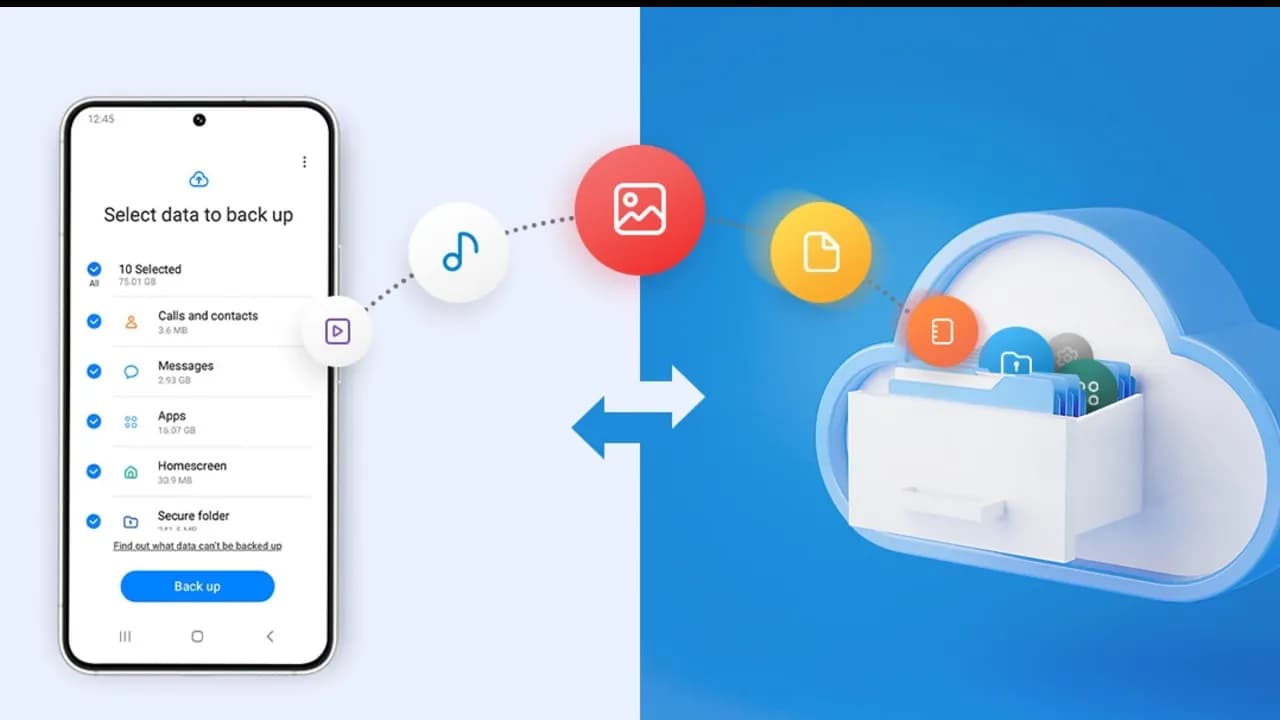
Backing up your Android phone ensures that your data is safe in case of loss, damage, or switching to a new Android device. Thankfully, Android has a number of built-in security features that secure your contacts, media, apps, and settings without the need for third-party programs. Establishing a suitable backup plan is crucial, regardless of
Google Photos is making a significant change to how it manages RAW photos and backup on Android, as we noticed at the beginning of this year. The format has been substantially improved as of late, although there may be some drawbacks. This morning, Google Photos presented the following banner on a Pixel 8 that had
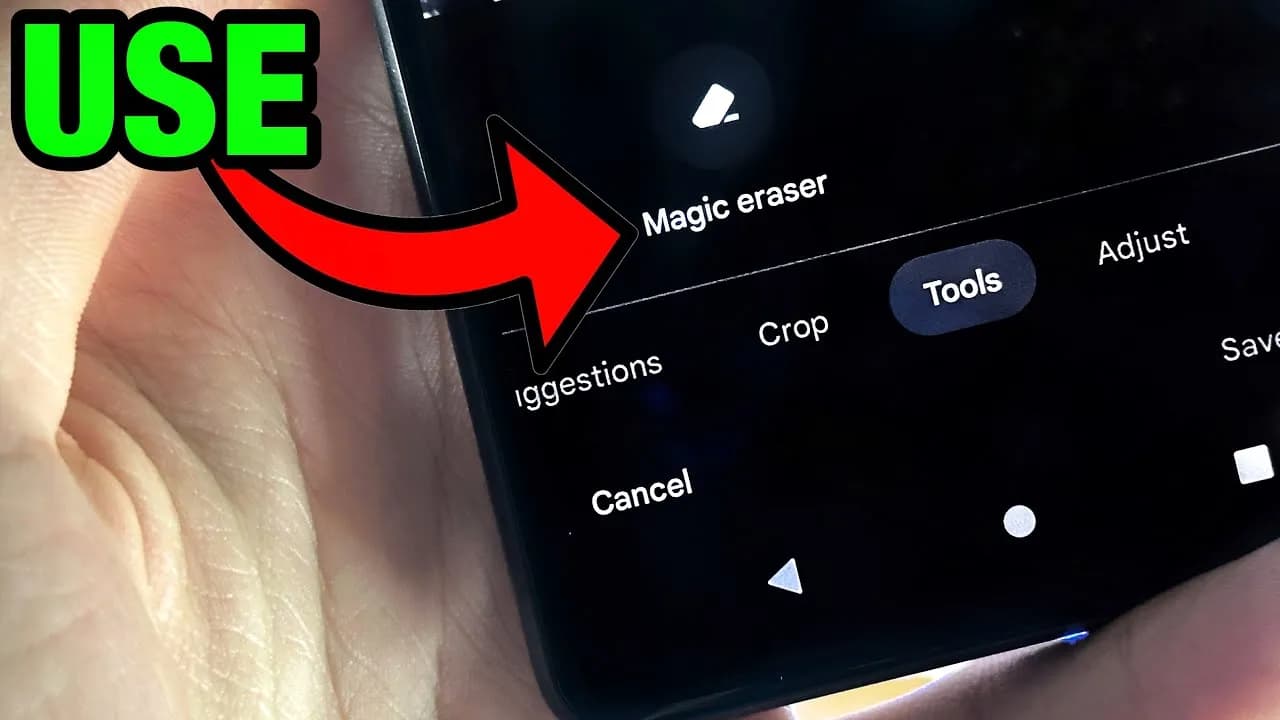
Google's artificial intelligence (AI)-powered Magic Eraser tool debuted on the Pixel 6 smartphone. Later, it was expanded to accommodate additional iPhones and Android phones. A new version that removes various forms of audio from video recordings looks to be in development by Google; it will probably launch on the Google Pixel 8 and Pixel 8
We got our first official look at the Pixel 7 and Pixel 7 Pro at Google I/O, and now we're getting even more due to an early prototype of the Pixel 7 appearing on eBay. Today, an eBay auction appeared for someone selling what appears to be a Pixel 7 prototype. The listing was pulled
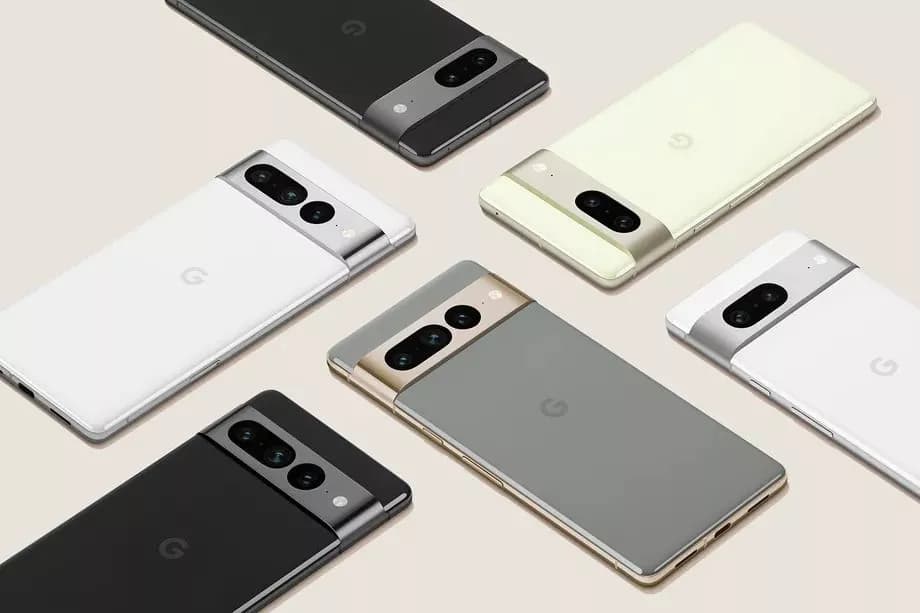
Over the last few months, Google Photos has been quietly rolling out new features, and another one will be available shortly, expanding Portrait mode beyond your typical single subject. Unfortunately, like last year's Pixel-exclusive Photo editing tools, this new Portrait Blur will only be available for Pixels and Google One users via the Google Photos
Google Photos remains one of the finest methods to sync your collection to the cloud, even without its free high-quality backups. It can be accessed from any web-connected device, although not all applications have the same tools. For years, the Photos app for Android has been unable to manually change metadata — a critical function
Have you just got a new Android smartphone for your holidays? It might be a little overwhelming if it's your first one, so to get you started, here are some apps you should install or set up on a new Android device immediately. Alternatively, it might be time to give them a shot if you're

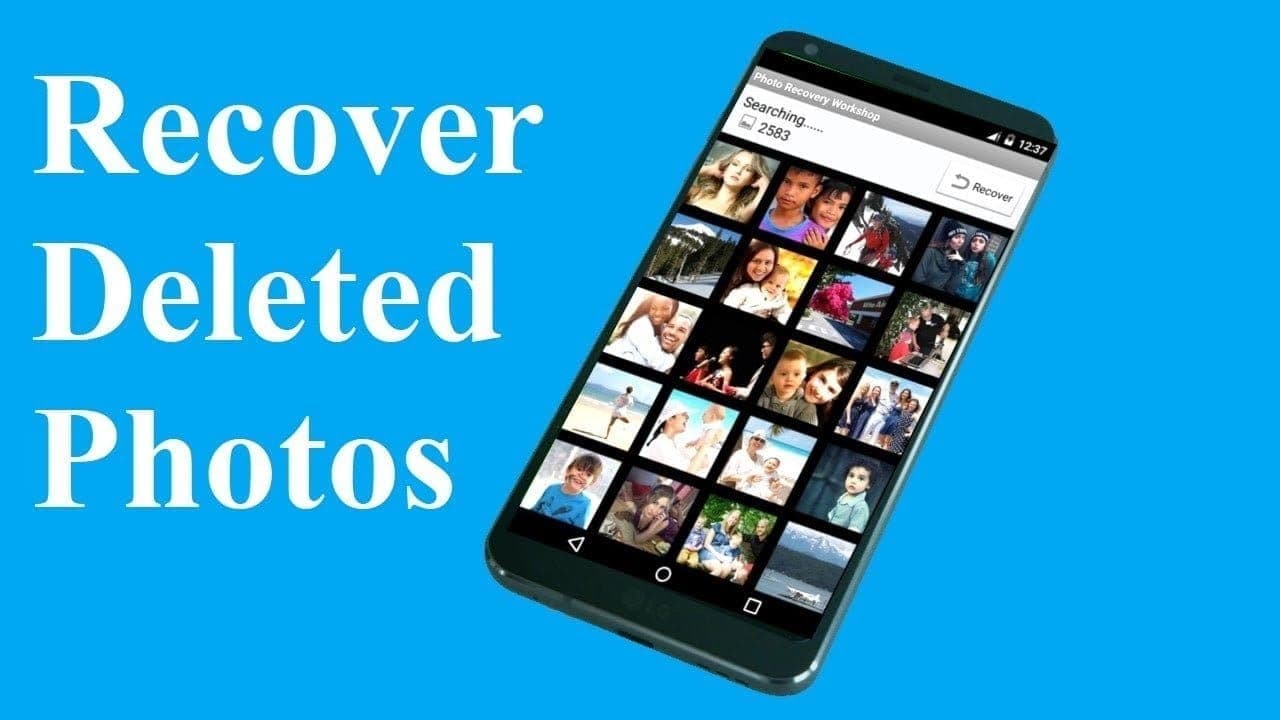
We've all deleted pictures on our phones by mistake before, but what if you delete anything absolutely irreplaceable? You don't have to panic, but to retrieve your files, you do need to act quickly. Just follow our instructions below and you should be able to jiffy your pictures back. Do not be concerned, it is