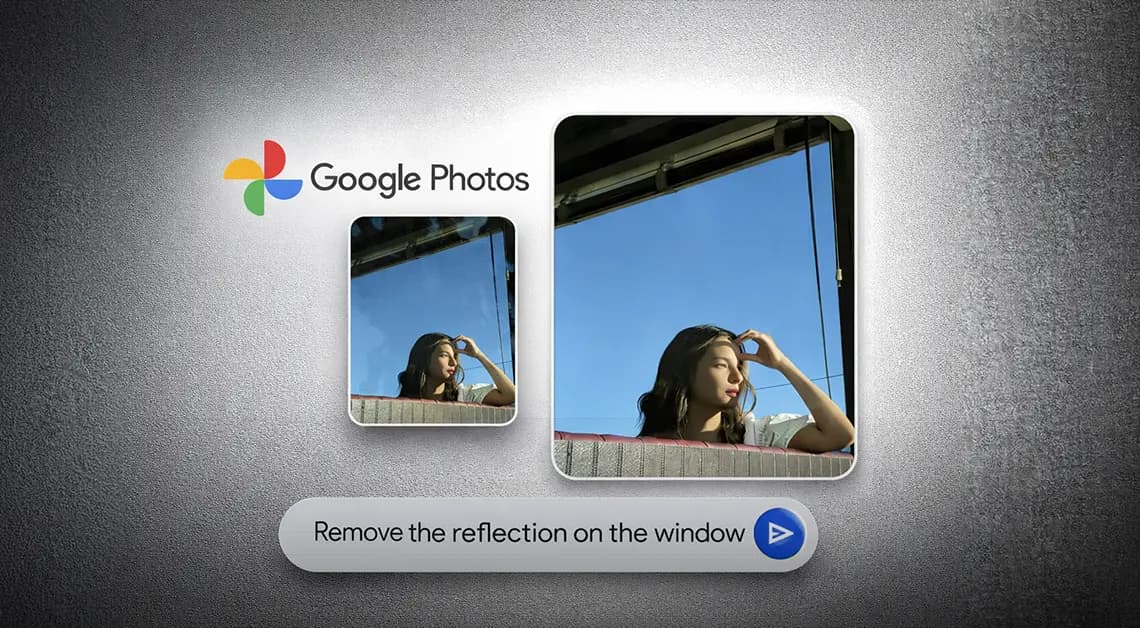
Google Photos has been on a steady update streak lately, picking up long-requested features alongside smaller quality-of-life improvements. The app isn’t slowing down either – Google is now rolling out another update that brings a set of touch-up tools directly into the built-in image editor. The company is framing the addition around the idea that “your photos should capture how you feel in the moment.”
The new tools are designed to apply subtle, targeted enhancements to portrait shots. According to Google, they let users refine skin texture, remove blemishes, brighten eyes, and whiten teeth – all within seconds. The workflow is straightforward: select a face in the photo, then pick from a set of options including heal, smooth, under eyes, irises, teeth, eyebrows, or lips. From there, a slider lets you dial in the intensity of each effect.
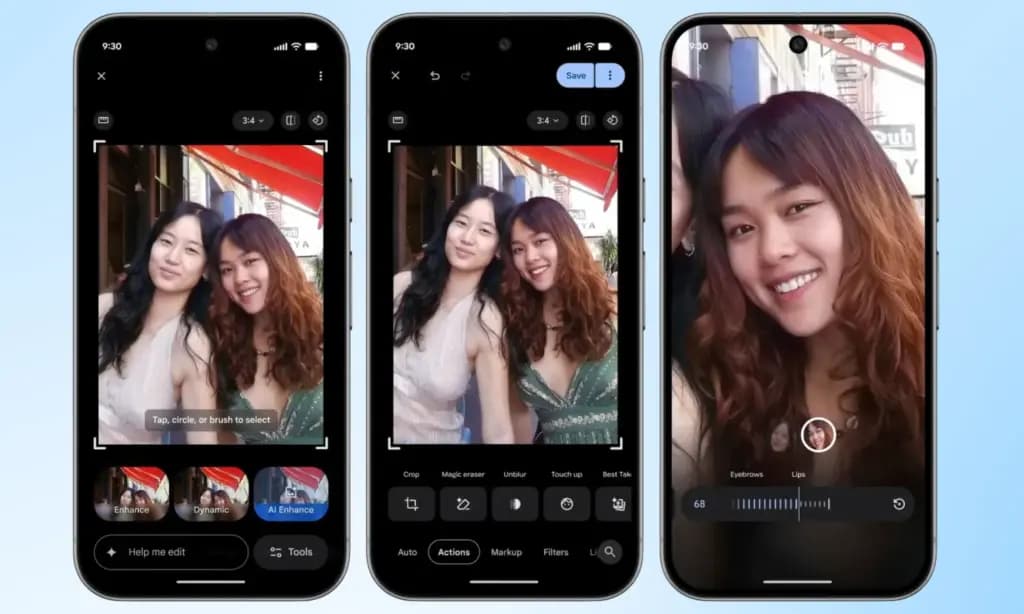
Everything renders in real time, so adjustments are visible as they’re made, making it easy to fine-tune before saving. It’s worth noting that many third-party photo editing apps have offered similar tools for years, but Google Photos users now get these capabilities natively, without needing to reach for a separate app.
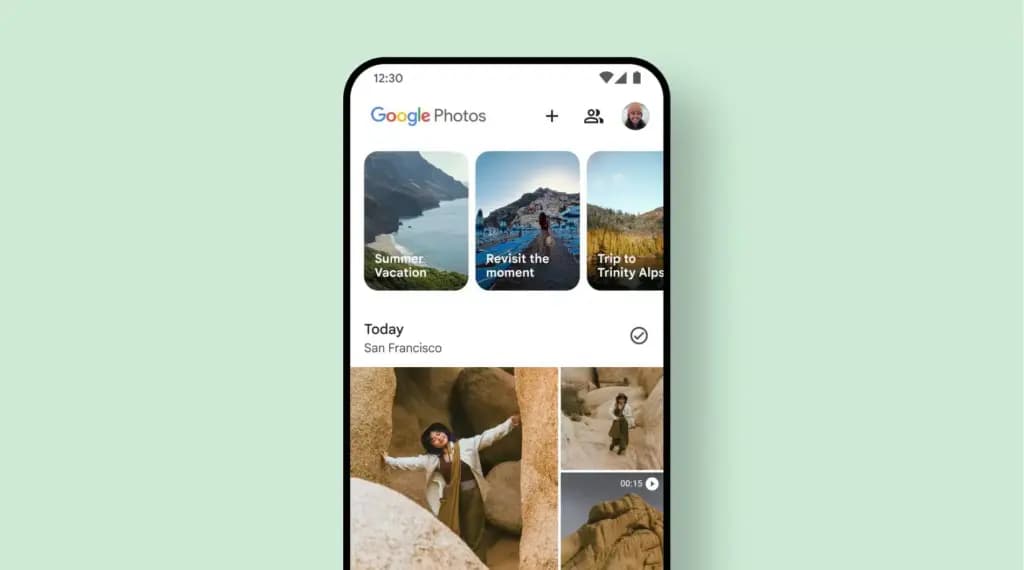
This feature has had a long road to release. Code strings hinting at its existence were first discovered inside Google Photos back in October last year, but it’s taken until now for Google to push it live. It’s a welcome addition for anyone who likes to put a little polish on their photos before sharing, though those who prefer keeping images untouched can simply skip it entirely.
Google has confirmed the touch-up tools are rolling out gradually on a global basis through the Photos app, targeting Android devices running Android 9.0 or higher with at least 4GB of RAM. Given that the rollout is just getting started, it may take a few days before the update reaches all eligible devices.

Google Pixel Watch 5 (45mm)

Robert Haba is the founder and editor-in-chief of Droid Tools. A lifelong gadget enthusiast with over a decade following the Android ecosystem, he built this publication to cut through the noise and give readers honest, real-world coverage of the tech they actually use.
Rich Communication Services (RCS) has reshaped Google Messages, bringing read receipts, larger media attachments, and cross-platform messaging with iPhone users. RCS isn't without its own issues, though, and Messages has so far offered an easy way to opt out on a per-chat basis if it causes problems - a feature that now looks like it […]

AI video generation has moved well beyond experimental clips. In 2026, creators, marketing teams, agencies, and video professionals can use these tools for social content, product videos, storyboards, advertisements, B-roll, explainers, and early-stage creative concepts. The challenge is choosing the right platform. Some focus on cinematic generation, while others are better for rapid marketing production […]

Google Messages is now widely rolling out its new Keep Notes integration, following last week's September 2026 Android Drop announcement. Opening the “plus” menu inside a conversation reveals a new Keep Notes shortcut, and those pills can be reordered like usual. Alternatively, Google might surface a contextual “Create list” shortcut directly in the suggestions row. […]

Developers have discovered that Android 17 quietly blocks apps from checking whether Developer Options and USB Debugging are turned on, in what's being described as one of the release's hidden changes. Regardless of whether Developer Mode is actually enabled on a device, apps that try to read its status in Android 17 will always get […]
The next story loads as you reach the end. You can also load it using the button.


Comments & Discussions
Join the conversation! We use Disqus to handle comments. Click the button below to load the comment section.