Google is rolling out a new Motion Assist Android feature as part of its September Android Drop, giving phone users a screen-based tool meant to reduce motion sickness during car rides. The feature places moving dots near the edges of the display, aiming to help connect what a person's eyes see with the motion their ...
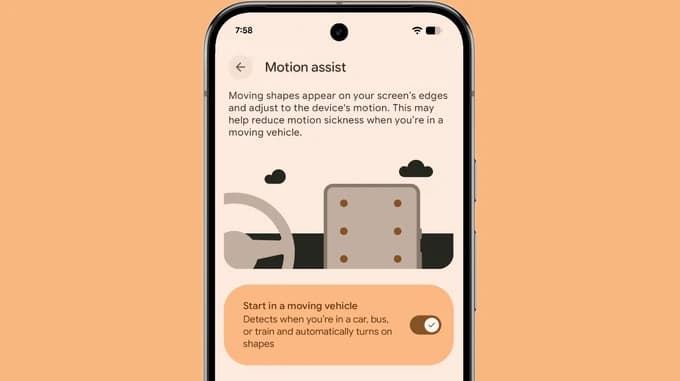
Google is rolling out a new Motion Assist Android feature as part of its September Android Drop, giving phone users a screen-based tool meant to reduce motion sickness during car rides. The feature places moving dots near the edges of the display, aiming to help connect what a person’s eyes see with the motion their body feels while riding in a vehicle.
Google says Motion Assist is intended for people who feel sick looking at a phone in a moving car. According to an Android Central report on the September Drop, users can turn it on from Quick Settings or configure it to activate automatically when the phone detects a moving vehicle. Google’s own announcement frames the feature as a way to make everyday phone use more comfortable in a car.
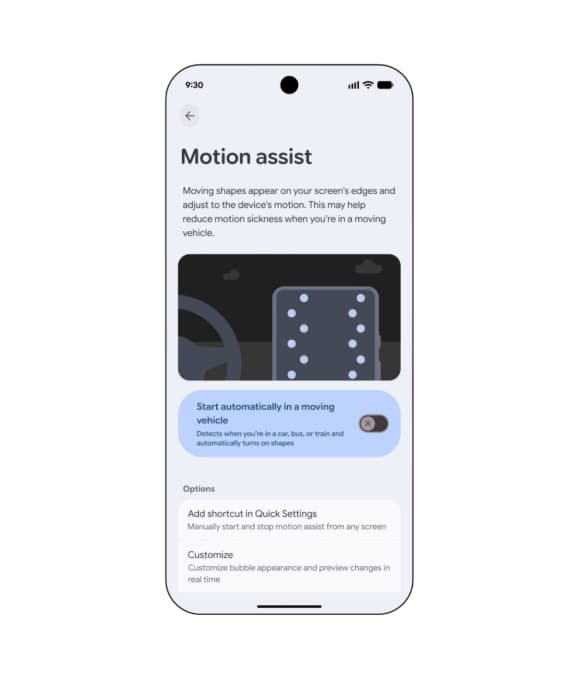
The visual treatment is straightforward: dots appear along the sides of the screen and move in response to the vehicle’s motion, giving the eyes another reference point for what the body is feeling. Google doesn’t describe Motion Assist as a treatment for motion sickness, and the company doesn’t claim it will work for every passenger or every journey.
Motion Assist is separate from the Android Drop’s Gemini-powered features. It doesn’t ask an AI model to interpret a trip or generate advice – its role is limited to changing what’s on the display while someone is looking at their phone. That distinction could matter to people who want a comfort setting without sharing a camera view, a message, or a location with an AI service.
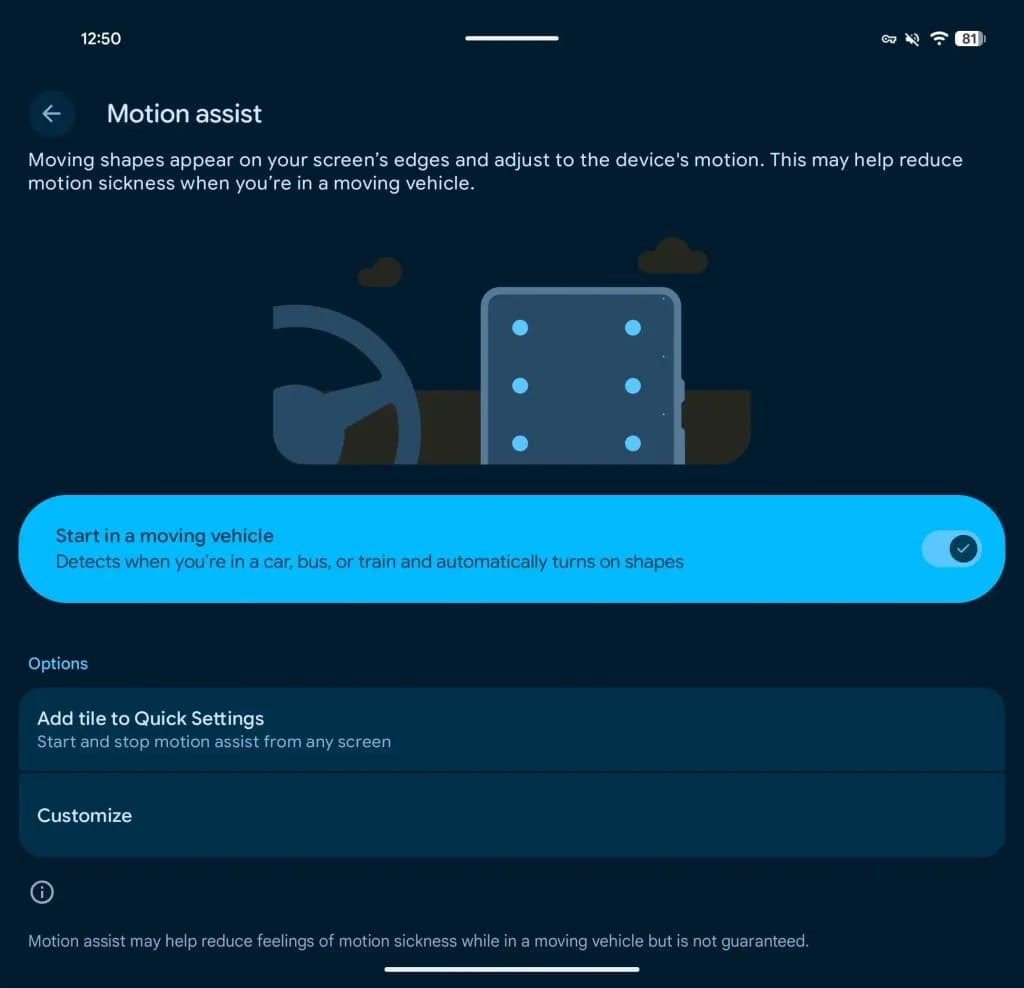
Availability depends on the device and software version in use. Ars Technica reported that the feature is becoming an official Android 17 function, though the set of phones actually receiving it may be narrow. Google’s own release language also points to a gradual rollout, so an eligible Android owner may not see the setting right away after installing an update.
Anyone hoping to try it should check the Google Services settings and the Quick Settings panel once the feature reaches their phone. The automatic option may require motion or vehicle-detection permissions, and those permissions should be reviewed before being enabled, particularly on a shared device.
The setting targets a familiar annoyance: reading a message, checking a map, or browsing during a car ride can feel unpleasant for some people. Motion Assist doesn’t change the road, the vehicle, or the need to stay attentive while driving – a driver should never use a phone while operating a vehicle.
Google has grouped Motion Assist with a broader set of September Android changes, including Guided vision and new Google Messages features, and says the tools will roll out in supported markets and languages. Timing may vary by handset, account, and region, so the announcement isn’t a guarantee that every Android phone will get the same control.
The headline development here is the arrival of a dedicated display setting built specifically for moving vehicles. Owners will need to wait for the rollout, check their Android version, and try the setting at a safe time – a short trial should reveal whether the moving dots actually make phone use more tolerable for that particular passenger.
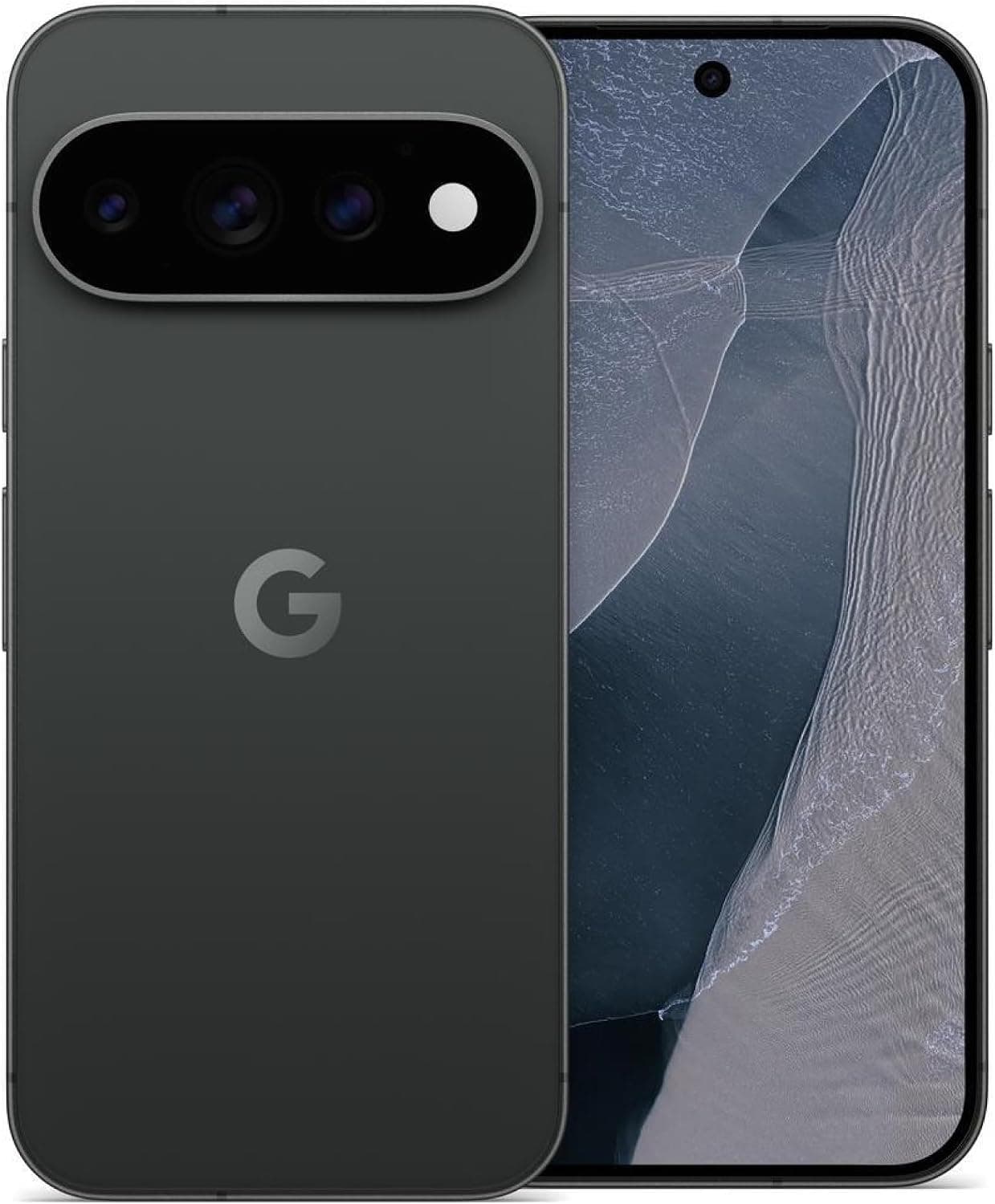
Google Pixel 11 Pro

Robert Haba is the founder and editor-in-chief of Droid Tools. A lifelong gadget enthusiast with over a decade following the Android ecosystem, he built this publication to cut through the noise and give readers honest, real-world coverage of the tech they actually use.

Xiaomi began rolling out the final Android 17 HyperOS 4 update for eligible Xiaomi, Redmi, and Poco devices, featuring UI updates and performance gains.

Track the Samsung One UI update schedule as One UI 9 reaches Galaxy S24 and older flagships, alongside support timelines for Galaxy phones and smartwatches.
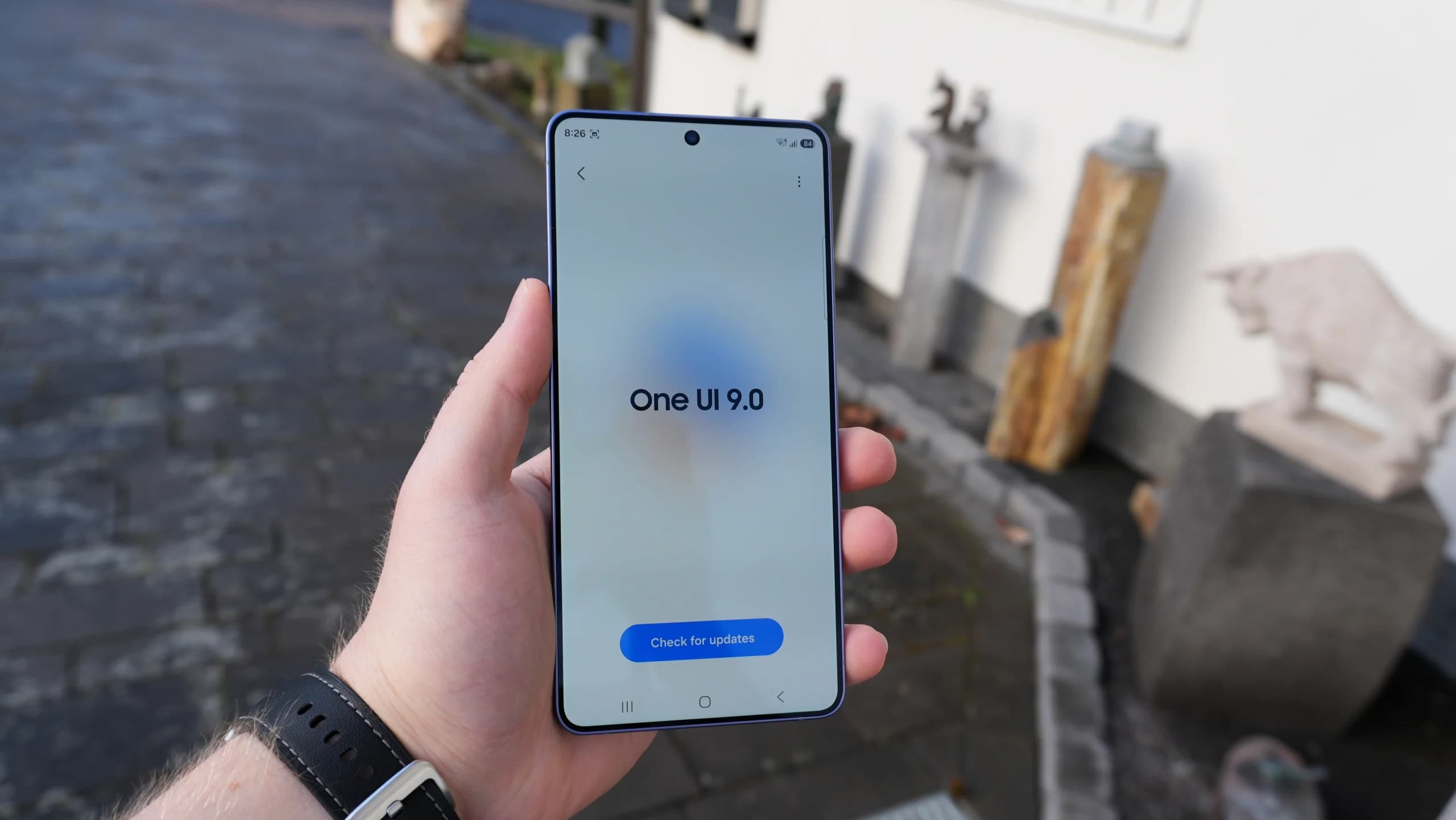
Samsung is releasing the stable One UI 9 update based on Android 17 to Galaxy M47, A26, A55, and other budget and mid-range devices.

The Pixel update schedule has shifted with missed monthly rollouts as the Pixel 6 and Pixel 7 series near the end of their official support periods.
The next story loads as you reach the end. You can also load it using the button.


Comments & Discussions
Join the conversation! We use Disqus to handle comments. Click the button below to load the comment section.