The HyperOS 3.1 stable update has begun to roll out for devices worldwide, which is fantastic news for Xiaomi users. In the first phase, the company pushed the most recent version to the highest-end devices, but it will soon be extended to more compatible phones.
Xiaomi HyperOS 3.1 is a little but important update. The new OS version, which is based on Android 16, offers improvements for multitasking and file sharing.
With the improved HyperConnect, it enhances Apple Ecosystem integration, which is more environmentally friendly. As a result, transferring files between devices is made simpler and more seamless.
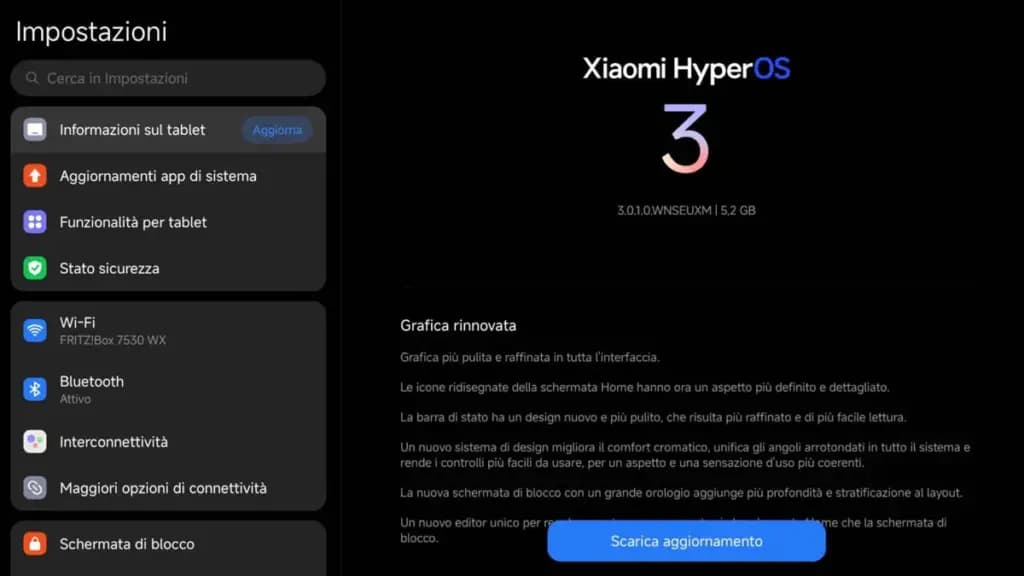
Regarding the worldwide devices, the following models are compatible with the Xiaomi HyperOS 3.1 stable update (refer to the software version indicated next to the devices):
The facts suggest that the HyperOS 3.1 stable update is currently available in Europe. The updated version will soon be available in more markets and phones from Xiaomi. Let’s see what new features HyperOS 3.1 offers consumers in the interim.
1. Smart Island on tablets: For its tablets running HyperOS 3.1, Xiaomi has finally released Hyper Island. Large-screen users can now enjoy a rich and unfettered experience while monitoring the real-time activities of specific apps at the top of the display.
2. Fluent System Apps: Many system apps were rewritten by Xiaomi using the most recent version of the Rust programming language. This technique makes multitasking loads more fluid and enhances memory security.
3. iOS-inspired Recent Apps Menu: Users will now get an iOS-style Recent Apps Menu with a new card-swiping gesture.
4. Enhanced Apple Ecosystem: Xiaomi HyperConnect enables users to bridge the gap between Xiaomi’s tablet lineup and the Apple Ecosystem. They get seamless cross-device file sharing and improved workflow continuity.

Google Pixel Watch 5 (45mm)

Robert Haba is the founder and editor-in-chief of Droid Tools. A lifelong gadget enthusiast with over a decade following the Android ecosystem, he built this publication to cut through the noise and give readers honest, real-world coverage of the tech they actually use.
Google has officially released Android 17 QPR2 Beta 7 (build CP41.260831.016), delivering essential bug fixes to Pixel owners across several generations. The release builds on patches that arrived earlier in Android 17 QPR2 Beta 6 and in incremental builds such as Android 17 QPR2 Beta 6.1. Testing on newer Android development tracks continues at the […]
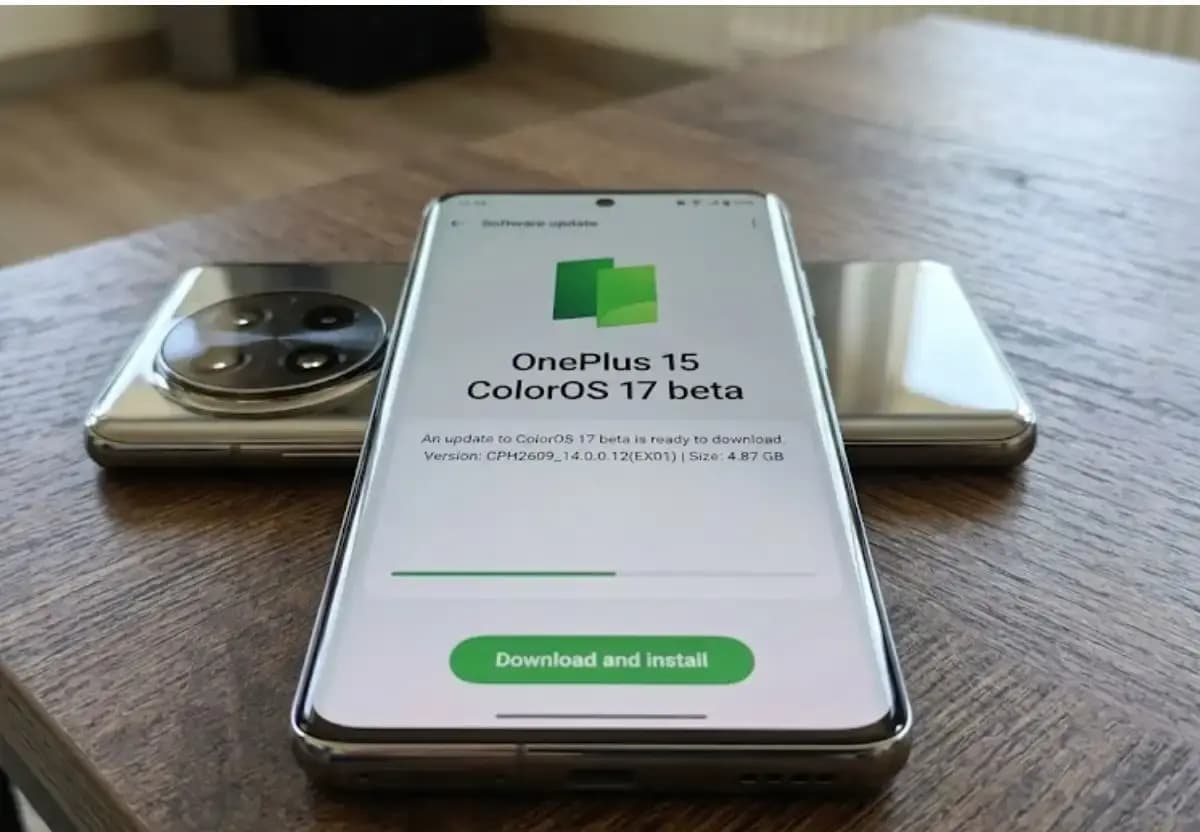
Some OnePlus 15 owners can now apply for the ColorOS 17 open beta and voluntarily move their phones from OxygenOS to ColorOS. OnePlus opened applications for the program, which for now is limited to users in India. The OnePlus 15 will be remembered as the swan song of OnePlus for its fans in the US […]

Xiaomi has confirmed that the HyperOS 4 stable update will start reaching users in China on October 15. The first batch of stable builds is meant for select Xiaomi, Redmi, and tablet owners, and the wait is nearly over. The news arrives as Xiaomi’s internal testing recruitment is scheduled to close on October 14. Because […]

Google has released Android 17 QPR2 Beta 7, the latest in a series of updates meant to fix issues and bugs affecting Android 17. The Alphabet subsidiary pushes these updates to Pixel models that still receive support from the company, and this beta reaches devices as old as the Pixel 6a. Installing it requires a […]
The next story loads as you reach the end. You can also load it using the button.


Comments & Discussions
Join the conversation! We use Disqus to handle comments. Click the button below to load the comment section.