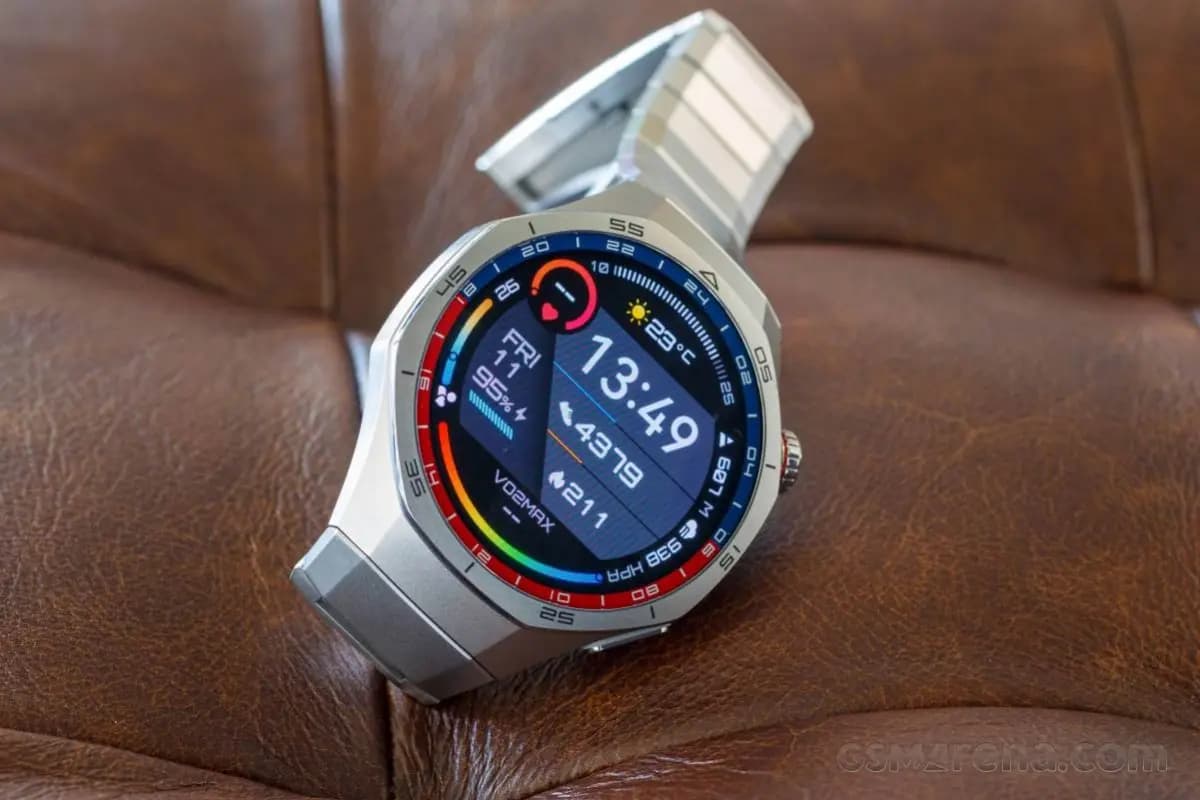
Huawei is pushing out a fresh firmware update for global variants of the Watch GT 5 Pro, bringing a wave of under-the-hood improvements to one of the brand’s most premium wearables. This latest release builds on the momentum of the major HarmonyOS 6.0 upgrade the device received earlier this year, signaling that Huawei continues to invest in refining the smartwatch experience long after the headline update has landed.
Roughly two months ago, the Huawei Watch GT 5 Pro global lineup made a significant leap forward with the arrival of HarmonyOS 6.0. That update was packed with exciting additions — stunning new watch faces, a revamped quick settings panel, and a host of other enhancements that brought the wearable’s software experience to a whole new level. Now, Huawei is doubling down on that foundation with targeted refinements aimed at making day-to-day usage even more seamless.
The latest firmware for the Watch GT 5 Pro arrives under version HarmonyOS 6.0.0.23, weighing in at a modest 87.04 MB — small enough for a quick download, but packed with meaningful improvements. While Huawei hasn’t spotlighted any headline-grabbing new features in this release, the update focuses on what truly matters for a reliable daily driver:
If you’ve noticed any minor hiccups, freezes, or inconsistencies while navigating apps or using features on your Watch GT 5 Pro, this update is well worth installing.
As is standard practice for Huawei, this firmware is being distributed in batches across global markets. This means not all eligible devices will receive the notification at the same time. If you haven’t seen the update prompt yet, there’s no cause for concern — it will make its way to your unit in due course. You can also manually check for updates through the Huawei Health app or directly in the watch’s settings menu.
To ensure the installation goes smoothly and without any complications, keep the following in mind before initiating the upgrade:
Once all conditions are met, the update should install quickly and smoothly, leaving you with a Watch GT 5 Pro that runs better than ever.

Google Pixel Watch 4

Robert Haba is the founder and editor-in-chief of Droid Tools. A lifelong gadget enthusiast with over a decade following the Android ecosystem, he built this publication to cut through the noise and give readers honest, real-world coverage of the tech they actually use.

Amazfit has officially announced its September 2026 update, which is already rolling out to many of the brand’s smartwatches and adds new navigation features alongside other improvements. The software release covers many Balance, T-Rex, Cheetah, and Active series models, and the full list of supported watches appears below. The navigation changes come first. The seven […]

Samsung's first AI glasses are now a step closer to reaching store shelves. According to The Korea Herald, a Samsung official has confirmed the company plans to launch its Intelligent Eyewear in November, though pricing remains unannounced. Digital Trends first saw the glasses at Google I/O in May, where Google showcased the Android XR platform […]

Samsung's September 2026 security update bulletin leaves out two of its older smartwatches: the Galaxy Watch 4 and Galaxy Watch 4 Classic, effectively marking the end of software support for both devices going forward. Samsung had promised the Galaxy Watch 4 series four generations of Wear OS upgrades, and delivered on that promise: Wear OS […]

It's a familiar refrain in tech: from a few feet away, this year's Pixel Watch looks just like last year's. On the surface, the Google Pixel Watch 4 and Pixel Watch 5 look nearly identical, sharing the same domed glass design, the same fast-charging setup, and the latest version of Wear OS. The Pixel Watch […]
The next story loads as you reach the end. You can also load it using the button.


Comments & Discussions
Join the conversation! We use Disqus to handle comments. Click the button below to load the comment section.