Google has kicked off its September Android Drop, a rollout of new features spanning Gemini, Find Hub, Google Messages, and accessibility tools built into Android. The update lets Gemini remember where users have stored physical items, adds a Guided vision mode to Gemini Live for blind and low-vision users, introduces a Motion Assist feature aimed ...
Google has kicked off its September Android Drop, a rollout of new features spanning Gemini, Find Hub, Google Messages, and accessibility tools built into Android. The update lets Gemini remember where users have stored physical items, adds a Guided vision mode to Gemini Live for blind and low-vision users, introduces a Motion Assist feature aimed at reducing motion sickness in moving vehicles, and brings Google Keep integration plus custom chat themes to Google Messages.
Google is adding a remembered items feature to Find Hub, letting users ask Gemini to save the location of objects that do not have a physical tracker attached. For example, users can tell Gemini, “Hey Google, remember in Find Hub that I put my passport in my bedroom drawer.” They can also attach a photo of the item. Later, they can either ask Gemini where the item is or check the new remembered items section inside Find Hub.
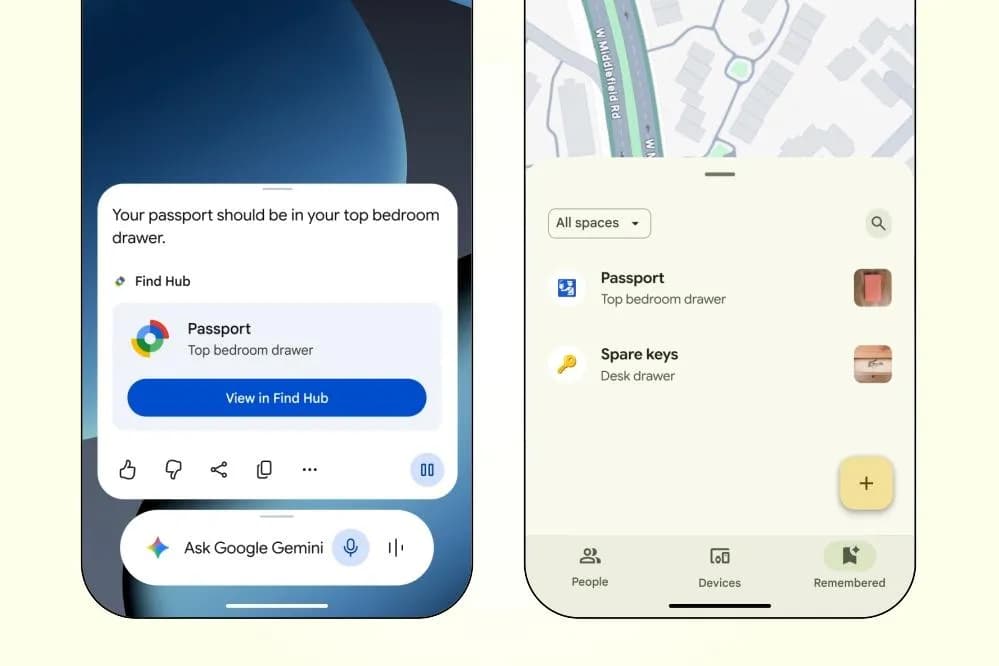
This new remembered items feature requires a phone running Android 16 or newer, and Google says it’s limited to countries where both Gemini and Find Hub are already available.
Google is also introducing Motion Assist for phones running Android 17. The feature places a small bubble overlay on the screen that moves along with the motion of the vehicle, aiming to close the gap between what a person’s eyes see on the display and what their body feels while traveling. Motion Assist can be added to Quick Settings or set to activate automatically, and users can adjust the shape, color, and opacity of the bubble.
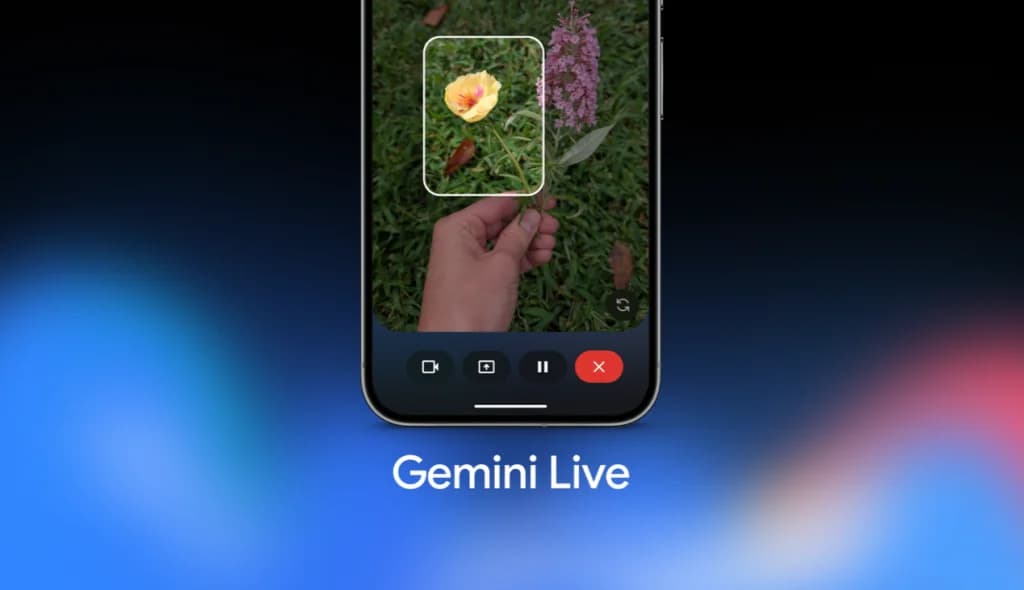
Guided vision is a new accessibility feature coming to Gemini Live that uses a phone’s camera to describe objects and surroundings out loud. Google says it can help with tasks like reading fine print on a food label, making out a menu in a dim restaurant, or identifying household objects. If the camera isn’t positioned correctly, Guided vision can walk users through reframing the shot, panning across an area, or centering an object using voice instructions. Guided vision itself is rolling out to phones running Android 9 and newer, according to Google.
The September Android Drop also brings Google Keep integration to Google Messages. Users can create and share Keep notes directly from a conversation by tapping the plus icon, and everyone in the chat can view, edit, and add to those shared notes, which Google suggests using for things like grocery lists or holiday planning. Google says this feature has already started rolling out.
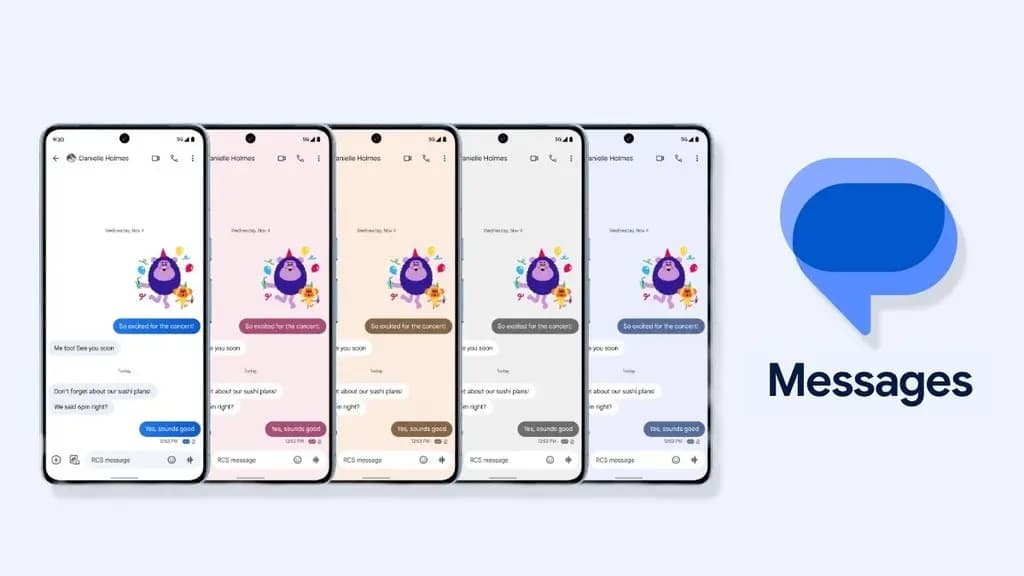
Google Messages is separately getting custom chat themes, letting users personalize individual conversations with different backgrounds and colors. Users can choose from Google’s available wallpapers or upload their own photos as a chat background, and Google Messages will automatically match the text bubble colors to whatever background is selected, though users can also adjust those colors manually.

Apple AirPods Pro 3

Robert Haba is the founder and editor-in-chief of Droid Tools. A lifelong gadget enthusiast with over a decade following the Android ecosystem, he built this publication to cut through the noise and give readers honest, real-world coverage of the tech they actually use.
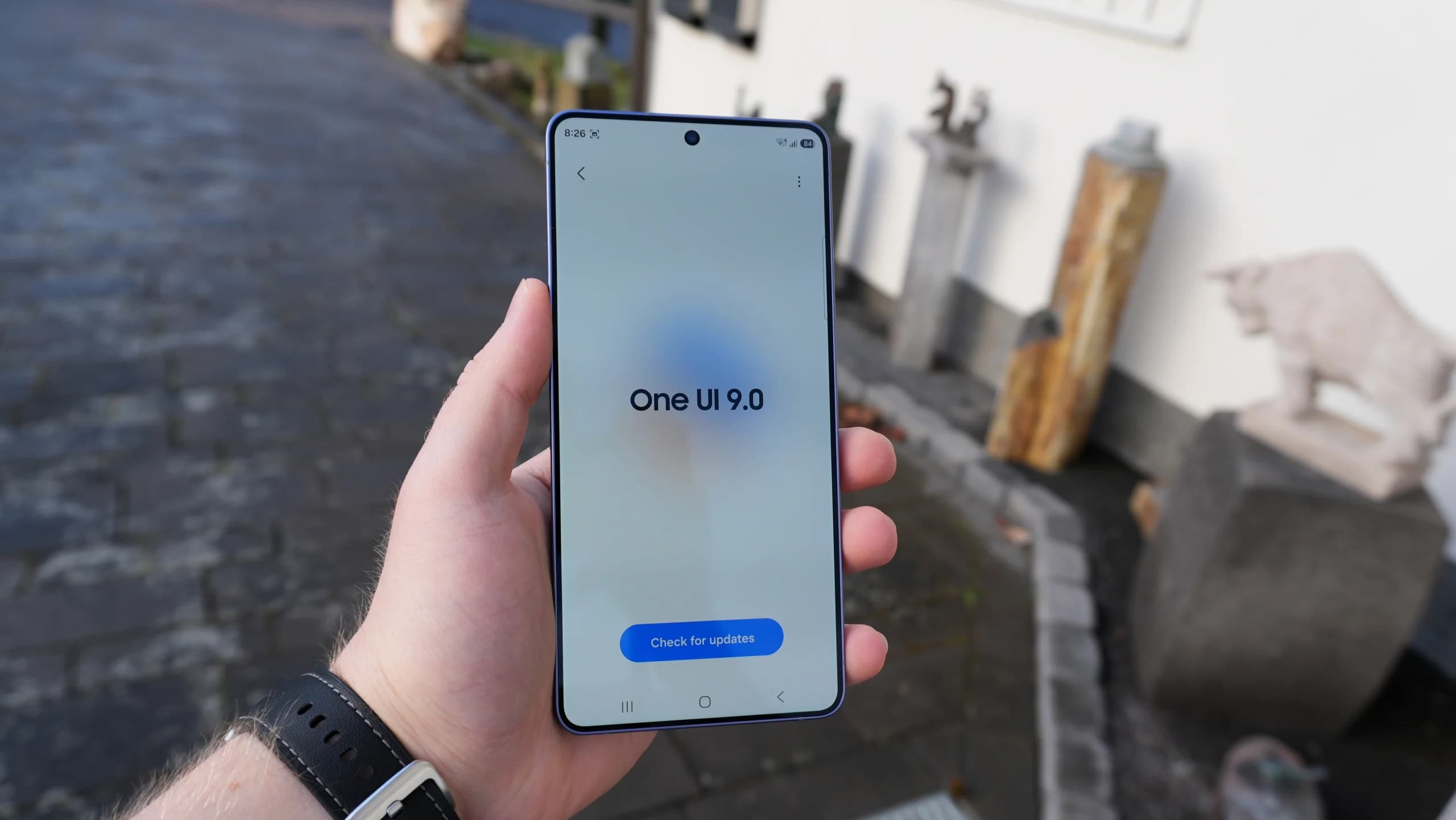
Samsung is releasing the stable One UI 9 update based on Android 17 to Galaxy M47, A26, A55, and other budget and mid-range devices.

The Pixel update schedule has shifted with missed monthly rollouts as the Pixel 6 and Pixel 7 series near the end of their official support periods.

Vivo introduces OriginOS Time-Based Lighting with dynamic 3D depth alongside a dual-mode Control Center featuring Merge and Split layouts.
Samsung confirmed which Galaxy phones and tablets will get the One UI 9 update, with rollouts set for Japan across October and November 2026.
The next story loads as you reach the end. You can also load it using the button.


Comments & Discussions
Join the conversation! We use Disqus to handle comments. Click the button below to load the comment section.