

A recent Google Messages update adds swipe gestures for viewing timestamps and replying, alongside a direct long-press action menu for individual texts. The interface features are rolling out more broadly, though availability remains limited across devices.
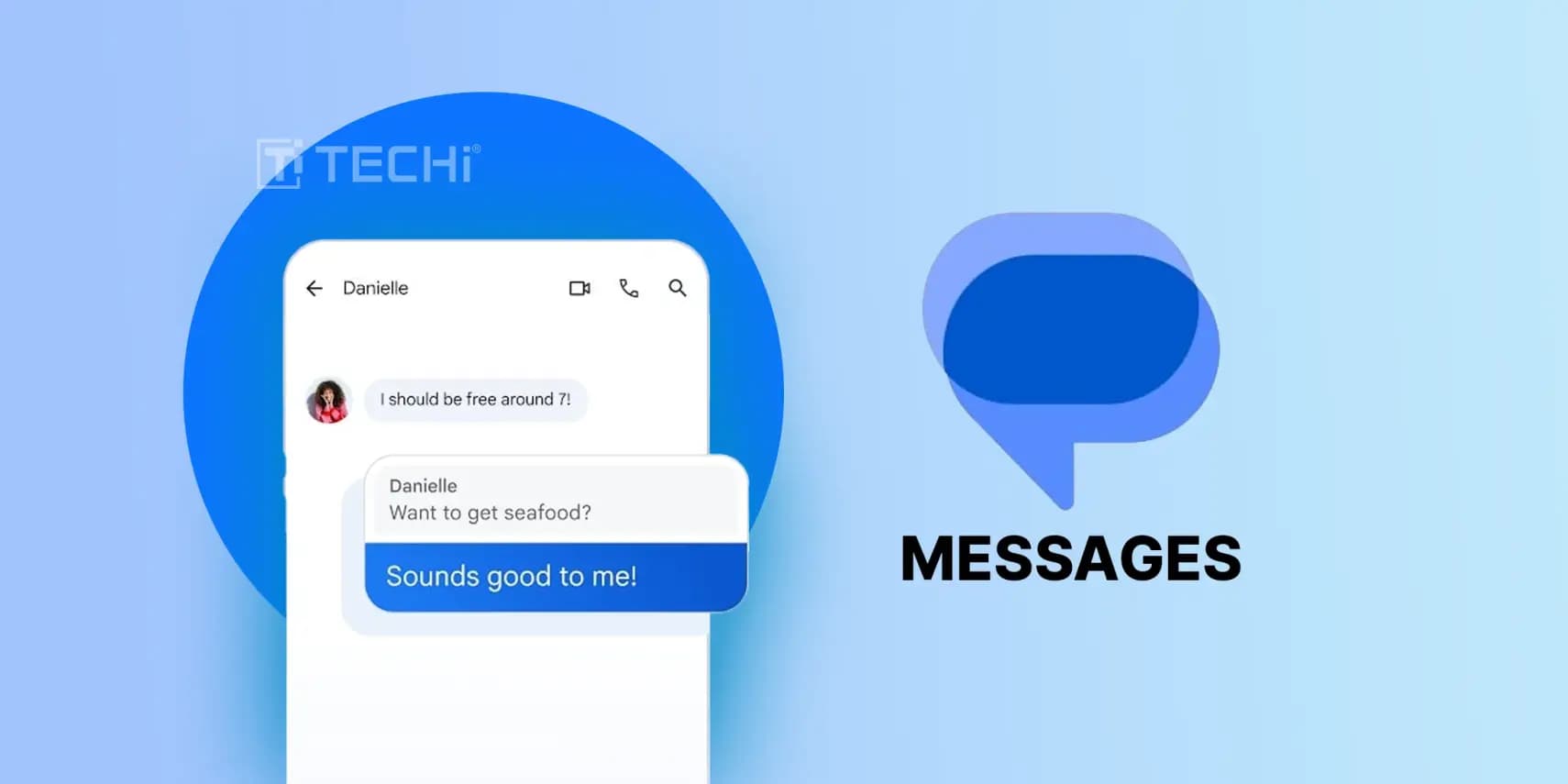
Google is distributing a new Google Messages update that alters daily interaction through gesture shortcuts and relocated controls. The release is rolling out to users now, although access remains uneven across accounts. Installing the latest build might not present an obvious visual overhaul, yet the changes directly modify standard navigation habits. The update changes how people inspect delivery information and trigger conversation tools.

According to reporting from 9to5Google, checking message timestamps no longer requires tapping individual chat bubbles one by one. Users can swipe left across the conversation screen to expose timestamps for every visible message simultaneously. This gesture also surfaces transmission status, identifying whether a message is marked as delivered or pending, alongside its current security and encryption standing.
The swipe system applies to message replies as well. Instead of tapping into extra menus, replying to an individual entry requires swiping right directly on the bubble. While adapting to this dedicated gesture takes a brief adjustment period, the mechanic aims to accelerate conversational flow once users master the movement. Swiping across the chat bubble directly links the response to the original entry.
A separate report from Android Authority details an updated long-press shortcut designed to simplify chat management. Reaching expanded message controls previously required tapping the overflow menu positioned at the top of the chat window. Under the revised arrangement, holding down on a specific message summons that management menu directly in place. The displayed options include Replay, Forward, Copy, Star, Delete, Select more, and Info.
Long-pressing also assists with selective text copying. Users can hold down on an entry to mark specific phrases or individual words, making it simple to copy designated segments without capturing the entire bubble. That precision reduces manual editing when quoting brief excerpts from longer messages.
Users can check for these additions by updating the app to the latest release. The rollout is expanding to a broader audience, though the features are not yet available to every account. Third-party messaging alternatives exist for people looking elsewhere, but their real-world results remain inconsistent. Google Messages continues to stand among the primary texting tools on Android, and we at Droid Tools welcome these practical refinements as Google works through the wider deployment.

Google Pixel Watch 5 (45mm)

Robert Haba is the founder and editor-in-chief of Droid Tools. A lifelong gadget enthusiast with over a decade following the Android ecosystem, he built this publication to cut through the noise and give readers honest, real-world coverage of the tech they actually use.

Google is introducing new Android scam protections, including Enhanced Protection in Messages, call-forwarding warnings, and screen-share privacy defenses.
Rich Communication Services (RCS) has reshaped Google Messages, bringing read receipts, larger media attachments, and cross-platform messaging with iPhone users. RCS isn't without its own issues, though, and Messages has so far offered an easy way to opt out on a per-chat basis if it causes problems - a feature that now looks like it […]

AI video generation has moved well beyond experimental clips. In 2026, creators, marketing teams, agencies, and video professionals can use these tools for social content, product videos, storyboards, advertisements, B-roll, explainers, and early-stage creative concepts. The challenge is choosing the right platform. Some focus on cinematic generation, while others are better for rapid marketing production […]

Google Messages is now widely rolling out its new Keep Notes integration, following last week's September 2026 Android Drop announcement. Opening the “plus” menu inside a conversation reveals a new Keep Notes shortcut, and those pills can be reordered like usual. Alternatively, Google might surface a contextual “Create list” shortcut directly in the suggestions row. […]
The next story loads as you reach the end. You can also load it using the button.


Comments & Discussions
Join the conversation! We use Disqus to handle comments. Click the button below to load the comment section.