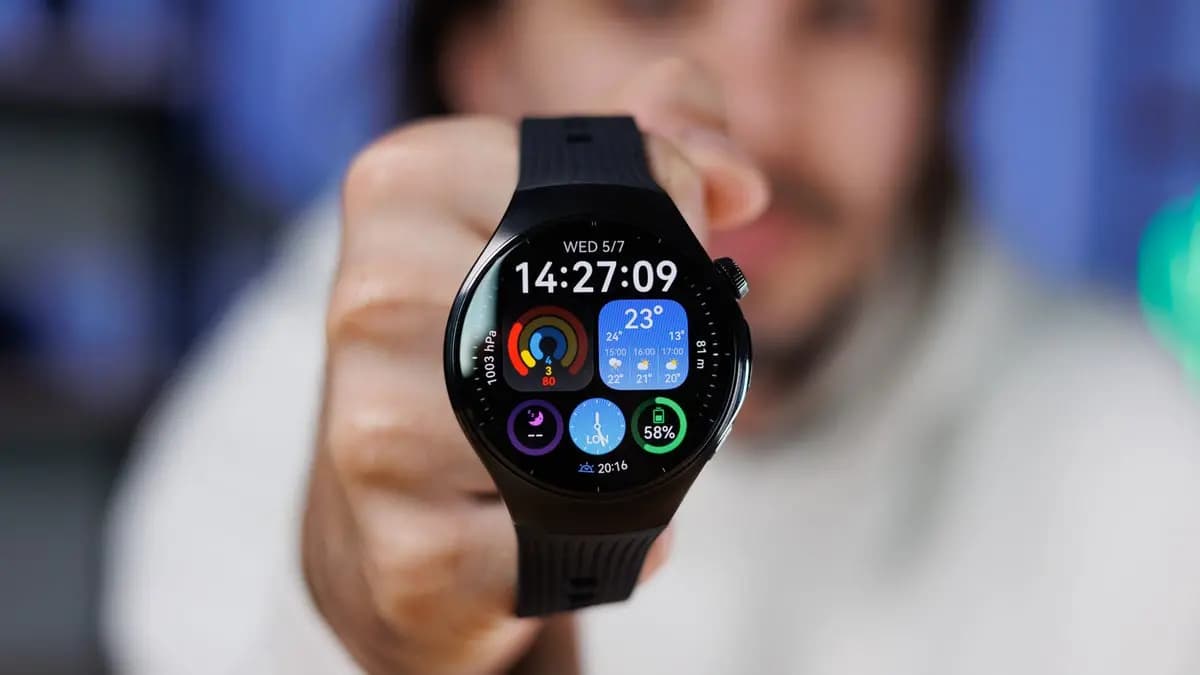
Owners of the Huawei Watch 5 vanilla model are currently quite pleased that the HarmonyOS 6.0 update is finally available on the global market. Your eligible wearable will soon receive the latest software version that the company has begun to push in batches.
Huawei has upgraded numerous smartwatches to HarmonyOS 6 thus far. For example, the global market offers the Watch GT 5 Pro, Watch FIT 4 series, Watch GT 5 models, and more.
Now the company is bringing the HarmonyOS 6.0 upgrade to the Huawei Watch 5 global users with a huge changelog. Yes, the OEM has added 16 new enhancements to the wearable, enhancing the complete experience for its users.
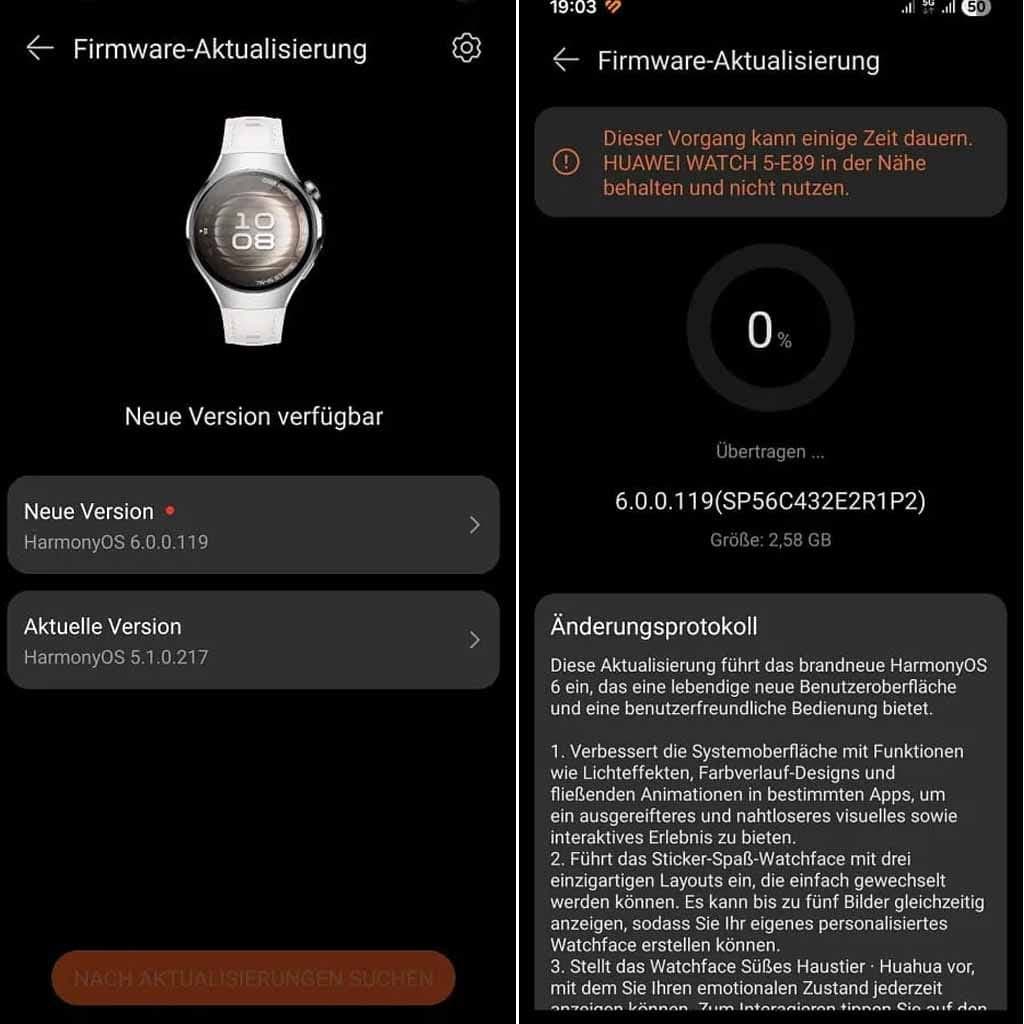
Watch 5 global users can identify the update with the HarmonyOS build version 6.0.0.119. Make sure to have sufficient storage as the package weighs 2.58GB.
To improve the user interface, the business has incorporated additional stickers and watch faces. Huawei has updated the Emotional Wellbeing app with better mood recognition at the same time. The Settings app and even Power Saving Mode will be improved for users. All of these qualities are listed below.

Google Pixel Watch 4

Robert Haba is the founder and editor-in-chief of Droid Tools. A lifelong gadget enthusiast with over a decade following the Android ecosystem, he built this publication to cut through the noise and give readers honest, real-world coverage of the tech they actually use.

Amazfit has officially announced its September 2026 update, which is already rolling out to many of the brand’s smartwatches and adds new navigation features alongside other improvements. The software release covers many Balance, T-Rex, Cheetah, and Active series models, and the full list of supported watches appears below. The navigation changes come first. The seven […]

Samsung's first AI glasses are now a step closer to reaching store shelves. According to The Korea Herald, a Samsung official has confirmed the company plans to launch its Intelligent Eyewear in November, though pricing remains unannounced. Digital Trends first saw the glasses at Google I/O in May, where Google showcased the Android XR platform […]

Samsung's September 2026 security update bulletin leaves out two of its older smartwatches: the Galaxy Watch 4 and Galaxy Watch 4 Classic, effectively marking the end of software support for both devices going forward. Samsung had promised the Galaxy Watch 4 series four generations of Wear OS upgrades, and delivered on that promise: Wear OS […]

It's a familiar refrain in tech: from a few feet away, this year's Pixel Watch looks just like last year's. On the surface, the Google Pixel Watch 4 and Pixel Watch 5 look nearly identical, sharing the same domed glass design, the same fast-charging setup, and the latest version of Wear OS. The Pixel Watch […]
The next story loads as you reach the end. You can also load it using the button.


Comments & Discussions
Join the conversation! We use Disqus to handle comments. Click the button below to load the comment section.