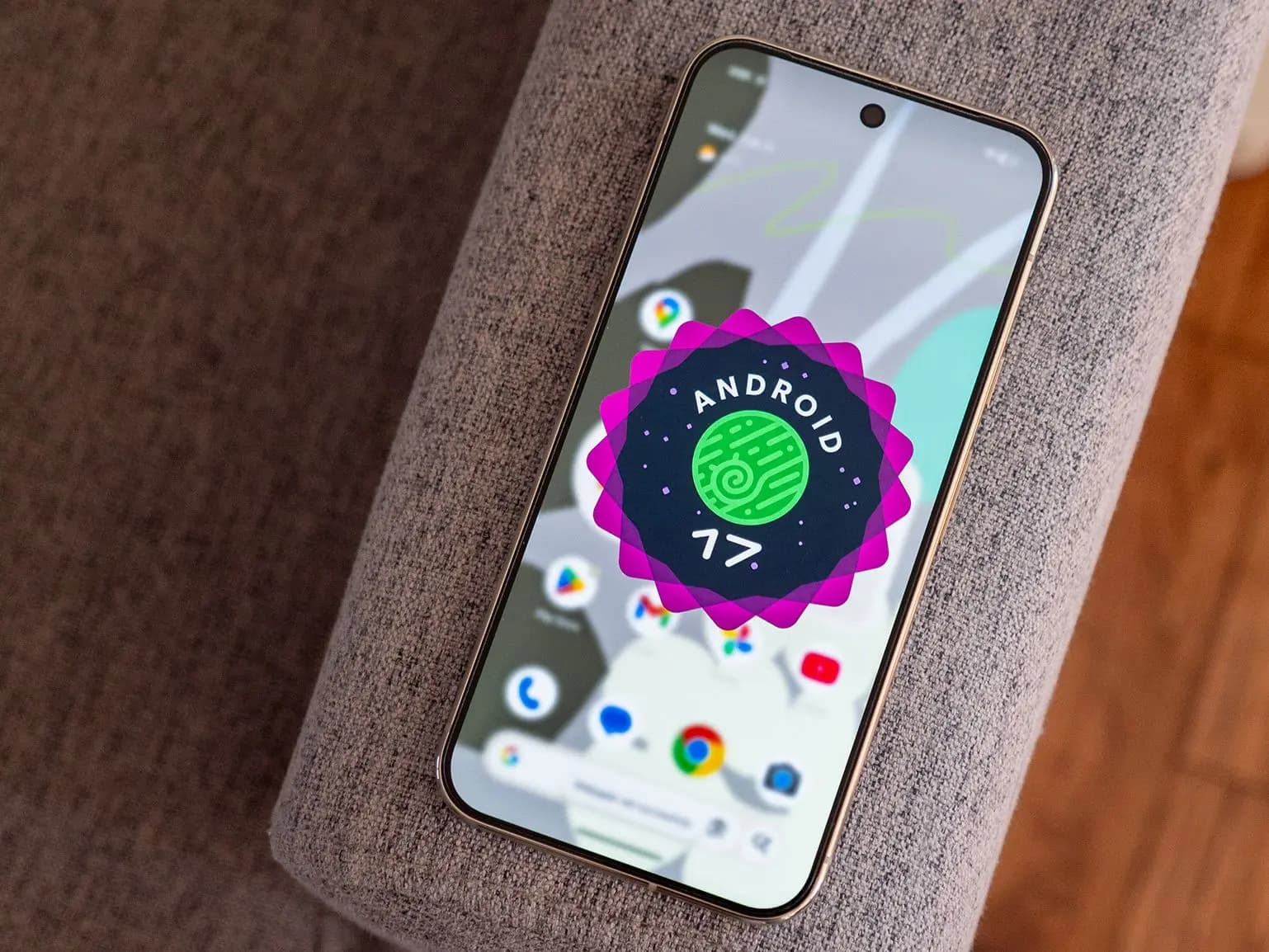
Screen Reactions, teased at the Android Show just a few weeks ago, are now live in Android 17 QPR1 Beta 4 for eligible Pixel phones.
With this latest Android 17 preview build, there’s now a clearer picture of how the green screen-like effect actually works. It’s built directly into the system screen recorder — no separate app or external editing tool required. A new “Show selfie camera” option appears alongside the existing controls in the built-in video recording menu, and toggling it activates the feature right there in the system.
This is a meaningful quality-of-life improvement for anyone who previously had to export footage and edit in a third-party app just to layer themselves over a screen recording. The whole process now stays local, and the result is ready to upload or share the moment recording stops — no post-processing needed.
One thing worth knowing: Screen Reactions only work when recording the full screen. The option doesn’t appear when using the “Single app” recording mode. Once enabled, a preview shows up immediately before recording starts, giving time to frame the shot, check positioning, and get ready.
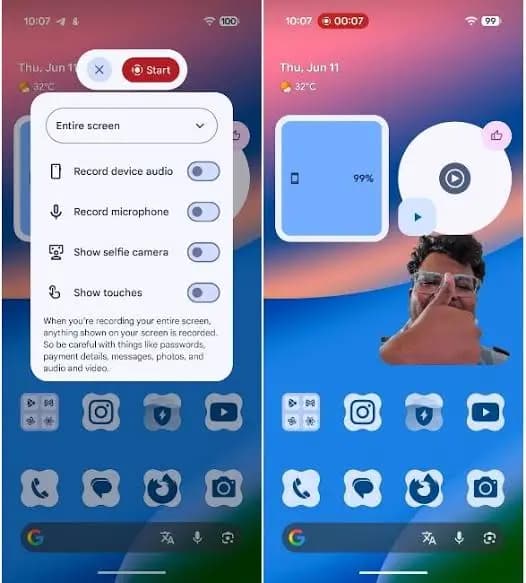
There’s also a color picker included, offering a solid background behind the selfie overlay for anyone who wants their face to stand out more clearly against the screen content. The current selection is limited to six colors — black, purple, red, blue, green, and orange — which feels a bit restrictive. Hopefully a custom color option or a broader palette gets added in a future build.
Microphone recording toggles on automatically when Screen Reactions is enabled, though it can be switched off independently — it doesn’t appear to be required for the feature to function.
Subject isolation is genuinely impressive. The cutout is sharp and holds up well around the face, shoulders, hands, and other objects that enter the frame. Given that Screen Reactions rely on the selfie camera and work even on the lower-resolution front cameras found on Pixel A-series devices, the quality of the results is well above what might be expected.

Google Pixel Watch 5 (45mm)

Robert Haba is the founder and editor-in-chief of Droid Tools. A lifelong gadget enthusiast with over a decade following the Android ecosystem, he built this publication to cut through the noise and give readers honest, real-world coverage of the tech they actually use.

Android Auto redesign clues emerge in the 18.0 beta update, with code pointing to a new launcher asset under the Cielo codename.
The Nothing OS 5 update brings Android 17 to Phone 3 users in a staggered rollout, adding the Geist font, AI upgrades, and a dedicated Glyph app.

Oppo has announced the ColorOS 17 upgrade, based on Android 17, for the smartphones of its parent group BBK Electronics, including OnePlus and Realme. OnePlus already announced a beta upgrade to ColorOS 17 for its OnePlus 15 flagship, and the Realme ColorOS 17 update is now on the way too. It brings a completely new […]
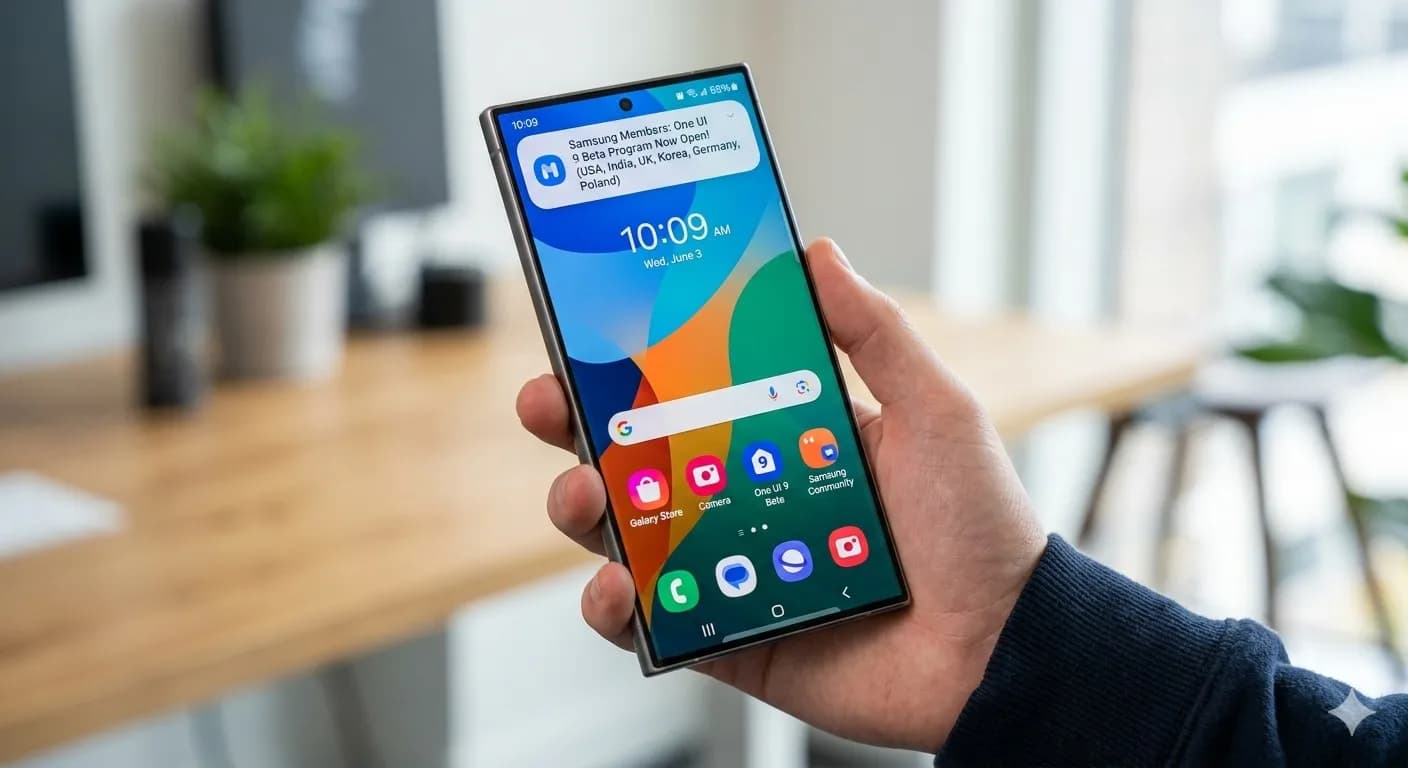
Samsung has started rolling out the Galaxy S23 One UI 9 update based on Android 17, starting with beta testers in South Korea.
The next story loads as you reach the end. You can also load it using the button.


Comments & Discussions
Join the conversation! We use Disqus to handle comments. Click the button below to load the comment section.