Xiaomi, one of the smartphone market’s most significant manufacturers, regularly upgrades its MIUI firmware and introduces new features. It introduced many technologies and significant characteristics to Xiaomi and Redmi phones with MIUI 12 and continues to add new ones. New features are not open to everyone. These features, provided to some users on the Chinese forum of MIUI, will be open to all in the future.
(adsbygoogle = window.adsbygoogle || []).push({});With the new update coming to MIUI 12, it is now easier to change themes. 2 large boxes were placed at the top, light and dark. There are many options such as timing just below.


Although some sites also write this as the MIUI 13 feature, this will be an MIUI 12 update. It is too early to leak about MIUI 13. A style that makes it easy to use with one hand is preferred. You can use the options by swiping up or down.
Messages application is now much more functional. While there are no big changes, it sure does make things easier. New settings received:
When connected to the computer, the interface of the options has been renewed. It’s a not big change but functional.
(adsbygoogle = window.adsbygoogle || []).push({});
MIUI 12 offers you an option to return to the old style if you like the notification style of MIUI 11 more. This choice can, however, be hard to find. Finding this setting is a lot simpler with the latest update. Renewed the interface for modifying the notification window.


Many new styles of filters have been added to the gallery application. You can now customize your photos even more.

We can say that the Notes application has revolutionary features. With the new update, objects such as brushes and pens have been added. You can now draw a picture.


Google Pixel Watch 5 (45mm)

Robert Haba is the founder and editor-in-chief of Droid Tools. A lifelong gadget enthusiast with over a decade following the Android ecosystem, he built this publication to cut through the noise and give readers honest, real-world coverage of the tech they actually use.
WhatsApp message scheduling has appeared in an Android beta build, allowing users to queue encrypted messages and media up to two weeks in advance.
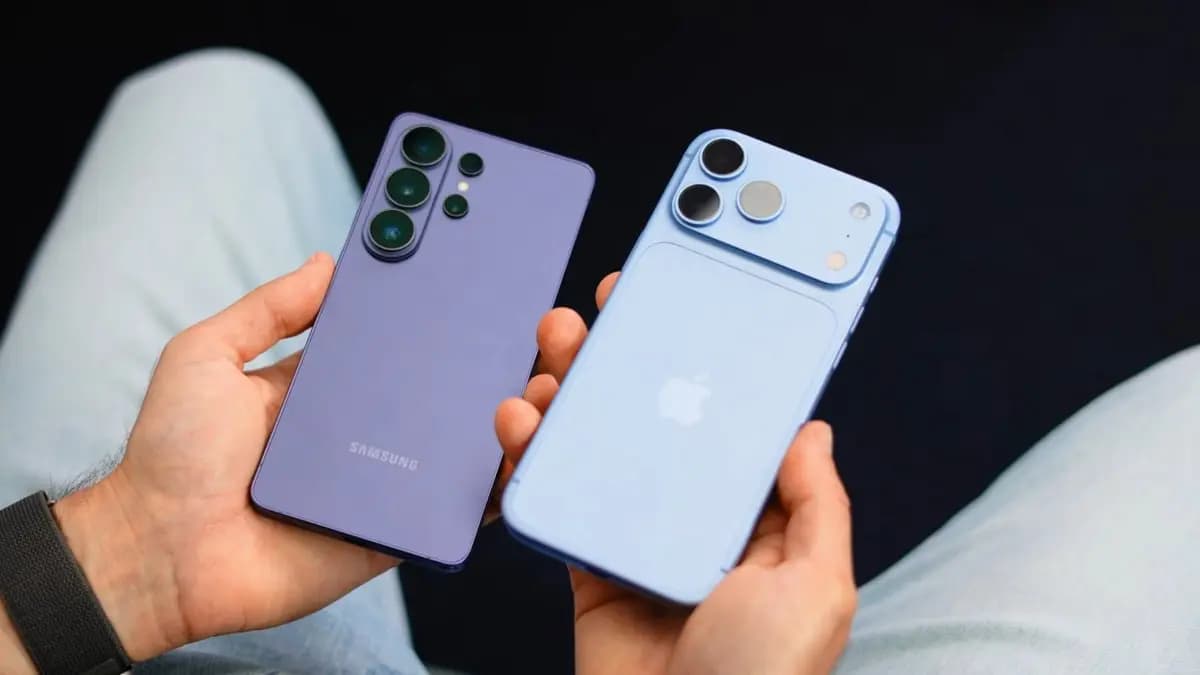
Global smartphone shipments dropped 20% in Q3 2026 to a 14-year low as memory costs rose, though Samsung retained its top spot with foldables.

Google is emailing a 30% Pixel 11 discount code to select Google AI Pro members, cutting up to $570 off the Pixel 11 Pro Fold without a trade-in.

Google is upgrading Android scam detection across Messages and calls, using Gemini models and new on-device checks to flag suspicious links and phone scams.
The next story loads as you reach the end. You can also load it using the button.


Comments & Discussions
Join the conversation! We use Disqus to handle comments. Click the button below to load the comment section.