Google’s Pixel 11 series has arrived with Gemini and camera changes spanning daily assistance, voice entry, visual presets, and low-light shooting. As Android Central reported on Aug. 12, the headline Pixel 11 features extend Gemini Intelligence to more than 40 apps, bring new tools to Gboard, and make Instant Night Sight faster on the Pro ...
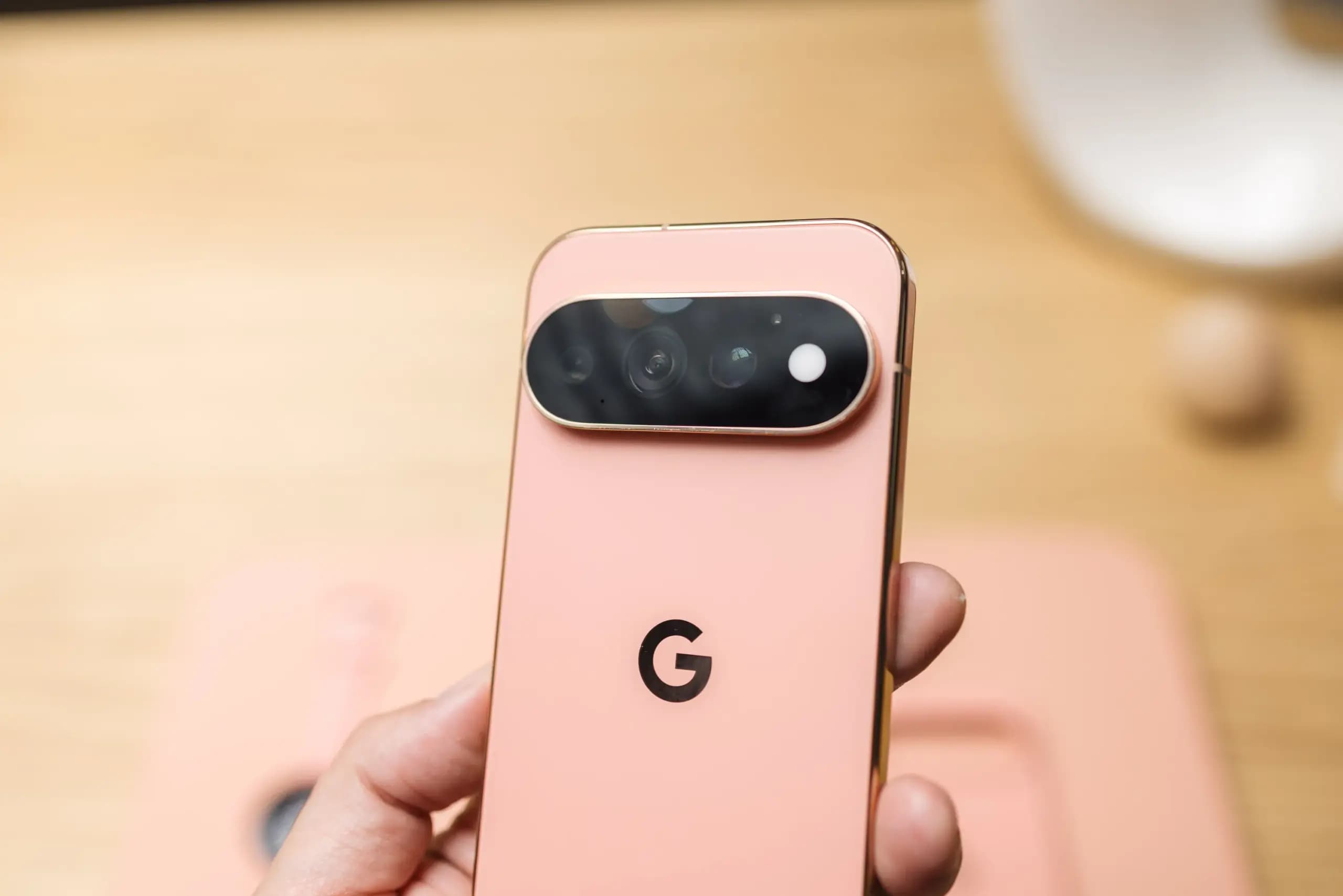
Google’s Pixel 11 series has arrived with Gemini and camera changes spanning daily assistance, voice entry, visual presets, and low-light shooting. As Android Central reported on Aug. 12, the headline Pixel 11 features extend Gemini Intelligence to more than 40 apps, bring new tools to Gboard, and make Instant Night Sight faster on the Pro models. Google is also adding context-aware cards, a preview of location insights, and a capture mode designed for subjects that do not stay still for long.
Broadly, the AI changes cover both actions and information: Gemini can work across apps, refine spoken input, and surface details tied to a conversation or location. Camera additions, meanwhile, let users select an aesthetic before shooting, organize captured video, and use on-device intelligence with Gemini to record brief moments as both photos and video. Together, these updates place Gemini and the camera at the center of the launch.
Google describes the Pixel 11’s AI changes as “personalized updates” for everyday tasks. Gemini Intelligence can now complete “multi-step tasks” across “your favorite apps,” according to the company. With the system reaching more than 40 apps on the Pixel 11, Google expects the personalized feature to become useful in more places.
Rambler is part of that expansion. The Gemini voice-input feature can clean up speech by removing filler words including “um” and “ah.” It joins a broader set of Gboard changes for the Pixel 11. Among them is sign-to-text, which gives people who rely on sign language another way to send messages through the app.
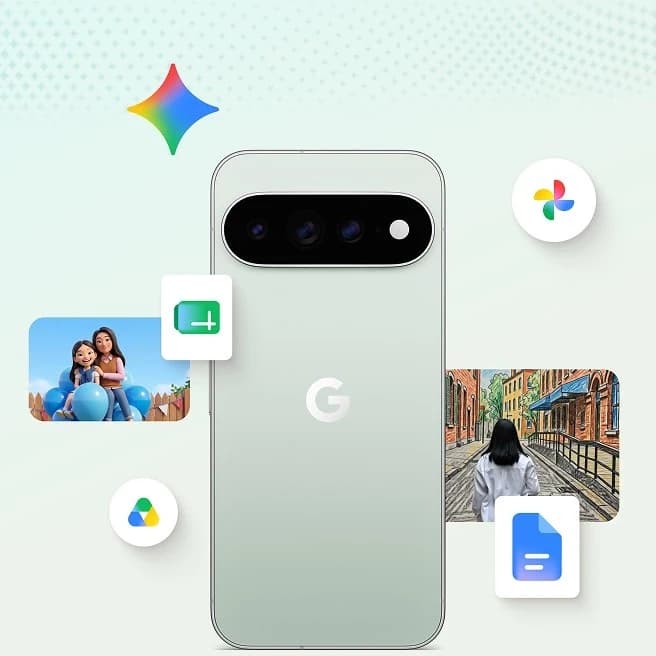
Some Gemini help will appear while users are already talking about a relevant subject. Google says the assistant can “offer timely, helpful information through easily glanceable cards in the apps you’re already using.” If a conversation with a friend turns to a trip, Gemini might display a card with booking information and show whether the flight is running on time or has been delayed. Conversation-based suggestions are also expected when the topic is dinner.
Location-based insights go a step further, but the feature is launching only as a preview in the Gemini app. Google says someone at a restaurant might receive an insight on the lock screen with details such as menu items or the places where people commonly sit.
Camera Looks let Pixel 11 owners choose a default aesthetic for their pictures. Natural is described as having more relaxed details, while Shadows applies deeper contrast. Vanilla provides a golden-glow aesthetic. Those three sit alongside six more choices: Digi, Black Tie, Minimal, Editorial, Classic, and Velvet.

Low-light photography is getting a speed improvement on the Pixel 11 Pro and Pixel 11 Pro XL. Instant Night Sight on those two models is about 4.5 times faster, helping when there is not enough light for a regular shot.
Google has enhanced Creator Suite, too. The changes are intended to help content creators find tools quickly in the camera viewfinder, while captured videos can be saved in video project folders for safekeeping.
Magic Capture is designed for what Google calls “blink-and-you’ll-miss-it baby smiles, playful pets, or hard-to-get action shots.” Using on-device intelligence and Gemini, the feature can capture 400 frames or “high-quality” 12MP photos that are ready to share. The output also includes a video.
The camera updates extend beyond image capture. Circle to Search is coming to the Pixel camera, while Live Translate is adding real-time translations for audio and video.
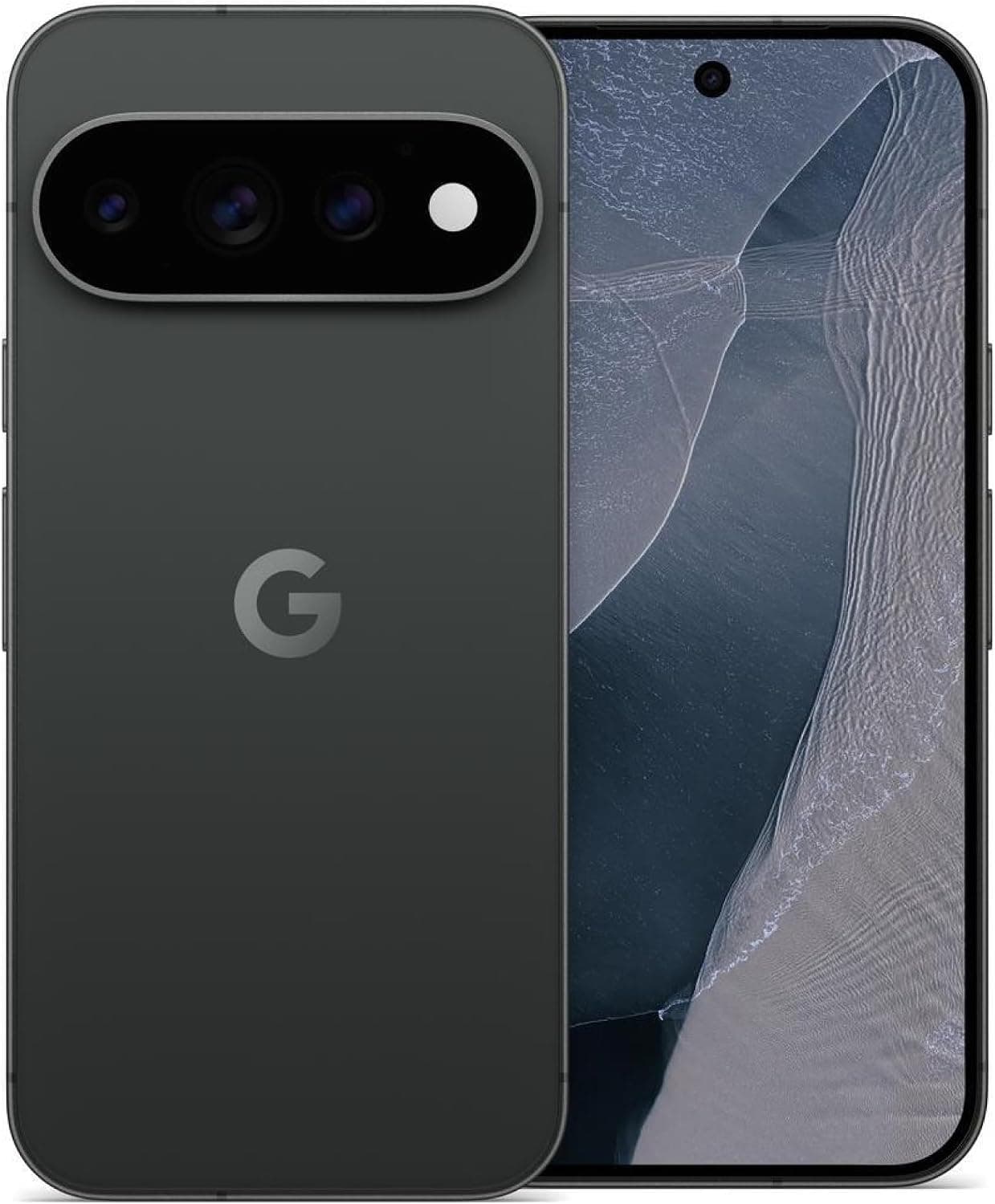
Google Pixel 11 Pro

Cristian Penisoara is a Guides Writer and Android specialist at Droid Tools. An Android user since version 2 and a professional event photographer, he combines technical curiosity with a detail-oriented approach - every guide he publishes is tested step-by-step on a real device before it goes live.

Early leaks suggest the Vivo X500 Ultra could run a Snapdragon 8 Elite Extreme Gen 6 chip alongside a 200MP periscope telephoto camera.

Motorola Signature 27 specs confirm a 12,000-nit tandem OLED screen and Snapdragon chip before the November 5 launch, while pricing could reach $1,800.
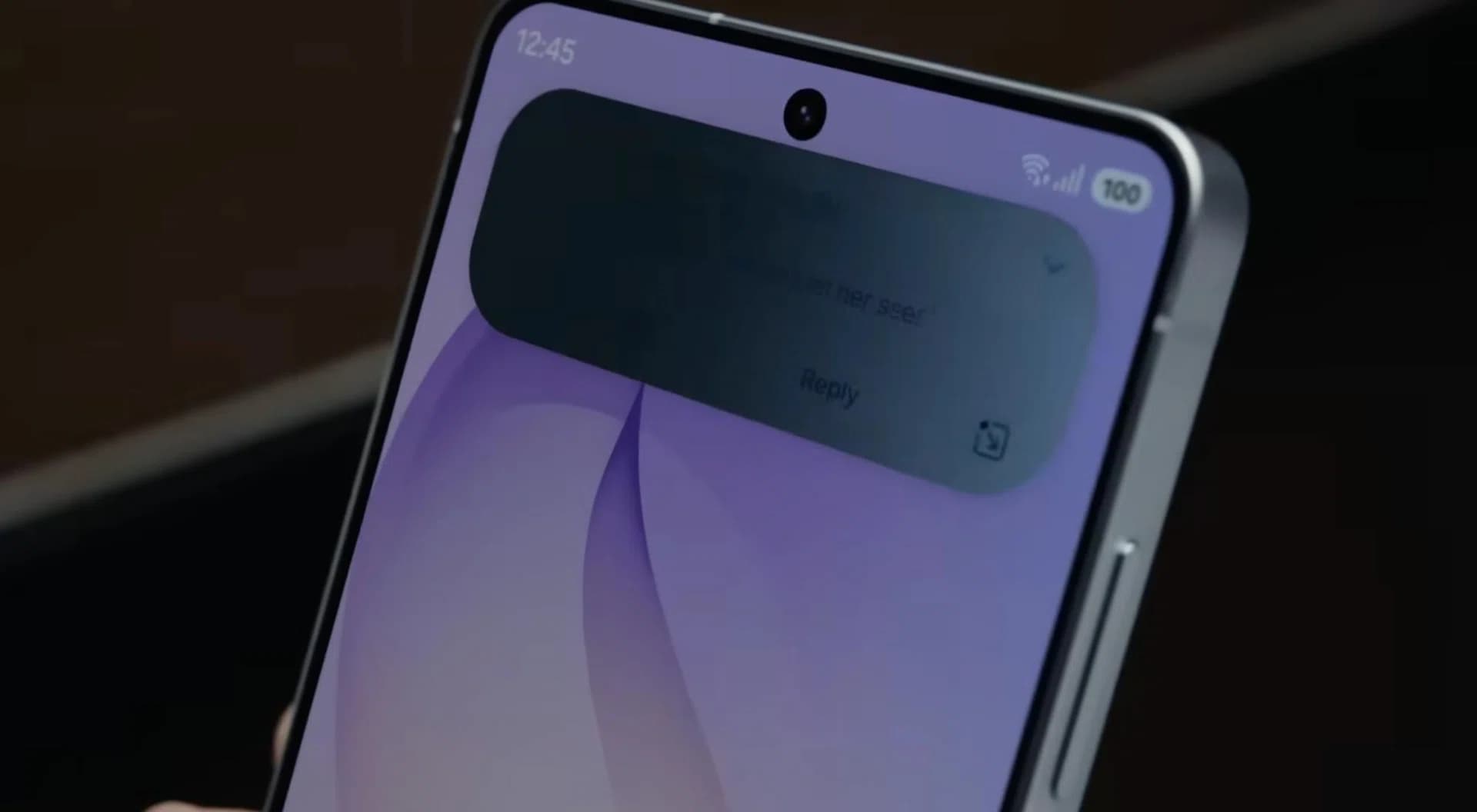
Samsung may bring an improved Galaxy S27 Privacy Display to the Pro and Ultra models in early 2027, while skipping the base and Plus versions.

Honor opened pre-orders for the Honor X9e Pro in Malaysia, featuring an 11000mAh battery, a Snapdragon 6 Gen 5 chip, and pricing starting at 1899 MYR.
The next story loads as you reach the end. You can also load it using the button.


Comments & Discussions
Join the conversation! We use Disqus to handle comments. Click the button below to load the comment section.