The first beta build of the Paranoid Android Sapphire ROM for the OnePlus 9 and OnePlus 9 Pro has just been released by the Paranoid Android team. For quite some time, an Alpha version of the Android 12 based ROM has been available for both phones. The new beta version, on the other hand, offers a more stable software experience.
The Paranoid Android Sapphire Beta is now available for the OnePlus 9 and OnePlus 9 Pro, as announced by XDA Recognized Developer arter97. Several device-specific enhancements are included in the latest build, including redesigned blobs, improved sleep mode, fingerprint scanner improvements, and a transition to arter97’s kernel. Repainter integration, improvements from ProtonAOSP, a burn-in protection feature for devices with OLED panels, the latest f2fs tools, and more have all been added to the Paranoid Android platform.

The beta release still has a few known faults. These include delayed mobile data activation after reboot, Wi-Fi not working after a few reboots, and less-than-ideal pocket recognition, which can wake up the smartphone or activate gestures by accident.
If you wish to try out the Paranoid Android Sapphire Beta on your OnePlus 9/Pro, head over to the forum mentioned below. It includes a download link for the ROM as well as step-by-step instructions for flashing it. Although the beta build can be flashed onto a current Sapphire Alpha system, the developer recommends “a clean flash.”
Download Paranoid Android Sapphire Beta for the OnePlus 9 / OnePlus 9 Pro
Here are some device-specific highlights:
Here are platform-wise highlights:
There are likely many other issues, these are just the most prominent to me. Don’t come into this with the expectation any issue you come across will be fixed in a timely manner.
Make sure you are coming from any Android 11 based OxygenOS build, stable is recommended.
You can always get our Alpha builds from ourTelegram Group or directly download them from here:
OnePlus 9 Pro – Beta 1
(Note, OP9 & Pro builds are no longer unified)
Note: Custom kernels are not supported unless the kernel says it supports AOSPA and GMS is included!
Starting with Beta 1, you must clean flash due to recent commits related to userdata.
Important / Useful links
Paranoid Android Twitter
Paranoid Android Channel (Telegram)
Paranoid Android Community (Telegram)
Paranoid Android OnePlus 9 Family (Telegram

Google Pixel Watch 5 (45mm)

Robert Haba is the founder and editor-in-chief of Droid Tools. A lifelong gadget enthusiast with over a decade following the Android ecosystem, he built this publication to cut through the noise and give readers honest, real-world coverage of the tech they actually use.

Android Auto redesign clues emerge in the 18.0 beta update, with code pointing to a new launcher asset under the Cielo codename.
The Nothing OS 5 update brings Android 17 to Phone 3 users in a staggered rollout, adding the Geist font, AI upgrades, and a dedicated Glyph app.

Oppo has announced the ColorOS 17 upgrade, based on Android 17, for the smartphones of its parent group BBK Electronics, including OnePlus and Realme. OnePlus already announced a beta upgrade to ColorOS 17 for its OnePlus 15 flagship, and the Realme ColorOS 17 update is now on the way too. It brings a completely new […]
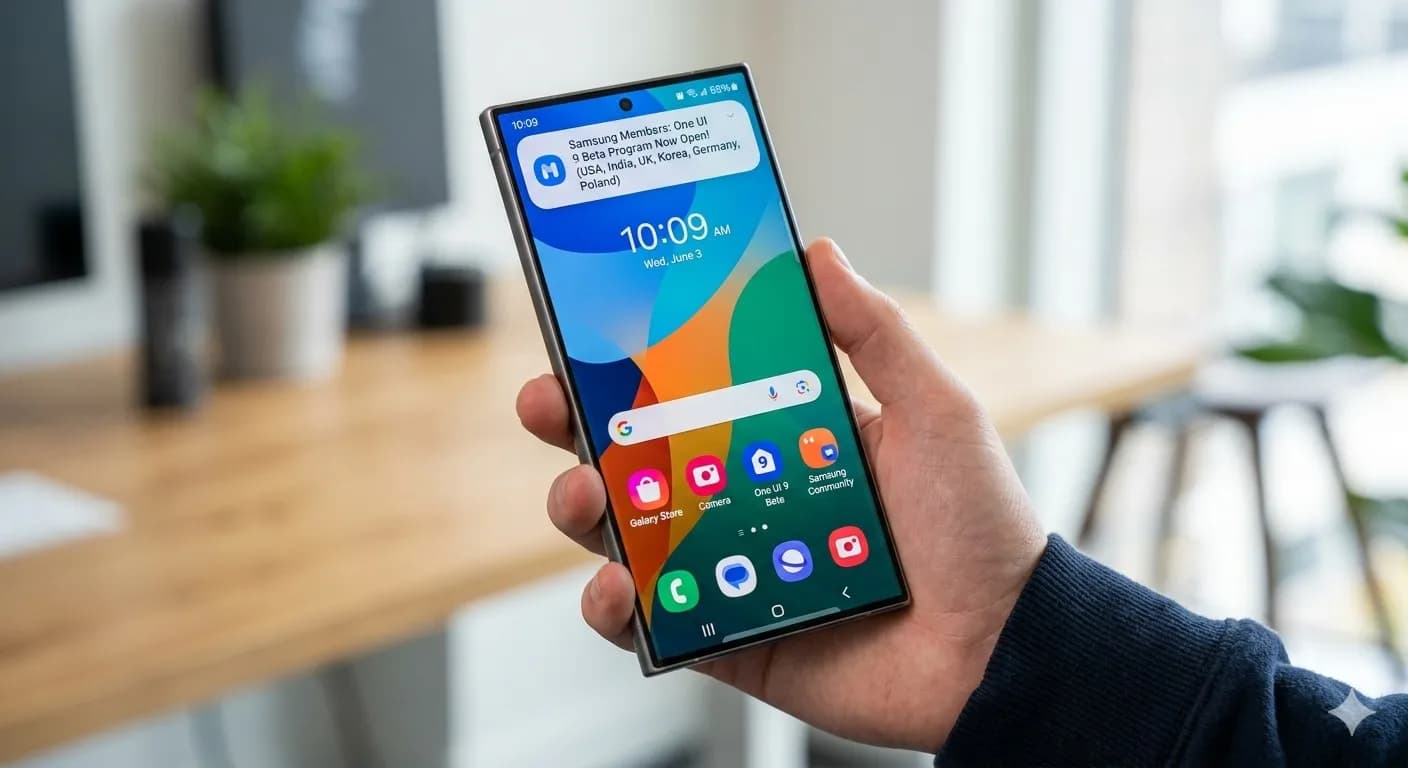
Samsung has started rolling out the Galaxy S23 One UI 9 update based on Android 17, starting with beta testers in South Korea.
The next story loads as you reach the end. You can also load it using the button.


Comments & Discussions
Join the conversation! We use Disqus to handle comments. Click the button below to load the comment section.