Vivo is updating OriginOS with Time-Based Lighting, dynamically shifting app icons and widgets between flat and embossed 3D designs depending on time and light. The update also adds a dual-style Control Center offering a unified Merge Mode and a divided Split Mode.

Android device makers frequently compete on performance and animation smoothness. Vivo focuses more heavily on interface styling and visual depth within OriginOS. Recent software developments expand this personalization through OriginOS Time-Based Lighting, an adaptive rendering system that adds physical depth to home screen elements. Alongside this visual change, Vivo introduces a redesigned Control Center featuring two distinct layouts for notifications and system controls.

These visual adjustments build on OriginOS 7, where Vivo pairs core performance tuning with interface customization. Time-Based Lighting makes the display feel tactile by shifting familiar flat graphics into dimensional objects. By adjusting virtual elevation, highlight placement, and shadow angles, the launcher changes widgets and application icons between standard two-dimensional graphics and soft embossed forms based on the time of day and ambient light.
The feature operates through a context-aware rendering engine integrated directly into the launcher. The engine continuously recalculates shadow orientation and perceived elevation across the desktop, replacing static themes and fixed icon packs. During typical daytime hours or standard lighting, the interface maintains a clean, flat appearance. Early software previews show icons for system tools, including the Gallery, Clock, App Store, and Phone, resting flat against the wallpaper with minimal shadowing to keep the screen lightweight.
Once Time-Based Lighting engages, the launcher recalculates on-screen contrast and directional lighting. Icon shapes and widget containers pick up subtle inner glows, curved edge gradients, and realistic drop shadows. This subtle treatment creates a distinct clay-like or glassmorphic depth, making icons and widget containers appear elevated off the glass surface as if illuminated by ambient room lighting or sunlight angles.

Alongside home screen depth adjustments, Vivo overhauled how users interact with device settings and media playback. The revised Control Center gives users a direct choice between two separate operational layouts: Merge Mode and Split Mode.
Merge Mode groups notifications, quick toggles, and status readouts into a single dropdown shade. The layout targets one-handed usability, arranging core controls for Wi-Fi, Bluetooth, Mute, Flashlight, and Eye Protection into a compact grid. A single downward swipe displays unread alerts alongside settings and two horizontal sliders for brightness and volume without interrupting current context.
Split Mode separates notifications and quick settings into two distinct pull-down zones. The quick settings side adopts a media-centric structure with a full-card widget at the top that shows album artwork, track navigation buttons, and audio output routing. Beneath it, vertical pill-shaped sliders handle screen brightness and volume adjustments with tactile feedback during thumb swipes. At the bottom, a devoted Device Hub panel manages rapid accessory pairing, screen casting, and multi-device connection management.
Providing both Merge Mode and Split Mode addresses a longstanding division among smartphone users. Many mobile skins lock users into either a single consolidated shade or a split layout similar to iOS or HyperOS. Allowing users to select their preferred configuration removes that limitation.
At the same time, Time-Based Lighting introduces tactile skeuomorphism while avoiding visual clutter. The dynamic shadows and lighting gradients add dimensionality while preserving the clarity of flat icons. When paired with fluid system animations, the transition between embossed desktop widgets and translucent control shades produces a unified visual experience throughout OriginOS.

Luiza Mosneagu is Reviews Editor at Droid Tools. A psychologist by training and tech writer by passion, she has tested over 60 Android devices since 2020 - always for a minimum of two weeks before writing a word. Her focus is camera quality, everyday usability, and cutting through marketing claims to tell you what a device is actually like to live with.
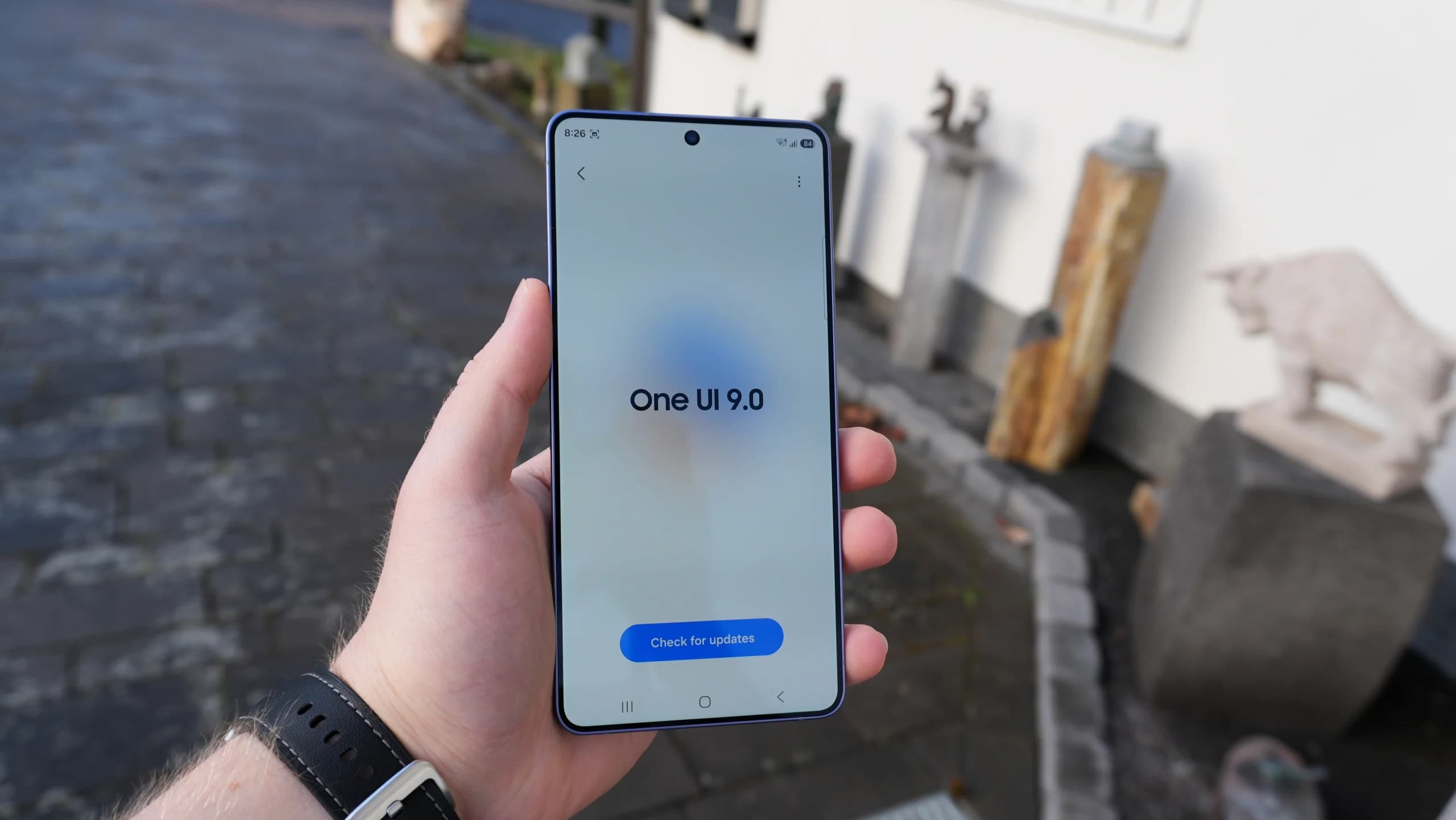
Samsung confirmed which Galaxy phones and tablets will get the One UI 9 update, with rollouts set for Japan across October and November 2026.

OnePlus has begun rolling out the stable Color OS 17 update for the OnePlus 15 and OnePlus Pad 4 ahead of the planned October 29 launch date.
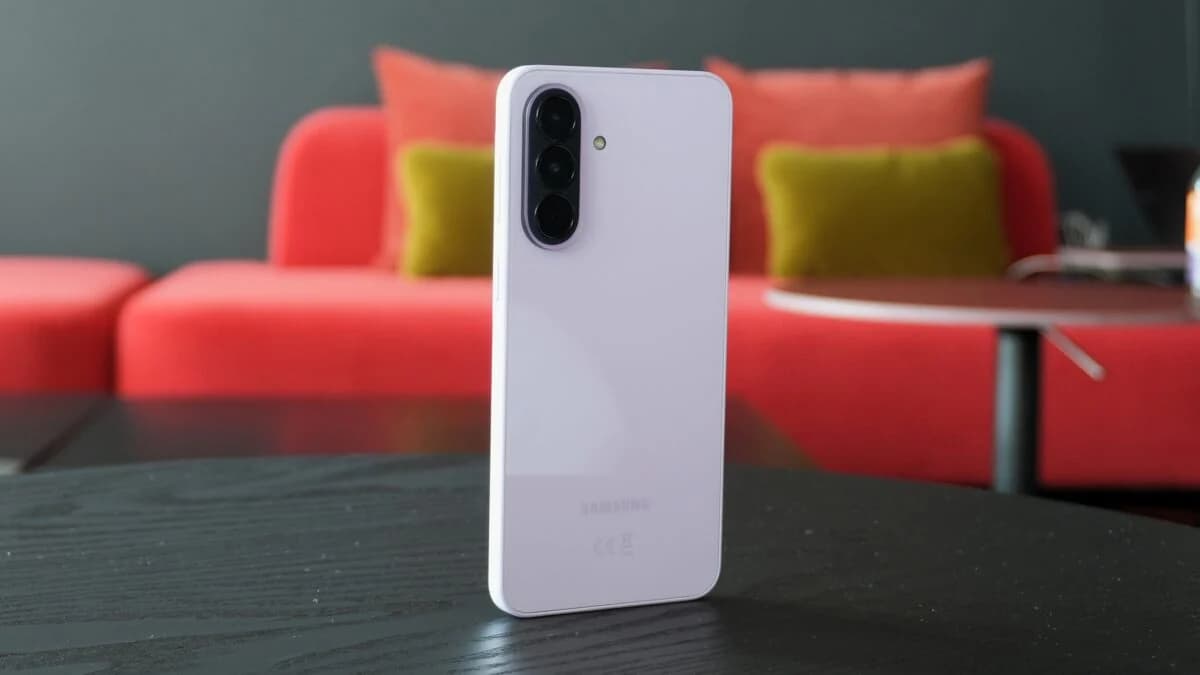
Samsung is releasing the Galaxy A37 One UI 9 update in the US for locked and unlocked units without the October 2026 security patch.
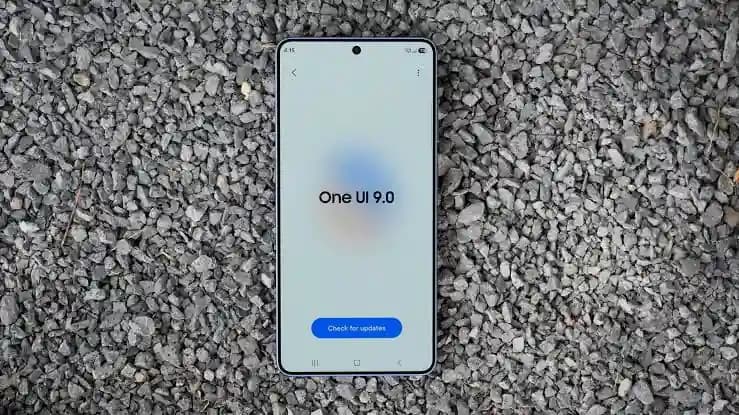
Samsung is rolling out the One UI 9 stable update to Galaxy S23 phones, foldables, and select A-series models as regional releases arrive in stages.
The next story loads as you reach the end. You can also load it using the button.


Comments & Discussions
Join the conversation! We use Disqus to handle comments. Click the button below to load the comment section.