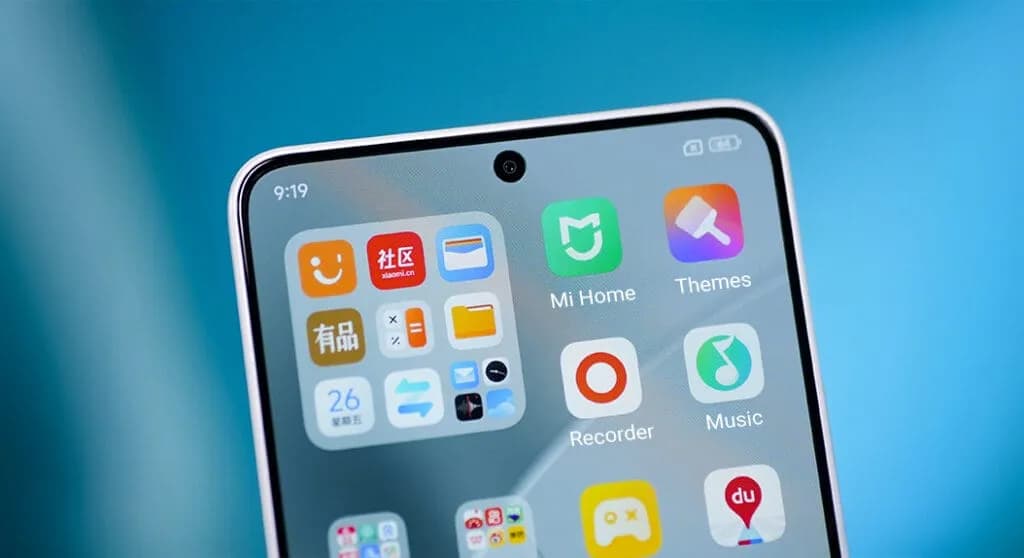
For optimal performance and user experience, it is imperative to keep your Xiaomi smartphone updated, especially with the new HyperOS ecosystem. Five essential system apps will receive significant updates in April 2025 that enhance their usability, security, and appearance. All Xiaomi phones will offer a better, more potent experience thanks to these updates, which are made to work perfectly with HyperOS 2.1.
Updated on HyperOS Launcher was overhauled in full with many enhancements:
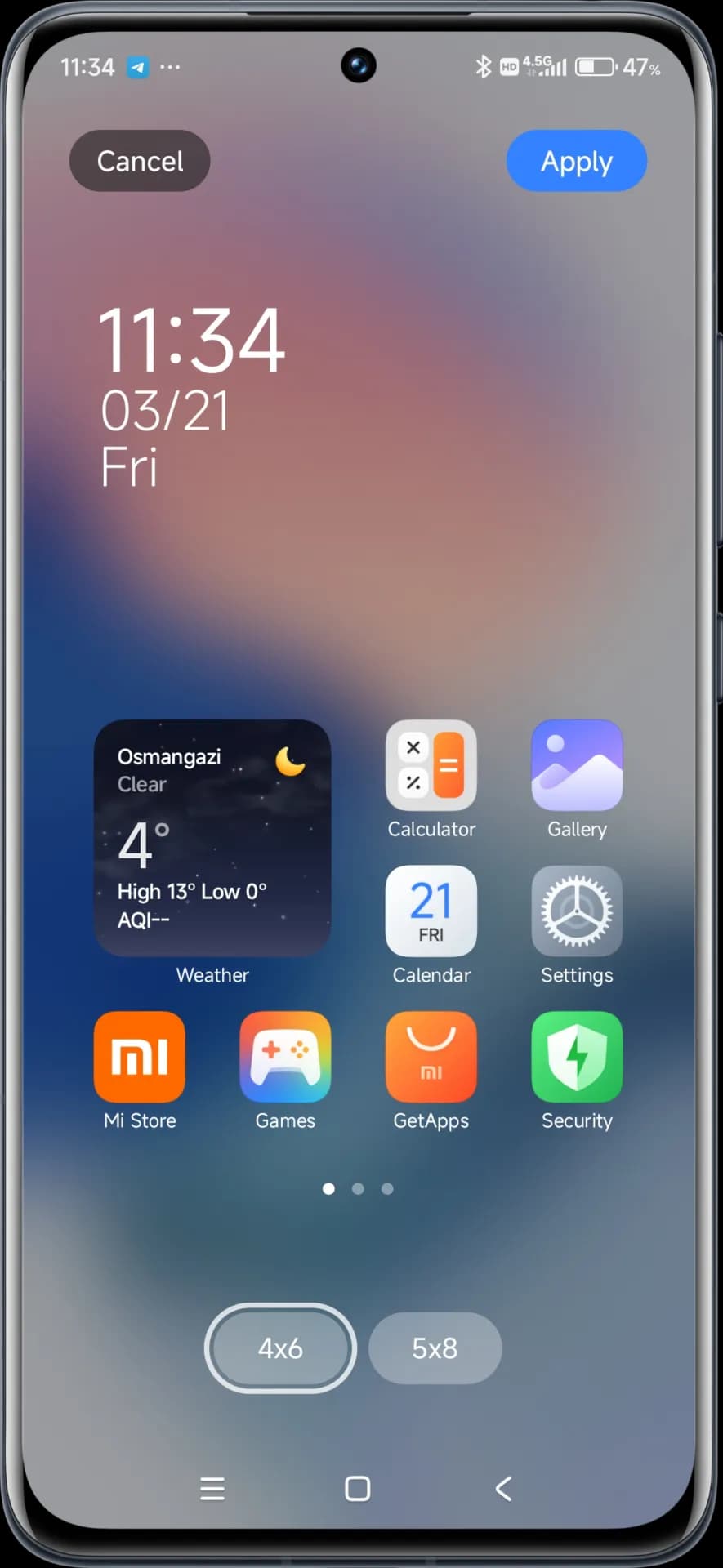
The update to the launcher is centered on aesthetics and functionality, resulting in an improved user experience that still offers high performance.
The updated HyperOS Themes has a better, more streamlined user interface. The update makes device customisation more comprehensive and accessible, allowing users to alter their gadgets to better reflect their own unique style.
With improved previewing and classifying capabilities, the simplified interface makes it possible to find and use new themes more quickly and easily.
The HyperOS Security updated for brings essential enhancements to gaming performance and device protection:
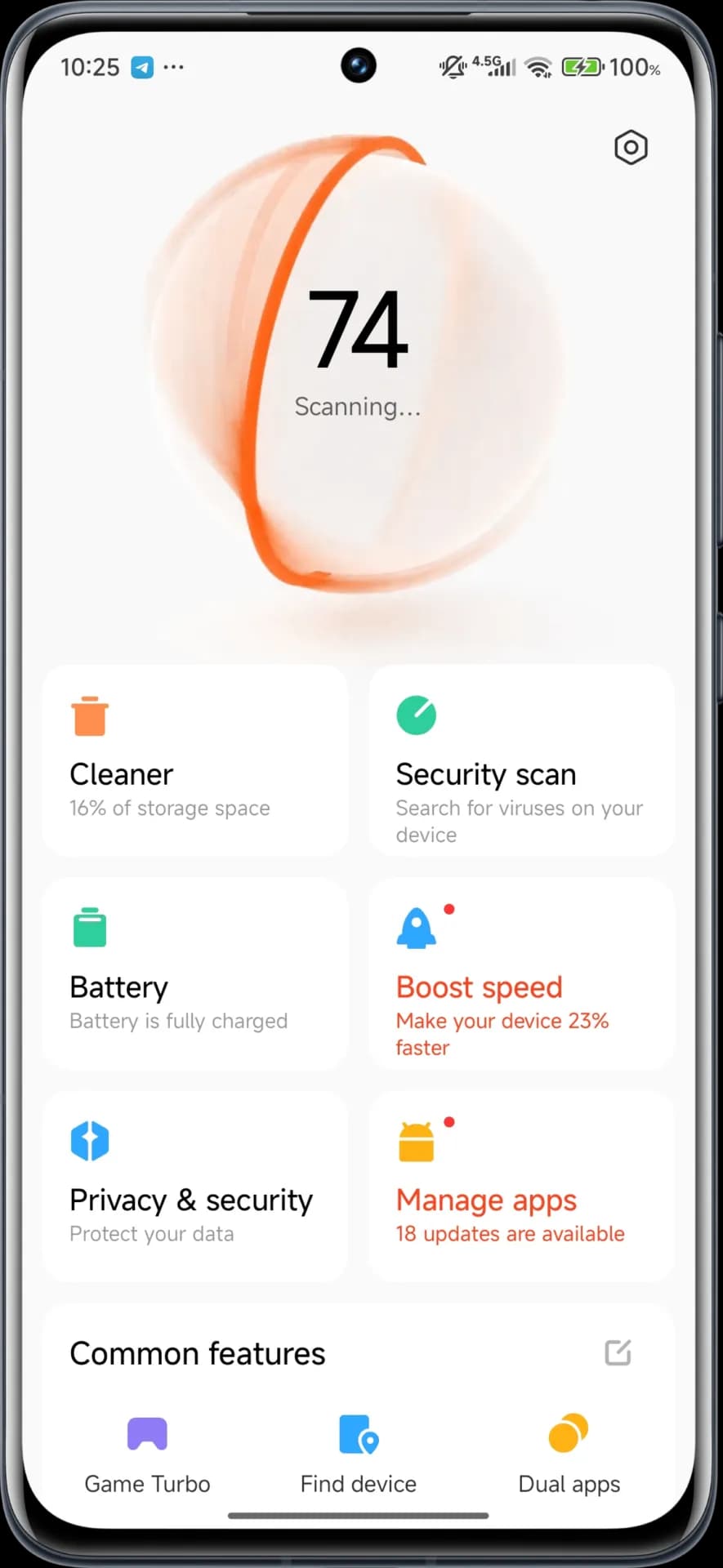
These security enhancements play a crucial role in shielding personal data while providing stable system performance.
Updated on April. This new version emphasizes fixing bugs and performance enhancements. This update also solves problems that were causing lock screen and home screen wallpapers to:
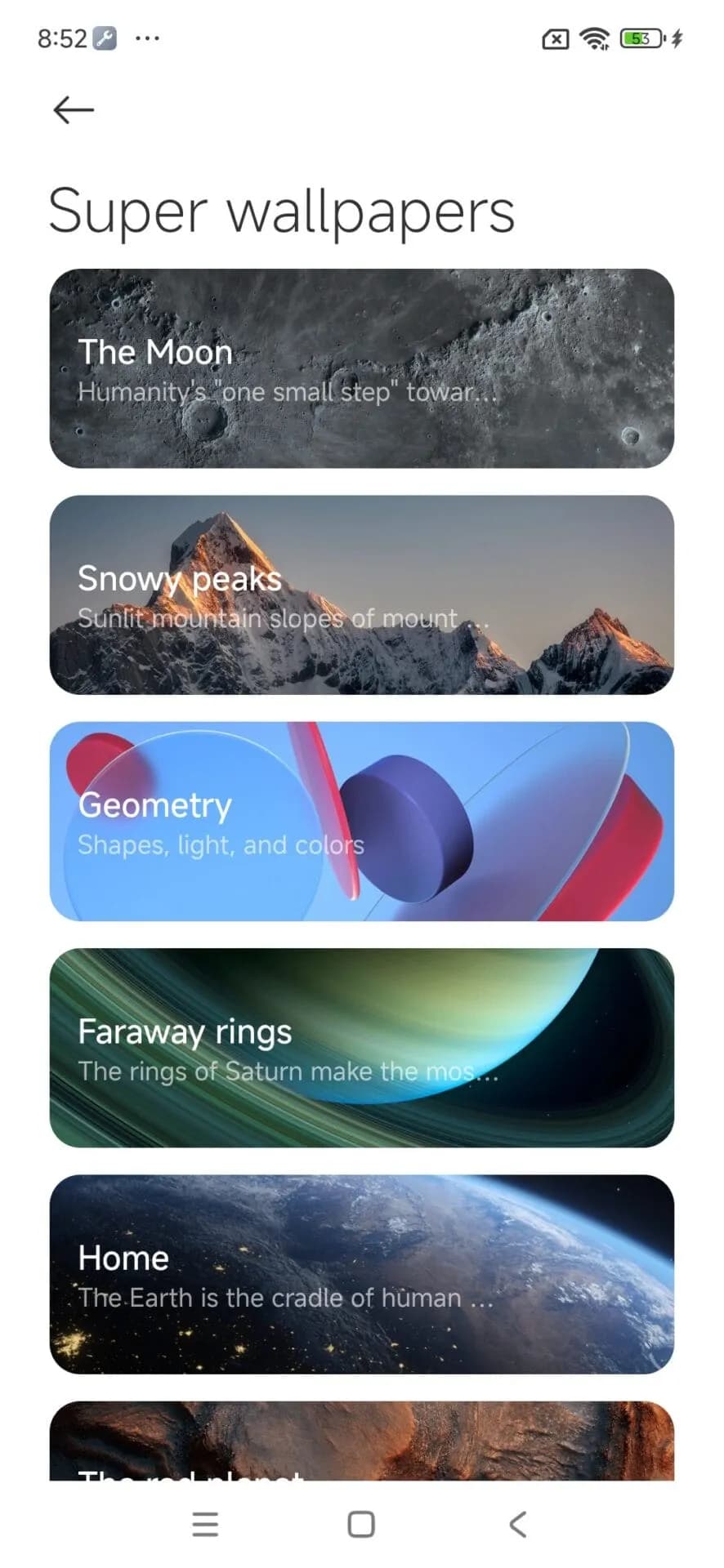
Though mostly an update for maintenance, these changes considerably improve overall Wallpaper experience.
For an optimized upgrading process, Xiaomi users have an available HyperOS Downloader app:

Google Pixel Watch 5 (45mm)

Robert Haba is the founder and editor-in-chief of Droid Tools. A lifelong gadget enthusiast with over a decade following the Android ecosystem, he built this publication to cut through the noise and give readers honest, real-world coverage of the tech they actually use.

Google is introducing new Android scam protections, including Enhanced Protection in Messages, call-forwarding warnings, and screen-share privacy defenses.
Rich Communication Services (RCS) has reshaped Google Messages, bringing read receipts, larger media attachments, and cross-platform messaging with iPhone users. RCS isn't without its own issues, though, and Messages has so far offered an easy way to opt out on a per-chat basis if it causes problems - a feature that now looks like it […]

AI video generation has moved well beyond experimental clips. In 2026, creators, marketing teams, agencies, and video professionals can use these tools for social content, product videos, storyboards, advertisements, B-roll, explainers, and early-stage creative concepts. The challenge is choosing the right platform. Some focus on cinematic generation, while others are better for rapid marketing production […]

Google Messages is now widely rolling out its new Keep Notes integration, following last week's September 2026 Android Drop announcement. Opening the “plus” menu inside a conversation reveals a new Keep Notes shortcut, and those pills can be reordered like usual. Alternatively, Google might surface a contextual “Create list” shortcut directly in the suggestions row. […]
The next story loads as you reach the end. You can also load it using the button.


Comments & Discussions
Join the conversation! We use Disqus to handle comments. Click the button below to load the comment section.