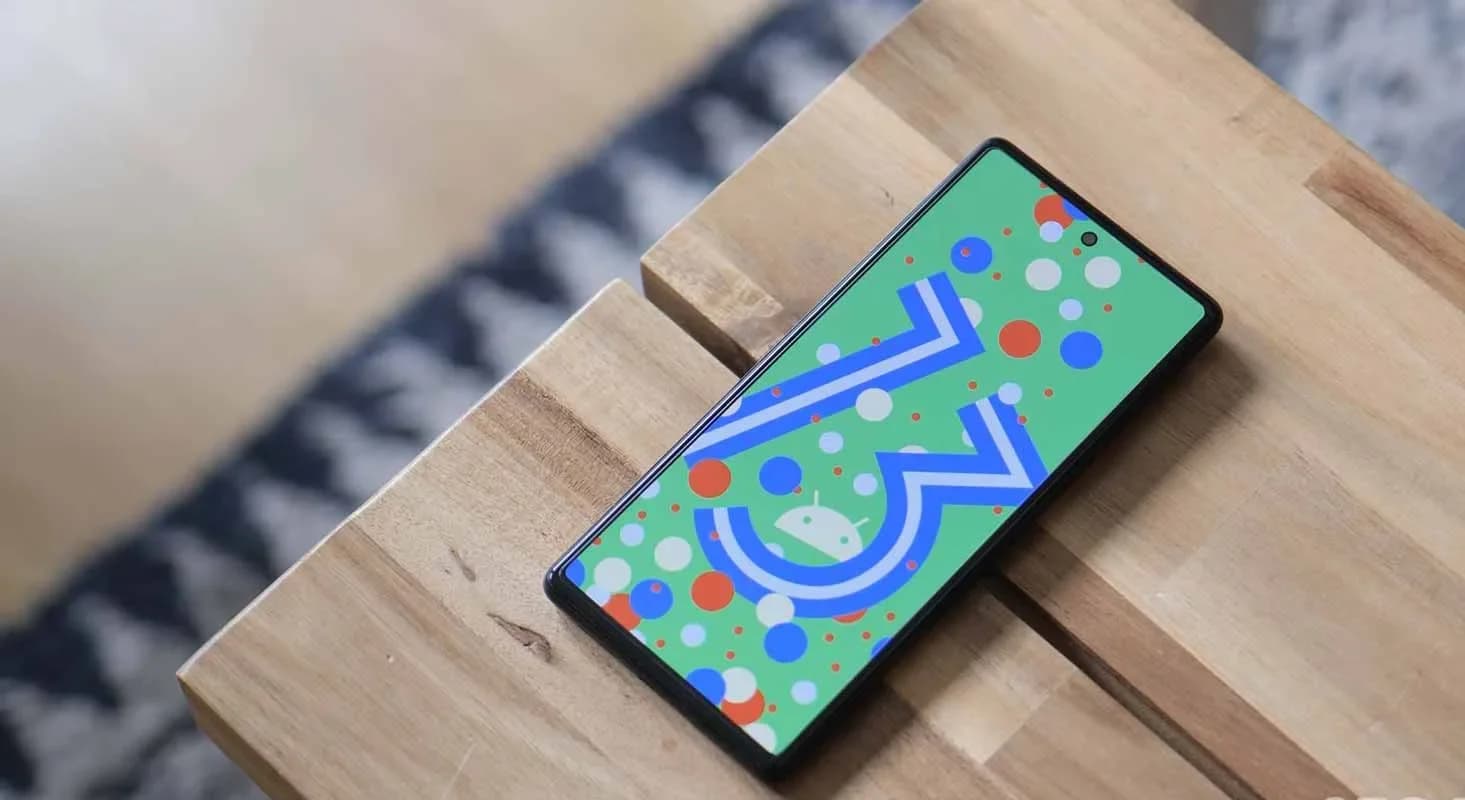
For your Google Pixel phone with Android 13, today is a huge day: we’ve reached the platform stability stage of the development cycle. The third beta of Android 13 is now available, and things are looking fantastic.
All app-facing behaviors and APIs are final in this Beta 3 build, which is available on the Pixel 4, Pixel 4a, Pixel 5, Pixel 5a, and Pixel 6 lines. For developers, this means creating apps ready for release while also knowing that nothing will change in the future. For you, the non-developer, this simply implies that we won’t see much changes in terms of features or UI in the future.
Do you want to try out Android 13 Beta 3 on your phone or tablet? Let’s get started.

Android 13 Beta 3 is available on the following devices:
Easiest way: If you own one of those devices, the easiest way to get Android 13 Beta 3 on device is to sign-up for the Android Beta Program (here). You’ll simply click the “Opt In” button on that page to join and then sit back and wait for Google to push an update as Android 13 over-the-air.
Once you have enrolled, you’ll head into Settings>System>Advanced>System update to check for it. Google may not push it immediately and could instead roll it out slowly throughout the day. Either way, feel free to check through there to tell Google you want it after enrolling in the program.
Manual way: Want to get updated faster or would rather flash a factory image or OTA file through adb to feel more techie and important and smart? That’s still an option! I’ll be going the OTA route, but factory images are available too. You’ll find Android 13 Beta 3 factory images here and the OTA files here. For instructions on how to flash a factory image, here you go. For instructions on how to flash an OTA .zip file, here you go.
Already on an Android 13 Beta 2 build: If you are already on an Android 13 Beta build, Google says that you will receive the Beta 2 update over-the-air. Of course, you can manually flash a factory image or OTA file as well, since the over-the-air process often takes forever to process.
Release date: June 8, 2022
Build: TPB3.220513.017
Emulator support: x86 (64-bit), ARM (v8-A)
Security patch level: June 2022
Google Play services: 22.18.19
We’re diving in now to see what’s new, but Google describes new goodies as follows:
“There’s a lot to explore in Android 13, from privacy features like the new notification permission and photo picker, to productivity features like themed app icons and per-app language support, as well as modern standards like HDR video, Bluetooth LE Audio, and MIDI 2.0 over USB.”
Honest, there may not be much else new going forward. Once we hit Beta builds (and this is our third), Google doesn’t change much. It’s looking like Android 13 is a solid bug fixer from the big changes that were introduced in Android 12, and that’s completely fine. We love polish and stability. Let’s hope Android 13 gives that to us.
Should we see enough stuff to highlight, we’ll work on a separate post. Stay tuned.

Google Pixel Watch 5 (45mm)

Robert Haba is the founder and editor-in-chief of Droid Tools. A lifelong gadget enthusiast with over a decade following the Android ecosystem, he built this publication to cut through the noise and give readers honest, real-world coverage of the tech they actually use.
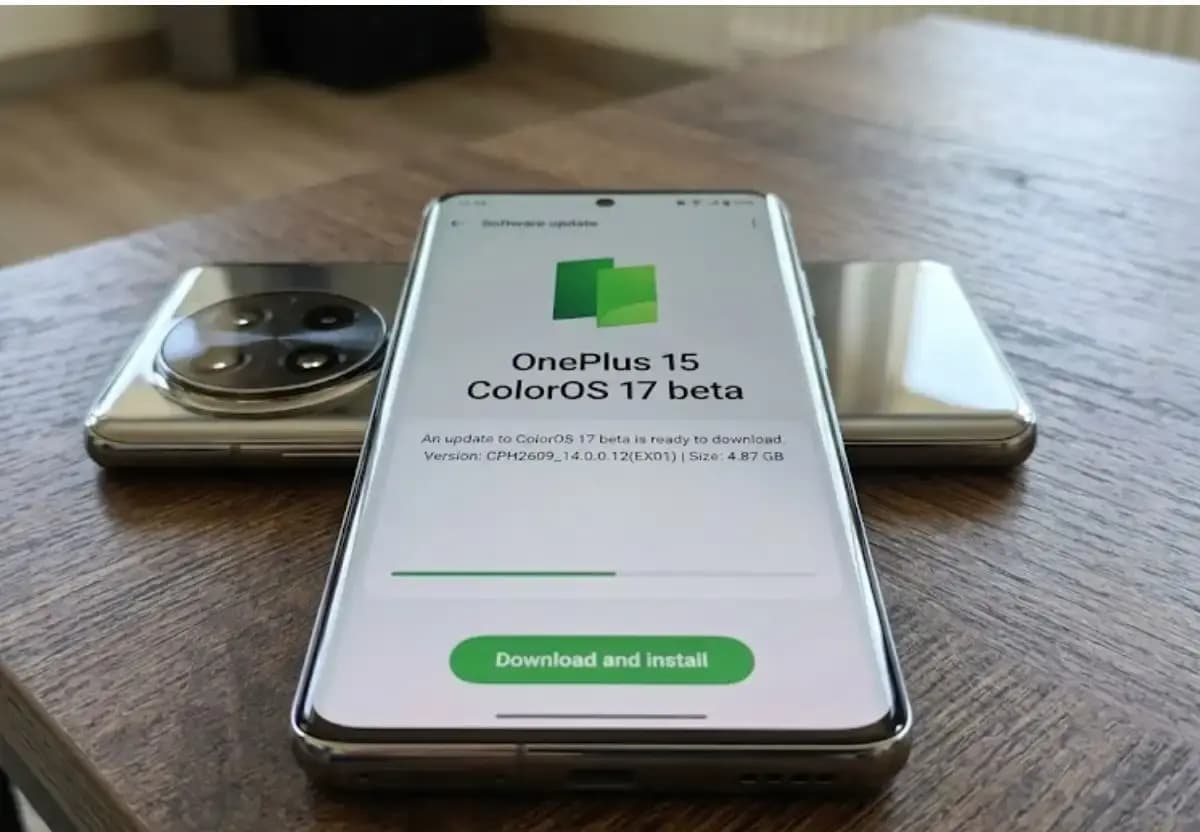
Some OnePlus 15 owners can now apply for the ColorOS 17 open beta and voluntarily move their phones from OxygenOS to ColorOS. OnePlus opened applications for the program, which for now is limited to users in India. The OnePlus 15 will be remembered as the swan song of OnePlus for its fans in the US […]

Xiaomi has confirmed that the HyperOS 4 stable update will start reaching users in China on October 15. The first batch of stable builds is meant for select Xiaomi, Redmi, and tablet owners, and the wait is nearly over. The news arrives as Xiaomi’s internal testing recruitment is scheduled to close on October 14. Because […]

Google has released Android 17 QPR2 Beta 7, the latest in a series of updates meant to fix issues and bugs affecting Android 17. The Alphabet subsidiary pushes these updates to Pixel models that still receive support from the company, and this beta reaches devices as old as the Pixel 6a. Installing it requires a […]
Google has released Android 17 QPR2 Beta 7 for eligible Pixel smartphones and tablets, a bug-fix build that arrives even though testing for the newer QPR3 branch began last week. Carrying build number CP41.260831.016, the update adds no new interface features. It instead targets two frustrating problems that beta testers reported through the issue tracker […]
The next story loads as you reach the end. You can also load it using the button.


Comments & Discussions
Join the conversation! We use Disqus to handle comments. Click the button below to load the comment section.