OnePlus is rolling out stable ColorOS 17 to the OnePlus 15 in India ahead of a global release. The update replaces OxygenOS with layered transparency, bouncy animations, and an AI Mind Pilot agent powered by Manus and ChatGPT capable of sorting, tallying, and renaming local files.
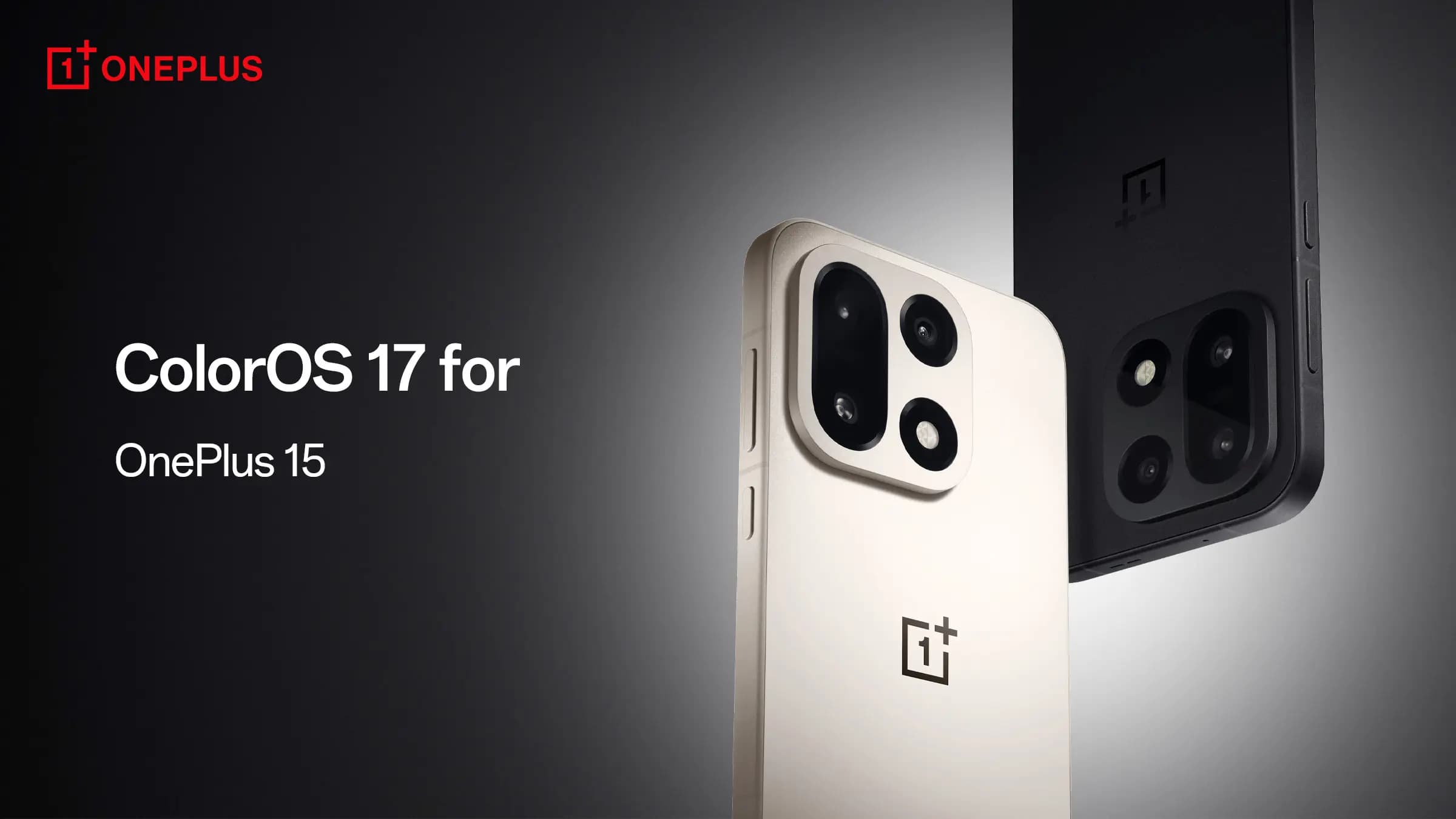
OnePlus has released stable ColorOS 17 for the OnePlus 15 in India, with a global rollout scheduled to follow soon. The update marks the end of OxygenOS, completing a transition toward OPPO’s software that has been underway for years. OxygenOS originally built a dedicated following through a clean, lightweight build of Android with useful features that stayed out of the way. ColorOS 17 leaves those roots behind, introducing a visual overhaul, smoother animations, and expanded AI functionality.
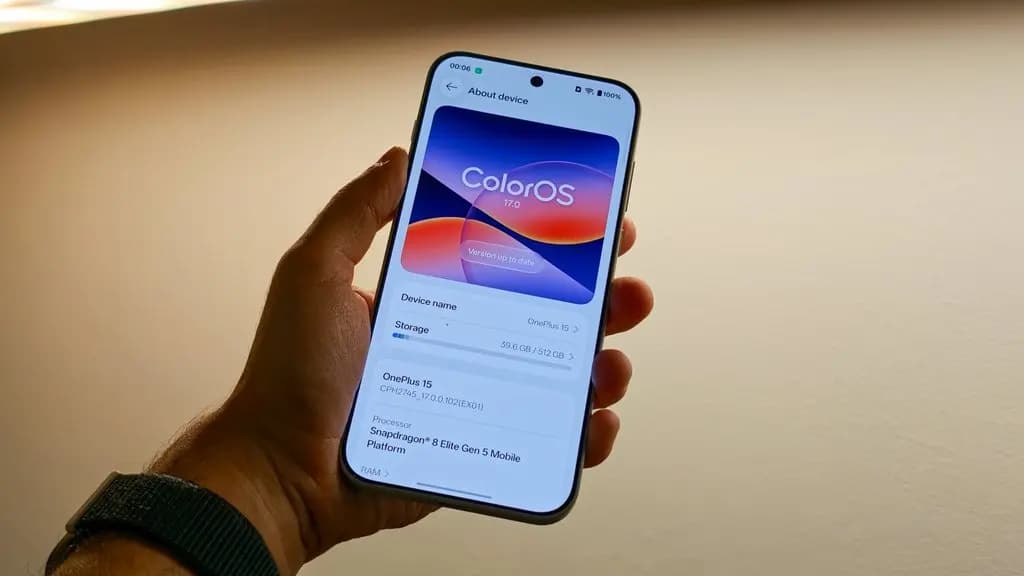
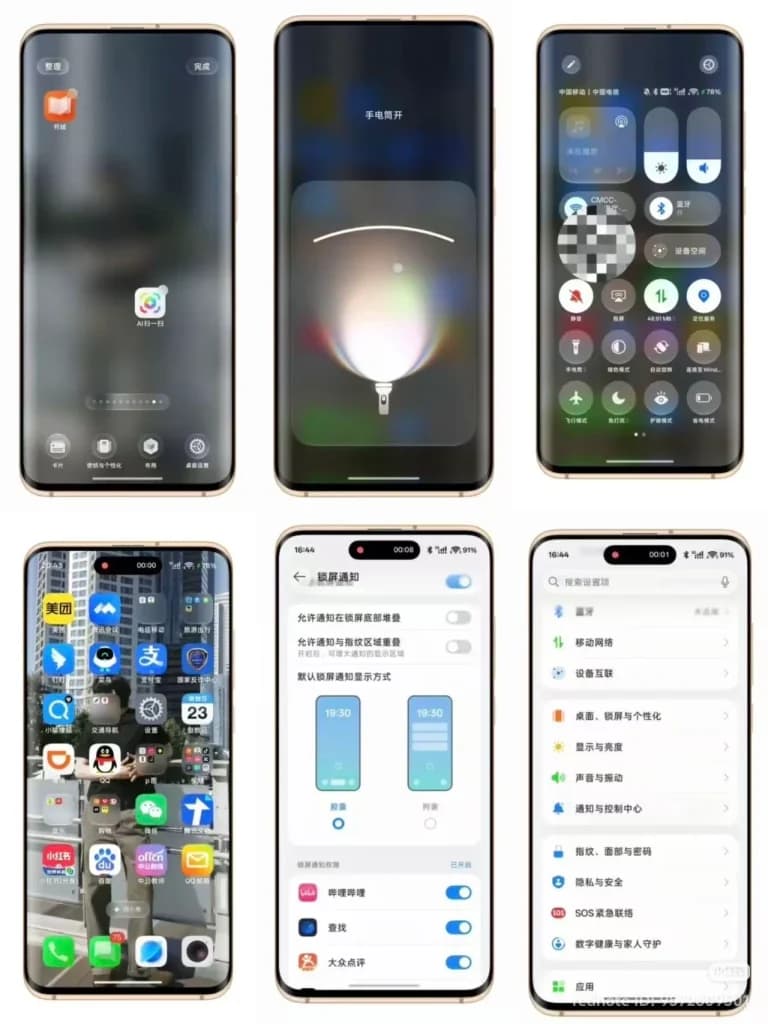
The interface redesign in ColorOS 17 departs significantly from previous software versions. Transparency and background blur now appear across core applications, including Settings, Clock, Notes, and File Manager, rather than remaining confined to isolated sections of the UI. Drawing inspiration from Liquid Glass, menus and interface elements sit against blurred backgrounds to produce a layered look that contrasts with the understated presentation of original OxygenOS.
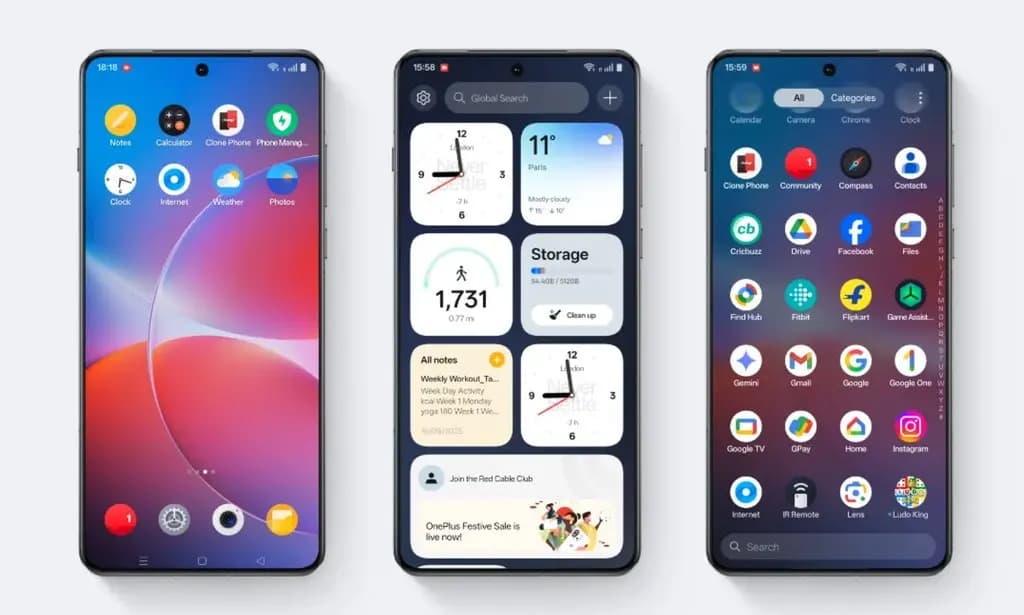
The Quick Settings panel and notification shade feature major changes: toggles have glowing borders and prominent transparency effects, while notifications use lighter cards. Behind the new look is Living Flow Design, along with an updated rendering engine for interface animations, which can at times feel overbearing. The system aims for greater responsiveness, causing interface elements to stretch and bounce during interaction and notifications to expand and collapse with an elastic feel.
These animations give the software a more animated feel that some users might appreciate. However, coming from the minimalist experience of a Pixel 11 Pro and Niagara Launcher, the reviewer quickly grew tired of the movement. Settings provide options to adjust animation speed, but there is no option to disable animations entirely.
Users can tone down transparency dramatically through theme settings, though the interface still requires adjustment for longtime OxygenOS users. The transparency and glow effects can also make text harder to read on occasion. Despite concerns about the design direction, ColorOS 17 feels good in daily use on the OnePlus 15, with smooth, responsive performance when swiping through menus, switching between apps, and navigating the home screen.
AI is the other major focus in ColorOS 17. The update introduces an AI agent mode in AI Mind Pilot, powered by Manus and ChatGPT, that assists with tasks like organizing photos, creating collages, and sorting downloaded files. Instead of manually searching through the gallery, users can find a photo by describing when or where it was taken.
The agentic framework can interact with all files on the phone, depending on whether the user is comfortable giving an AI agent access to private data. In testing with a folder of invoices, the reviewer asked the agent to tally them and rename the files based on a user-defined schema, and it completed both tasks accurately.
While the ChatGPT app can tally invoices if files are uploaded one by one, it lacks agentic capabilities to directly manipulate files on the device, giving Mind Pilot an advantage. ColorOS 17 also includes Live Alerts for Mind Pilot’s agentic tasks, allowing users to track task progress even after switching to another app, a feature aligned with the prosumer leanings of the OnePlus brand.
The real-world value of these agent tools depends on how often a user needs them. The reviewer noted that working primarily around a computer eliminates the need to file invoices on a phone, though Mind Pilot represents a more interesting use of AI than other recent smartphone features. Usage is token-based: tallying a folder of invoices and generating a diving holiday itinerary consumed 40% of the reviewer’s daily quota. Users with a ChatGPT Plus subscription can connect their account to continue using Mind Pilot beyond that limit.
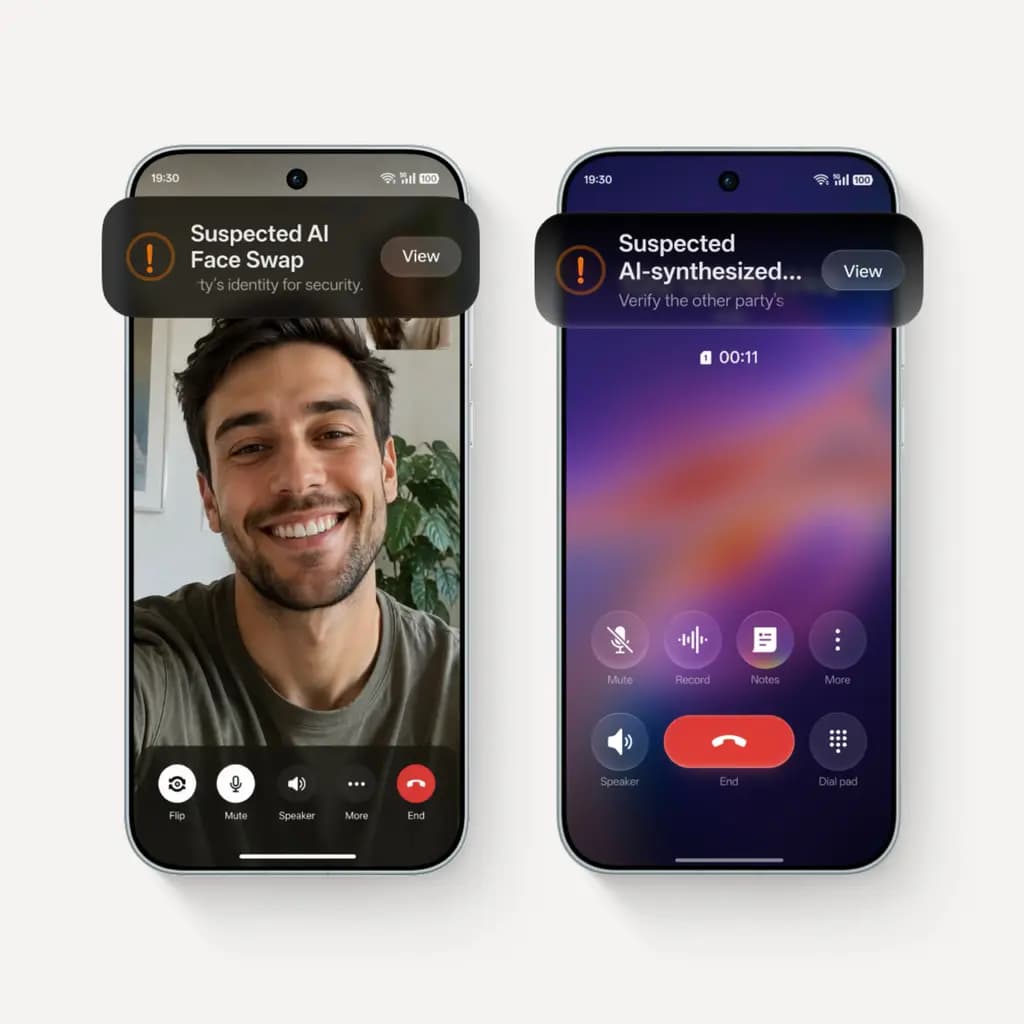
The expanding presence of AI features remains a broader concern. While AI agents and contextual suggestions can be helpful, not everyone wants a phone constantly suggesting new workflows or tracking usage habits. Mind Pilot presents a double-edged sword: although the system includes safeguards with alerts and confirmations when uploading files and folders, unfettered access to the filesystem opens up the possibility of rogue behavior. Given these risks, the reviewer advises erring on the side of caution with agentic AI.
ColorOS 17 is fast, polished, and packed with features that work well, completing a software transition that has long been in the works. It confirms that OnePlus is no longer aiming for minimalism. The restrained approach is gone, replaced by an operating system with glassy menus and bouncy animations that may feel loud and busy to some users.
Tools like Mind Pilot offer genuine utility for users who want widespread AI and have practical use cases for it. For those undecided about ColorOS 17 on the OnePlus 15, the software provides plenty to like, provided users are open to some adjustment.

Apple AirPods Pro 3

Robert Haba is the founder and editor-in-chief of Droid Tools. A lifelong gadget enthusiast with over a decade following the Android ecosystem, he built this publication to cut through the noise and give readers honest, real-world coverage of the tech they actually use.

Samsung has started rolling out One UI 9 to the Galaxy XCover 7 Pro in the US, starting with carrier-locked units and adding Quick Settings customizations.
A hands-on test addresses five GrapheneOS myths on a Google Pixel, covering app support, banking tools, RCS messaging, and rapid Android 17 updates.

Sony is rolling out the Xperia 10 Android 17 update to the Xperia 10 VIII and VII with new interface tools, while omitting select flagship capabilities.

GrapheneOS rolled out the Linux 6.18 kernel to the Pixel 10 lineup, with Pixel 11 support expected if Android 17 QPR2 delivers required MTE firmware.
The next story loads as you reach the end. You can also load it using the button.


Comments & Discussions
Join the conversation! We use Disqus to handle comments. Click the button below to load the comment section.