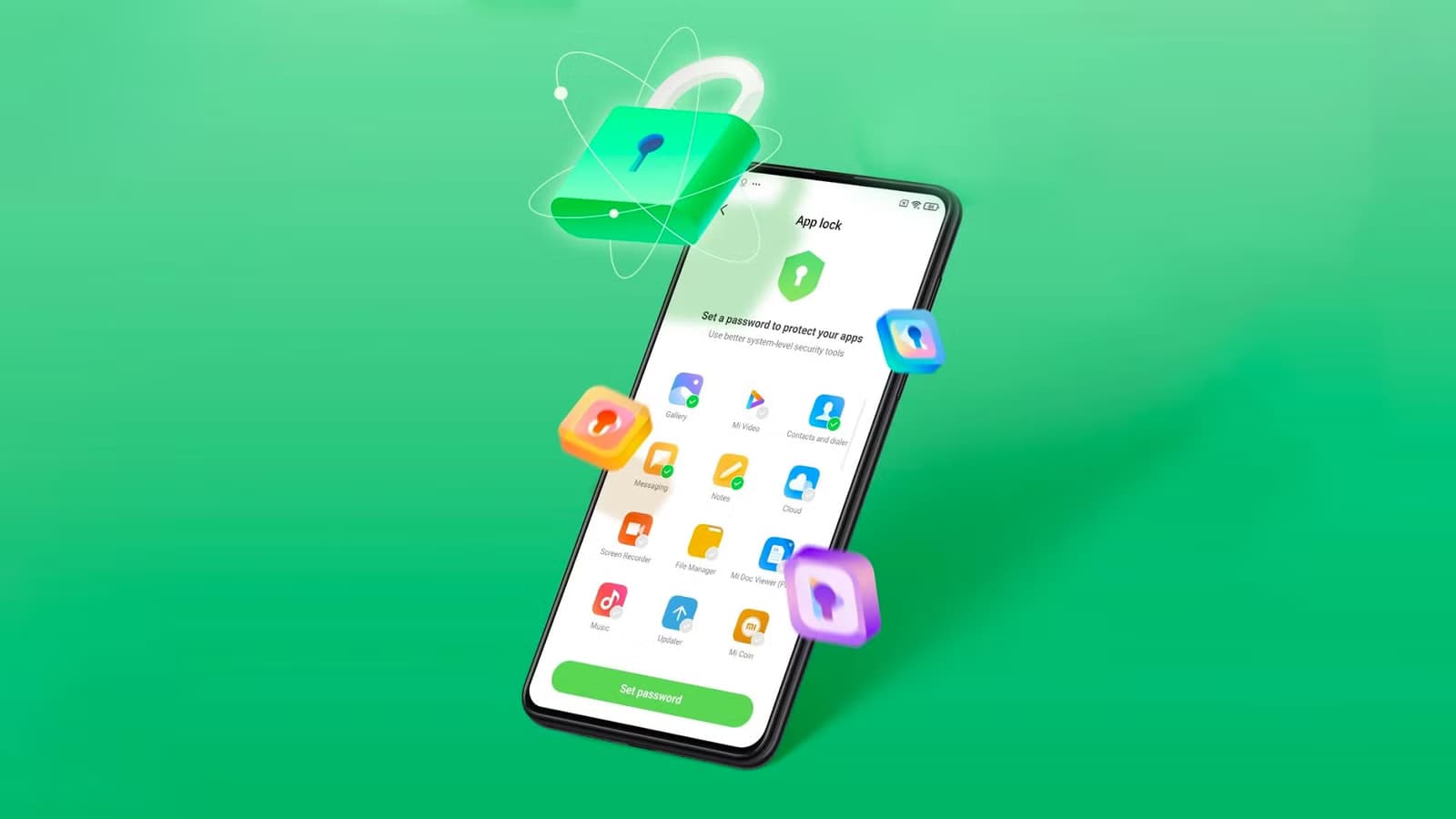
The Security V12 generation of Xiaomi’s standard Security app has finally been released with a significant update. The most recent build, V12.0.3-251114.1.1, is mostly concerned with modifications to the system infrastructure. However, as the new build offers a whole redesign of the Game Turbo interface and sophisticated system optimization logic, this would be quite intriguing for those waiting for the release of the next HyperOS stage. With this upgrade, Xiaomi is at last getting ready for a significant change in the management of background operations and the optimization of gaming performance on devices throughout the world.
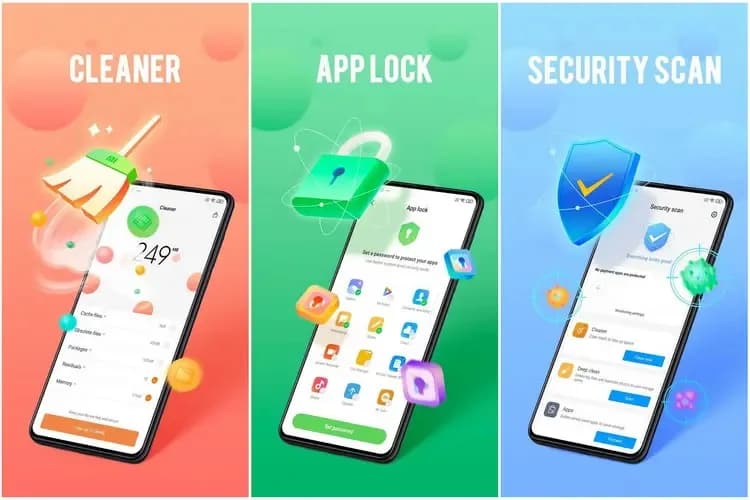
The Security V12 branch has been made available to the public for the first time with this build. The Security V12 series is a package deal of significant architectural improvements that align with next system versions, in contrast to the incremental updates that preceded it. The improved optimization engine, which promises to clear caches and free up memory without disrupting user activity, is especially noteworthy in the changelog. Thus, the move to version 12.0.3 would suggest that Xiaomi is preparing for more demanding software applications, maintaining devices’ responsiveness and fluidity during more taxing operations.
However, the improved Game Turbo module is the most notable feature of this version. Performance modes and floating windows can now be accessed more quickly thanks to Xiaomi’s UI optimization. In order to prioritize frame rates and network stability during gameplay, new optimization algorithms operate in the background in silent mode. With much lower latency and input lag, enthusiasts who use their devices for competitive gaming will notice how much more seamless the transition from the game to system notific
To update the Security app on Xiaomi devices, open the Security app and scroll to the bottom until you see the Settings or About section. Tap Update (or Check for updates) if available. You can also update it through the GetApps store by searching for Security and installing the latest version. If the update doesn’t appear, make sure your phone is connected to the internet and running the latest MIUI/HyperOS system version, as some Security app updates are bundled with system updates.
Keeping system applications updated is very crucial for maintaining the security and performance stability of any device. Among such capabilities are unlocking hidden Xiaomi settings, updating other system applications seamlessly, and managing screen refresh rates, among the common updater features.

Google Pixel Watch 5 (45mm)

Robert Haba is the founder and editor-in-chief of Droid Tools. A lifelong gadget enthusiast with over a decade following the Android ecosystem, he built this publication to cut through the noise and give readers honest, real-world coverage of the tech they actually use.

Rich Communication Services (RCS) has reshaped Google Messages, bringing read receipts, larger media attachments, and cross-platform messaging with iPhone users. RCS isn't without its own issues, though, and Messages has so far offered an easy way to opt out on a per-chat basis if it causes problems - a feature that now looks like it […]

AI video generation has moved well beyond experimental clips. In 2026, creators, marketing teams, agencies, and video professionals can use these tools for social content, product videos, storyboards, advertisements, B-roll, explainers, and early-stage creative concepts. The challenge is choosing the right platform. Some focus on cinematic generation, while others are better for rapid marketing production […]

Google Messages is now widely rolling out its new Keep Notes integration, following last week's September 2026 Android Drop announcement. Opening the “plus” menu inside a conversation reveals a new Keep Notes shortcut, and those pills can be reordered like usual. Alternatively, Google might surface a contextual “Create list” shortcut directly in the suggestions row. […]

Developers have discovered that Android 17 quietly blocks apps from checking whether Developer Options and USB Debugging are turned on, in what's being described as one of the release's hidden changes. Regardless of whether Developer Mode is actually enabled on a device, apps that try to read its status in Android 17 will always get […]
The next story loads as you reach the end. You can also load it using the button.


Comments & Discussions
Join the conversation! We use Disqus to handle comments. Click the button below to load the comment section.