Google has introduced digital home keys in Google Wallet for Android, allowing users to unlock compatible Aliro smart locks using NFC or UWB. The feature launched in the Google Home public preview, with a general rollout planned over coming weeks for households with supported Matter hubs and locks.

Google has announced that users can add digital home keys for compatible smart locks from Google Home directly to Google Wallet on Android. This option is available starting today for users in the Google Home app’s public preview. Google says it will gradually roll out to everyone over the coming weeks.
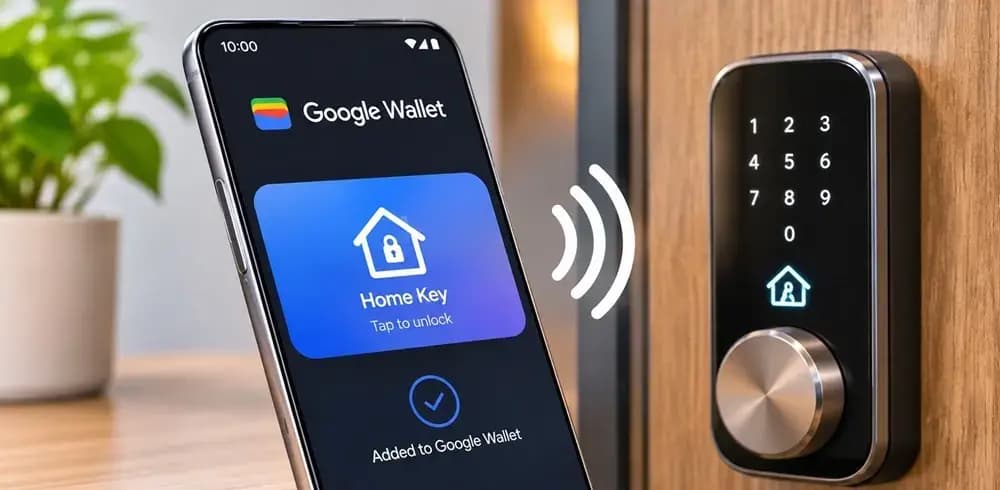
Once you add a home key to Google Wallet, you can tap your Android phone against the lock to unlock it. This leverages NFC on compatible Android phones running Android 9 or later, eliminating the need for physical keys, typing a passcode, or opening an app. Google says it works even when your phone screen is locked. You can also adjust verification settings in the Google Wallet app to require screen lock or biometric verification every time you tap to unlock.
There is also ‘Unlock on Approach’, which uses UWB. With an Aliro UWB-compatible Android phone and an Aliro UWB-compatible lock, you can enable Unlock on Approach in the Google Wallet app. This unlocks the door automatically as you walk up. Compatible phones include the Google Pixel Pro series and above, but there is no support for Wear OS smartwatches at launch. The option is off by default so you will not unlock your home unknowingly while walking past it.
Your digital home key is linked to your home in the Google Home app rather than to a single lock. This means all compatible Aliro locks will work with a single key in your Google Wallet. Other household members can add their own digital home key to Google Wallet on their Android phone through Google Home. Your home key also automatically syncs with other compatible Android phones signed in to your Google Wallet account.
When you set up a new Matter and Aliro-compatible lock in Google Home, it prompts you to add your home key to Google Wallet. You can also add it later by going to Home settings > Google Wallet key or through the lock’s device settings. The card in Google Wallet features a simple Google Home logo, with your home’s name present in the top-right corner.
As for requirements, you need a Matter-certified smart lock that supports the Aliro standard, a Matter-enabled Google Hub with a Thread Border Router (such as Nest Hub, Nest Hub Max, Nest Wi-Fi Pro, or Google TV Streamer), and an NFC-enabled Android phone with the latest Google Home and Wallet apps. Supported locks at launch include the Aqara U400, Schlage Sense Pro, and Nuki Keypad 2 NFC. Google says more options will follow.
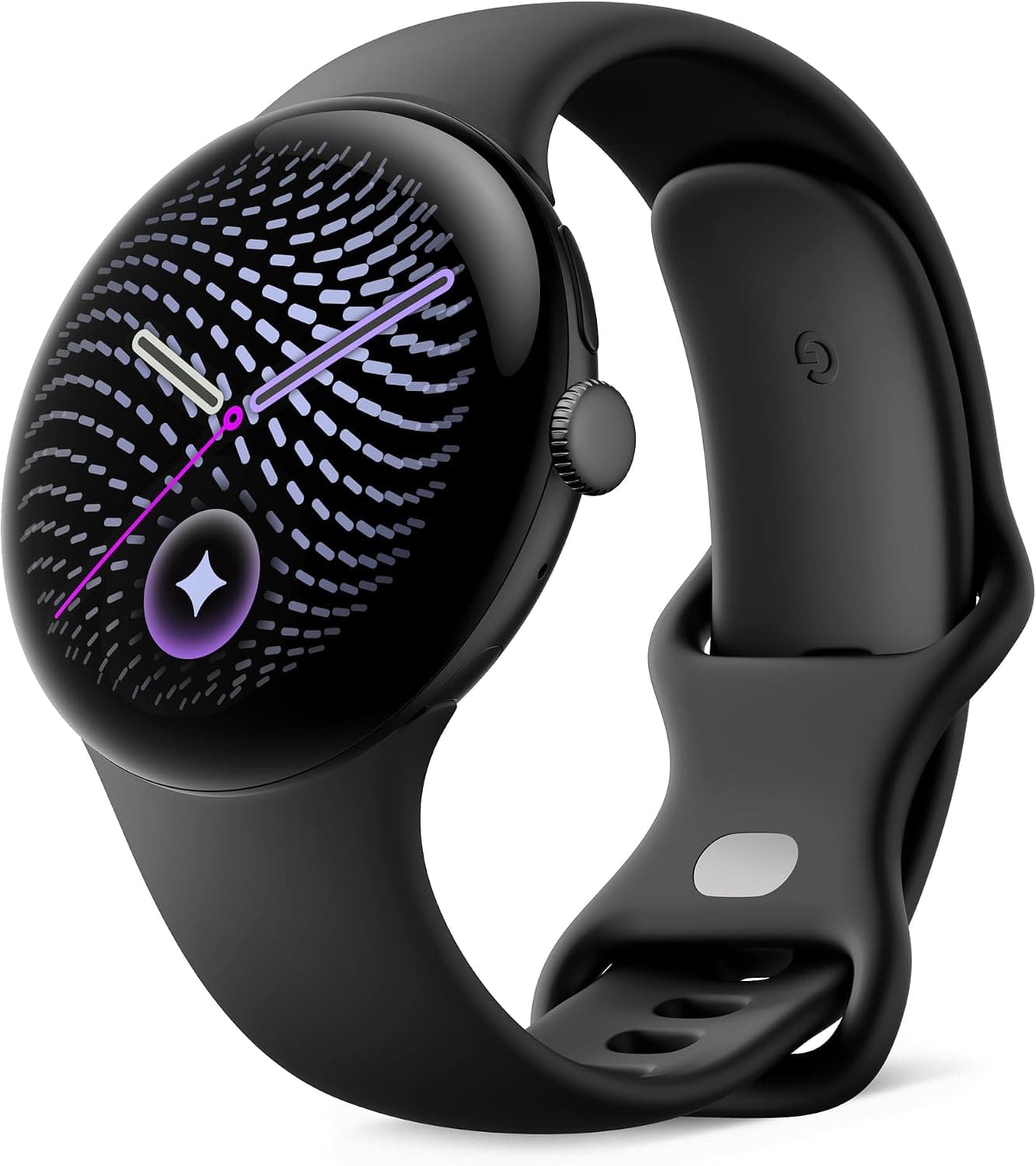
Google Pixel Watch 5 (45mm)

Luiza Mosneagu is Reviews Editor at Droid Tools. A psychologist by training and tech writer by passion, she has tested over 60 Android devices since 2020 - always for a minimum of two weeks before writing a word. Her focus is camera quality, everyday usability, and cutting through marketing claims to tell you what a device is actually like to live with.
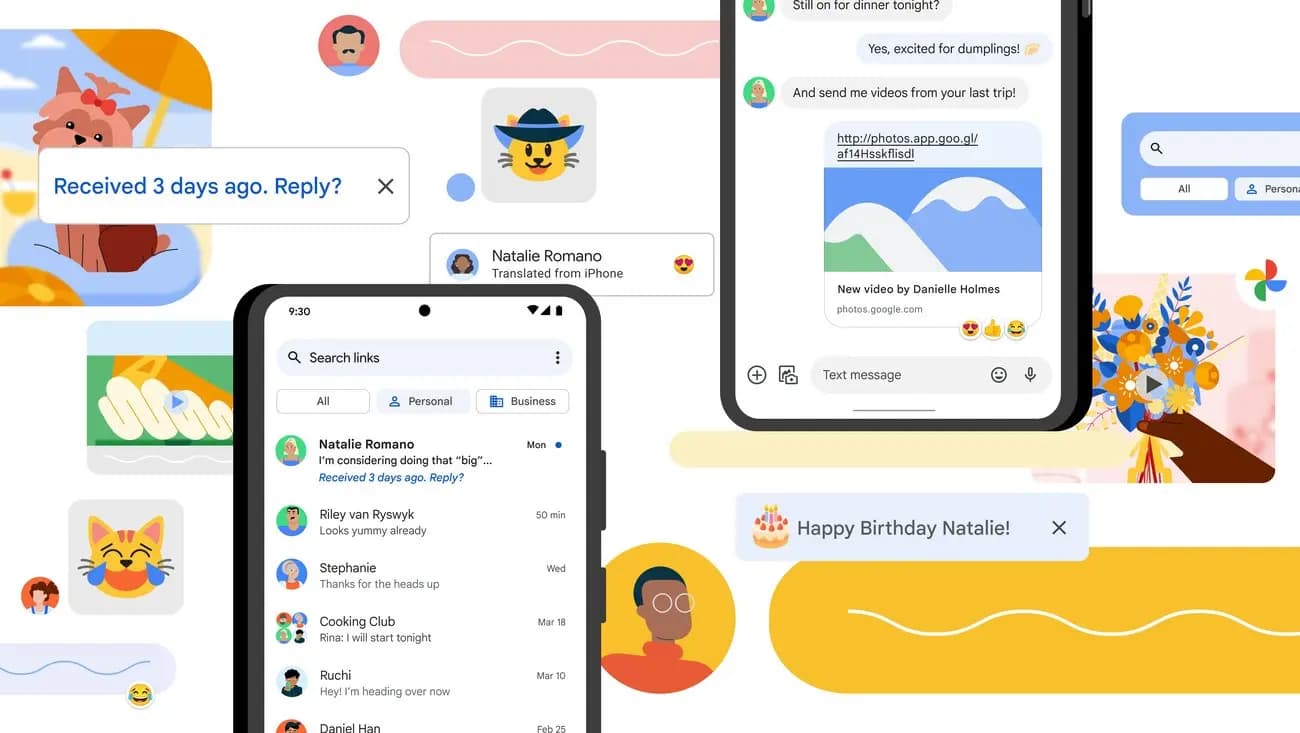
Google Messages pinned chats may soon swap between tile and list views depending on how many conversations users pin, according to beta code.
Samsung is reportedly developing spoofed call detection for its phone app, using RCS to flag faked contact numbers, possibly debuting in One UI 9.5.
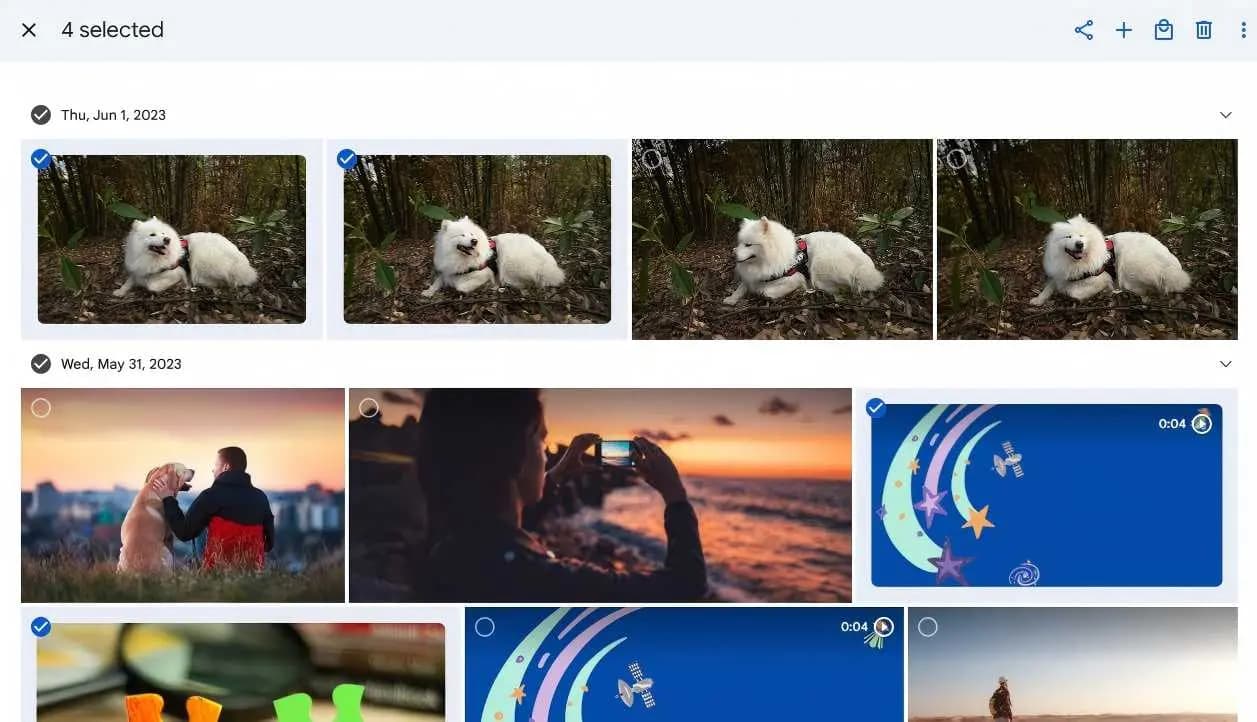
Google Photos duplicates will stop appearing after edits under an upcoming update for Android 11 and newer, though a release date has not been set.
US users can now connect Google Wallet in Gemini through Plaid to review spending history, visualize cash flow, and build budgets.
The next story loads as you reach the end. You can also load it using the button.


Comments & Discussions
Join the conversation! We use Disqus to handle comments. Click the button below to load the comment section.