Skip to content
Droid Tools
Latest
/
NewsPhonesReviewsGuides

Devices

  • PhonesLaunches, specs & what comes next
  • WearablesWatches, trackers & everyday tech

Software

  • AppsNew features & useful discoveries
  • Android OSUpdates, rollouts & security patches

Read & learn

  • NewsThe latest across mobile technology
  • ReviewsA closer look at devices & accessories
  • GuidesPractical tips & troubleshooting

In the spotlight

PhonesHuawei Mate X8 leak suggests magnetic hinge to minimize screen creaseRead the story
All news
About Droid ToolsContact

Browse by brand

  • AppleiPhone, iPad & Apple Watch
  • SamsungGalaxy, One UI & more
  • GooglePixel, Android & Google apps
  • XiaomiXiaomi, Redmi & HyperOS
  • OnePlusPhones, watches & OxygenOS
  • HuaweiPhones, wearables & HarmonyOS
  • OppoFind, Reno & ColorOS
  • HonorMagic, wearables & MagicOS
  • MotorolaRazr, Edge & Moto

Latest from the brands

PhonesHuawei Mate X8 leak suggests magnetic hinge to minimize screen creaseRead the story
Follow the brands behind your everyday tech.All phones

Deals & buying advice

Find your next upgrade.

Reported discounts on phones, wearables and accessories. Check each retailer for current pricing and availability.

Browse all deals

Recent deal coverage

  • PhonesAmazon cuts Samsung Galaxy S26 Ultra price by over $260Read the story
  • WearablesSony WF-1000XM6 earbuds drop to $238 in limited B&H Photo Video discountRead the story
  • NewsWalmart cuts iVANKY ultra-slim magnetic power bank to $15 in 50% discountRead the story
All deals Explore our guides
  • About Us
  • Contact
  • Editorial Policy
  • Review Policy
  • Privacy Policy
  • Terms & Conditions
  • Cookie Policy
  • Affiliate Disclosure
  • Disclaimer
  • HTML Sitemap

Follow Droid Tools

FacebookXInstagramThreadsLinkedInBlueskyTikTokTelegramMastodonRSS Feed
Droid Tools

Droid Tools covers the latest Android news, device reviews, app updates, and OS guides. Independent mobile tech reporting and practical advice.

Explore

  • News
  • Phones
  • Apps
  • Android OS
  • Wearables
  • Guides
  • Reviews
  • Deals

Legal & Info

  • About Us
  • Contact
  • Editorial Policy
  • Review Policy
  • Privacy Policy
  • Terms & Conditions
  • Cookie Policy
  • Affiliate Disclosure
  • Disclaimer
  • HTML Sitemap
© 2026 Droid Tools. All rights reserved.
Home/Guides/How to enable Create My Widget on Google Pixel phones
Guides
•google

How to enable Create My Widget on Google Pixel phones

Google made Create My Widget available in the November Pixel Drop for the Pixel 10 and 11 series, excluding the Pixel 10a. Several users report not receiving it yet. Eligible users can access the feature early by enrolling in its Google Play Store beta program.

Cristian Penisoara• Guides Writer · Android Power User
Nov 18, 2026•2 min read
How to enable Create My Widget on Google Pixel phones
0%
Share on XFacebookBluesky
Follow on Google
Trust this source on GoogleAlways see our reviews and tech guides first in search results
Add trusted source

Google introduced Create My Widget as part of the November Pixel Drop alongside Googlebooks. Although Google released the update more than a week ago, several users have reported that they still have not received the feature on their phones. For users who have not received it yet, a manual method allows them to enable it and start using it.

The November Pixel Drop also introduced 10 new icon styles for Pixel phones, improvements to Pixel VIPs, expanded Rambler support for the Pixel 10 series, Calculator upgrades, and more. As Android guru Mishaal Rahman explained in a Reddit post, Create My Widget is a Gemini Intelligence feature, which means it remains exclusive to the Pixel 10 and Pixel 11 series for now, excluding the Pixel 10a.

The feature lets users create personalized home screen widgets using natural language prompts. For example, a widget can track a favorite team’s next game, show a countdown to an upcoming event, or display weekly spending based on information from Gmail. Users can create almost any widget they want using the feature.

Gallery photo 1
Gallery photo 2
Gallery photo 3

How to enable Create My Widget on your Pixel

According to Rahman, users who do not want to wait for the feature to arrive can enable it manually. The process requires opening the Create My Widget listing on the Google Play Store and enrolling in the beta program. The feature is currently available to beta users, so once enrolled, users should receive an update for the app.

After installing the update, opening the widgets section from the Pixel’s home screen reveals a new option to create a custom widget.

Regional availability and feature limits

Create My Widget is currently available only to English-speaking users aged 18 and above in Australia, Canada, India, the UK, and the US. Users in other regions, including parts of Europe and Asia, cannot access the feature for now.

You may also likeRelated
GuidesHow to enable Gboard Rambler on Pixel 10Nov 17, 2026→GuidesGoogle brings Extreme Charging Mode to Pixel 10 phonesNov 17, 2026→GuidesGoogle lists Quick Share automatic backup to Windows PCs in new release notesNov 13, 2026→

Gemini’s Connected Apps integration is also not available for Create My Widget users in the UK just yet. For users who want to try Create My Widget but have not received it on their Pixel phone, enrolling in the beta offers a way to get started without waiting for the wider rollout.
Trust this source on GoogleAlways see our reviews and tech guides first in search results
Add trusted source
Tags:#ai#android#android17google#pixel#update#widget
Recommended Deals
1 / 9
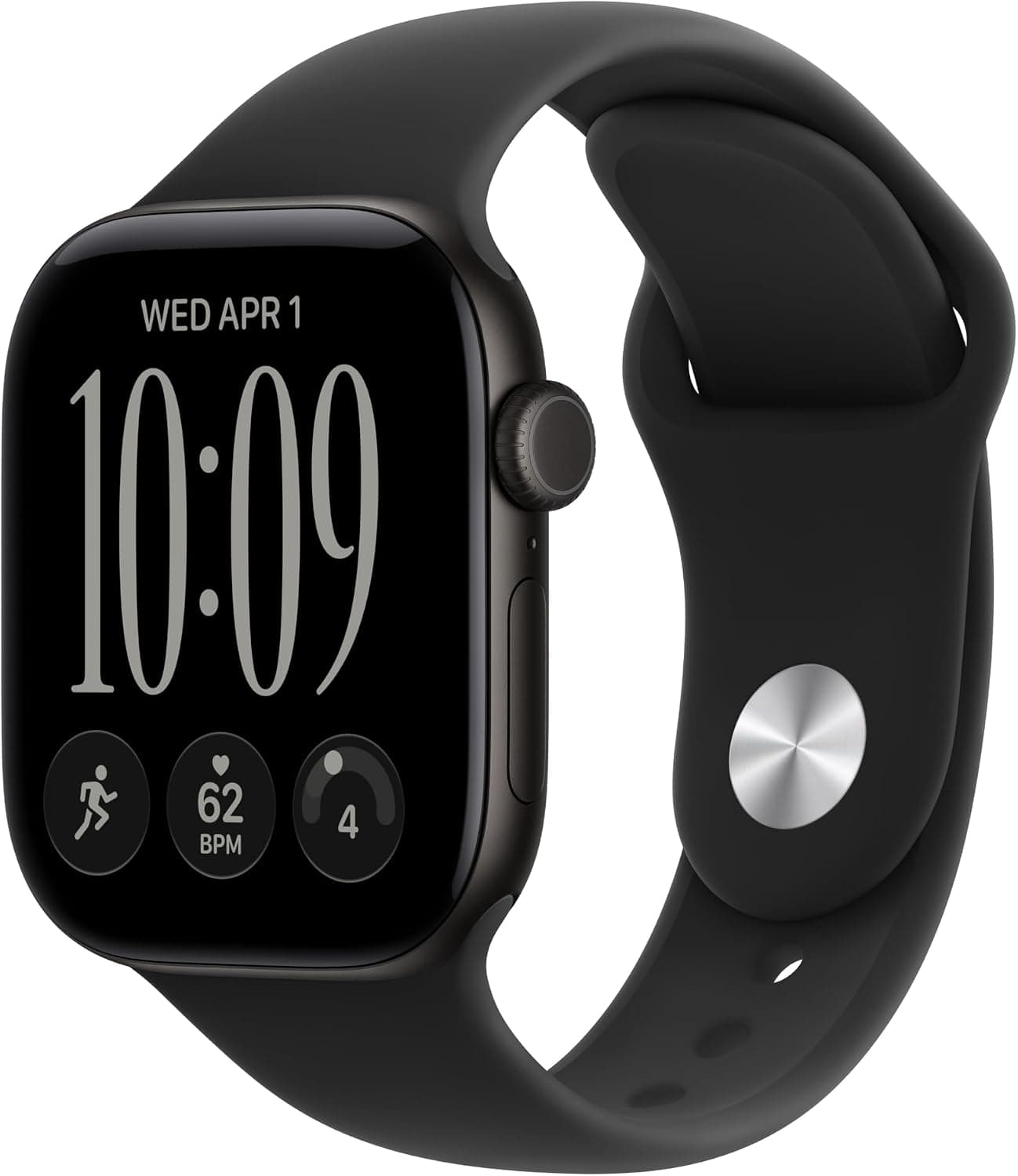
Apple Watch Series 12

Apple Watch Series 12

5.0
$389.99
Buy on Amazon
* As an Amazon Associate, Droid Tools earns from qualifying purchases. Read our editorial policy
Cristian Penisoara
Cristian PenisoaraGuides Writer · Android Power User

Cristian Penisoara is a Guides Writer and Android specialist at Droid Tools. An Android user since version 2 and a professional event photographer, he combines technical curiosity with a detail-oriented approach - every guide he publishes is tested step-by-step on a real device before it goes live.

Next Story in Guides

How to enable Gboard Rambler on Pixel 10

If Gboard Rambler is missing after the November 2026 update, updating Android AI Core manually can activate the voice typing feature on Pixel 10 devices.

→

Latest Stories

GrapheneOS01

GrapheneOS for Pixel 11 nears completion with acceptable performance

02

Leaked Samsung Expert RAW update introduces new shooting controls and video options

03

Google Messages pinned chats may automatically switch layouts based on conversation count

04

Huawei Mate X8 leak suggests magnetic hinge to minimize screen crease

Recommended Deal
-13% OFF
Google Pixel Watch 5 (45mm)

Google Pixel Watch 5 (45mm)

5.0(1,771 reviews)
$459.99$529.99
Buy on Amazon

* As an Amazon Associate, Droid Tools earns from qualifying purchases.

Top Deals

Amazon cuts Samsung Galaxy S26 Ultra price by over $260

Deal
Amazon cuts Samsung Galaxy S26 Ultra price by over $260

Sony WF-1000XM6 earbuds drop to $238 in limited B&H Photo Video discount

Deal
Sony WF-1000XM6 earbuds drop to $238 in limited B&H Photo Video discount

Walmart cuts iVANKY ultra-slim magnetic power bank to $15 in 50% discount

Deal
Walmart cuts iVANKY ultra-slim magnetic power bank to $15 in 50% discount

Continue reading

More from this category →
pixel 11 pro xl gboard rambler
GuidesNov 17, 2026

How to enable Gboard Rambler on Pixel 10

If Gboard Rambler is missing after the November 2026 update, updating Android AI Core manually can activate the voice typing feature on Pixel 10 devices.

By Luiza Mosneagu
Google brings Extreme Charging Mode to Pixel 10 phones
GuidesNov 17, 2026

Google brings Extreme Charging Mode to Pixel 10 phones

Google rolled out Extreme Charging Mode to the Pixel 10 in Android 17 QPR2, temporarily boosting charging speeds below 50% battery.

By Cristian Penisoara
Google lists Quick Share automatic backup to Windows PCs in new release notes
GuidesNov 13, 2026

Google lists Quick Share automatic backup to Windows PCs in new release notes

Quick Share automatic backup will let Android users save photos and videos to Windows PCs via Google Play services v26.43, rolling out gradually.

By Luiza Mosneagu
How Google Home Wi-Fi presence detection improves Home and Away routines
GuidesNov 12, 2026

How Google Home Wi-Fi presence detection improves Home and Away routines

Google Home Wi-Fi presence sensing uses local network connections to prevent accidental triggers and improve the accuracy of Home and Away routines.

By Cristian Penisoara
Next in queue

Read the next article

The next story loads as you reach the end. You can also load it using the button.

Comments & Discussions

Join the conversation! We use Disqus to handle comments. Click the button below to load the comment section.