Many of us have wanted the customization layers to merge with Android 12 since it was announced and the new mechanism for customizing mobiles with that version was released. The first to add it to One UI 4 in its own unique way was Samsung, and the next to do so will be Xiaomi, according ...
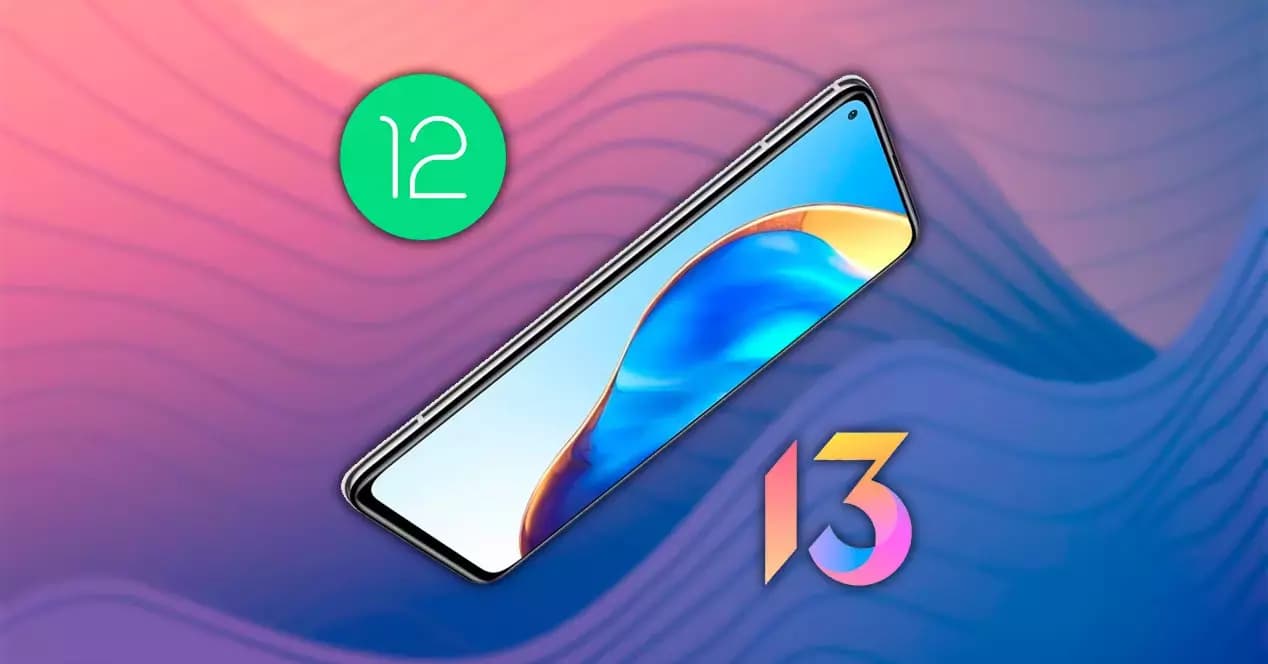
Many of us have wanted the customization layers to merge with Android 12 since it was announced and the new mechanism for customizing mobiles with that version was released. The first to add it to One UI 4 in its own unique way was Samsung, and the next to do so will be Xiaomi, according to a leak shared on Twitter by user Mishaal Rahman.
This has discovered within the Android internal code that the so-called Monet themes, which are hallmark of the purest version of Android, will also be in the Chinese manufacturer’s popular layer.
A very important change, which gives more personality to Xiaomi brand mobiles, which with the themes already gave us a thousand and one possible style configurations. The colors are based on the wallpaper, but we can also choose our favorite combination of tones.
Because of the photographs supplied by Xiaomi ui, we currently know how they operate and how they will behave on the Xiaomi’s smartphones, but it shouldn’t be long before we see additional circumstances where the adaptive colors of Android 12 reach Xiaomi smartphones. The feature is included in MIUI 13 version 22.1.17, which is currently only available in China.
This option will be available to everyone in the future, albeit we will have to wait because it will not be included in the first global editions of MIUI 13. The program will be released later, allowing us to customize the appearance of our Android phone as if it were a Google Pixel.

The images show how the new Android 12 widgets, as well as Google Chrome tabs and even system components, adapt to the selected hue. All Google applications are expected to accept this shift, and we will gradually learn how other areas of the Xiaomi, Redmi, and Poco terminals will follow suit.
For the time being, devices running Android 12 in its stock form can apply Monet themes to the icons and control panel, which is not possible with MIUI 13. However, we do not give up hope that they will arrive following this first application.
Until now, the best way to change the look of our Xiaomi device was to use MIUI’s themes app. We may find many other style combinations there, which we can customize to our liking on the smartphone by changing the icons, colors, and shapes. The incorporation of this new Android function raises a lot of questions about what will happen with this benefit.
In recent months, the app has stopped integrating as many options in Europe, and some notable themes have been left alone in China.
This could be the first step for Xiaomi to become more pure, at least for Spain and other countries, where stock Android is preferred and other systems that are visually much more complex are less popular.
Ring Indoor Cam 2K

Cristian Penisoara is a Guides Writer and Android specialist at Droid Tools. An Android user since version 2 and a professional event photographer, he combines technical curiosity with a detail-oriented approach - every guide he publishes is tested step-by-step on a real device before it goes live.

Learn how to turn off Pixel camera AI features like Auto Best Take and Auto Edit on newer Google phones to prevent unwanted photo adjustments.

A traveler recovered a lost smartwatch in ten minutes using Pixel Watch Find Hub settings. Learn how to configure location toggles and ring missing devices.

Track the Google Pixel update schedule, including seven-year lifespans for newer models, quarterly patch shifts, and dual Android OS release windows.

Google explained how to manage Android time zones as Canadian regions end seasonal time changes, offering steps for automatic and manual clock adjustments.
The next story loads as you reach the end. You can also load it using the button.


Comments & Discussions
Join the conversation! We use Disqus to handle comments. Click the button below to load the comment section.