
NewsCristian Penisoara
Google clarifies hardware requirements for Noto 3D emoji on Android
Google clarified that Noto 3D emoji do not require 6GB of RAM or 10GB of storage to run, citing safeguard limits for automatic downloads.

Browse all articles, news, and guides tagged with space on Droid Tools.
Google clarified that Noto 3D emoji do not require 6GB of RAM or 10GB of storage to run, citing safeguard limits for automatic downloads.
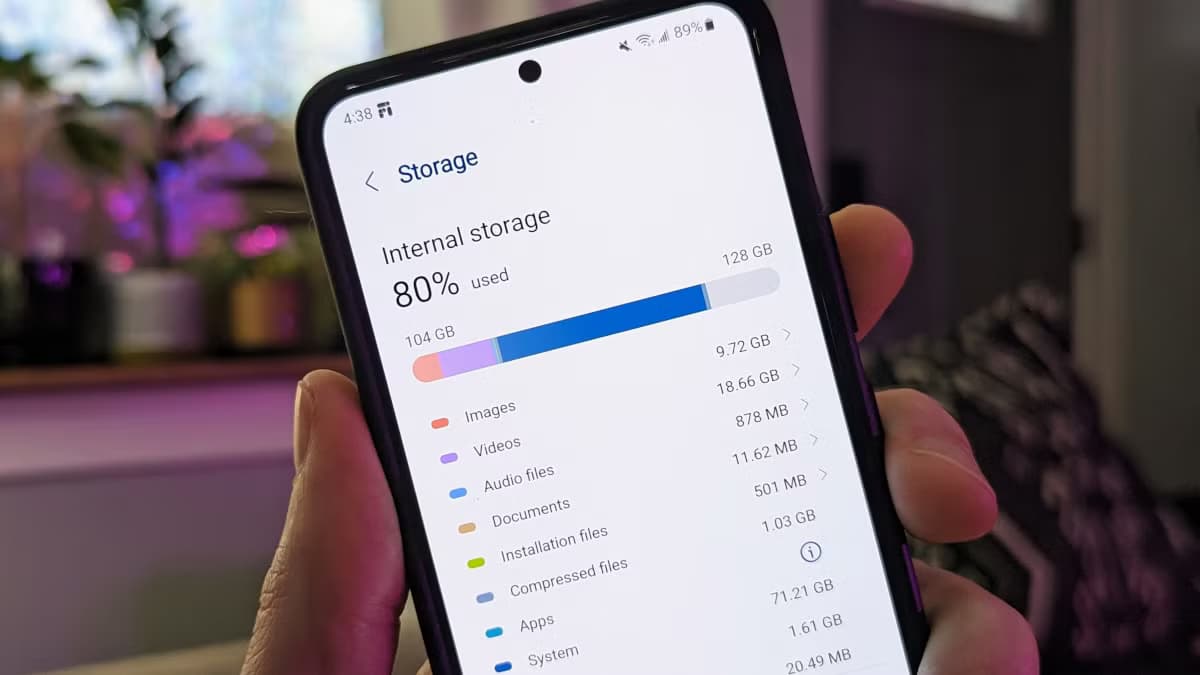
The safest way to free up storage on Android is to remove temporary files, delete offline downloads you can retrieve again, archive unused apps, and move backed-up photos or large files off the device. Start by checking what is using the space, then work from the least destructive options to the most destructive. Do not
Unnecessary system apps and bloatware can be annoying. They drain your battery, take up important storage, operate in the background, and are frequently impossible to remove with standard methods. Although rooting your Android device gives you complete control over system programs, most users are not advised to do so because it violates your warranty and
The September 2022 Google System updates have started to reach Android devices. These updates differ from OTA (over the air) updates that you get for your phone. Instead, these are updates to various underpinning technologies, such as Google Play Services and the Play Store, which serve as the foundation for the Android OS. For a

Your phone's capacity is limited and can fill up quickly. Regularly, the apps you use to build new files to store information. These temporary data files are known as a cache, and cache files take up a reasonable chunk of your Android phone's storage space. Let's look at the cache's purpose, how to clear it


