Huawei is rolling out HarmonyOS 6.1 for Watch GT 6 users, and the update introduces a notable new feature that lets runners measure their running potential. Alongside that headline addition, the update brings several other sports-focused improvements to the wearable.
The Watch GT 6 already comes packed with sports tracking capabilities, but HarmonyOS 6.1 pushes that further. Rather than just adding new tools, the update also refines several existing features to make them more practical for everyday training.
According to official details, the Watch GT 6 series is gaining a running potential monitoring feature that lets users measure the power output they generate while running.

This new running power measurement tool is designed to help runners control their pace more precisely and adjust their performance accordingly. It presents multi-dimensional data in a way that’s easier to interpret, making it simpler to fine-tune training routines based on real feedback.
The feature tracks energy expenditure whether the wearer is sprinting or covering long distances, with the goal of making running both healthier and more sustainable over time. It also displays the daily breakdown of aerobic versus anaerobic exercise, helping users balance their training structure through a more periodic, planned approach.
Beyond running power, the update introduces training status monitoring with an optimal load range to help manage exercise intensity, along with performance prediction paired with a detailed training plan tailored to the user’s data.
“#HuaweiWatchGT# 6 series HarmonyOS 6.1 sports experience has been upgraded! New running power monitoring to accurately control the rhythm. Comprehensive insight into multi-dimensional data to help you adjust scientifically, train efficiently, and enjoy the fun of sports.”
Huawei is currently rolling out HarmonyOS 6.1 for the Watch GT 6 in China. Users can install the update manually by opening the Huawei Health App, then navigating to Device > General Settings > Firmware Update > Check for Updates.
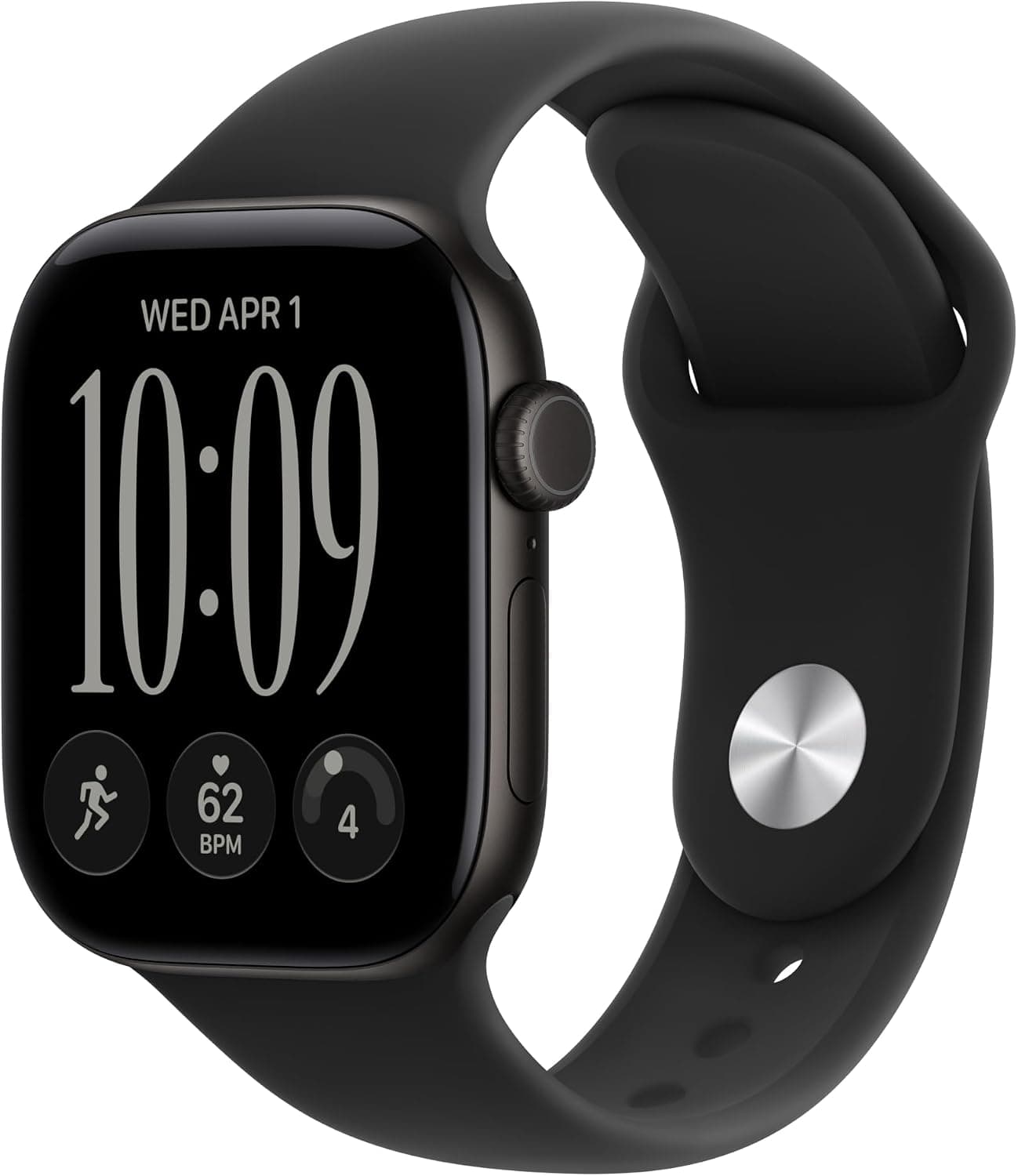
Apple Watch Series 12

Robert Haba is the founder and editor-in-chief of Droid Tools. A lifelong gadget enthusiast with over a decade following the Android ecosystem, he built this publication to cut through the noise and give readers honest, real-world coverage of the tech they actually use.

Motorola has ended its introductory discount on the Moto Tag 2, raising the price to $29.99 ahead of competition from Google's upcoming Pixel Tag.

Leaked specs for the Samsung Android XR smart glasses reveal hardware details, battery life, and frame styles from Gentle Monster and Warby Parker.

This Galaxy Watch 7 deal is a strong one: Amazon is selling the smartwatch for just $159, which is 36% off its current retail price of $250. The Galaxy Watch 7 is a complete smartwatch that won’t let you down, with a thin, lightweight design and impressive tracking features. For anyone shopping for a new […]

Amazfit has officially announced its September 2026 update, which is already rolling out to many of the brand’s smartwatches and adds new navigation features alongside other improvements. The software release covers many Balance, T-Rex, Cheetah, and Active series models, and the full list of supported watches appears below. The navigation changes come first. The seven […]
The next story loads as you reach the end. You can also load it using the button.


Comments & Discussions
Join the conversation! We use Disqus to handle comments. Click the button below to load the comment section.