GuidesRobert Haba
How Quick Share for Windows connects Android phones directly to PCs
Quick Share for Windows transfers files from Android to your PC over Wi-Fi at rates up to 100MB/s, bypassing email and third-party cloud uploads.

Browse all articles, news, and guides tagged with transfer on Droid Tools.
Quick Share for Windows transfers files from Android to your PC over Wi-Fi at rates up to 100MB/s, bypassing email and third-party cloud uploads.
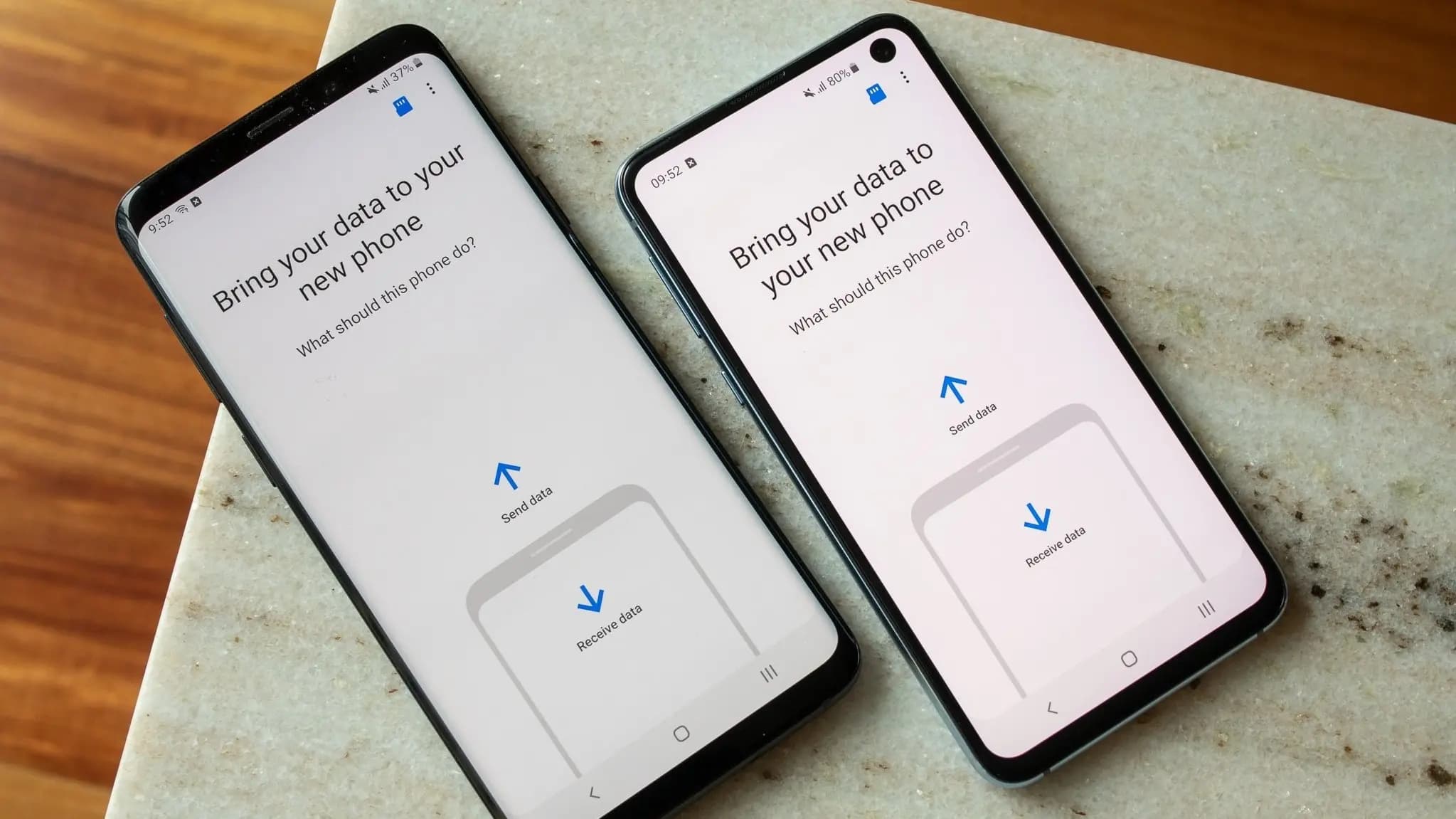
Moving to a new Android phone is easiest during its initial setup. Turn on the new device, choose to copy data from an Android phone, connect the two devices with a cable or pair them wirelessly, and select what you want to transfer. Android can copy most apps, photos, videos, contacts, messages, call history, and
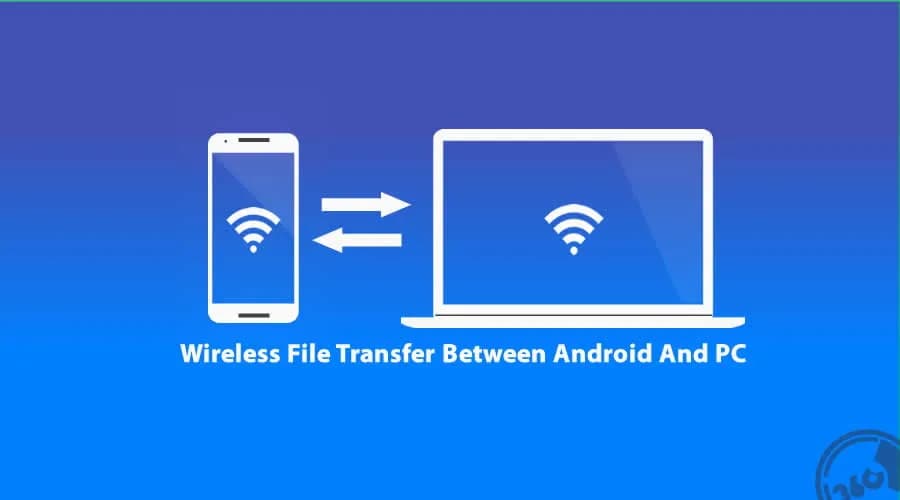
Gone are the days when a USB cable was the only way to move files between your Android phone and computer. Whether you’re transferring photos, documents, or videos, there are now several wireless methods that make the process faster and more convenient — no cables, no drivers, and no hassle. In this article, you’ll discover
Whether you're switching from an iPhone or an Android device, Google has improved data transfers from old smartphones to new ones for years. The information is mainly restricted to contact information, user account information, and default settings. As a result, third-party apps are no longer supported and require configuration. Thankfully, Xiaomi and Oppo have now
Chromebooks haven't had any cross-device synergy with Android devices for nearly a decade. With its Better Together features, Google attempted to bridge the gap between its devices, but it felt like an afterthought when compared to Apple's Mac-to-iPhone connection. That all changed with the introduction of Phone Hub in Chrome OS 89, and with OS