A traveler quickly recovered a lost Pixel Watch 5 at airport security by triggering a remote ring through Google Find Hub. Enabling location tracking and the device administration toggle allows users to locate and ring missing Pixel smartwatches, though the network currently lacks separation alerts on connected phones.
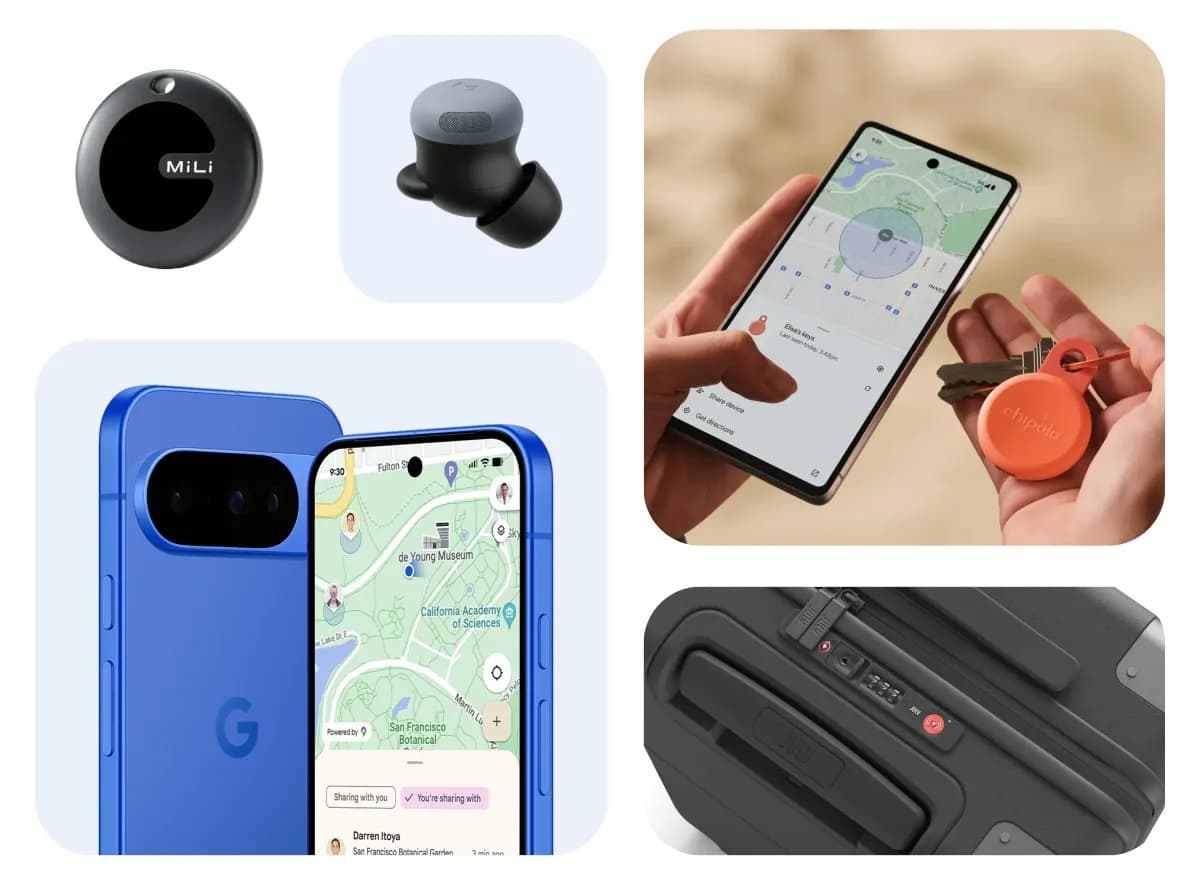
A passenger flying home from Madrid recently used Pixel Watch Find Hub settings to recover a misplaced smartwatch from airport security screening machinery in under ten minutes. Security checkpoints present frequent opportunities to lose personal electronics when travelers must remove accessories and audio gear. This incident shows how Google’s tracking network behaves when wearable hardware falls into airport scanning machinery, illustrating remote recovery under difficult acoustic and radio conditions.
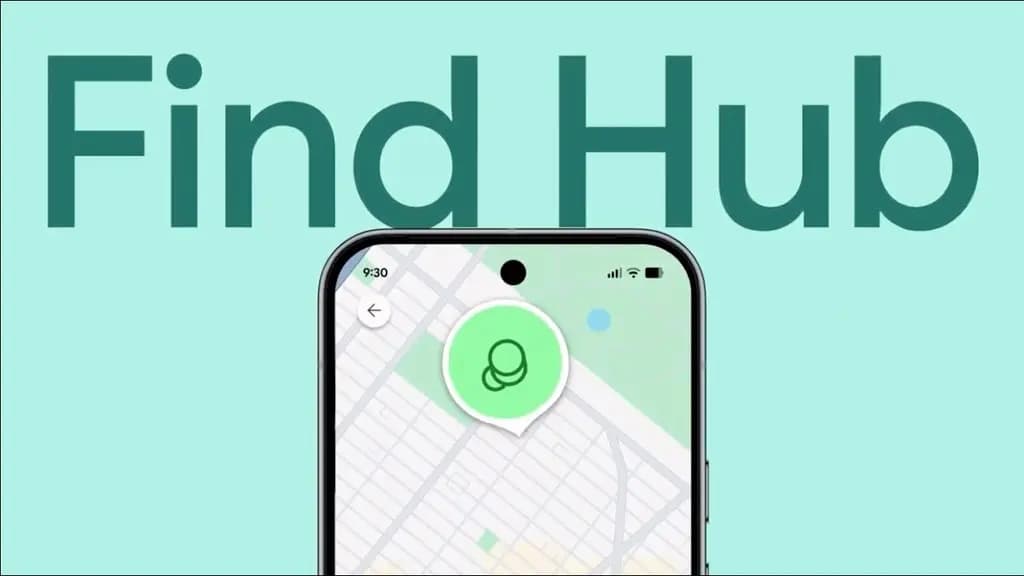
The traveler had faced a similar issue the previous year in Athens, where ground handlers left luggage belonging to a dozen passengers outside the aircraft. The traveler had packed a Pebblebee Google-compatible tracker inside the bag. Sharing that location data directly with airport staff allowed personnel to retrieve and deliver the luggage quickly, avoiding lengthy claim forms and days of waiting.
Normally, the traveler followed a strict routine before entering a security line: take off the Pixel Watch, Oura Ring, and earbuds, stowing them inside a backpack or jacket pocket before placing clothing into the scanner bin. This habit kept smaller personal items secure and prevented possessions from getting misplaced during screening.
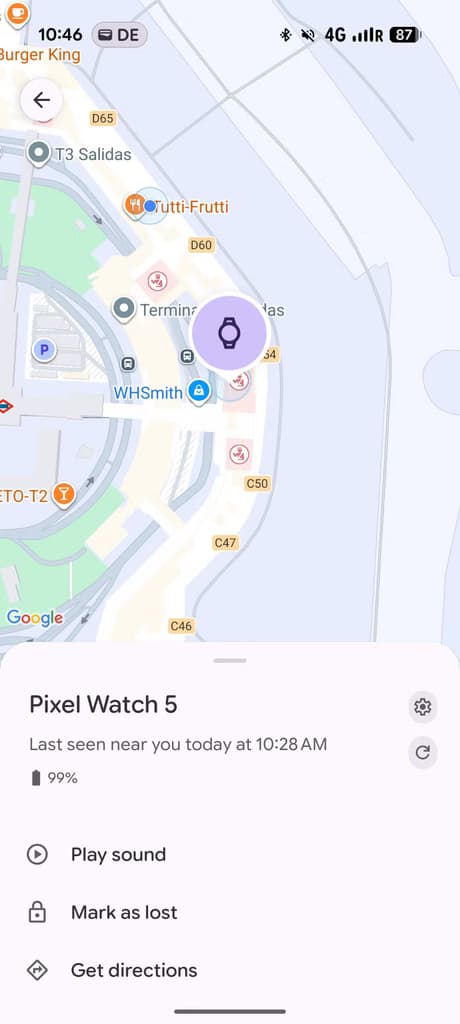
During departure screening in Madrid, that sequence slipped. The traveler kept the Pixel Watch 5 on until a security officer pointed at it and instructed the traveler to take it off. Complying, the traveler unclasped the watch and set it loosely inside the tray next to a jacket and backpack. After clearing the metal detector, the traveler collected the tray, jacket, and bag. Only as the traveler prepared to walk toward the concourse did the bare wrist register.
A quick check of the tray showed nothing. The traveler searched surrounding bins on the tables and lifted a dozen stacked trays at the return station without success. Having already cleared screening, walking backward into the checkpoint was prohibited. The traveler understood and spoke basic Spanish, but explaining the situation to staff remained difficult. Then the traveler remembered Find Hub.
Every Pixel Watch integrates with Google’s Find Hub network, enabling remote tracking whenever an active Android device is within range. Taking out a Pixel 11 Pro XL, the passenger opened the Find Hub app, selected the Pixel Watch 5 from the hardware list, and initiated the remote ring feature.
Airport security checkpoints are loud spaces, dominated by whirring conveyor rollers, crowd noise, and echo. Even against that ambient sound, a faint ring carried through the air. The passenger stopped and restarted the ringer from the phone screen, confirming that the noise originated from the screening area.
A security officer initially motioned at the traveler, suspecting the watch might still be in a pocket. The passenger rechecked clothing pockets and found nothing, then took several steps away from the screening table while officers conferred in Spanish. Because the acoustic chime remained stationary beside the conveyor belt while the traveler walked away, the officers became convinced that the passenger did not have the hardware.
Airport staff began searching the conveyor area to determine where the chime was coming from. In basic Spanish, the traveler gathered that the watch had either wedged into the belt machinery or sat inside a return tray traveling beneath the main deck to reload at the start of the queue. The ringing gradually drifted backward along the return path, allowing everyone to breathe easier. Even when distance and radio interference caused the watch to disconnect from the phone, the speaker kept chiming. An officer walked to the front of the line, ensured the watch emerged safely, and gave a thumbs-up. After carrying the watch back through the X-ray scanner, the officer handed the Pixel Watch 5 to the traveler, who traded smiles and thanks before heading to the departure gate.
During initial setup, Wear OS prompts owners to turn on Find Hub. For anyone unsure about their configuration, enabling the feature requires checking two specific menus on the watch:
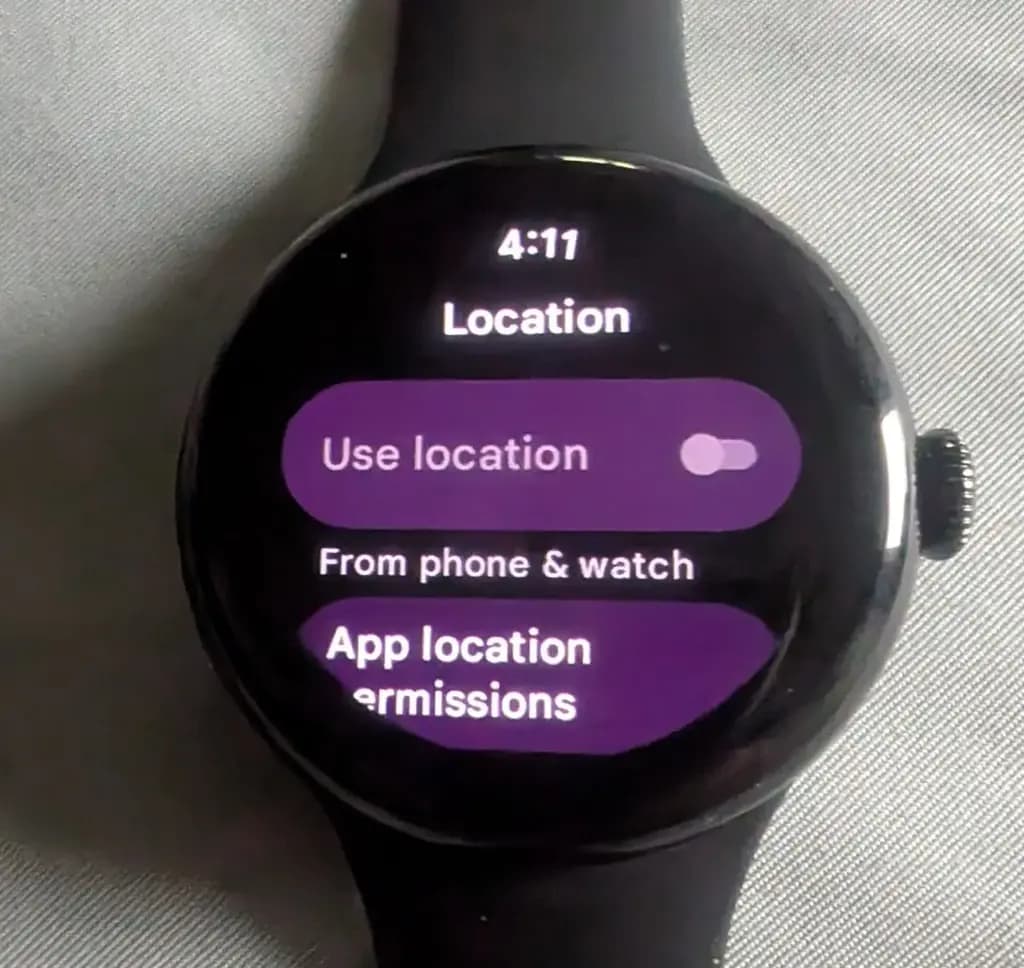
The Location setting ensures that the watch gathers position data using Bluetooth, Wi-Fi, and GPS signals. For airport recoveries and indoor proximity searches, local Bluetooth handles the essential connection needed to ring the hardware. The Device administration toggle grants Find Hub administrative permissions to locate the watch remotely. These controls apply across every Pixel Watch generation, from the original model to current hardware. Once enabled, users can locate the watch from an Android phone using the Find Hub app or through google.com/android/find in a web browser. If the companion app is not already installed on a phone, it can be downloaded from the Google Play Store.
The recovery in Madrid shows practical improvements in Google’s tracking ecosystem, proving that Find Hub can pinpoint hardware in crowded transit facilities where metal barriers and signal noise often complicate device detection. The ability to trigger an audible chime on a disconnected watch proved effective in resolving an otherwise tricky airport loss.
Despite that success, the incident points to an absent safeguard within Google’s ecosystem. Find Hub currently lacks a left-behind alert that warns a user on their phone when a Pixel Watch disconnects. While Wear OS watches can buzz if a wearer walks away from a connected smartphone, the reverse alert does not exist on Android handsets. Had the passenger failed to notice the bare wrist before leaving the security zone, the watch could have traveled unnoticed or been picked up by another traveler. Adding automated separation notices on connected phones would make hardware recovery significantly more dependable.

Google Pixel Watch 5 (45mm)

Cristian Penisoara is a Guides Writer and Android specialist at Droid Tools. An Android user since version 2 and a professional event photographer, he combines technical curiosity with a detail-oriented approach - every guide he publishes is tested step-by-step on a real device before it goes live.

Track the Google Pixel update schedule, including seven-year lifespans for newer models, quarterly patch shifts, and dual Android OS release windows.

Google explained how to manage Android time zones as Canadian regions end seasonal time changes, offering steps for automatic and manual clock adjustments.

Quick Share for Windows transfers files from Android to your PC over Wi-Fi at rates up to 100MB/s, bypassing email and third-party cloud uploads.

Overnight charging exposes phone batteries to sustained high voltage and heat. Learn how Google Pixel and Samsung Galaxy settings stop cell degradation.
The next story loads as you reach the end. You can also load it using the button.


Comments & Discussions
Join the conversation! We use Disqus to handle comments. Click the button below to load the comment section.