Skip to content
Droid Tools
Latest
/
NewsPhonesReviewsGuides

News & Features

  • NewsThe latest across mobile technology
  • ReviewsA closer look at devices & accessories
  • GuidesPractical tips & troubleshooting

Devices

  • PhonesLaunches, specs & what comes next
  • WearablesWatches, trackers & everyday tech

Software

  • AppsNew features & useful discoveries
  • Android OSUpdates, rollouts & security patches

In the spotlight

NewsX adds native post scheduling on Android up to 18 months aheadRead the story
All news
About Droid ToolsContact

Browse by brand

  • AppleiPhone, iPad & Apple Watch
  • SamsungGalaxy, One UI & more
  • GooglePixel, Android & Google apps
  • XiaomiXiaomi, Redmi & HyperOS
  • OnePlusPhones, watches & OxygenOS
  • HuaweiPhones, wearables & HarmonyOS
  • OppoFind, Reno & ColorOS
  • HonorMagic, wearables & MagicOS
  • MotorolaRazr, Edge & Moto

Latest from the brands

WearablesGalaxy Fit 4 could cost €79.90 in France, according to price leakRead the story
Follow the brands behind your everyday tech.All phones

Deals & buying advice

Find your next upgrade.

Reported discounts on phones, wearables and accessories. Check each retailer for current pricing and availability.

Browse all deals

Recent deal coverage

  • PhonesMotorola Moto G Stylus 2025 discounted 50% to $199.99 on AmazonRead the story
  • PhonesMotorola Signature 27 shipping slips to December as rollout expandsRead the story
  • WearablesGoogle Home Speaker drops to $79.99 with 20% Black Friday discountRead the story
All deals Explore our guides
  • About Us
  • Contact
  • Editorial Policy
  • Review Policy
  • Privacy Policy
  • Terms & Conditions
  • Cookie Policy
  • Affiliate Disclosure
  • Disclaimer
  • HTML Sitemap

Follow Droid Tools

FacebookXInstagramThreadsLinkedInBlueskyTikTokTelegramMastodonRSS Feed
Droid Tools

Droid Tools covers the latest Android news, device reviews, app updates, and OS guides. Independent mobile tech reporting and practical advice.

Explore

  • News
  • Phones
  • Apps
  • Android OS
  • Wearables
  • Guides
  • Reviews
  • Deals

Legal & Info

  • About Us
  • Contact
  • Editorial Policy
  • Review Policy
  • Privacy Policy
  • Terms & Conditions
  • Cookie Policy
  • Affiliate Disclosure
  • Disclaimer
  • HTML Sitemap
© 2026 Droid Tools. All rights reserved.
Home/Guides/How to pair Bluetooth headphones to Windows 11

How to pair Bluetooth headphones to Windows 11

Learn how to pair Bluetooth headphones to Windows 11 using quick settings, the Settings app, or Swift Pair, along with common troubleshooting steps.

Robert Haba• Founder · Editor-in-Chief
Nov 28, 2026•Guides•2 min read
How to pair Bluetooth headphones to Windows 11
0%
Share on XFacebookBluesky
Follow on Google
Prefer Droid Tools on GoogleSee our hands-on reviews and Android guides first in Search
Add source →

Bluetooth headphones and earbuds are common, but pairing them to a computer can still be fiddly. Windows 11’s Bluetooth performance has long been a weak point, and Microsoft was still trying to improve things as of September 2026. If things do not work, you are probably not doing anything wrong and should look into other solutions, like updating your wireless drivers or rebooting your PC.

Pairing via quick settings and the Settings app

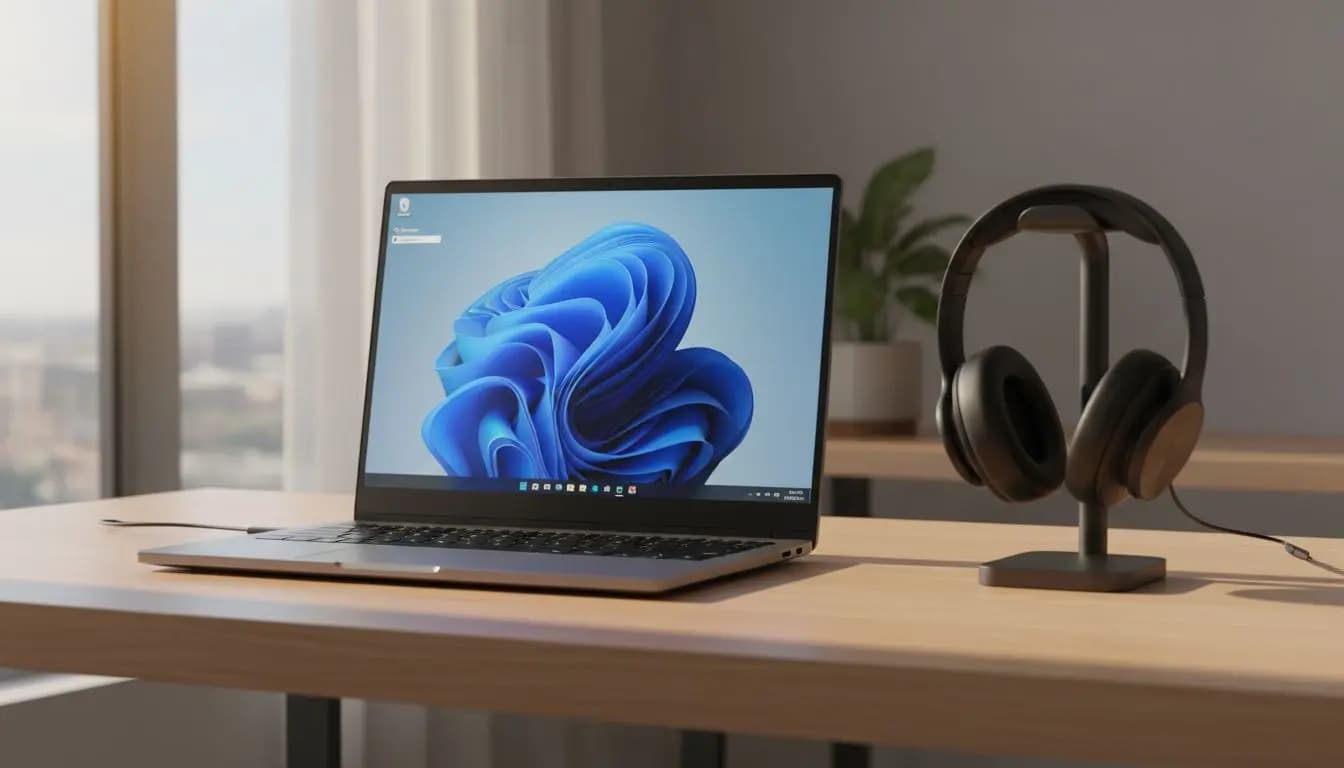
The simplest way to connect is through the taskbar. Click the speaker icon in the bottom-right of the taskbar to open the quick settings panel, click the arrow next to the Bluetooth icon, and make sure the Bluetooth toggle is set to the on position. Then, put your device in pairing mode. How you enter pairing mode differs between products, so refer to the documentation for your specific headphones or earbuds. You will usually need to hold down a button, often with the Bluetooth logo. Select your device when it appears in the list of Bluetooth devices, and you are connected.

You can also pair Bluetooth headphones by pressing Win + I to open Windows 11’s Settings and selecting Bluetooth & devices from the left-hand menu. Make sure that Bluetooth is on, as indicated by the toggle. Below that toggle, you will see the name your PC shows up as on other devices, which only matters if the device you are pairing has a screen. If you are pairing for the first time, click Add device, then click Bluetooth. Make sure your headphones are in pairing mode. The PC will begin to scan for ready-to-pair Bluetooth devices. Once your device appears in the Windows dialog, click it, and it should pair after a few moments.

Pairing with Swift Pair

Some Bluetooth accessories support Swift Pair, which tries to proactively pair devices. Popular headphones, including the Sony WH-1000XM6 and Samsung Galaxy Buds 4 Pro, as well as previous models from those product lines, come with the feature. To set up a device with Swift Pair, make sure Bluetooth is enabled on your PC, then turn the device on and put it into pairing mode. You should see a pop-up on the PC asking if you want to connect with that device. Click Connect. Devices connected via Swift Pair will automatically connect to your PC.

Tags:#bluetooth•#guide•#headphones•#microsoft•#pair•#sony•#windows11
Robert Haba
Robert HabaFounder · Editor-in-Chief
X

Robert Haba is the founder and editor-in-chief of Droid Tools. A lifelong gadget enthusiast with over a decade following the Android ecosystem, he built this publication to cut through the noise and give readers honest, real-world coverage of the tech they actually use.

More by Robert Haba →How we test & review
Next Story in Guides

How to prevent a Google account lockout and recover lost access

Learn how to avoid a Google account lockout with recovery details, trusted contacts, and offline backups, plus steps to take if access is lost.

→

Latest Stories

Samsung Scam Detection may expand to WhatsApp, Telegram, and other calling apps01

Samsung Scam Detection may expand to WhatsApp, Telegram, and other calling apps

02

X adds native post scheduling on Android up to 18 months ahead

03

Galaxy Fit 4 could cost €79.90 in France, according to price leak

04

Motorola Moto G Stylus 2025 discounted 50% to $199.99 on Amazon

Recommended Deal

Ring Indoor Cam 2K

Ring Indoor Cam 2K

5.0(1,423)
$99.99$119.98Save 17%
Buy on Amazon

As an Amazon Associate, Droid Tools earns from qualifying purchases.

Top Deals

Motorola Moto G Stylus 2025 discounted 50% to $199.99 on Amazon

Deal
Motorola Moto G Stylus 2025 discounted 50% to $199.99 on Amazon

Motorola Signature 27 shipping slips to December as rollout expands

Deal
Motorola Signature 27 shipping slips to December as rollout expands

Google Home Speaker drops to $79.99 with 20% Black Friday discount

Deal
Google Home Speaker drops to $79.99 with 20% Black Friday discount

Continue reading

More from this category →
How to prevent a Google account lockout and recover lost access
GuidesNov 27, 2026

How to prevent a Google account lockout and recover lost access

Learn how to avoid a Google account lockout with recovery details, trusted contacts, and offline backups, plus steps to take if access is lost.

By Robert Haba
How to manually update Pixel phones without waiting for Google rollouts
GuidesNov 27, 2026

How to manually update Pixel phones without waiting for Google rollouts

Learn how to manually update Pixel phones using official OTA images and ADB sideload if a monthly update or Pixel Drop has not arrived on your device.

By Cristian Penisoara
How to test password strength and protect your accounts
GuidesNov 26, 2026

How to test password strength and protect your accounts

Learn how to test password strength with online checkers, use password managers, and apply two-factor authentication to secure accounts.

By Robert Haba
How to block X posts in Google Discover using feed feedback settings
GuidesNov 25, 2026

How to block X posts in Google Discover using feed feedback settings

Learn how to block X posts in Google Discover using the three-dot feedback menu to remove posts from X and restore direct links to news stories.

By Luiza Mosneagu
Next in queue

Read the next article

The next story loads as you reach the end. You can also load it using the button.

Recommended Deals

1 of 7
Google Pixel Watch 4

Google Pixel Watch 4

$358.87$499.99Save 28%4.8
Buy on Amazon

As an Amazon Associate, Droid Tools earns from qualifying purchases. Editorial policy

Comments & Discussions

Join the conversation! We use Disqus to handle comments. Click the button below to load the comment section.