

The Google Pixel update schedule offers one of the most consistent software maintenance programs in mobile technology. While Samsung provides comparable long-term support for its flagship hardware, Google delivers prompt monthly security patches and early access to major platform upgrades. Owners of Pixel hardware generally stand first in line to receive newly developed Android features. Beyond standard operating system iterations, Google also distributes regular Pixel Drops, formerly branded as Pixel Feature Drops. These updates deliver software tools and camera improvements to Pixel handsets before those features expand to other manufacturers.
Software support represents a major consideration when choosing an Android handset, and Google has expanded commitments over successive hardware cycles. Early Pixel models received modest support windows, but recent generations benefit from extended lifecycles. Depending on the device, Google provides between three and seven years of operating system upgrades, security maintenance, and targeted feature bundles.

Google implemented its largest policy change alongside the Pixel 8 generation. For the Pixel 8, Pixel 8 Pro, and newer hardware, Google pledged seven years of software support covering Android version updates, security patches, and quarterly feature releases. This commitment extends across the Pixel 9 series, including the Pixel 9, Pixel 9 Pro, Pixel 9 Pro XL, and Pixel 9 Pro Fold. It continues for the Pixel 10 family, covering the Pixel 10, Pixel 10 Pro, Pixel 10 Pro XL, Pixel 10 Pro Fold, and Pixel 10a. The Pixel 11 generation, including the Pixel 11, Pixel 11 Pro, Pixel 11 Pro XL, and Pixel 11 Pro Fold, shares this same seven-year timeline.
Earlier hardware generations operate under different guarantees. Between the Pixel 6 lineup and the original Pixel Fold, Google offered five years of security patches alongside five years of platform version updates. That increased the window from older devices. From the Pixel 4 and Pixel 4 XL through the Pixel 5a 5G, Google provided three years of Android version upgrades together with three years of security maintenance.
Multiple older models have already reached the end of their official lifecycle. The original Pixel, Pixel 2, Pixel 3, Pixel 3a, Pixel 4, Pixel 4a, Pixel 5, and Pixel 5a have all stopped receiving software builds. For the Pixel 6 and Pixel 6 Pro, major operating system revisions concluded with Android 17 QPR1 in September 2026. Google expects to finish all official software maintenance for both devices by the end of October 2026.
At the time of this report in late October 2026, Google continues to distribute software maintenance to a wide catalog of devices. Active models include the Pixel 6a, Pixel 7, Pixel 7 Pro, Pixel 7a, Pixel Fold, and Pixel Tablet. The supported list extends to the Pixel 8, Pixel 8 Pro, and Pixel 8a, alongside the Pixel 9, Pixel 9 Pro, Pixel 9 Pro XL, Pixel 9 Pro Fold, and Pixel 9a. Google also provides active support across the Pixel 10, Pixel 10 Pro, Pixel 10 Pro XL, Pixel 10 Pro Fold, and Pixel 10a, as well as the Pixel 11, Pixel 11 Pro, Pixel 11 Pro XL, and Pixel 11 Pro Fold.
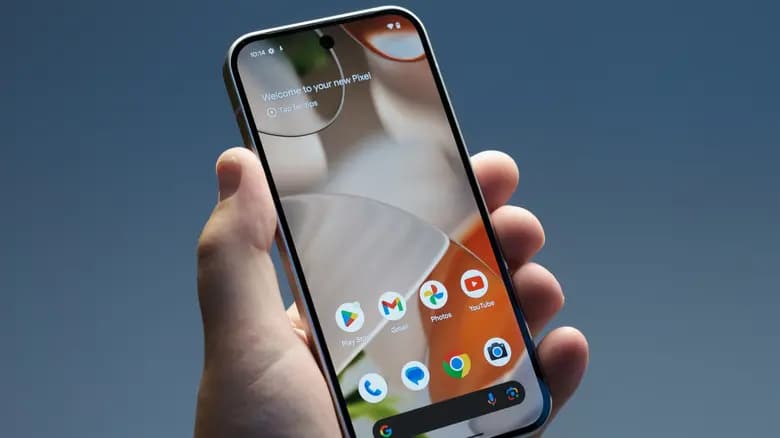
Knowing the total lifespan of a device answers only part of the ownership question. Users also need to know when software builds actually arrive on their handsets. Historically, Google adhered to a rigid calendar, issuing security updates on the first Monday of every month. In late 2023, Google modified that policy to give its engineering teams greater scheduling flexibility. The company no longer promises delivery on the initial Monday of a month. Many patches still arrive during that first week, but releases occasionally slip toward the middle or end of the month without advance notice.
A separate pattern has emerged for older Tensor-powered devices. Over the past year, reports indicate that Google skipped several monthly maintenance cycles for the Pixel 6, Pixel 6a, Pixel 7, and Pixel 7 Pro. Rather than issuing twelve separate updates per year, Google has transitioned these handsets to an unannounced quarterly schedule. Update tracking demonstrates the shift, and the Pixel 7a has seemingly joined this quarterly deployment cadence.
The timing of major platform milestones has also changed. For many years, Google released one comprehensive Android version annually, typically arriving in late summer or early fall. Starting with Android 16 in 2025, Google revised this rhythm by scheduling two significant platform releases per year. The company introduced an initial major Android version during the second quarter, followed by a second substantial platform build during the fourth quarter. Google maintains that dual-release schedule for Android 17 in 2026, delivering the primary stable platform in the second quarter and a subsequent major release before the year ends.
Quarterly platform releases provide the backbone for Google’s Pixel Drops. These distributions arrive three times per year, bundling bug fixes with consumer-facing software tools. Google frequently introduces new capabilities across proprietary services, including Google Messages, Google Photos, Google Maps, Google Search, and camera software, before competitors receive similar options. Under the standard yearly cycle, Google releases the initial stable Android build, followed by Quarterly Platform Release updates in December, March, and June. Once that cycle concludes, the progression begins again with the next platform iteration.
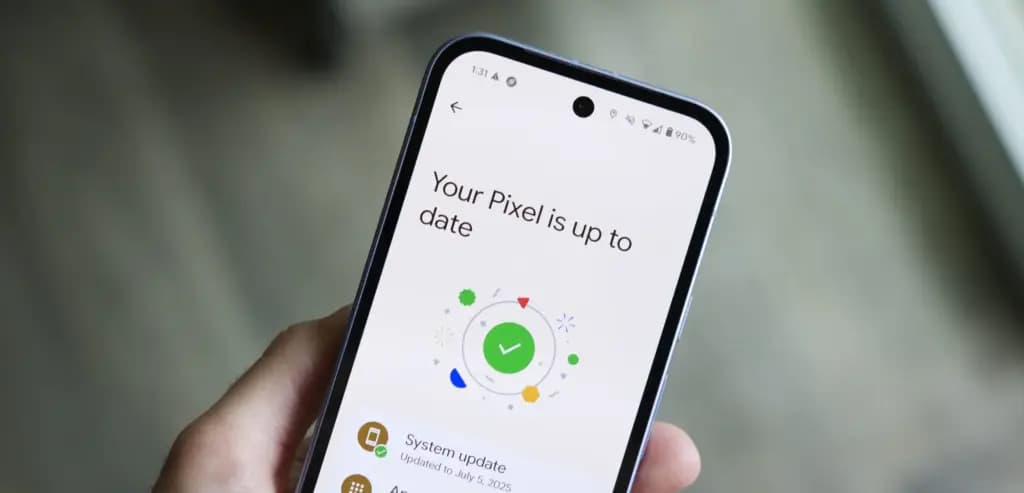
Software updates reach Pixel devices over the air. When Google issues a new build, eligible phones receive a background notification prompting installation. Users who want to check manually can navigate to the Settings app, tap System, and select System update. The system will query Google’s update servers and prompt the user to download any pending build. We at Droid Tools monitor these release windows and report when new firmware becomes available to download.

Cristian Penisoara is a Guides Writer and Android specialist at Droid Tools. An Android user since version 2 and a professional event photographer, he combines technical curiosity with a detail-oriented approach - every guide he publishes is tested step-by-step on a real device before it goes live.

Google explained how to manage Android time zones as Canadian regions end seasonal time changes, offering steps for automatic and manual clock adjustments.

Quick Share for Windows transfers files from Android to your PC over Wi-Fi at rates up to 100MB/s, bypassing email and third-party cloud uploads.

Overnight charging exposes phone batteries to sustained high voltage and heat. Learn how Google Pixel and Samsung Galaxy settings stop cell degradation.
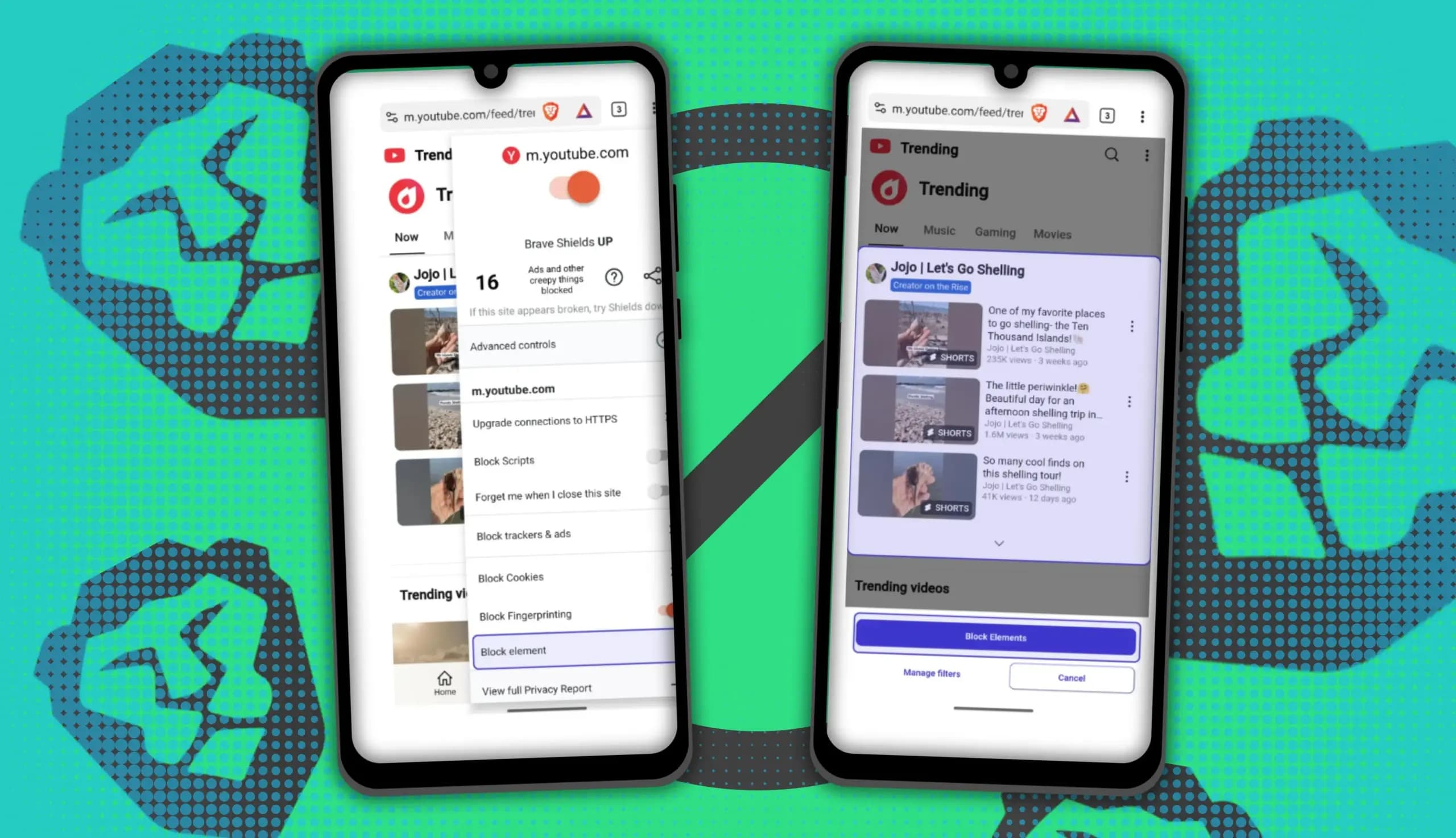
You can block ads on Android more effectively by pairing Brave’s Aggressive Shields setting with the system’s Private DNS feature. The setup filters ads at both the browser and system levels, takes only a few minutes to configure, and avoids the battery drain and VPN conflicts that come with dedicated ad-blocking apps. Why one ad […]
The next story loads as you reach the end. You can also load it using the button.


Comments & Discussions
Join the conversation! We use Disqus to handle comments. Click the button below to load the comment section.